
mcp-server-browserbase
Allow LLMs to control a browser with Browserbase and Stagehand
 browserbase
- 评测生成时间(北京时间)
- 本报告引擎
- v3.17.3
- 当前引擎
- v3.17.3
规则版本一致,但报告只反映生成时的证据,不代表项目代码和安全状态始终不变。
进入后确认来源与额度,提交才会创建任务。
核对代码版本与送评文本摘要
仅记录实际送评的受限文本,不是完整仓库审计、安装结果或运行时安全保证。Stars、下载量和仓库元数据为采集时的独立信号,不属于此 commit 快照。
browserbase/mcp-server-browserbase @ 3e6f53461949037d5e65dd425da3ceb1263f11d6目录树:d4714cbca09d301c1155b858462f5ce981a9c36d
README 来源:README.md
- README.md · 7985 字符
SHA-256: dc2ab7e7a0861ba7ed33dfff83517e7606c8292201c273aff78090ad03e31bfc - Dockerfile · 659 字符
SHA-256: 7b1a50b4ff6be37e5d7d349f4e595c236f2bb1ceb68758a148c37bbf71d75d55 - package.json · 2568 字符
SHA-256: d25ac1bf98b388539f3c81def997eaf6d5f1f341f5c620aa4ccb7a7cc4e3ab71
摘要对应送评 UTF-8 文本,可能为限额节选,不等于 Git blob SHA。来源由采集方提供,摘要本身不证明来源真实性。
综合采用结论
核心能力可用,建议在受控范围内试用
- 基础评测完成+25/25确定性评分与静态安全扫描已完成
- README 有效证据+15/255,994 个去重后的有效字符
- 独立证据来源+12/203 类非重复证据,重复文件不叠加
- 仓库元数据+10/10已取得仓库状态与采用数据
- 活跃记录+5/5已取得最近提交时间
- AI 复核+15/15已完成结构化 AI 证据复核
本报告评了什么
综合分用于静态采用筛选,不是任务成功率,也不代表使用 Skill 后的能力提升。
- 静态检查范围
- 记录 3 个文件 · 11,212 字符
- 只检查采集到的受限文本与已知风险模式;未读取的脚本、依赖和运行环境不在结论内。
- AI 内容复核
- 已使用
- 复核送评文本的说明和设计,不是安装测试或实际任务执行。记录缺失时不推断已使用或未使用。
- 真实任务效果
- 本报告未提供实测证据
- 没有使用/不使用 Skill 的任务对照、重复运行或耗时与 token 成本结果。采用前仍需在隔离环境验证自己的任务。
脚本引用覆盖
脚本引用覆盖记录不可得;不推断没有引用或已经检查。
MCP客户端与浏览器自动化组件关系
README以组件与接入方式为主,无明确时序步骤
左右滑动查看完整图示
- • Tools表列出start/end/navigate/act/observe/extract
- • 服务器使用Browserbase与Stagehand提供云浏览器自动化
- • --modelName配置Stagehand所用模型
- Tools表列出start/end/navigate/act/observe/extract及输入参数
- STDIO章节给出npx @browserbasehq/mcp与Docker两种运行配置
- Configuration表列出--proxies、--keepAlive、--modelName等标志
- 顶部Archived声明仓库不再维护
- License章节声明Apache 2.0
- 问题与用途描述
- 有效 README
- 安装或接入步骤
- 可执行示例
- 未发现已知高风险模式
- 缺少输出或结果说明
- 缺少限制、权限或边界
- 缺少错误处理或排障
- 仓库已归档且不再维护
- 无工具输出或结果格式说明
需要为LLM接入云浏览器自动化的MCP客户端、参考实现学习MCP工具设计、使用Browserbase与Stagehand的开发者
需要长期维护或生产支持的项目、要求明确安全边界与失败处理文档的场景
也有自己的公开项目?先看完证据,再用当前规则生成独立报告。
评测我的项目 →静态扫描不是安全保证,生产接入前仍应人工复核权限和数据边界。
- 01补充输出或结果说明
- 02补充限制、权限或边界
- 03补充错误处理或排障
方法、证据与局限展开收起
GitHub Repository API
3 个文件 · 11,212 字符
v3.17.3 · AI 内容复核:已使用(deepseek-flash)
- 静态评测不会安装或执行项目代码
- 安全扫描基于高信号文件与已知模式,不能替代人工审计
- 流行度只反映采用程度,不代表安全或工程质量
30 天热度趋势
README
Browserbase MCP Server
Archived
This repository is archived and no longer maintained.
It was originally published as a reference implementation and is retained for historical purposes. It should not be interpreted as representative of Browserbase's current production services or implementation.
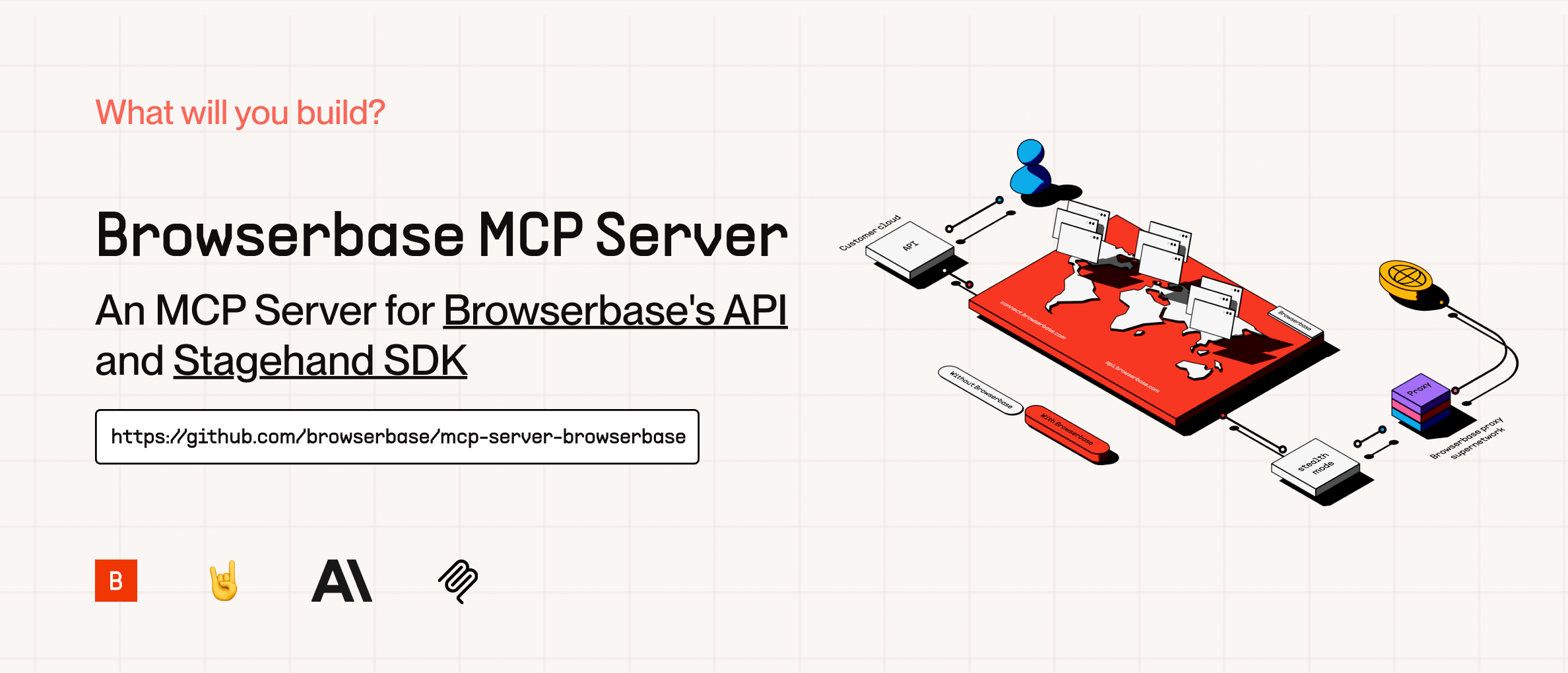
The Model Context Protocol (MCP) is an open protocol that enables seamless integration between LLM applications and external data sources and tools. Whether you're building an AI-powered IDE, enhancing a chat interface, or creating custom AI workflows, MCP provides a standardized way to connect LLMs with the context they need.
This server provides cloud browser automation capabilities using Browserbase and Stagehand. It enables LLMs to interact with web pages, extract information, and perform automated actions.
This is a self-hostable version of the Browserbase hosted MCP server with the same tools and functionality. We recommend using the hosted version for the easiest setup.
Tools
This server exposes 6 tools that match the hosted Browserbase MCP server:
| Tool | Description | Input |
|---|---|---|
start | Create or reuse a Browserbase session | (none) |
end | Close the current Browserbase session | (none) |
navigate | Navigate to a URL | { url: string } |
act | Perform an action on the page | { action: string } |
observe | Observe actionable elements on the page | { instruction: string } |
extract | Extract data from the page | { instruction?: string } |
How to Setup
We currently support 2 transports for our MCP server, STDIO and SHTTP. We recommend you use SHTTP with our hosted MCP server to take advantage of the server at full capacity.
SHTTP (Hosted MCP):
Use the Browserbase hosted MCP server at https://mcp.browserbase.com/mcp. This is the easiest way to get started -- we host the server and provide the LLM costs for Gemini, the best performing model in Stagehand.
For full setup instructions, see the Browserbase MCP documentation.
If your client supports SHTTP:
{
  "mcpServers": {
    "browserbase": {
      "type": "http",
      "url": "https://mcp.browserbase.com/mcp"
    }
  }
}
If your client doesn't support SHTTP:
{
  "mcpServers": {
    "browserbase": {
      "command": "npx",
      "args": ["mcp-remote", "https://mcp.browserbase.com/mcp"]
    }
  }
}
STDIO (Self-Hosted):
You can either use our server hosted on NPM or run it completely locally by cloning this repo.
Note: If you want to use a different model you have to add --modelName to the args and provide that respective key as an arg. More info below.
To run via NPM (Recommended)
Go into your MCP Config JSON and add the Browserbase Server:
{
  "mcpServers": {
    "browserbase": {
      "command": "npx",
      "args": ["@browserbasehq/mcp"],
      "env": {
        "BROWSERBASE_API_KEY": "",
        "BROWSERBASE_PROJECT_ID": "",
        "GEMINI_API_KEY": ""
      }
    }
  }
}
That's it! Reload your MCP client and you're ready to go.
To run 100% local:
Option 1: Direct installation
git clone https://github.com/browserbase/mcp-server-browserbase.git
cd mcp-server-browserbase
npm install && npm run build
Option 2: Docker
git clone https://github.com/browserbase/mcp-server-browserbase.git
cd mcp-server-browserbase
docker build -t mcp-browserbase .
Then in your MCP Config JSON run the server:
Using Direct Installation
{
  "mcpServers": {
    "browserbase": {
      "command": "node",
      "args": ["/path/to/mcp-server-browserbase/cli.js"],
      "env": {
        "BROWSERBASE_API_KEY": "",
        "BROWSERBASE_PROJECT_ID": "",
        "GEMINI_API_KEY": ""
      }
    }
  }
}
Using Docker
{
  "mcpServers": {
    "browserbase": {
      "command": "docker",
      "args": [
        "run",
        "--rm",
        "-i",
        "-e",
        "BROWSERBASE_API_KEY",
        "-e",
        "BROWSERBASE_PROJECT_ID",
        "-e",
        "GEMINI_API_KEY",
        "mcp-browserbase"
      ],
      "env": {
        "BROWSERBASE_API_KEY": "",
        "BROWSERBASE_PROJECT_ID": "",
        "GEMINI_API_KEY": ""
      }
    }
  }
}
Configuration
The Browserbase MCP server accepts the following command-line flags:
| Flag | Description |
|---|---|
--proxies | Enable Browserbase proxies for the session |
--verified | Enable Browserbase Verified Identity (Only for Scale Plan Users) |
--advancedStealth | Deprecated alias for --verified |
--keepAlive | Enable Browserbase Keep Alive Session |
--contextId <contextId> | Specify a Browserbase Context ID to use |
--persist | Whether to persist the Browserbase context (default: true) |
--port <port> | Port to listen on for HTTP/SHTTP transport |
--host <host> | Host to bind server to (default: localhost, use 0.0.0.0 for all interfaces) |
--browserWidth <width> | Browser viewport width (default: 1024) |
--browserHeight <height> | Browser viewport height (default: 768) |
--modelName <model> | The model to use for Stagehand (default: google/gemini-2.5-flash-lite) |
--modelApiKey <key> | API key for the custom model provider (required when using custom models) |
--experimental | Enable experimental features (default: false) |
These flags can be passed directly to the CLI or configured in your MCP configuration file.
Note: These flags can only be used with the self-hosted server (npx @browserbasehq/mcp or Docker).
Model Configuration
Stagehand defaults to using Google's Gemini 2.5 Flash Lite model, but you can configure it to use other models like GPT-4o, Claude, or other providers.
Important: When using any custom model (non-default), you must provide your own API key for that model provider using the --modelApiKey flag.
{
  "mcpServers": {
    "browserbase": {
      "command": "npx",
      "args": [
        "@browserbasehq/mcp",
        "--modelName",
        "anthropic/claude-sonnet-4.5",
        "--modelApiKey",
        "your-anthropic-api-key"
      ],
      "env": {
        "BROWSERBASE_API_KEY": "",
        "BROWSERBASE_PROJECT_ID": ""
      }
    }
  }
}
Note: The model must be supported in Stagehand. Check out the docs here.
Links
License
Licensed under the Apache 2.0 License.
Copyright 2025 Browserbase, Inc.