
nuclear
Streaming music player that finds free music for you
 nukeop
- 评测生成时间(北京时间)
- 本报告引擎
- v3.9.1
- 当前引擎
- v3.16.0
本报告与当前引擎使用不同规则;原分数不会自动更新,不同版本的分数不宜直接对比。
进入后确认来源与额度,提交才会创建任务。
综合采用结论
核心能力可用,建议在受控范围内试用
- 基础评测完成+25/25确定性评分与静态安全扫描已完成
- README 有效证据+9/253,592 个去重后的有效字符
- 独立证据来源+20/205 类非重复证据,重复文件不叠加
- 仓库元数据+10/10已取得仓库状态与采用数据
- 活跃记录+5/5已取得最近提交时间
- AI 复核+15/15已完成结构化 AI 证据复核
AI 客户端通过 MCP 控制 Nuclear 播放器
README 展示了 AI 客户端(如 Claude Code)通过 HTTP 连接 MCP 服务器,进而控制播放器,存在请求-响应关系。
左右滑动查看完整图示
- • MCP 章节提供 'claude mcp add nuclear --transport http http://127.0.0.1:8800/mcp'
- • 描述 'MCP server lets your AI agent drive the player'
- • 设置路径 'Settings → Integrations'
- Features 列表包含 'MCP server lets your AI agent drive the player'
- MCP 章节提供 Claude Code、Codex CLI 等配置命令
- Download 章节列出各平台安装格式
- Development 章节提供 pnpm 安装与运行命令
- License 章节声明 AGPL-3.0
- 问题与用途描述
- 有效 README
- 安装或接入步骤
- 可执行示例
- 未发现已知高风险模式
- 缺少输入、参数或工具说明
- 缺少输出或结果说明
- 缺少限制、权限或边界
- MCP 工具列表、参数及输出未说明
- 缺少 MCP 错误处理与排障指南
需要免费音乐播放的桌面用户、希望用 AI 控制播放器的开发者、需要可定制主题和插件的用户、跨平台(Win/macOS/Linux)用户
需要详细 MCP API 文档的开发者、需要离线音乐库管理的用户、需要官方技术支持的企业用户
也有自己的公开项目?先看完证据,再用当前规则生成独立报告。
评测我的项目 →静态扫描不是安全保证,生产接入前仍应人工复核权限和数据边界。
- 01补充输入、参数或工具说明
- 02补充输出或结果说明
- 03补充限制、权限或边界
方法、证据与局限展开收起
GitHub Repository API
6 个文件 · 16,144 字符
v3.9.1 · AI 复核已启用(deepseek-chat)
- 静态评测不会安装或执行项目代码
- 安全扫描基于高信号文件与已知模式,不能替代人工审计
- 流行度只反映采用程度,不代表安全或工程质量
30 天热度趋势
README

Nuclear
Nuclear is a free, open-source music player without ads or tracking. Search for any song or artist, build playlists, and start listening.
Runs on Windows, macOS, and Linux.
Screenshots
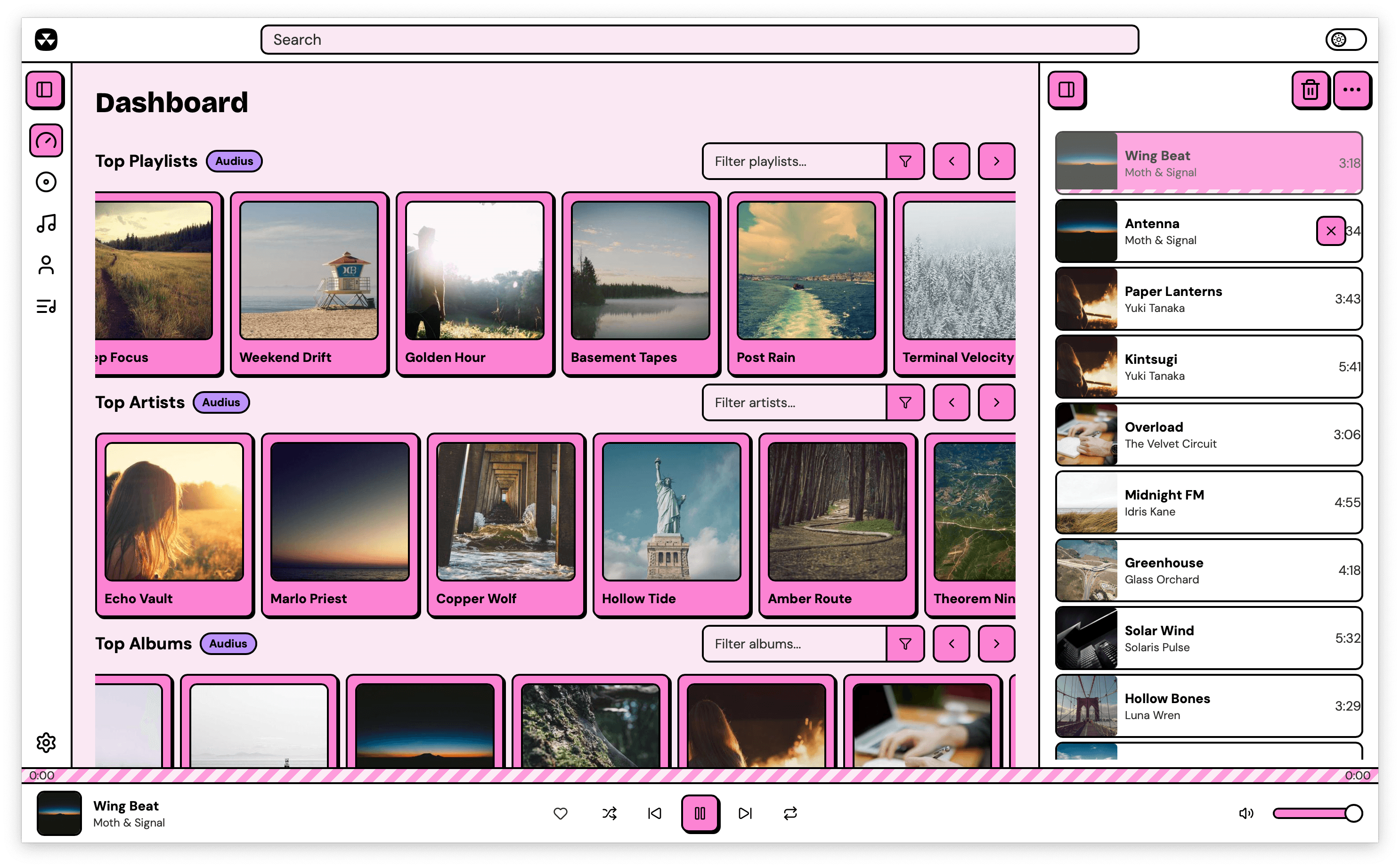
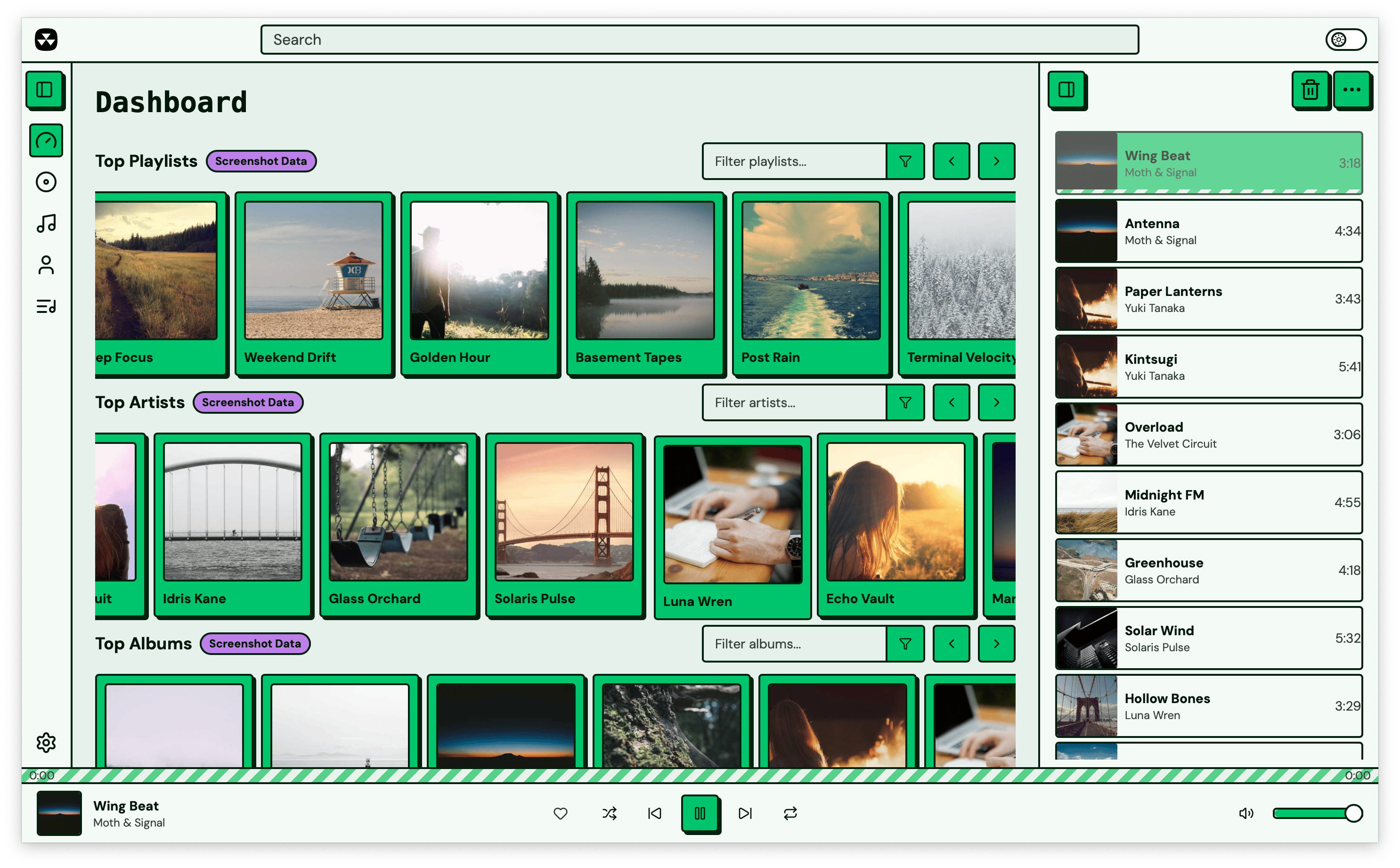
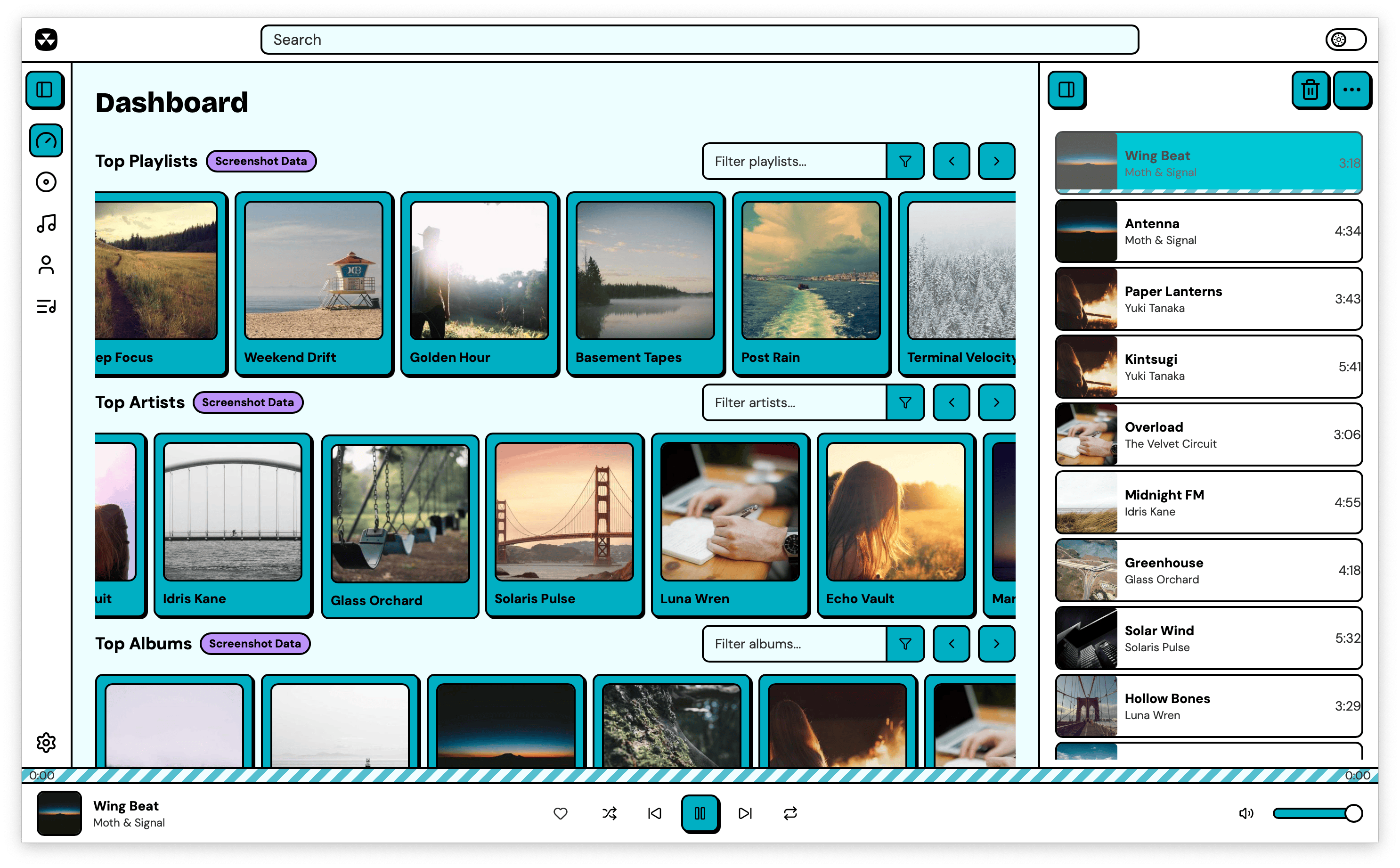
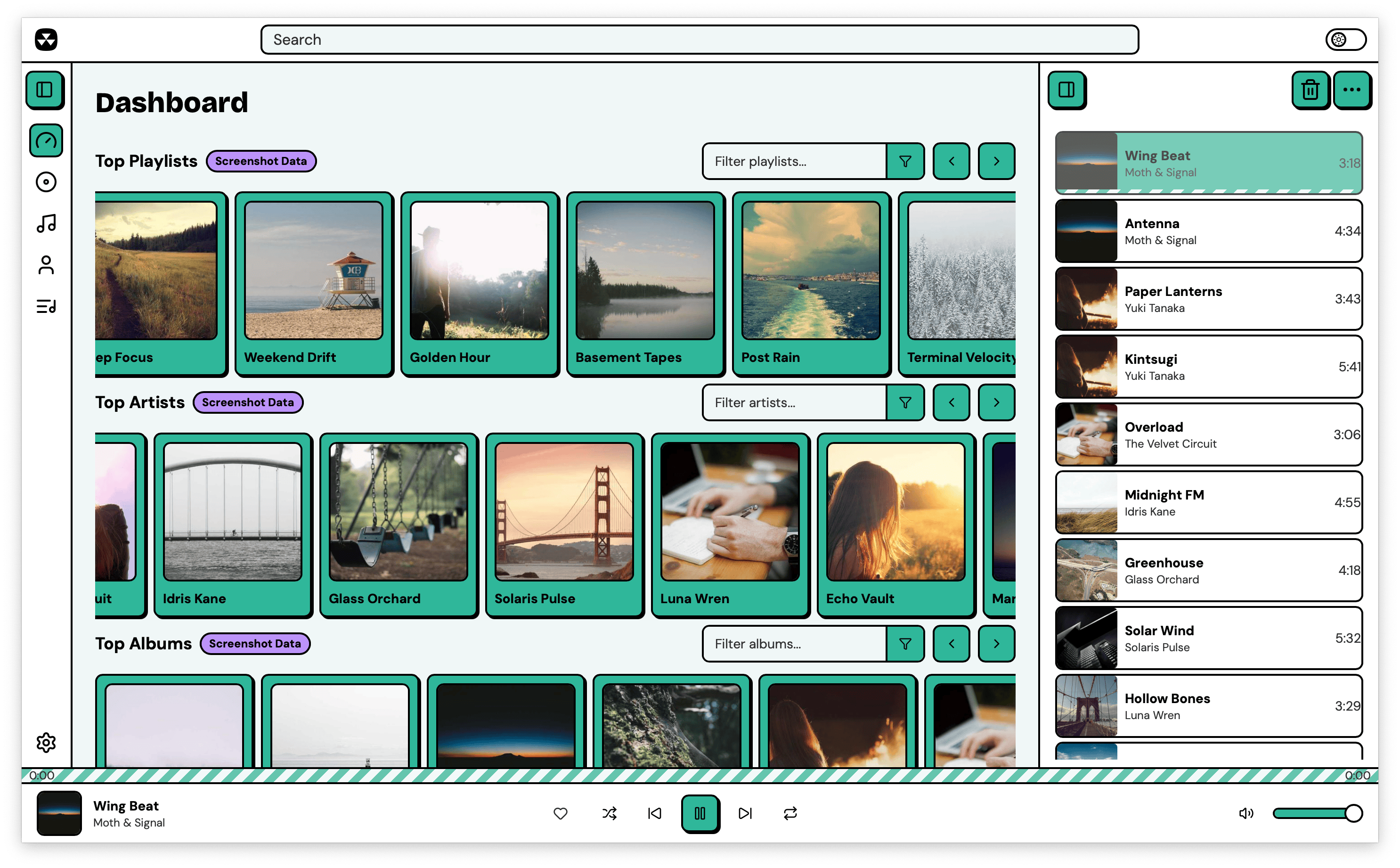
Nuclear comes with multiple built-in themes:
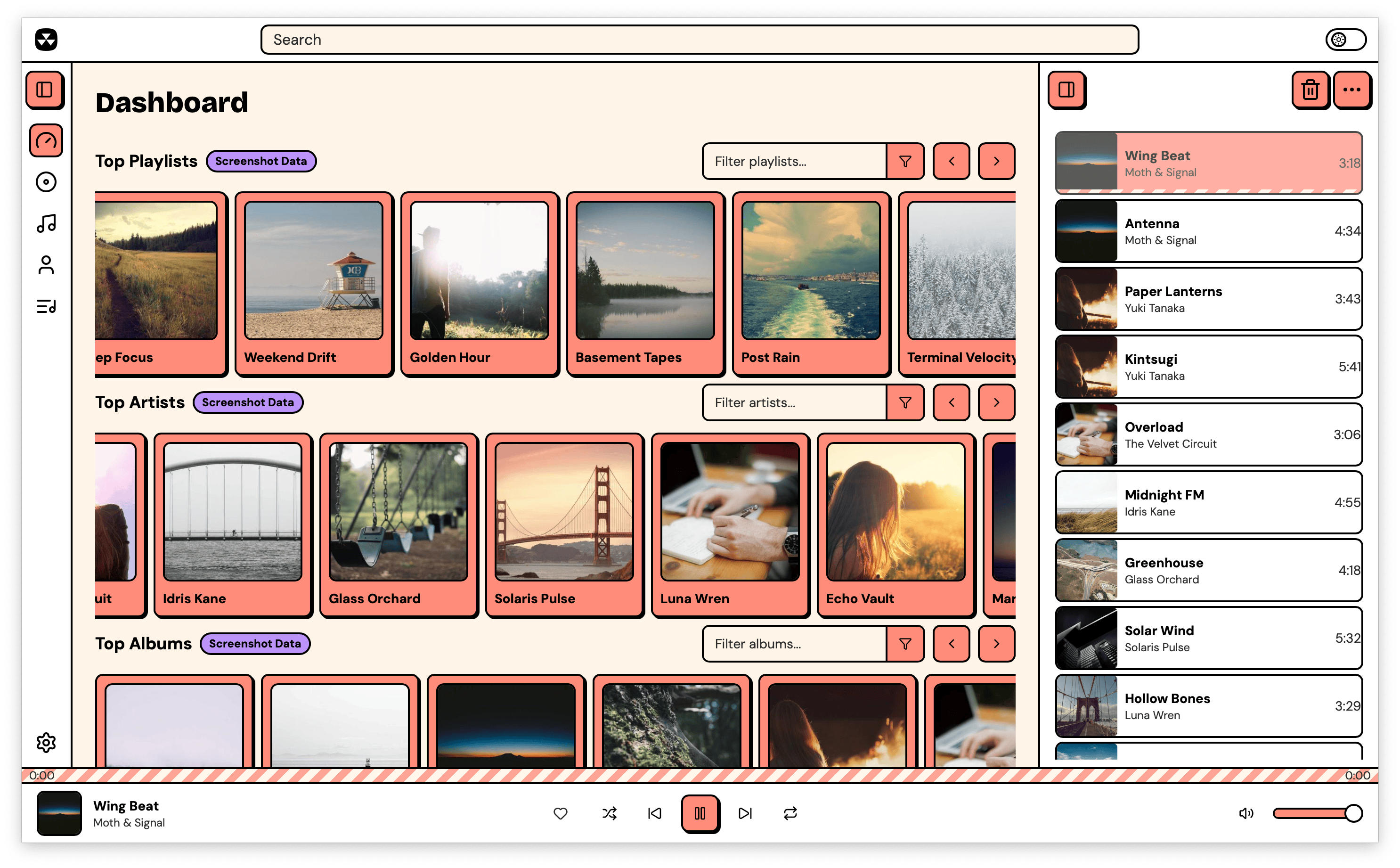
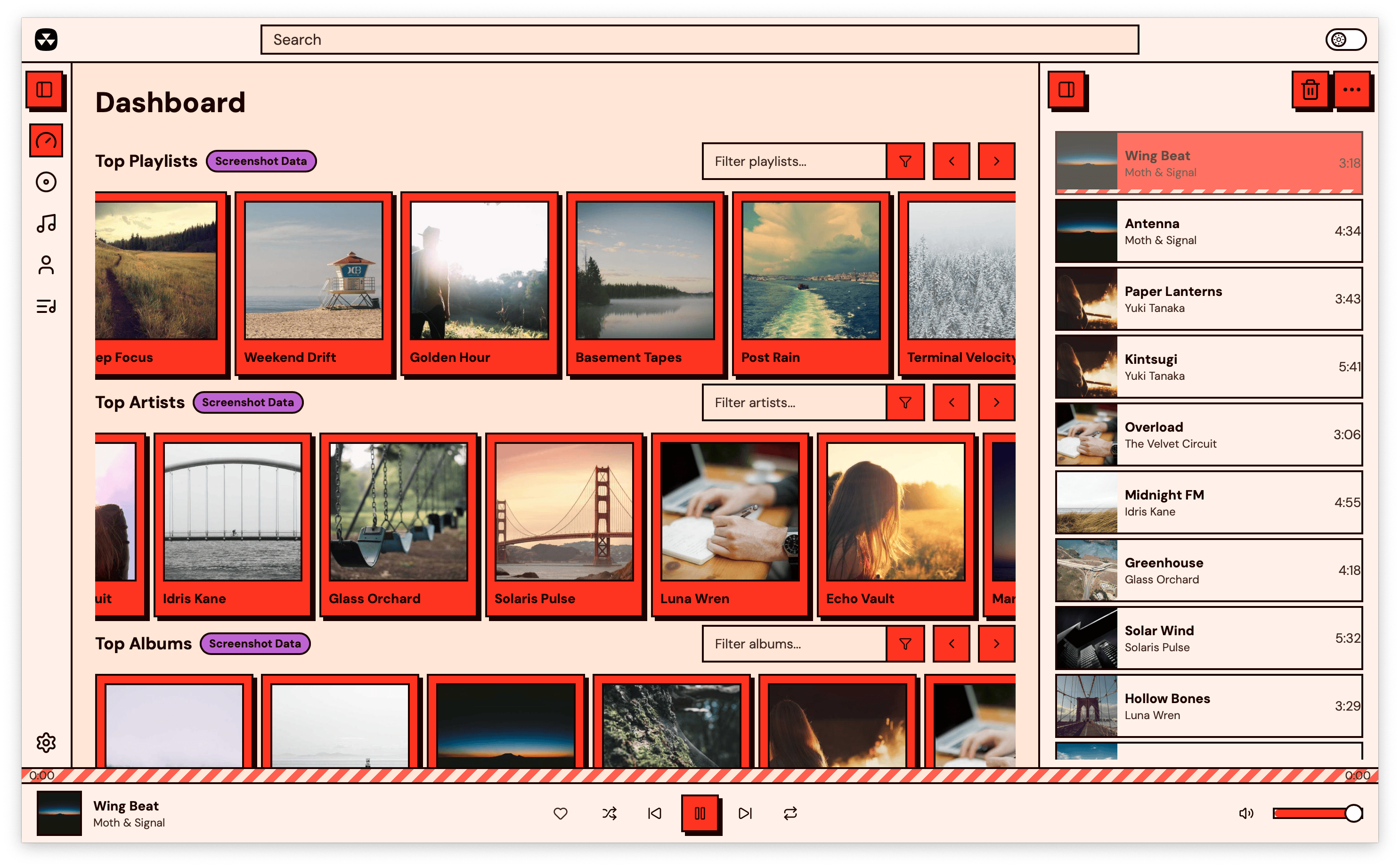
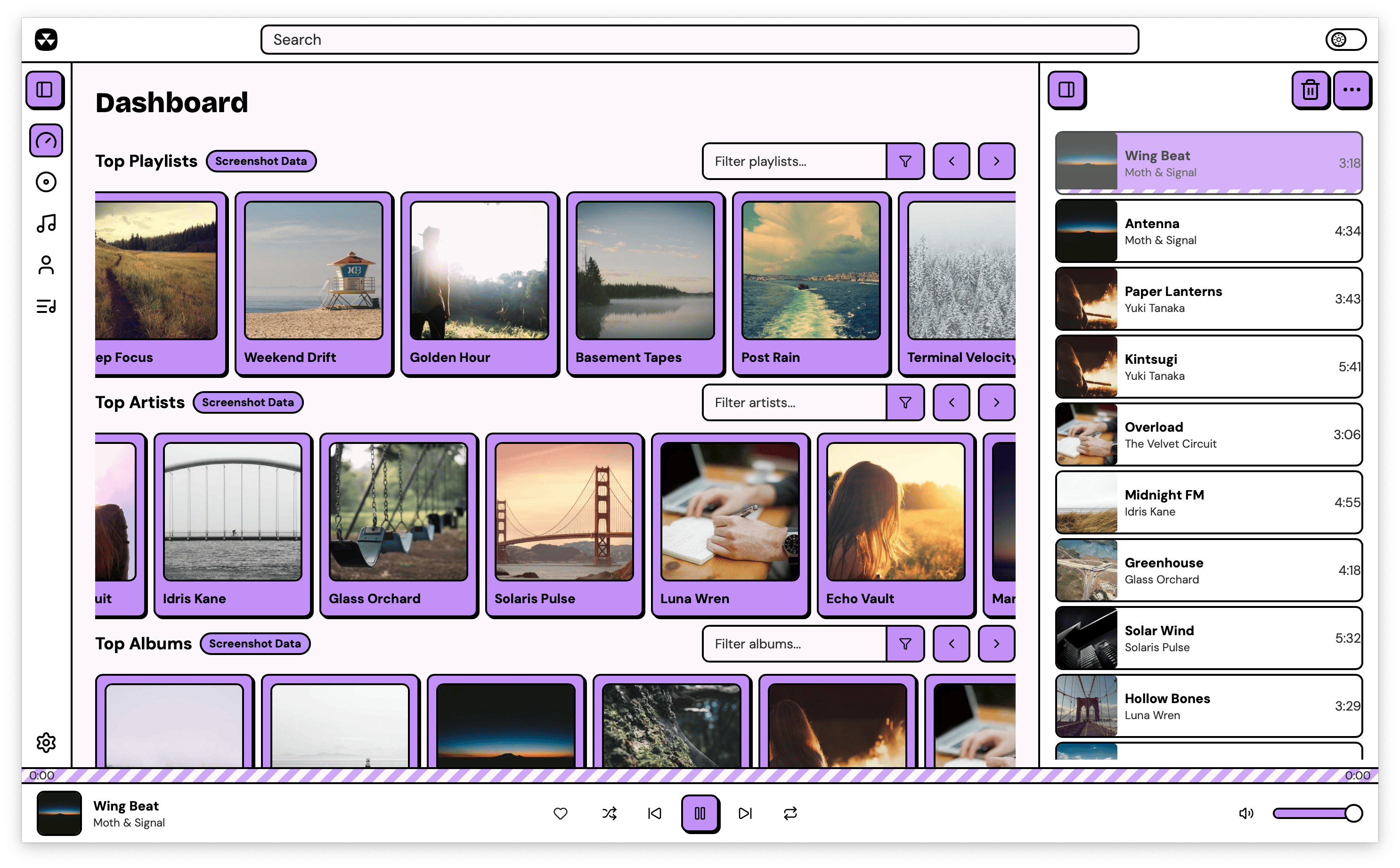
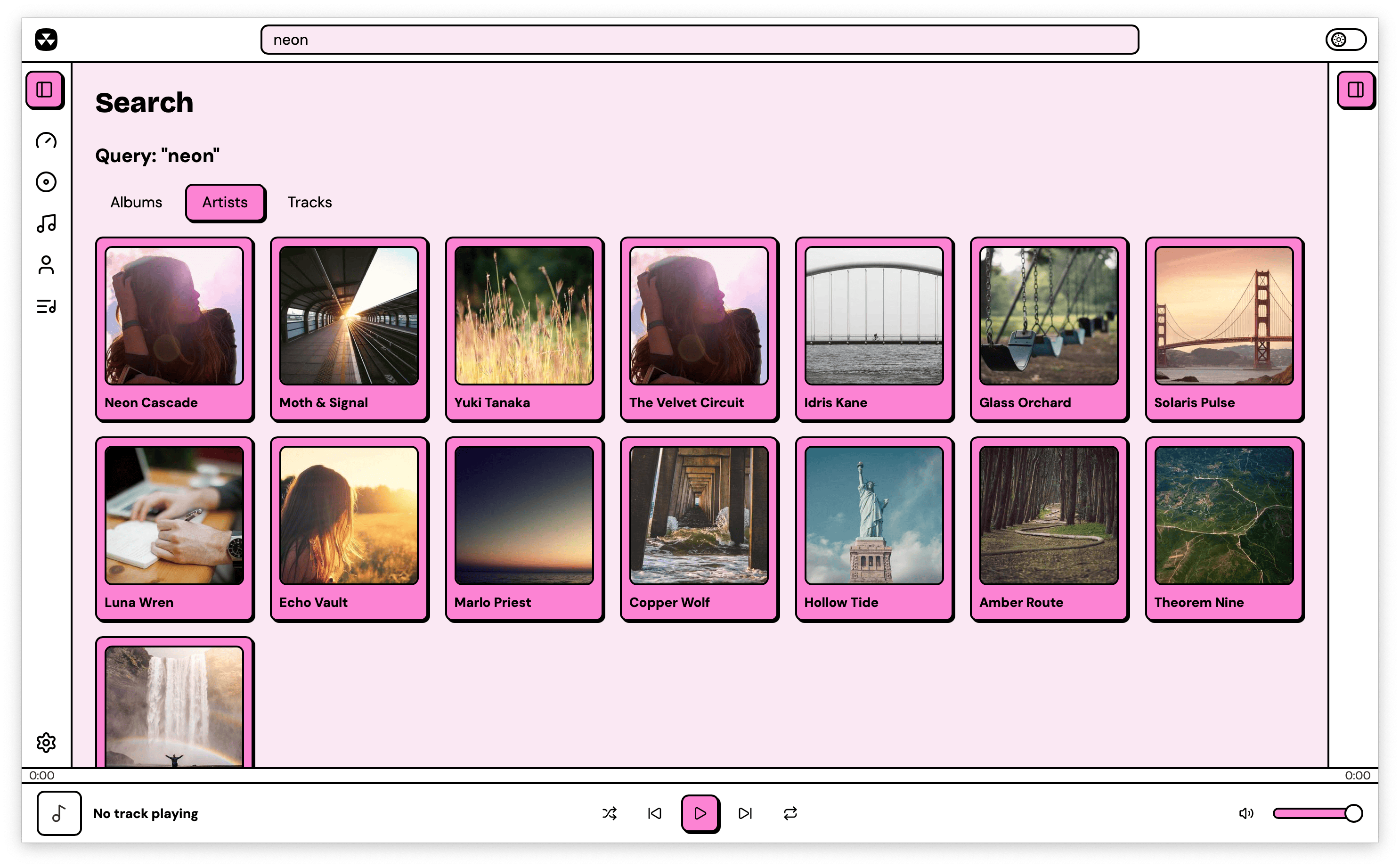 | 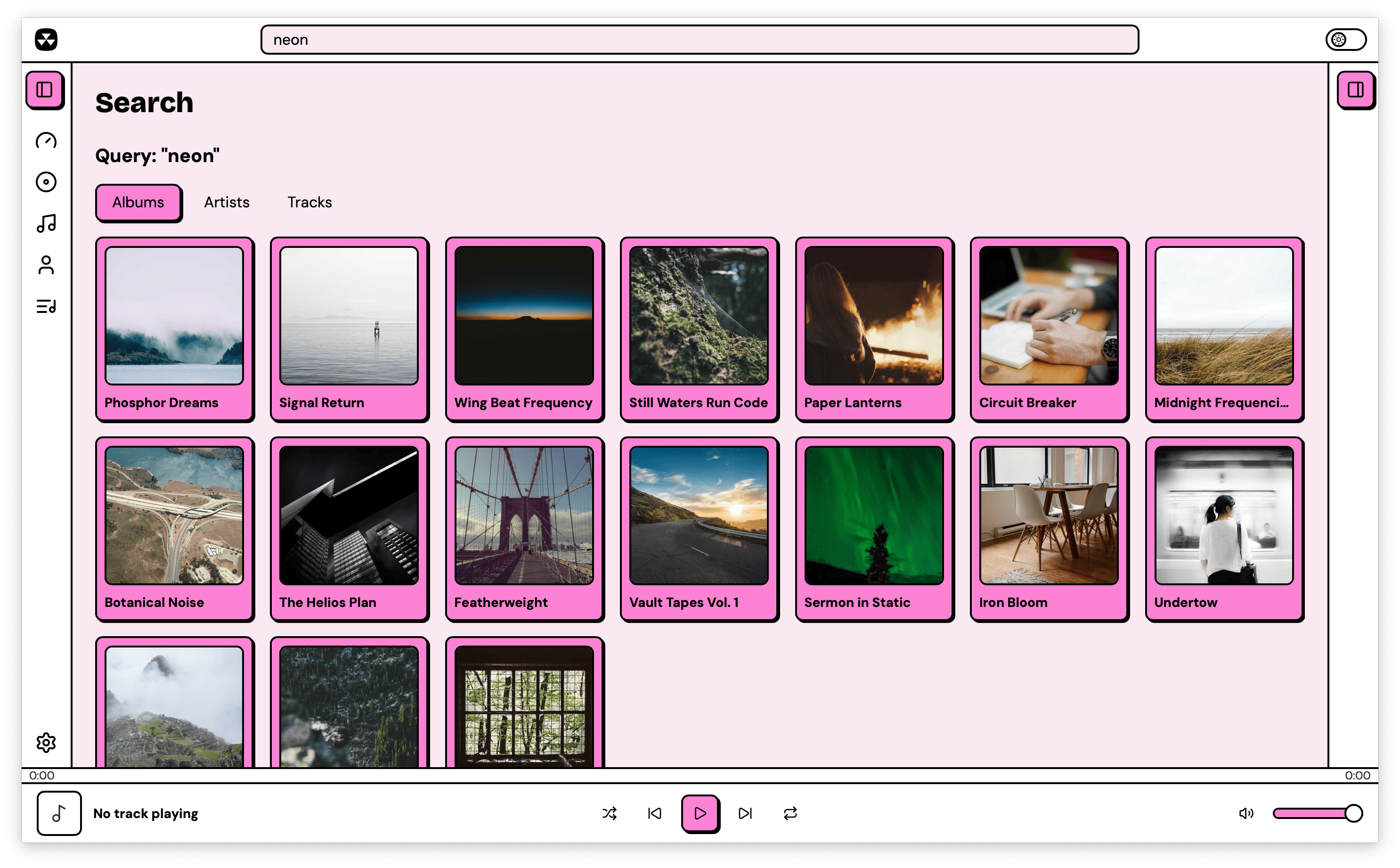 |
| Artist search | Album search |
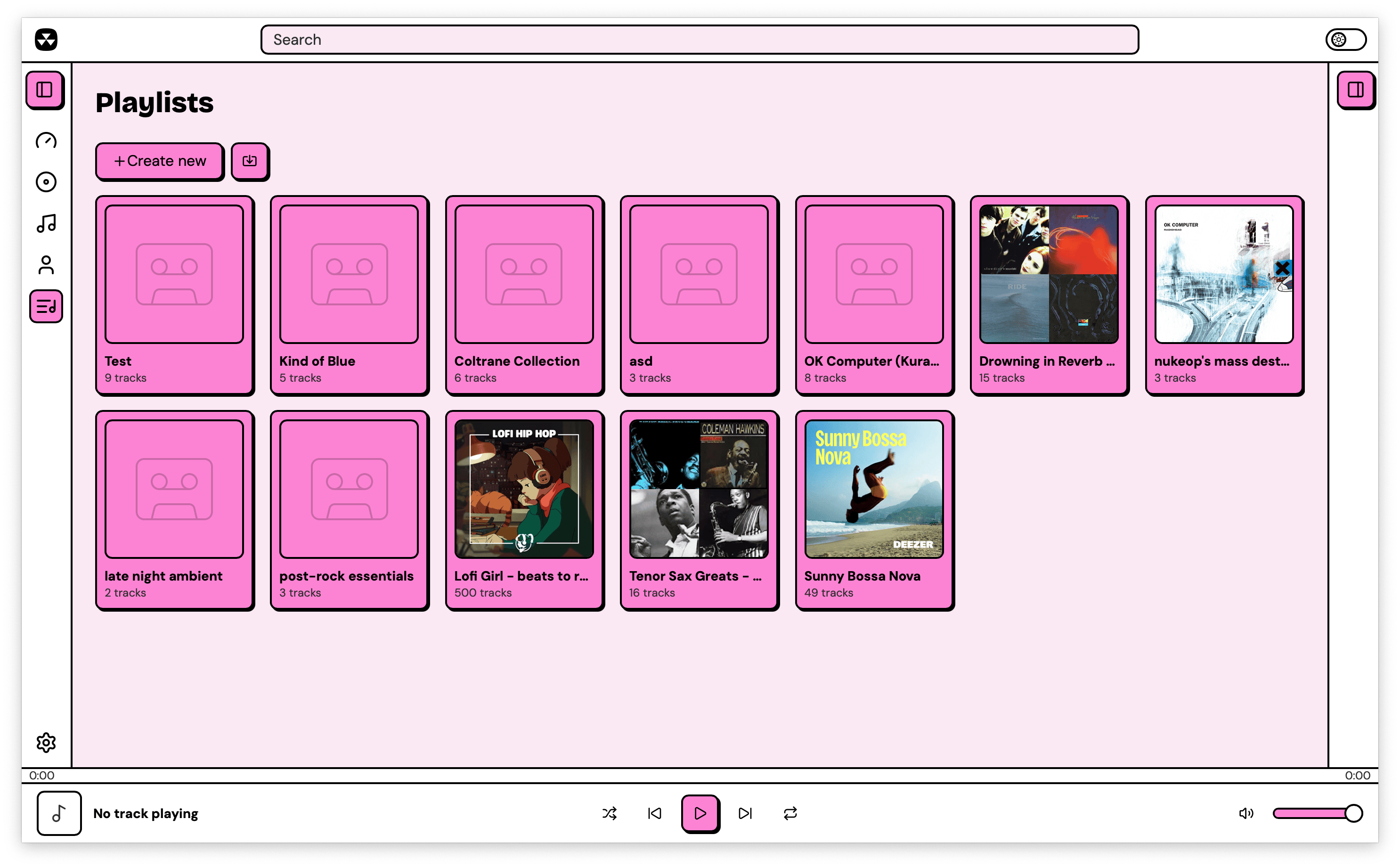 | 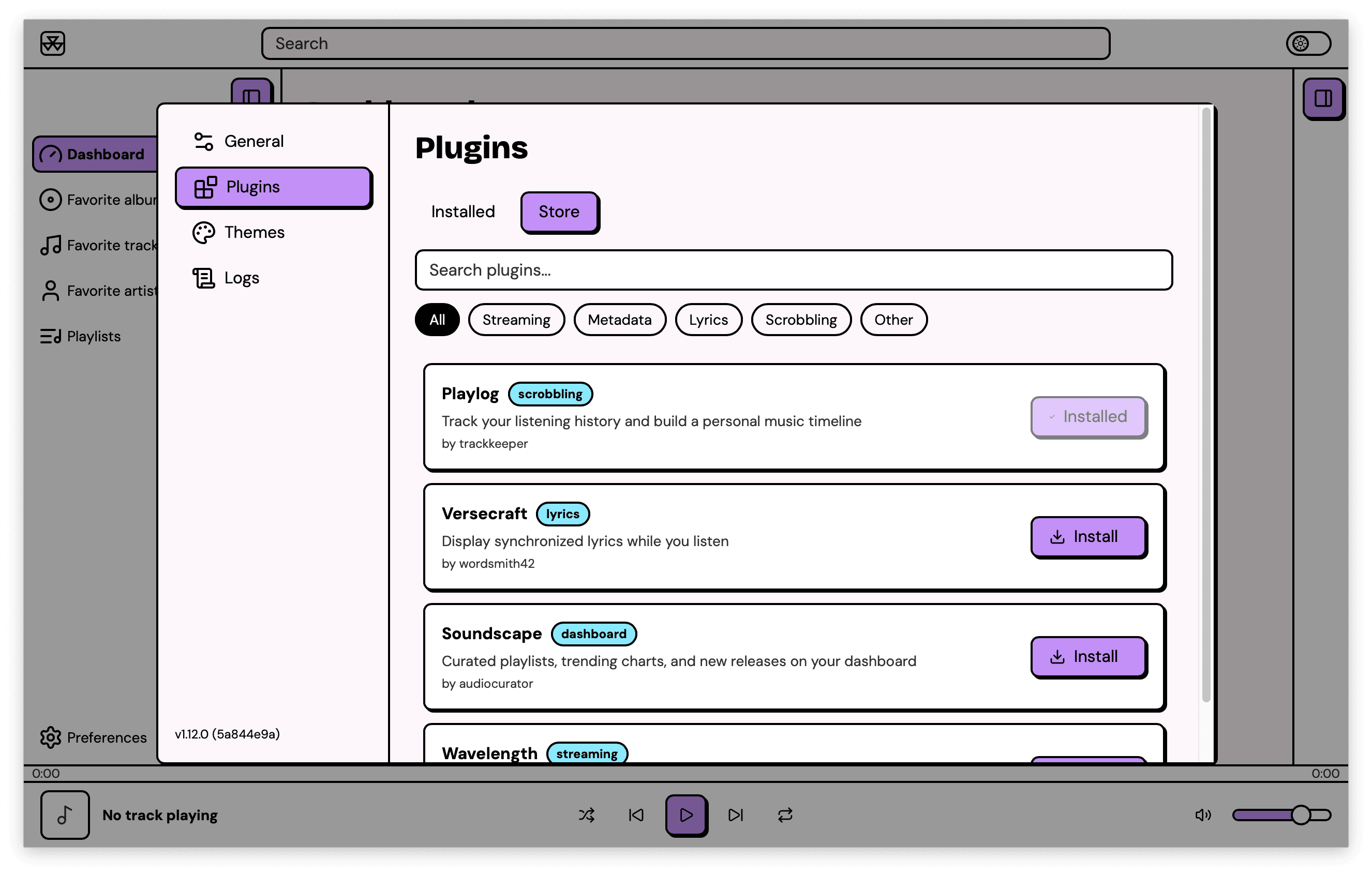 |
| Playlists | Plugin store |
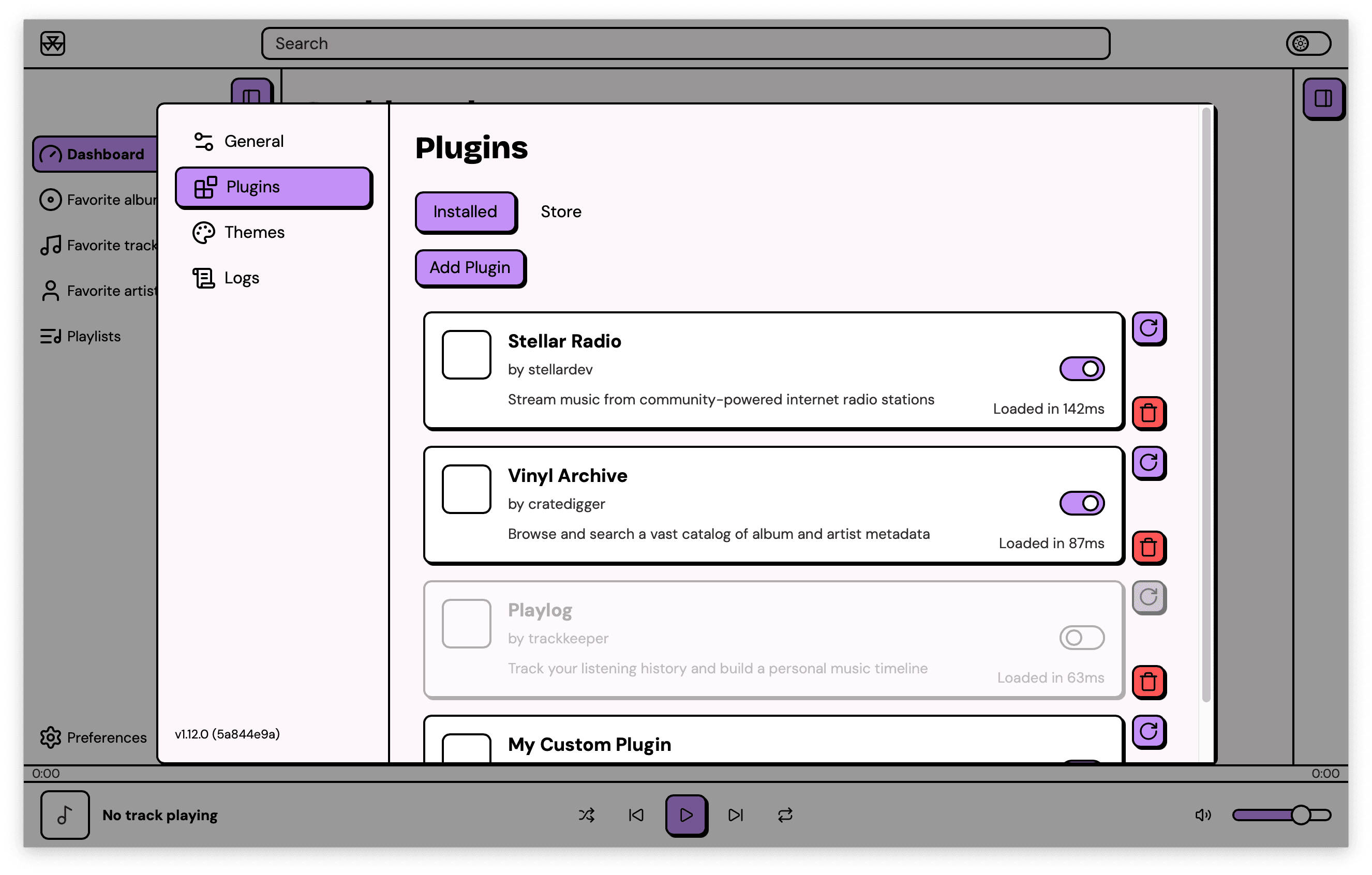 | 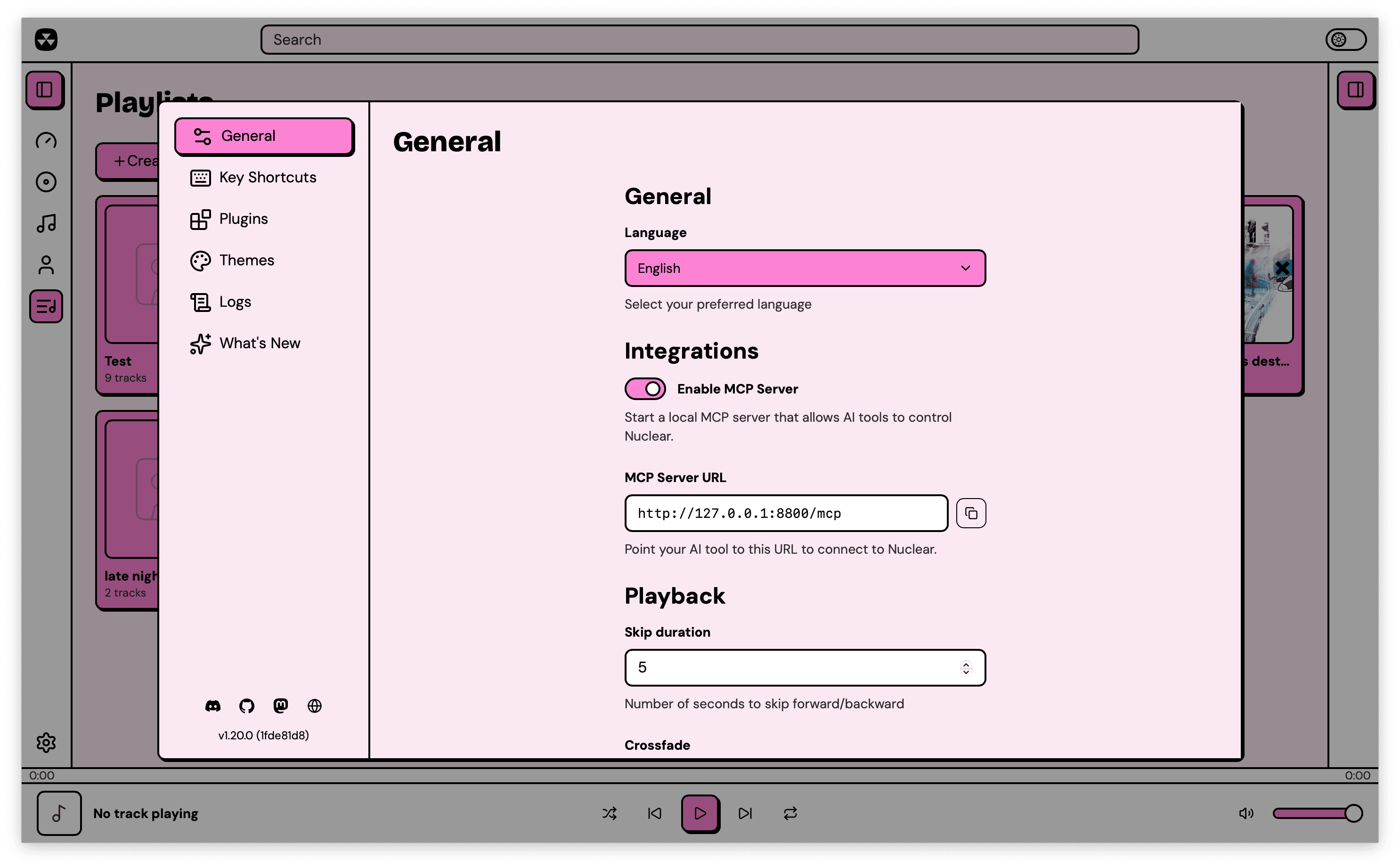 |
| Installed plugins | Preferences |
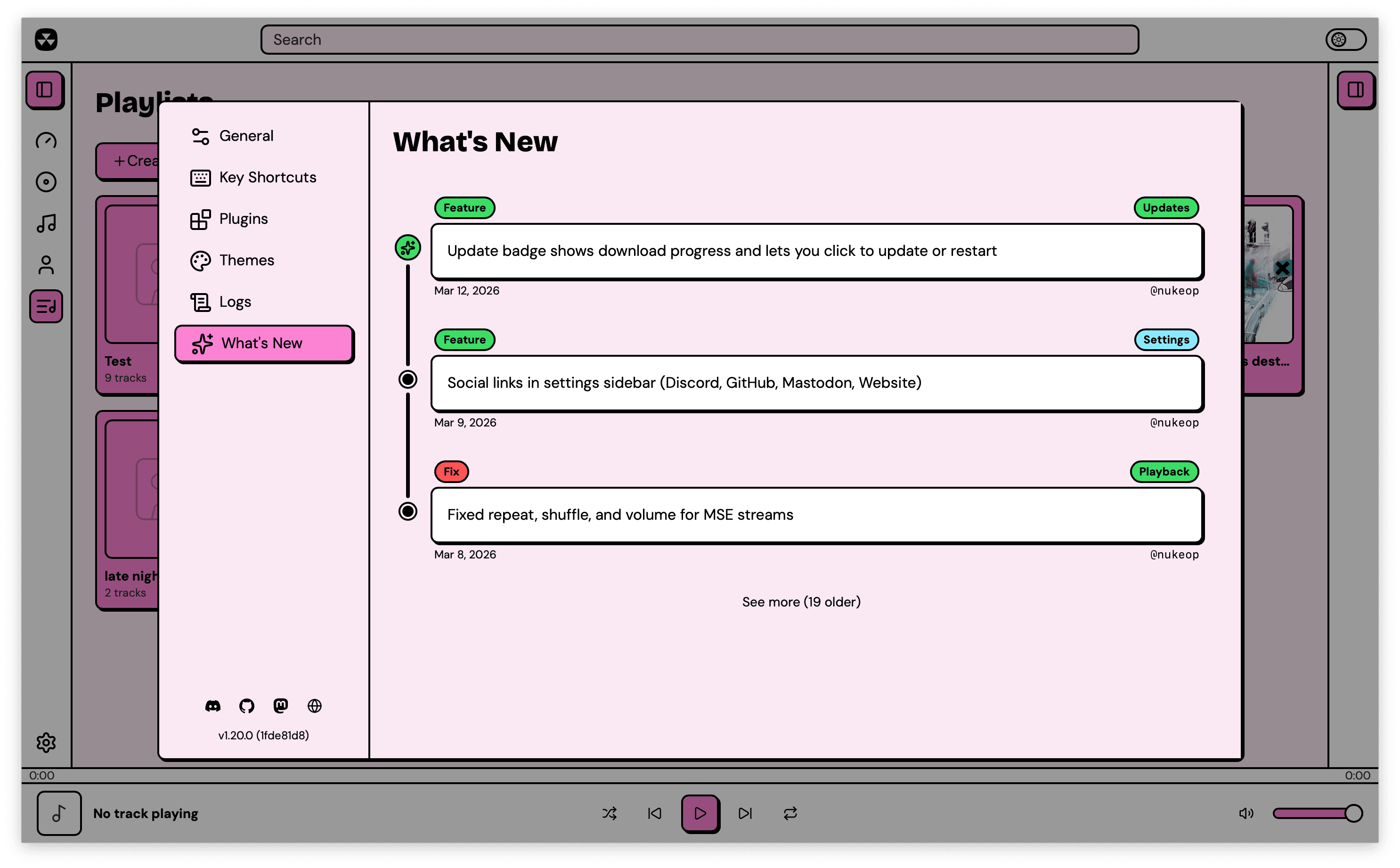 | 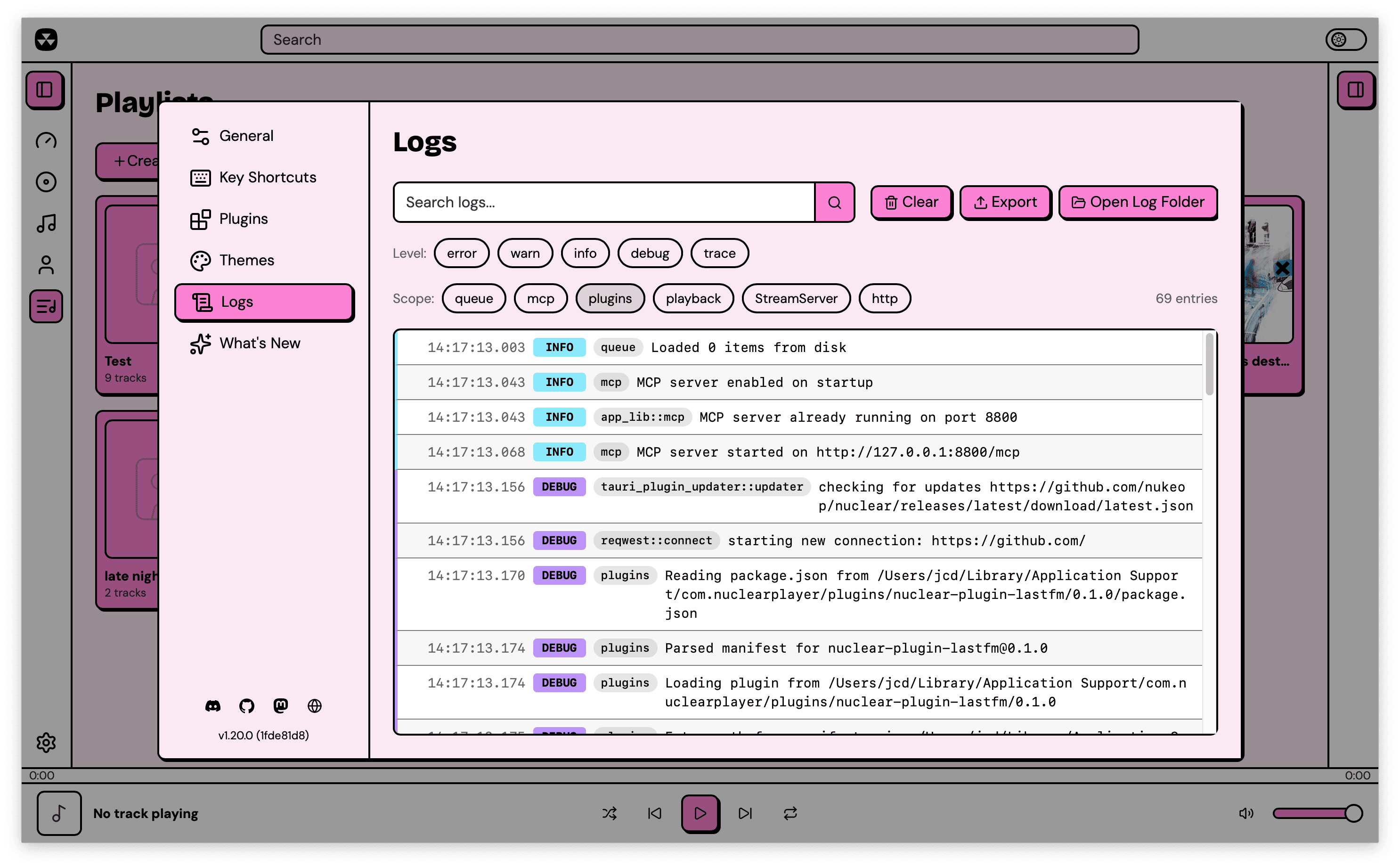 |
| What's new | Log viewer |
Download
Grab the latest release for your platform from the Releases page.
| Platform | Formats |
|---|---|
| Windows | .exe installer, .msi |
| macOS | .dmg (Apple Silicon and Intel) |
| Linux | .AppImage, .deb, .rpm, .flatpak |
Features
- Search for music and stream it from any source
- Browse artist pages with biographies, discographies, and similar artists
- Browse album pages with track listings
- Queue management with shuffle, repeat, and drag-and-drop reordering
- Favorites (albums, artists, and tracks)
- Playlists (create, import, export, import from various services)
- Powerful plugin system with a built-in plugin store
- Themes (built-in and custom CSS themes)
- MCP server lets your AI agent drive the player
- Auto-updates
- Keyboard shortcuts
- Localized in multiple languages
Plugins
Nuclear has a powerful plugin system now! Every functionality has been redesigned to be driven by plugins.
Plugins can provide streaming sources, metadata, playlists, dashboard content, and more. Browse and install plugins from the built-in plugin store, or write your own using the @nuclearplayer/plugin-sdk.
MCP
You can enable the MCP server in Settings → Integrations.
Then to add it to Claude Code:
claude mcp add nuclear --transport http http://127.0.0.1:8800/mcp
Codex CLI:
codex mcp add nuclear --url http://127.0.0.1:8800/mcp
OpenCode:
{
  "mcp": {
    "nuclear": {
      "type": "remote",
      "url": "http://127.0.0.1:8800/mcp"
    }
  }
}
Claude Desktop / Cursor / Windsurf:
{
  "mcpServers": {
    "nuclear": {
      "url": "http://127.0.0.1:8800/mcp"
    }
  }
}
The MCP is designed to be discoverable, but there's a skill you can load to get your AI up to speed: Nuclear MCP Skill
Development
Nuclear is a pnpm monorepo managed with Turborepo. The main app is built with Tauri (Rust + React).
Prerequisites
- Node.js >= 22
- pnpm >= 9
- Rust (stable)
- Platform-specific Tauri dependencies (see Tauri docs)
Getting started
git clone https://github.com/nukeop/nuclear.git
cd nuclear
pnpm install
pnpm dev
Useful commands
pnpm dev            # Run the player in dev mode
pnpm dev:remote     # Same, but binds Vite to 0.0.0.0 so you can open the remote control UI from other devices on your LAN
pnpm build          # Build all packages
pnpm test           # Run all tests
pnpm lint           # Lint all packages
pnpm type-check     # TypeScript checks
pnpm storybook      # Run Storybook
Community
License
AGPL-3.0. See LICENSE.