
frontend-slides
Create beautiful slides on the web using a coding agent's frontend skills
 zarazhangrui
- 评测生成时间(北京时间)
- 本报告引擎
- v3.9.0
- 当前引擎
- v3.16.0
本报告与当前引擎使用不同规则;原分数不会自动更新,不同版本的分数不宜直接对比。
进入后确认来源与额度,提交才会创建任务。
综合采用结论
证据充分,整体质量与安全表现优秀
- 基础评测完成+25/25确定性评分与静态安全扫描已完成
- README 有效证据+25/2517,060 个去重后的有效字符
- 独立证据来源+4/201 类非重复证据,重复文件不叠加
- 仓库元数据+10/10已取得仓库状态与采用数据
- 活跃记录+5/5已取得最近提交时间
- AI 复核+15/15已完成结构化 AI 证据复核
创建演示文稿流程
README描述了从用户输入到生成演示文稿的连续步骤,适合用流程图表示。
左右滑动查看完整图示
- • README中'Create a New Presentation'部分列出了5步流程
- • 步骤包括询问内容、生成预览、选择风格、创建演示、打开浏览器
- README中'Create a New Presentation'部分列出了5步流程
- 安装部分提供了'/plugin marketplace add'和'/plugin install'命令
- PDF导出部分提供了'bash scripts/export-pdf.sh'命令及Playwright依赖说明
- Requirements部分列出了Python、Node.js等依赖
- License部分声明MIT许可
- 问题与用途描述
- 有效 README
- 安装或接入步骤
- 可执行示例
- 未发现已知高风险模式
- 缺少错误处理或排障
- 错误处理和排障指南缺失,遇到问题难以自行解决
- 手动安装命令在README中被截断,不完整
- PDF导出不保留动画,限制说明但未提供替代方案
- 依赖外部模板库,可能影响离线使用
非设计师快速创建美观的网页演示文稿、需要将现有PPT转换为网页格式的用户、希望导出PDF用于分享或打印的用户、使用Claude Code或其他编码代理的开发者
需要保留动画效果的演示场景、完全离线且无法访问GitHub的环境、对错误处理有严格要求的自动化流程
也有自己的公开项目?先看完证据,再用当前规则生成独立报告。
评测我的项目 →静态扫描不是安全保证,生产接入前仍应人工复核权限和数据边界。
- 01补充错误处理或排障
方法、证据与局限展开收起
GitHub Repository API
1 个文件 · 35,285 字符
v3.9.0 · AI 复核已启用(deepseek-chat)
- 静态评测不会安装或执行项目代码
- 安全扫描基于高信号文件与已知模式,不能替代人工审计
- 流行度只反映采用程度,不代表安全或工程质量
30 天热度趋势
README
Frontend Slides
A coding-agent skill for creating stunning HTML presentations — from scratch or by converting PowerPoint files. It is packaged as a Claude Code plugin, and the core SKILL.md can also be read by other coding agents with filesystem and shell access.
📺 Watch the Walkthrough & Tutorial
New here? This beginner-friendly video walks you through the whole thing, start to finish.
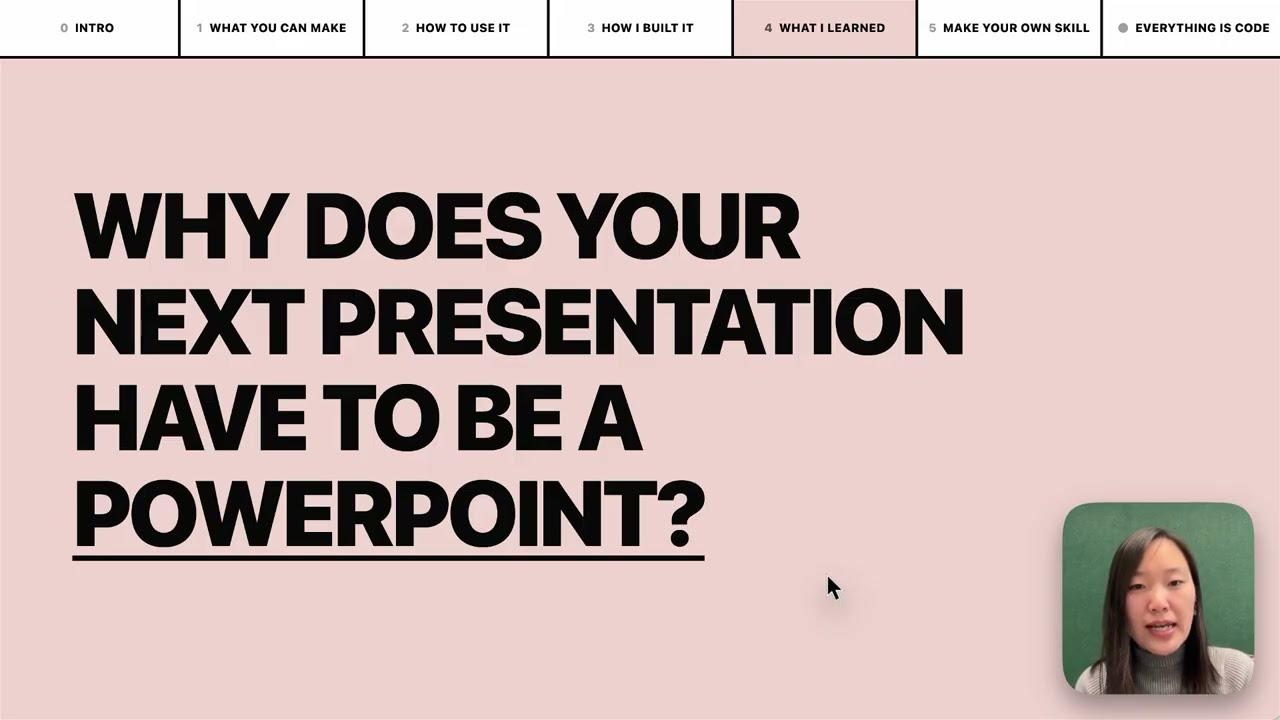
▶️ Watch on YouTube → (beginner-friendly walkthrough and tutorial)
What This Does
Frontend Slides helps non-designers create beautiful web presentations without knowing CSS or JavaScript. It uses a "show, don't tell" approach: instead of asking you to describe your aesthetic preferences in words, it generates visual previews and lets you pick what you like.
Here is a deck about the skill, made through the skill:
https://github.com/user-attachments/assets/ef57333e-f879-432a-afb9-180388982478
Key Features
- Zero Dependencies — Single HTML files with inline CSS/JS. No npm, no build tools, no frameworks.
- Visual Style Discovery — Can't articulate design preferences? No problem. Pick from generated visual previews.
- PPT Conversion — Convert existing PowerPoint files to web, preserving all images and content.
- Anti-AI-Slop — Curated distinctive styles that avoid generic AI aesthetics (bye-bye, purple gradients on white).
- Bold Template Pack — Optional design-forward templates from
beautiful-html-templates, loaded progressively so safe presets still work as the default fallback. - Production Quality — Accessible, fixed 16:9, well-commented code you can customize.
Installation
Via Claude Code Custom Marketplace Source
Install directly from this public GitHub repo. Run these as two separate Claude Code messages; do not paste both lines into the prompt at once.
/plugin marketplace add https://github.com/zarazhangrui/frontend-slides
After that finishes, run:
/plugin install frontend-slides@frontend-slides
Use the HTTPS URL. The shorter zarazhangrui/frontend-slides form may make Claude Code try SSH, which can fail if GitHub is not already in your known_hosts file.
Then use it by typing /frontend-slides:frontend-slides in Claude Code. Claude Code namespaces plugin-installed skills as /plugin-name:skill-name.
Claude Code Manual Installation
Copy the skill files to your Claude Code skills directory:
# Create the skill directory
mkdir -p ~/.claude/skills/frontend-slides/scripts

# Copy the user-facing skill files
cp SKILL.md STYLE_PRESETS.md viewport-base.css html-template.md animation-patterns.md ~/.claude/skills/frontend-slides/
cp -R bold-template-pack ~/.claude/skills/frontend-slides/
cp scripts/extract-pptx.py scripts/deploy.sh scripts/export-pdf.sh ~/.claude/skills/frontend-slides/scripts/
Or clone directly:
git clone https://github.com/zarazhangrui/frontend-slides.git ~/.claude/skills/frontend-slides
Then use it by typing /frontend-slides in Claude Code. Standalone skills are not namespaced.
Other Coding Agents
Agents such as Codex, Kimi Code, OpenCode, Gemini CLI, or other local coding assistants can use the same core skill. The simplest path is to send the agent this GitHub repo link and ask it to use the Frontend Slides skill:
https://github.com/zarazhangrui/frontend-slides
If the agent can read GitHub repos or browse files, it should start from SKILL.md and load only the referenced support files it needs:
STYLE_PRESETS.mdviewport-base.csshtml-template.mdanimation-patterns.mdbold-template-pack/scripts/
Some agents can also install the skill for you if they have filesystem access and a known local skills directory. If not, they can still follow SKILL.md directly for the current session.
The Claude Code plugin gives Claude Code a custom marketplace-source install flow and /frontend-slides:frontend-slides command. Other agents usually do not use that command surface.
Usage
Create a New Presentation
/frontend-slides:frontend-slides

> "I want to create a pitch deck for my AI startup"
If installed manually as a standalone Claude Code skill, use /frontend-slides instead.
In non-Claude agents, ask the agent to use the Frontend Slides skill and point it at this repo or SKILL.md.
The skill will:
- Ask about your content (slides, messages, images)
- Generate 3 visual style previews for you to compare, inferring the vibe from your brief unless you already named one
- Let you pick the visual direction
- Create the full presentation in your chosen style
- Open it in your browser
Convert a PowerPoint
/frontend-slides:frontend-slides

> "Convert my presentation.pptx to a web slideshow"
The skill will:
- Extract all text, images, and notes from your PPT
- Show you the extracted content for confirmation
- Let you pick a visual style
- Generate an HTML presentation with all your original assets
Included Styles
Dark Themes
- Bold Signal — Confident, high-impact, vibrant card on dark
- Electric Studio — Clean, professional, split-panel
- Creative Voltage — Energetic, retro-modern, electric blue + neon
- Dark Botanical — Elegant, sophisticated, warm accents
Light Themes
- Notebook Tabs — Editorial, organized, paper with colorful tabs
- Pastel Geometry — Friendly, approachable, vertical pills
- Split Pastel — Playful, modern, two-color vertical split
- Vintage Editorial — Witty, personality-driven, geometric shapes
Specialty
- Neon Cyber — Futuristic, particle backgrounds, neon glow
- Terminal Green — Developer-focused, hacker aesthetic
- Swiss Modern — Minimal, Bauhaus-inspired, geometric
- Paper & Ink — Literary, drop caps, pull quotes
Bold Template Pack
The skill also includes 34 optional bold design systems from
beautiful-html-templates, such as Neo-Grid Bold, Editorial Tri-Tone,
Creative Mode, Broadside, Signal, and Vellum.
During style discovery, the preview set is:
- 1 safe preset from
STYLE_PRESETS.md - at least 1 bold template option from
bold-template-pack/selection-index.json - 1 wildcard option, either another bold template or a self-generated custom design
The agent reads the compact bold template index first, then loads only the
shortlisted candidates' small preview.md cards for title-slide previews. It
loads the full design.md for exactly one bold template only after the user
picks that template for the final deck. If the user picks a custom wildcard,
the agent expands that preview's own CSS and layout system into the full deck.
Bold Template Gallery
Frontend Slides can now draw from the 34 bold design systems in beautiful-html-templates. Three screenshots per template show how each visual system handles different slide layouts. Click any template name to inspect the source template library.
Soft Editorial
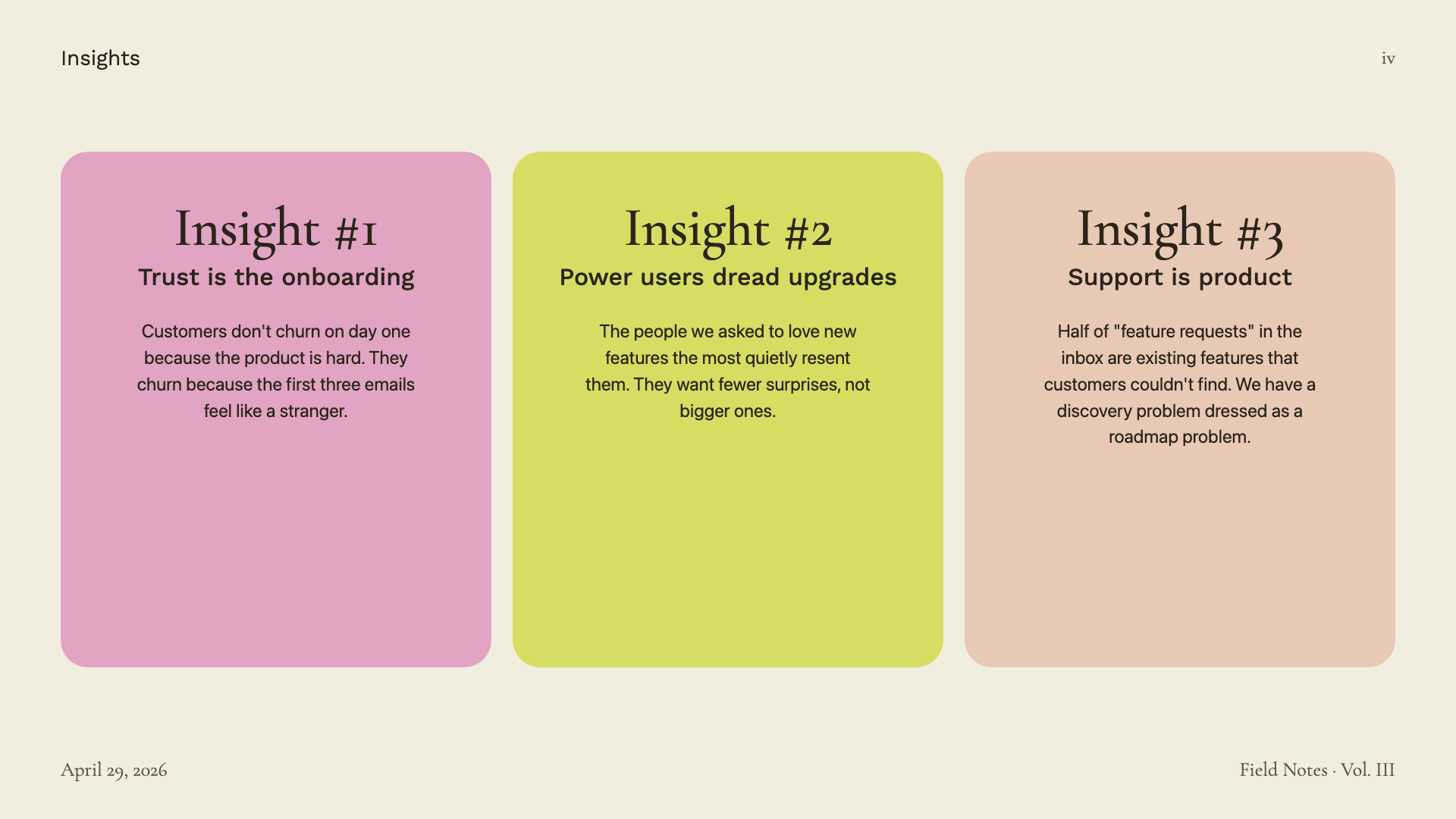
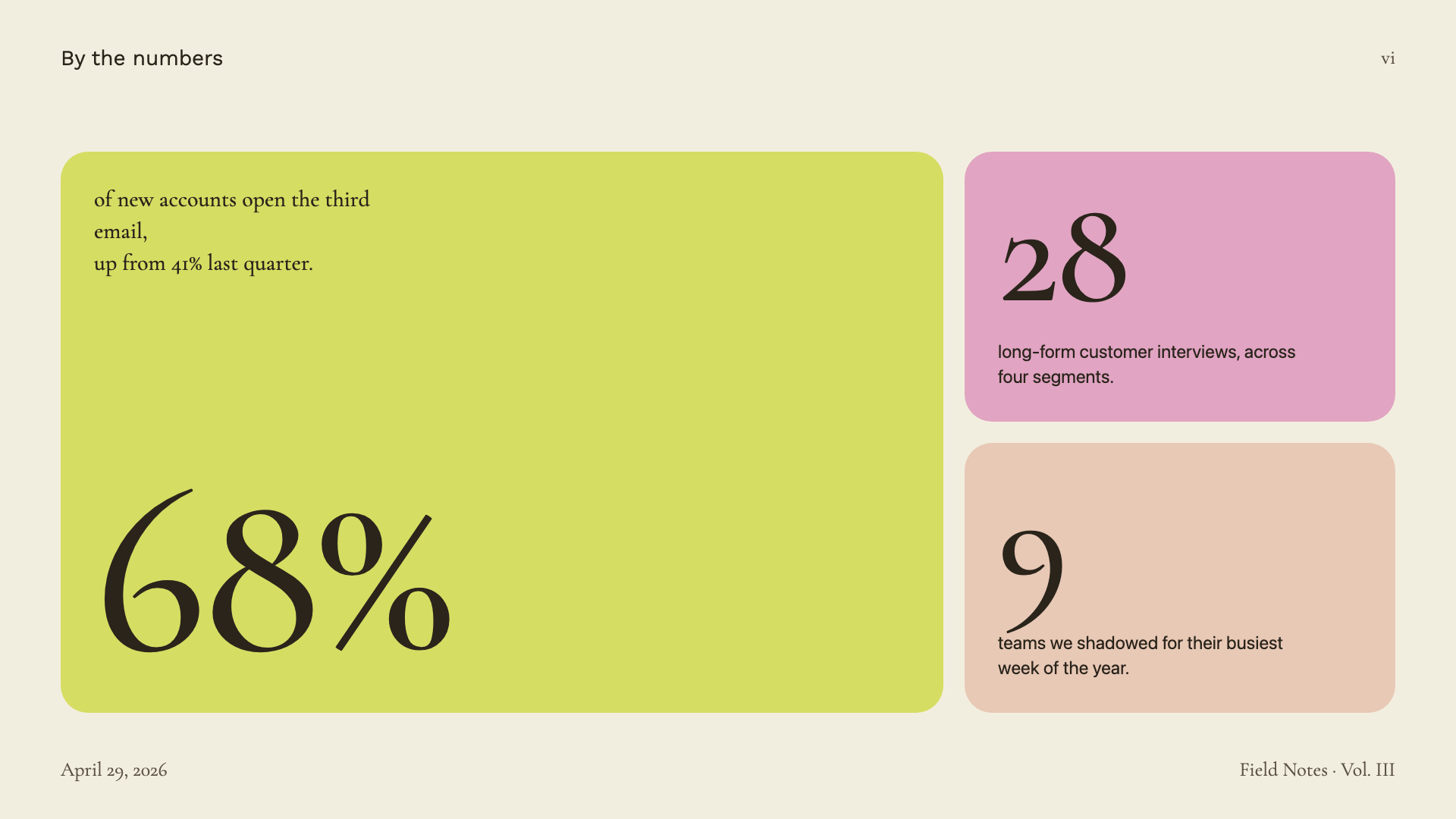
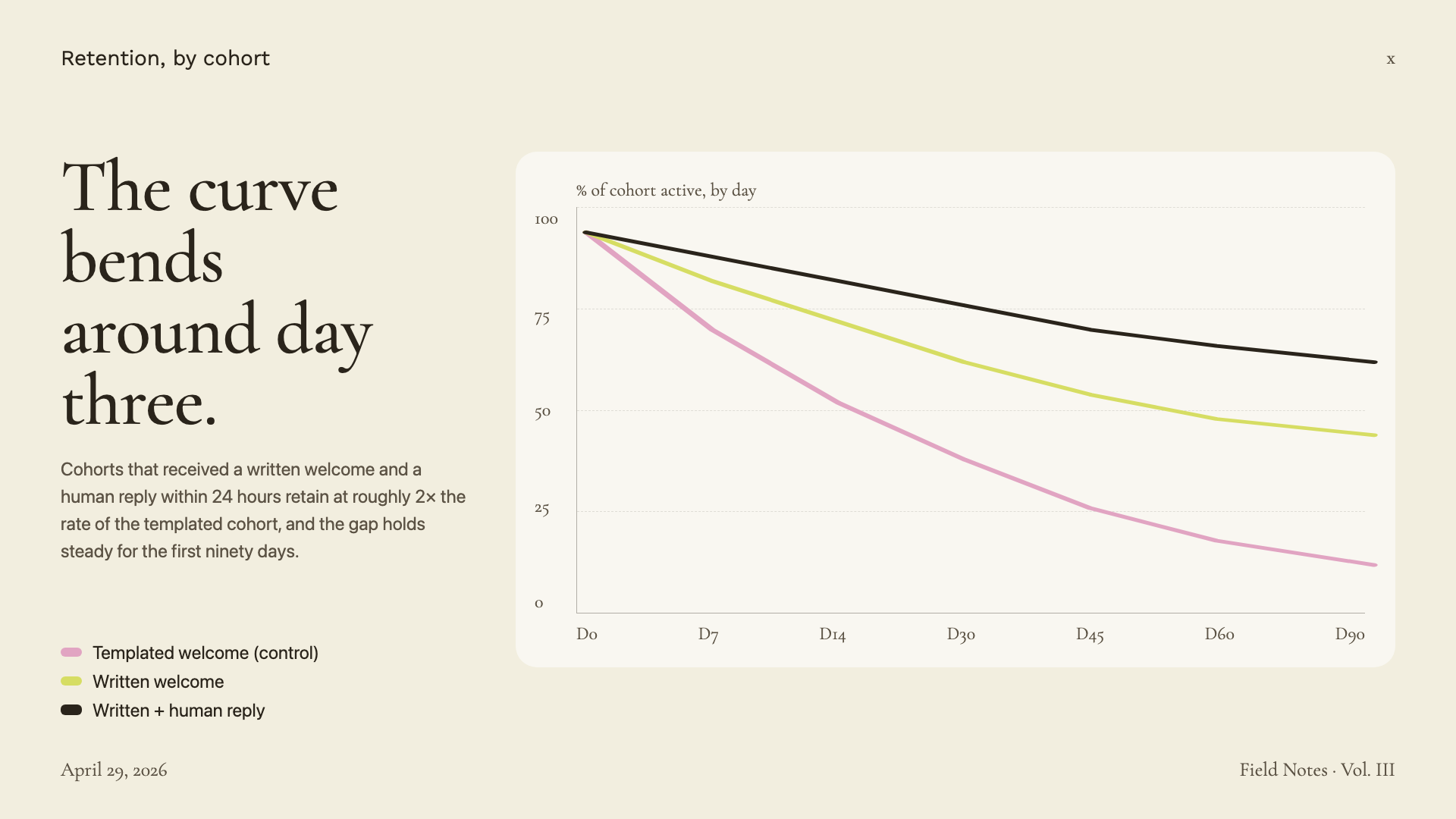
Cormorant Garamond serif on warm paper with sage, blush, and lemon accents.
Editorial Forest
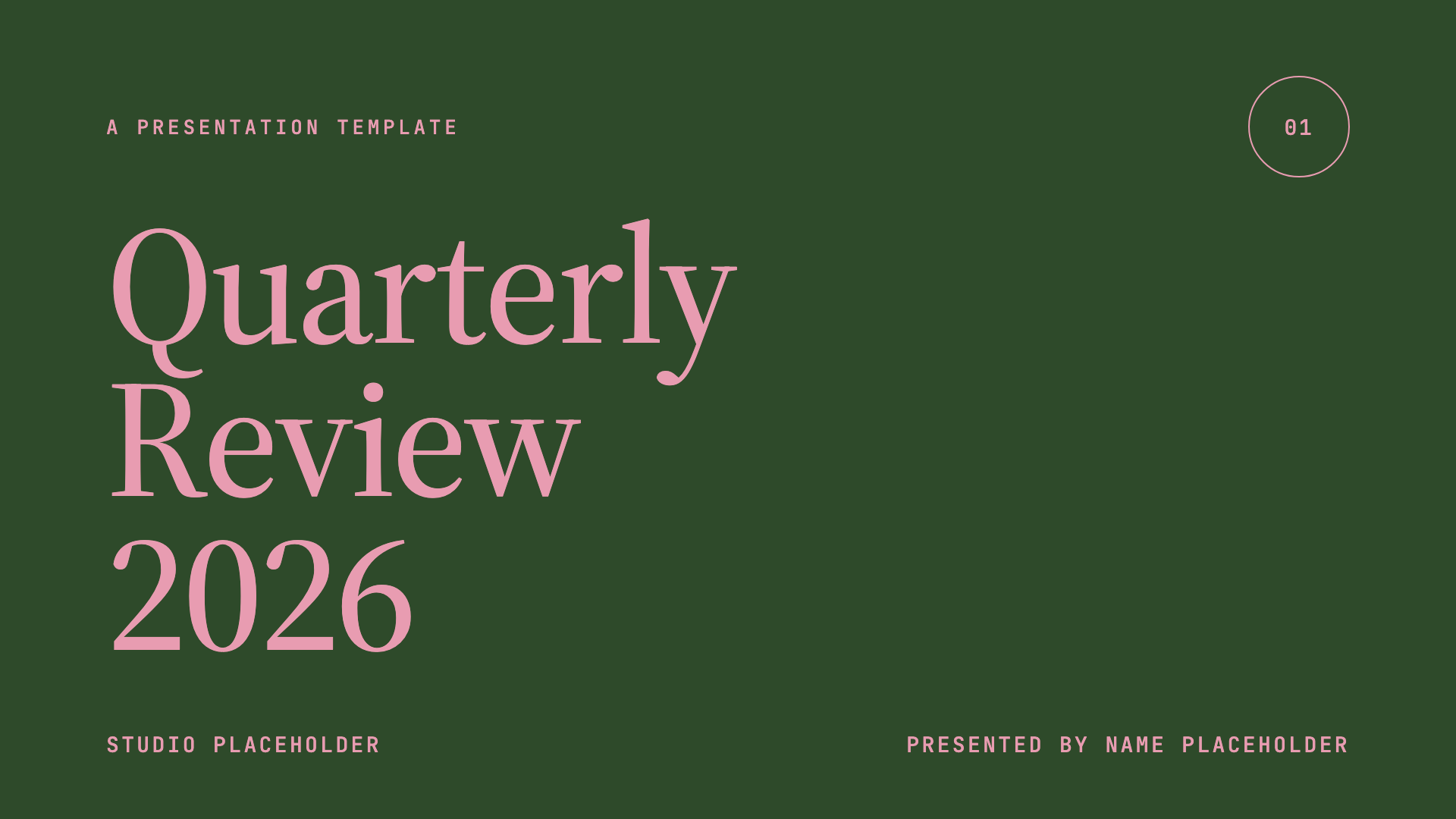
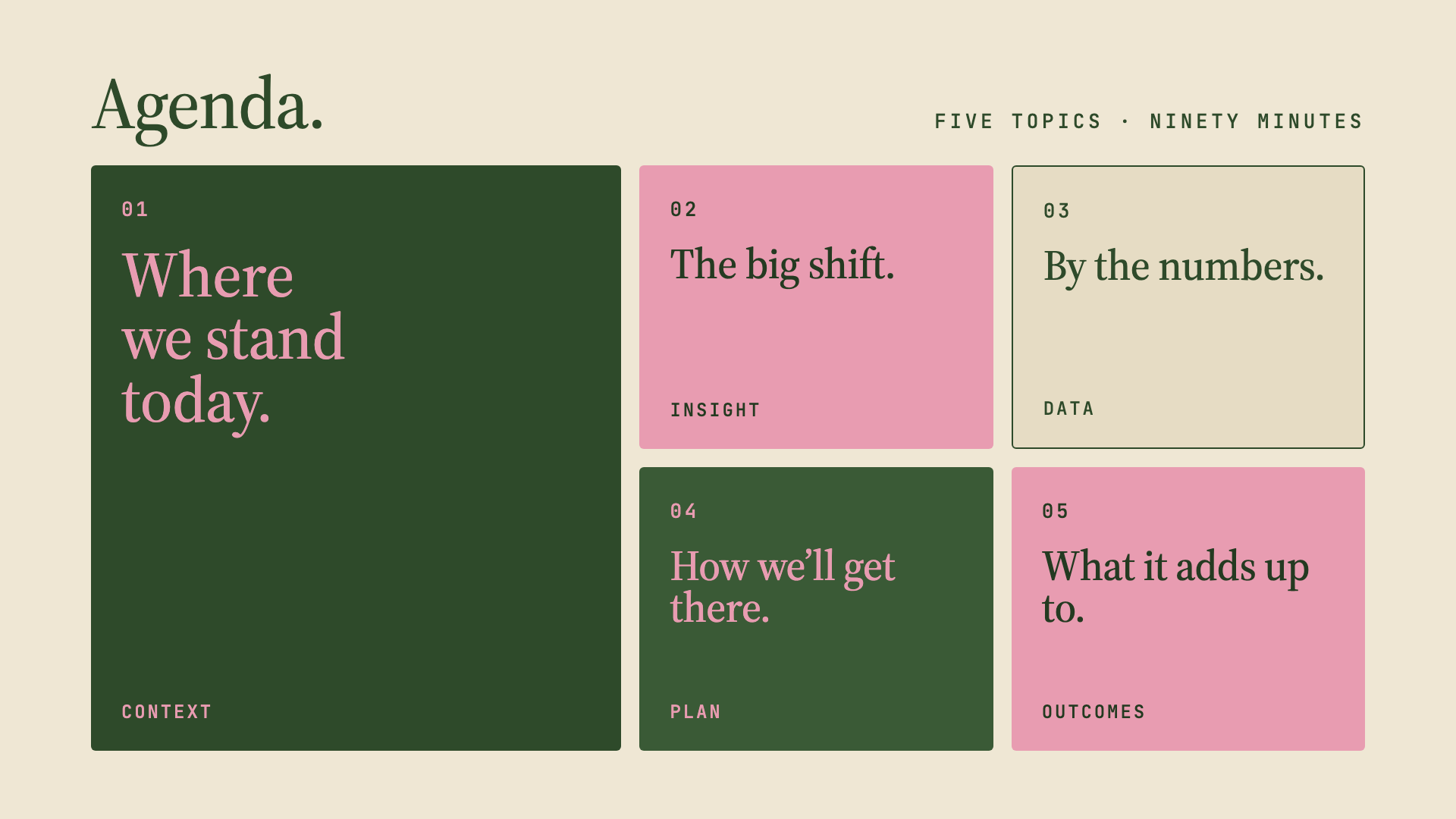
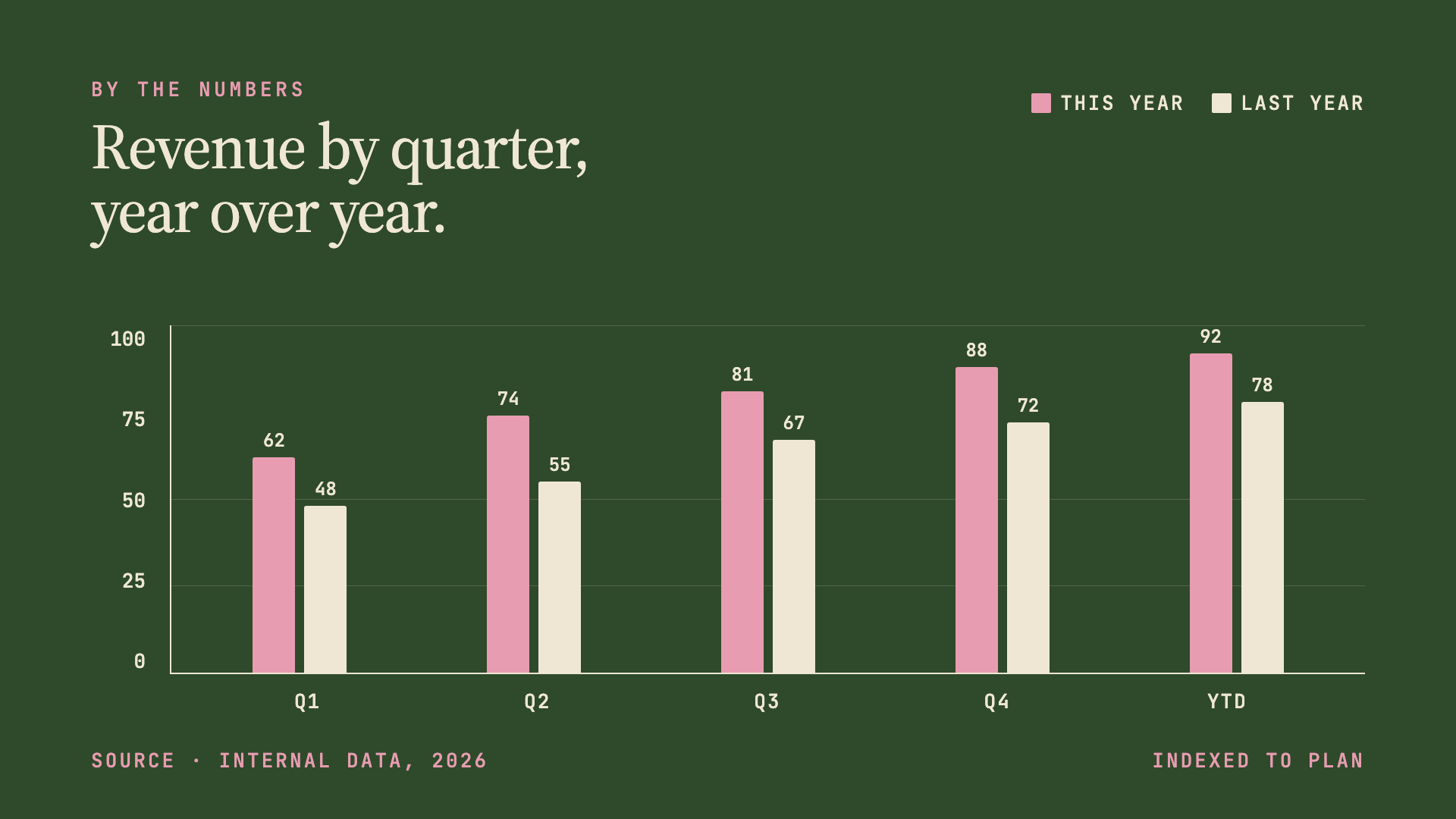
Forest green, dusty pink, and warm cream in Source Serif 4 — quiet, intentional quarterly-review aesthetic.
Pin & Paper
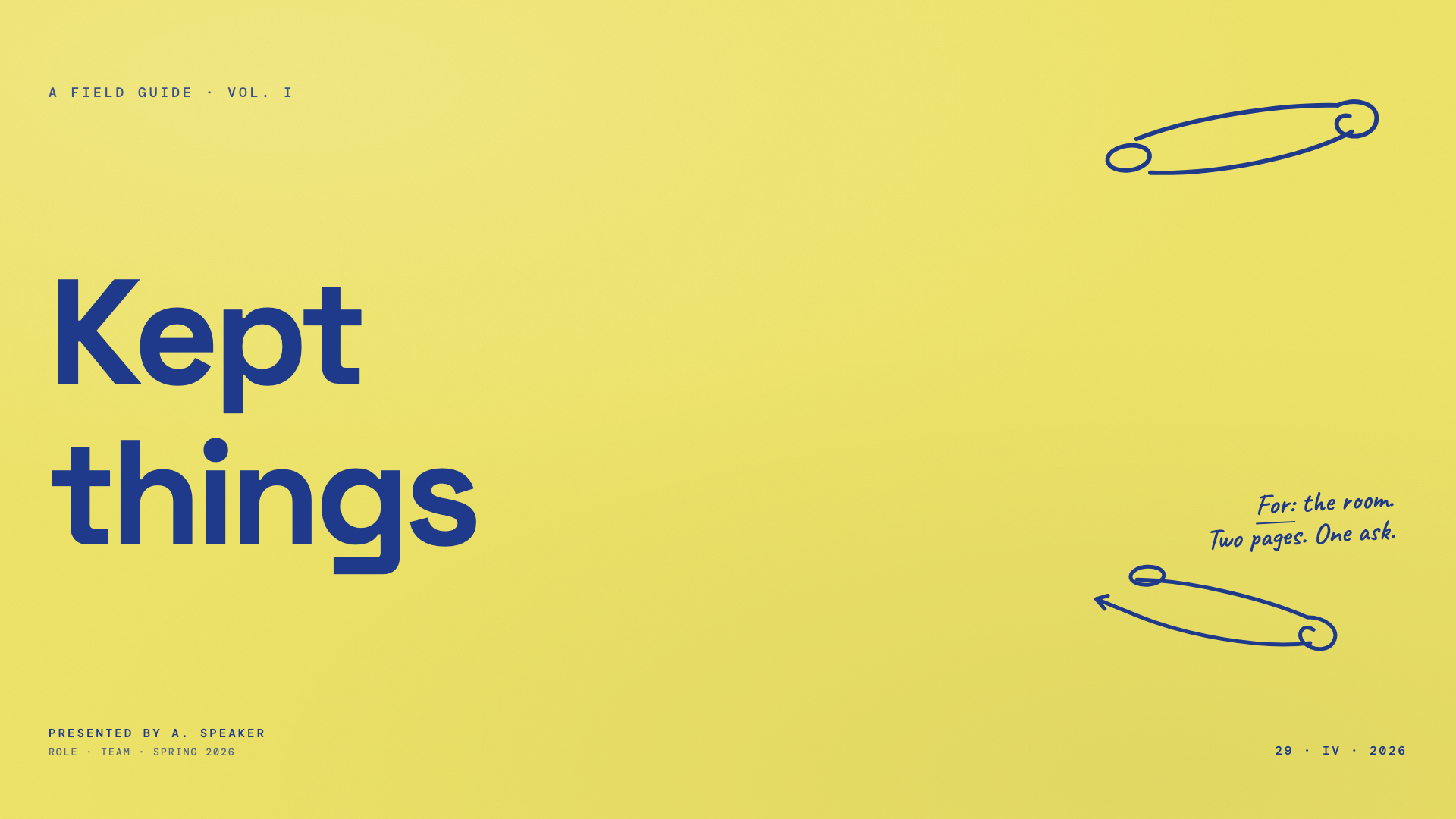
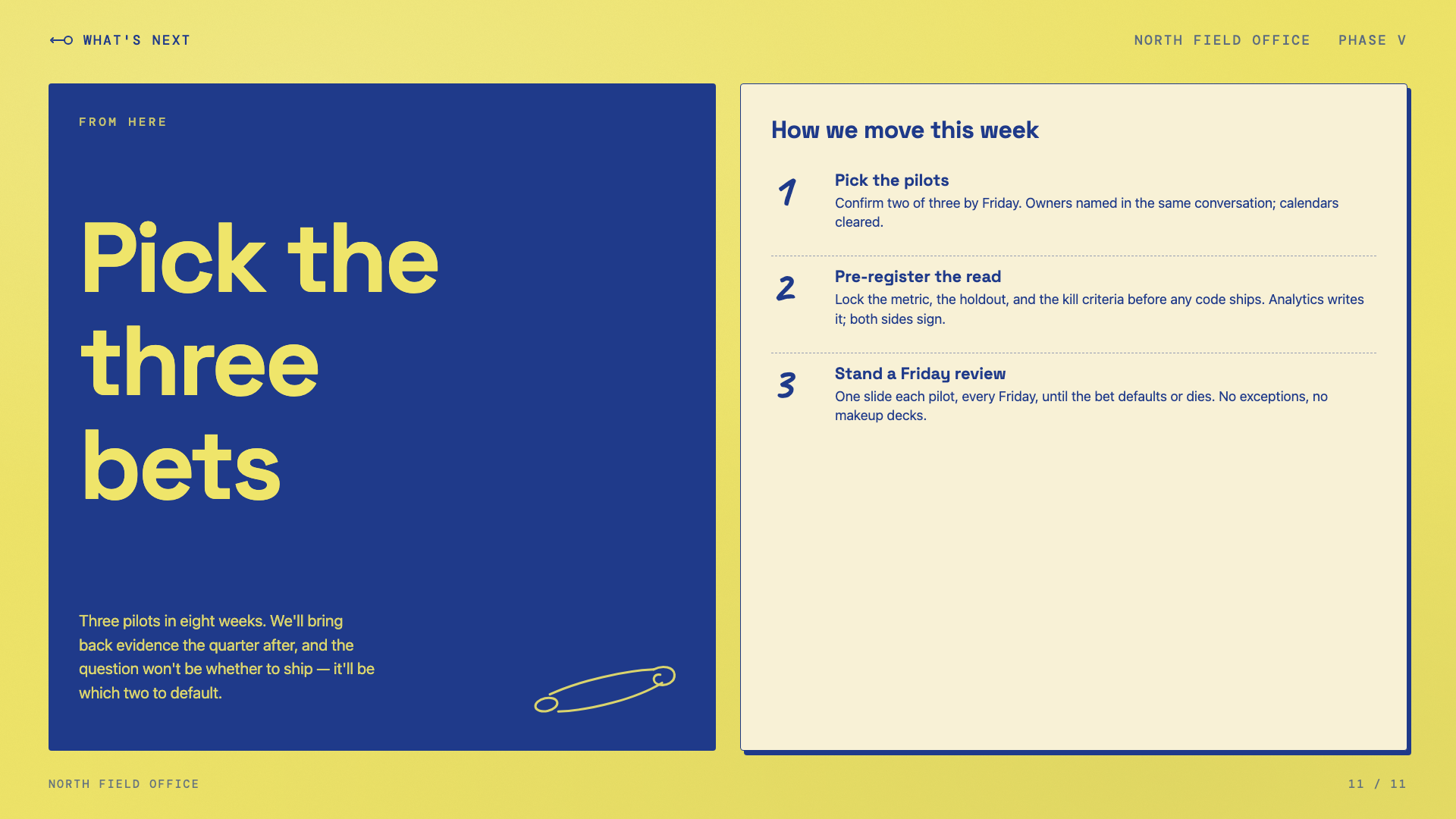
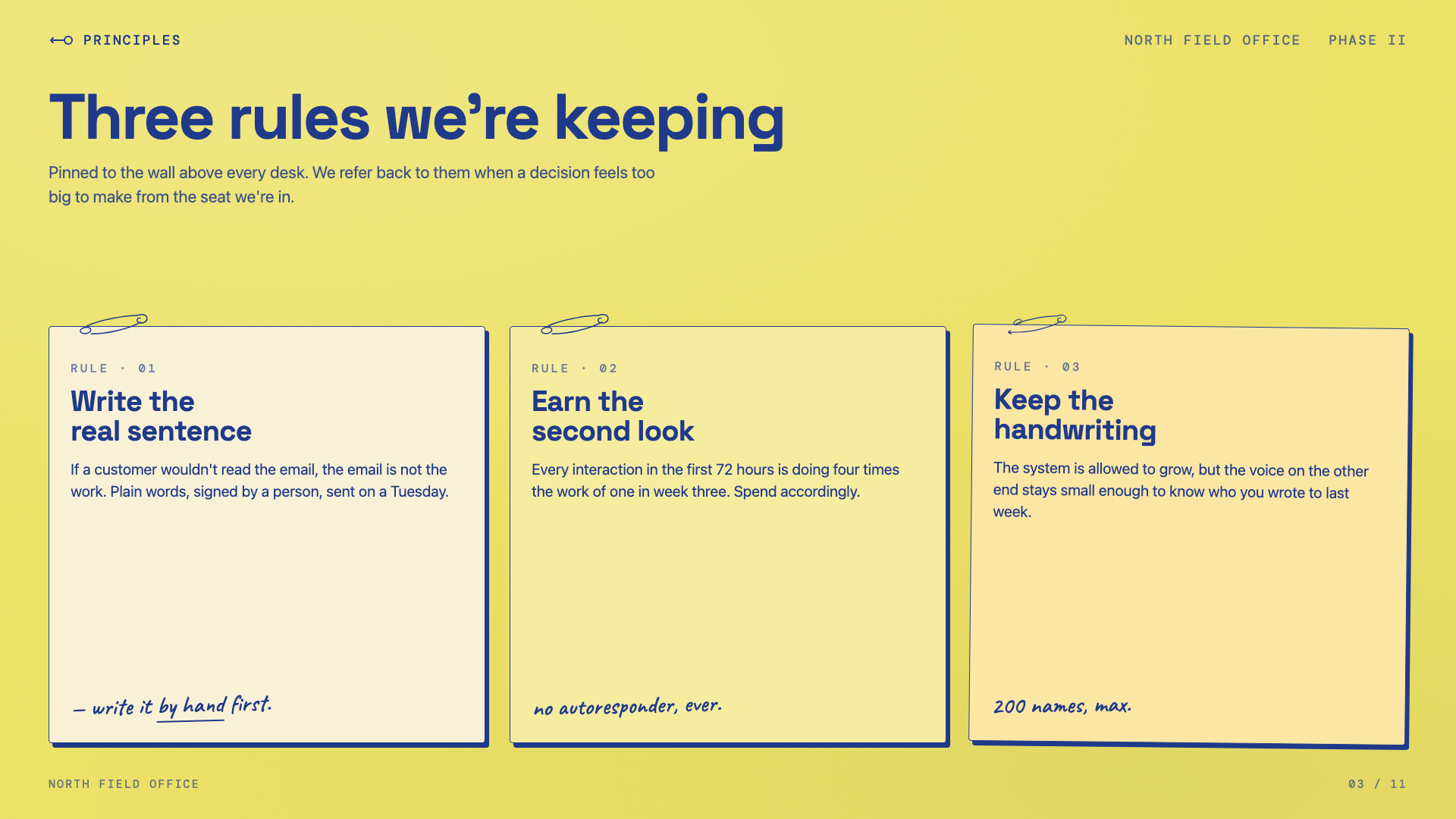
Yellow paper with safety-pin illustrations, ink-blue handwritten Caveat, paper-grain texture.
Sakura Chroma
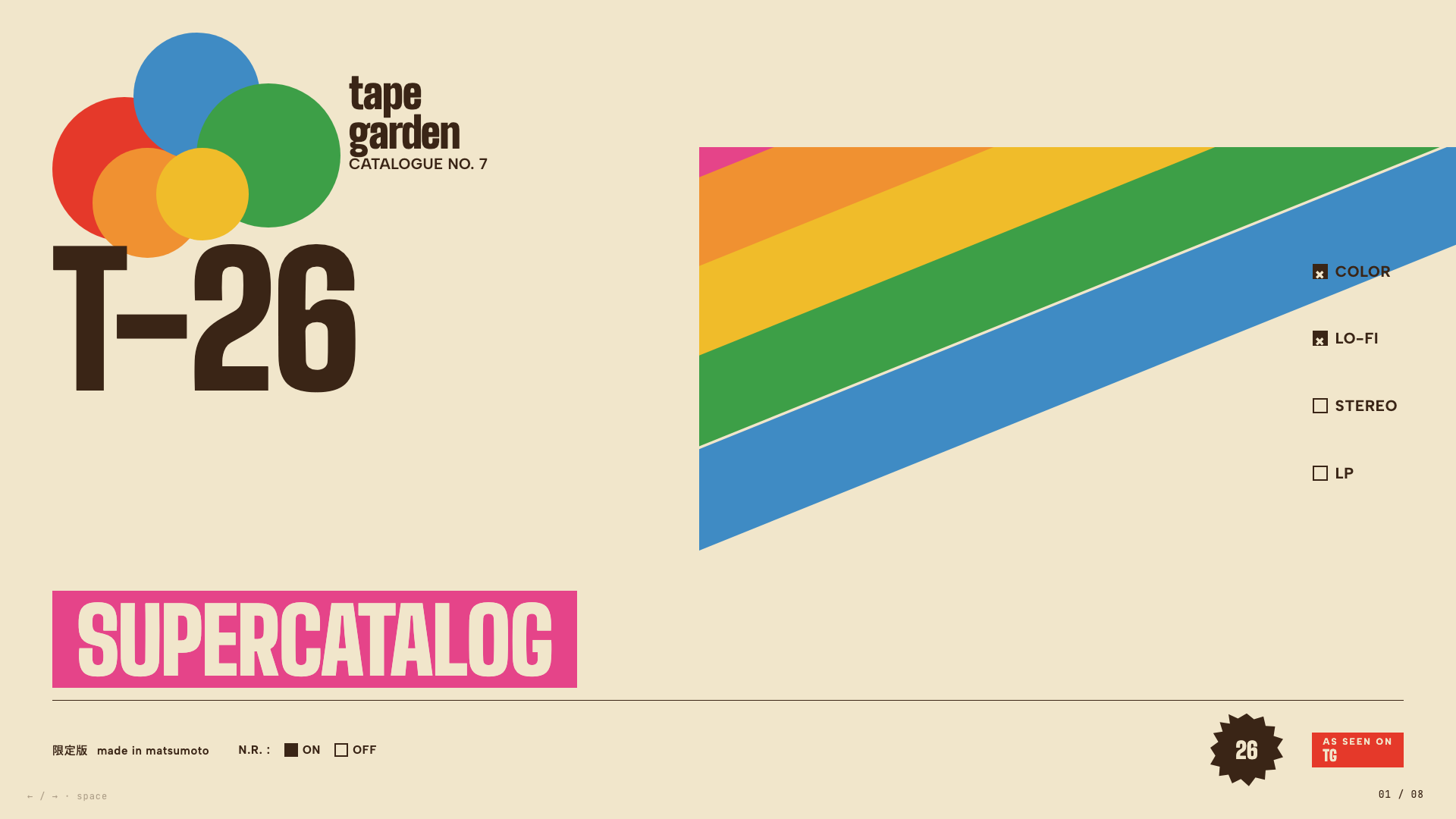
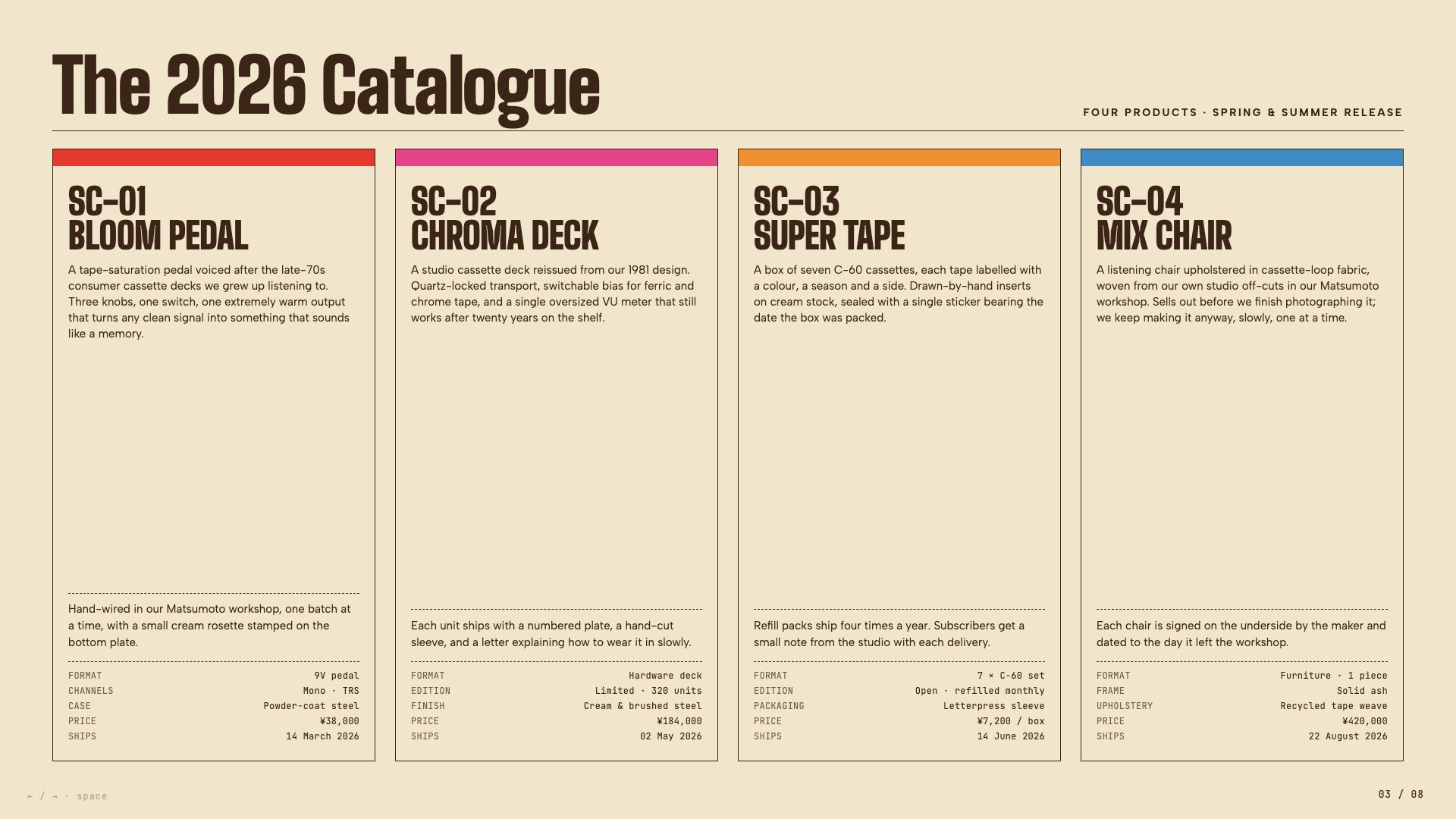
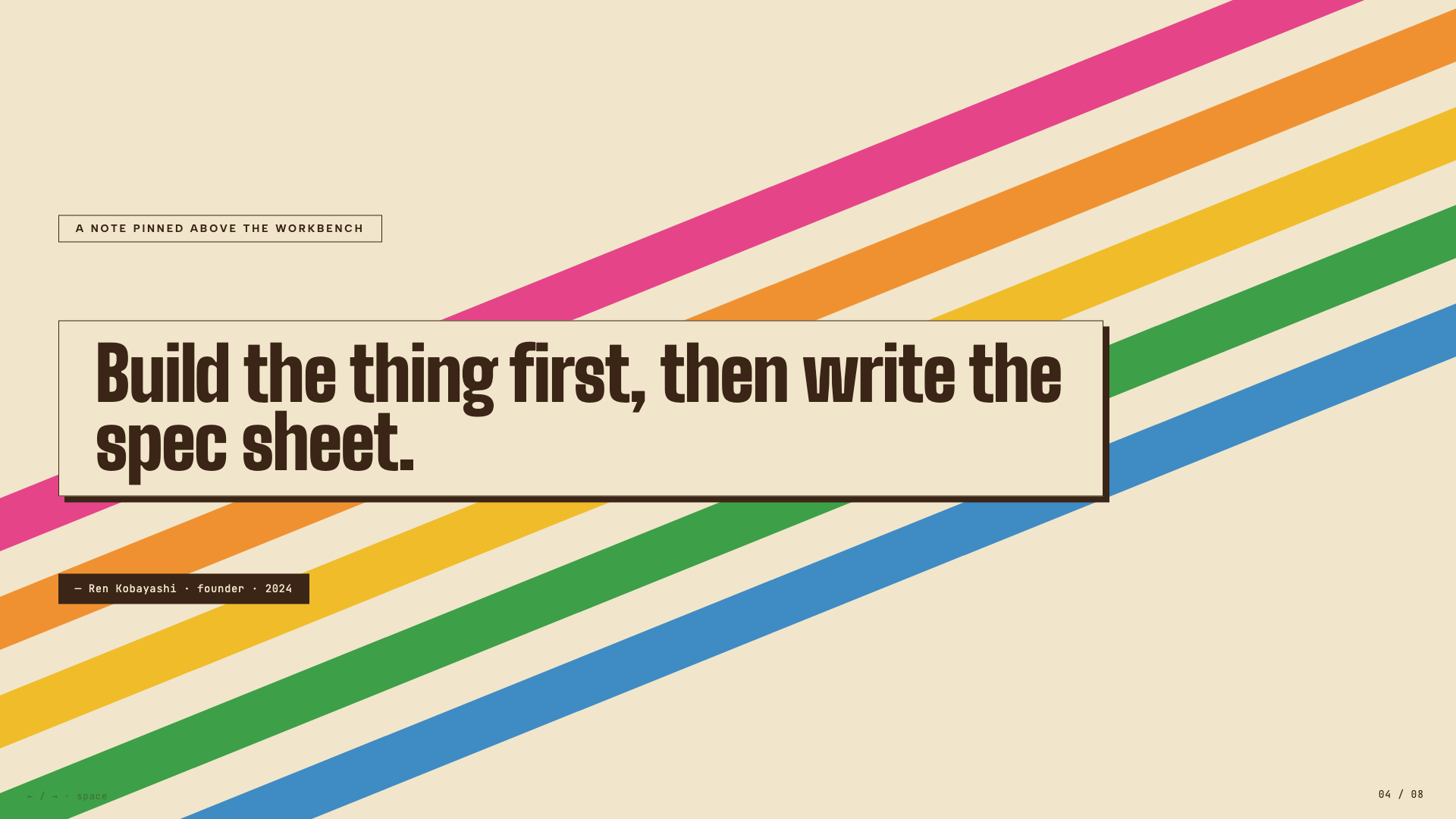
Vintage Japanese cassette-package aesthetic: cream paper, diagonal rainbow ribbons, condensed bold type, JIS-style spec checkboxes.
Stencil & Tablet

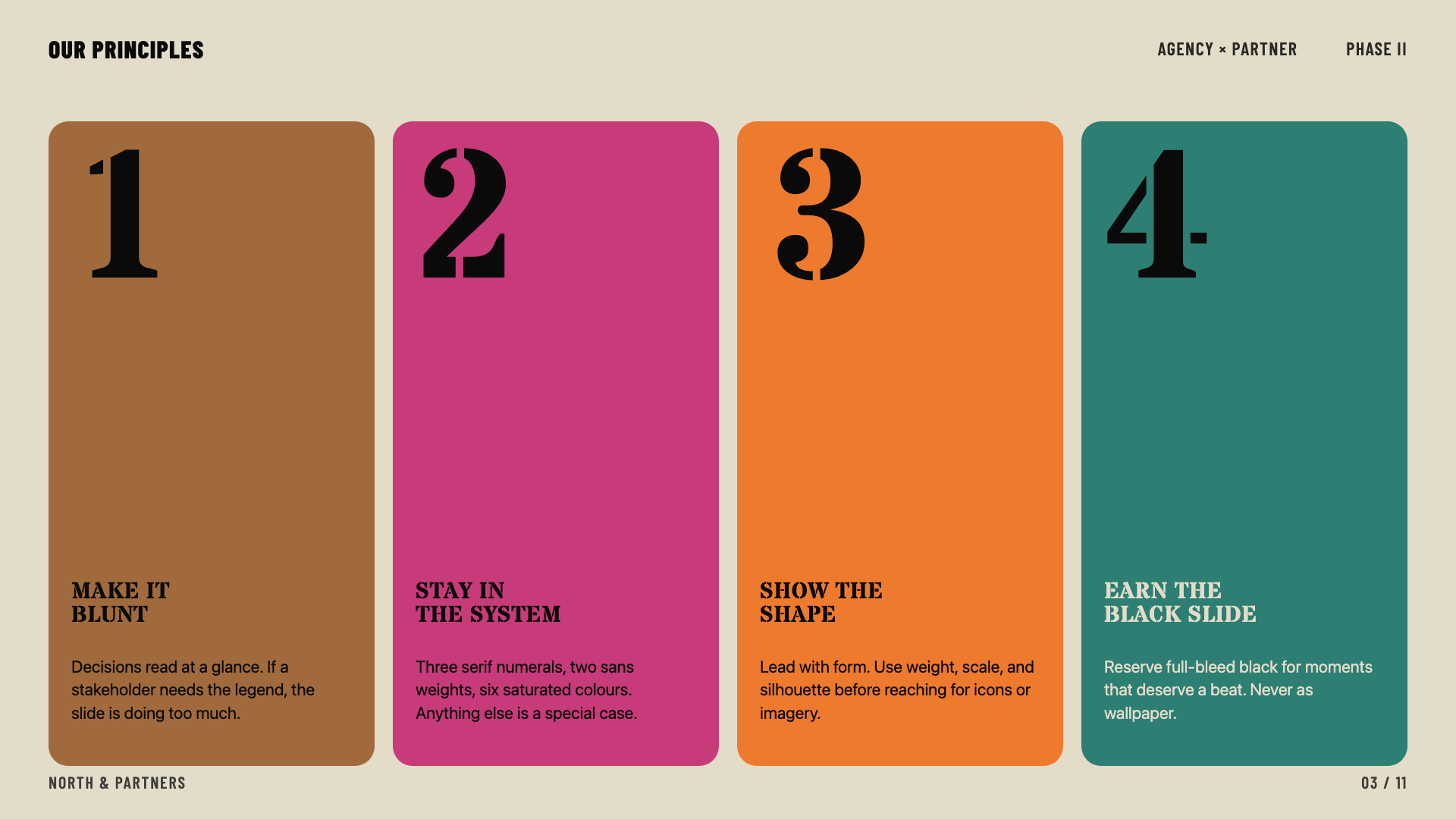
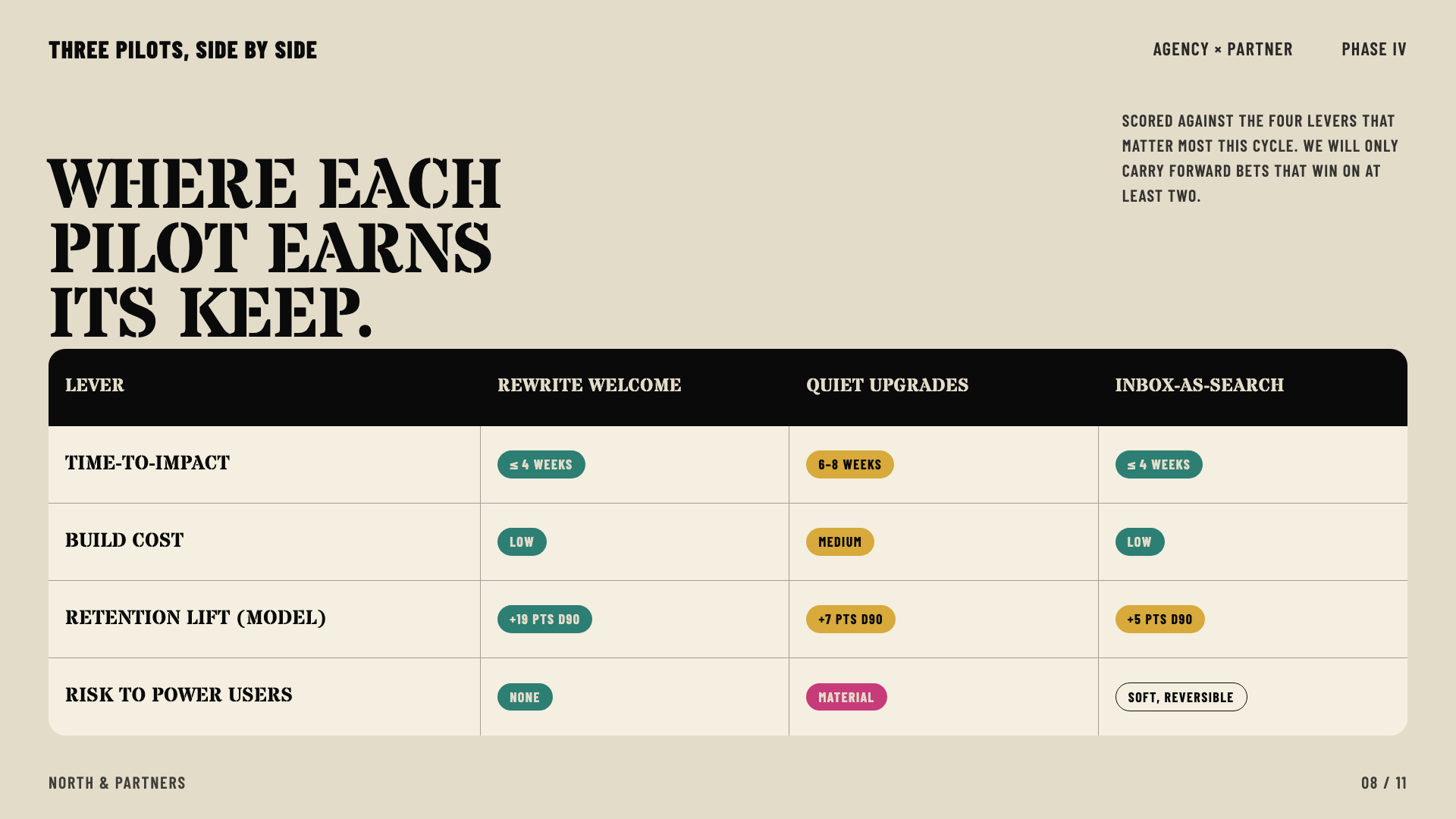
Bone paper with stencil-cut headlines and a six-color earth palette: archaeology meets brand.
Cobalt Grid
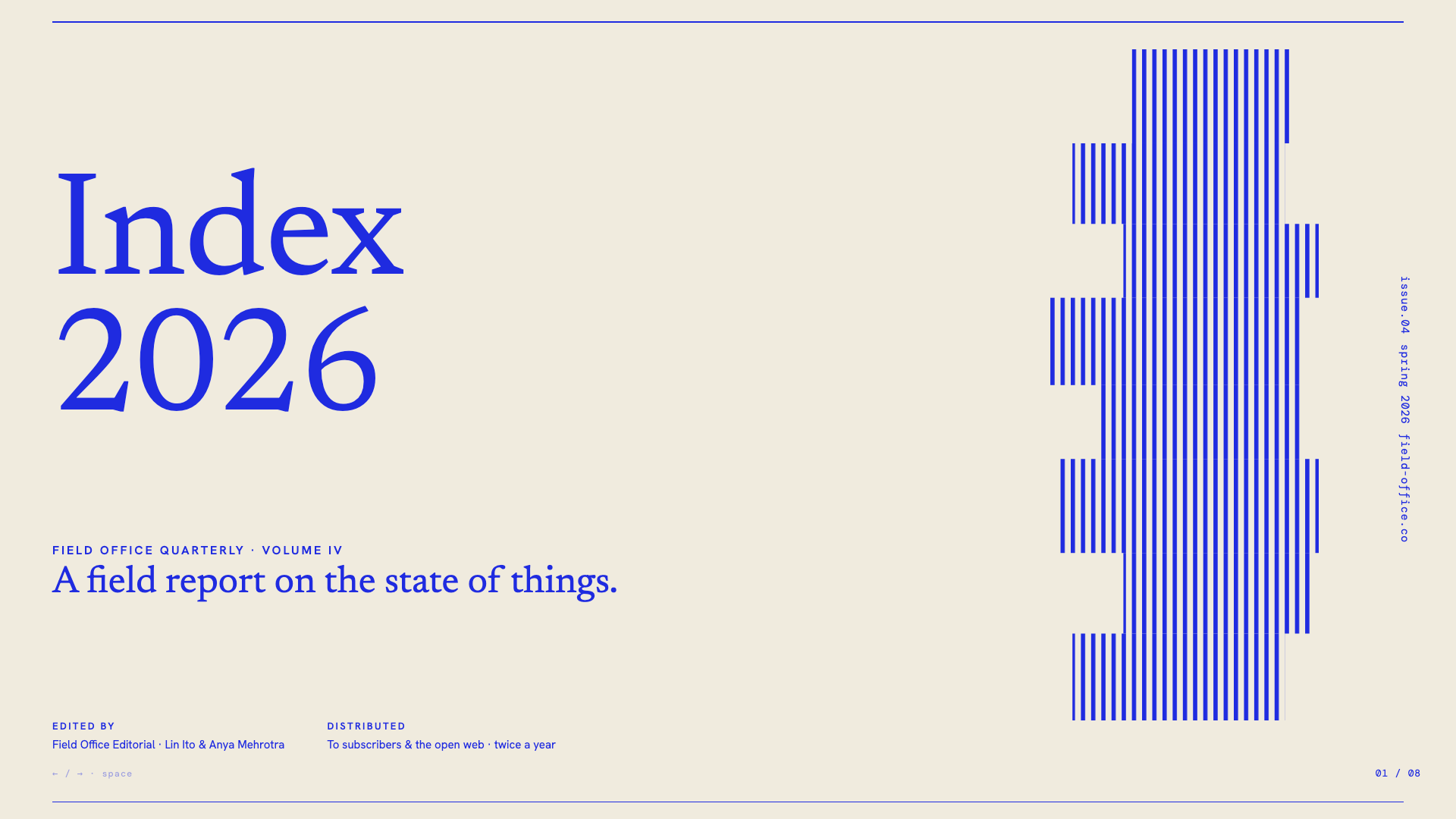
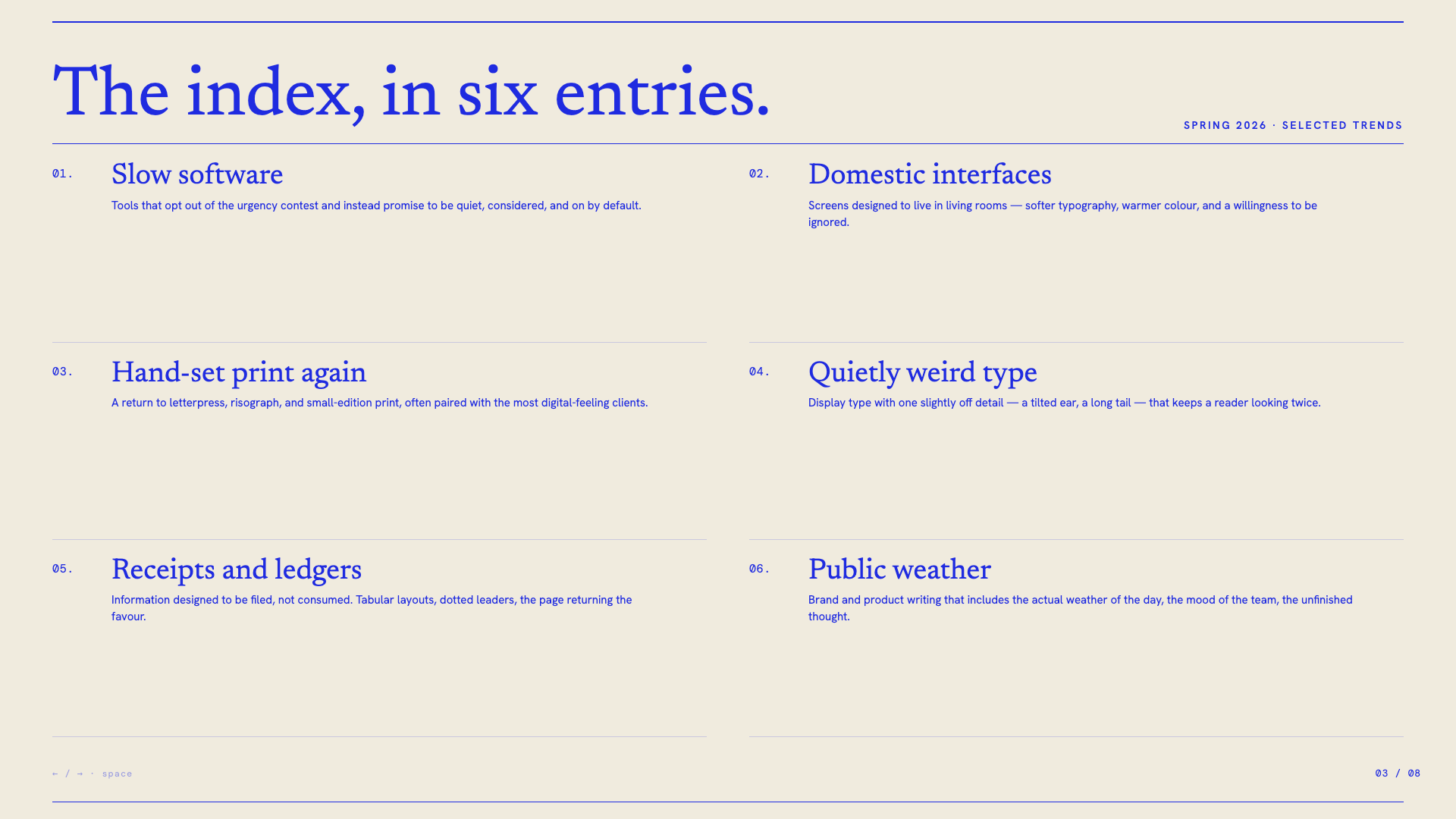
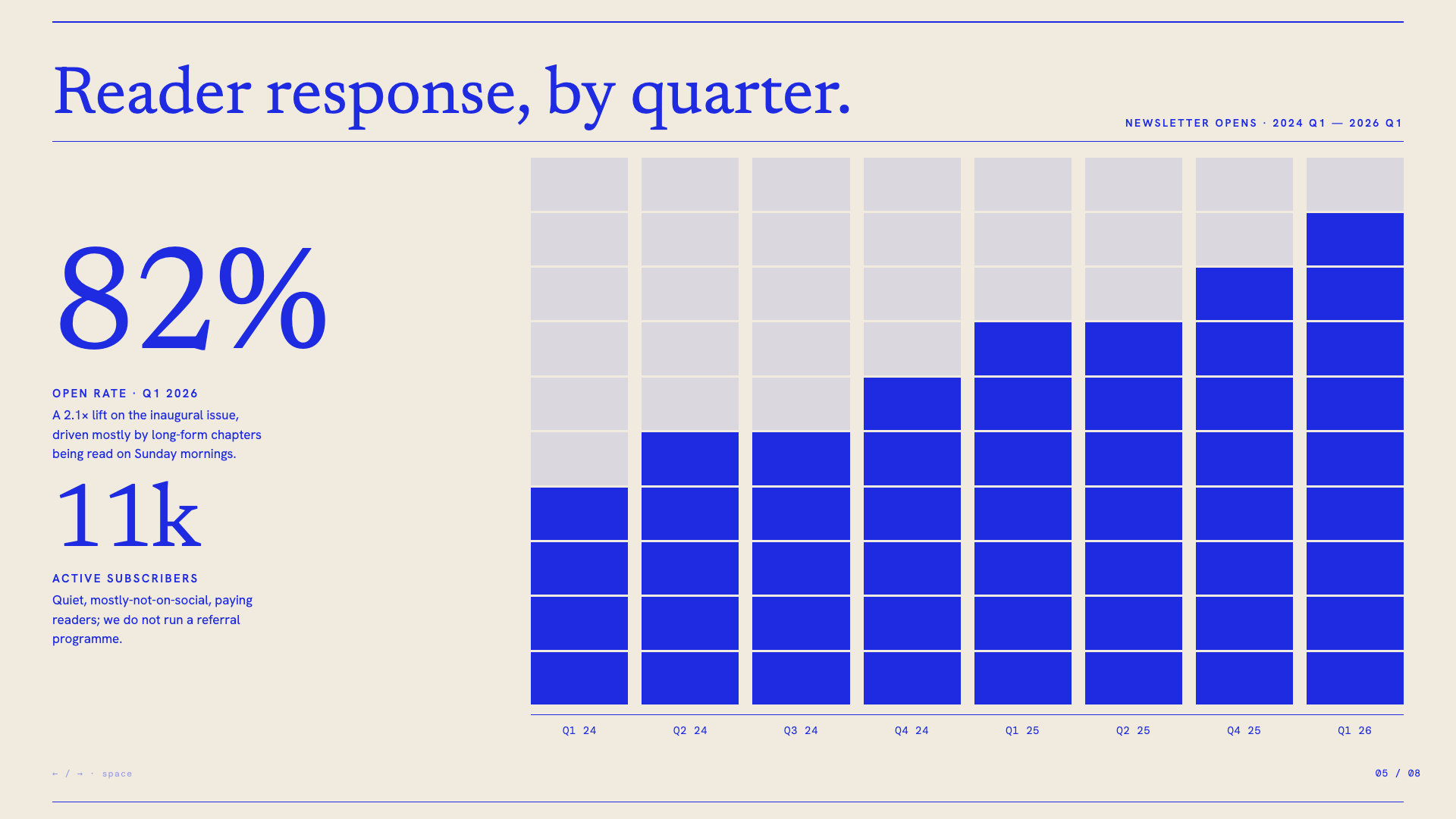
Electric cobalt italic serifs on a graph-paper canvas, anchored by stair-stepped pixel-glitch decorations and slim hairline rules.
Vellum
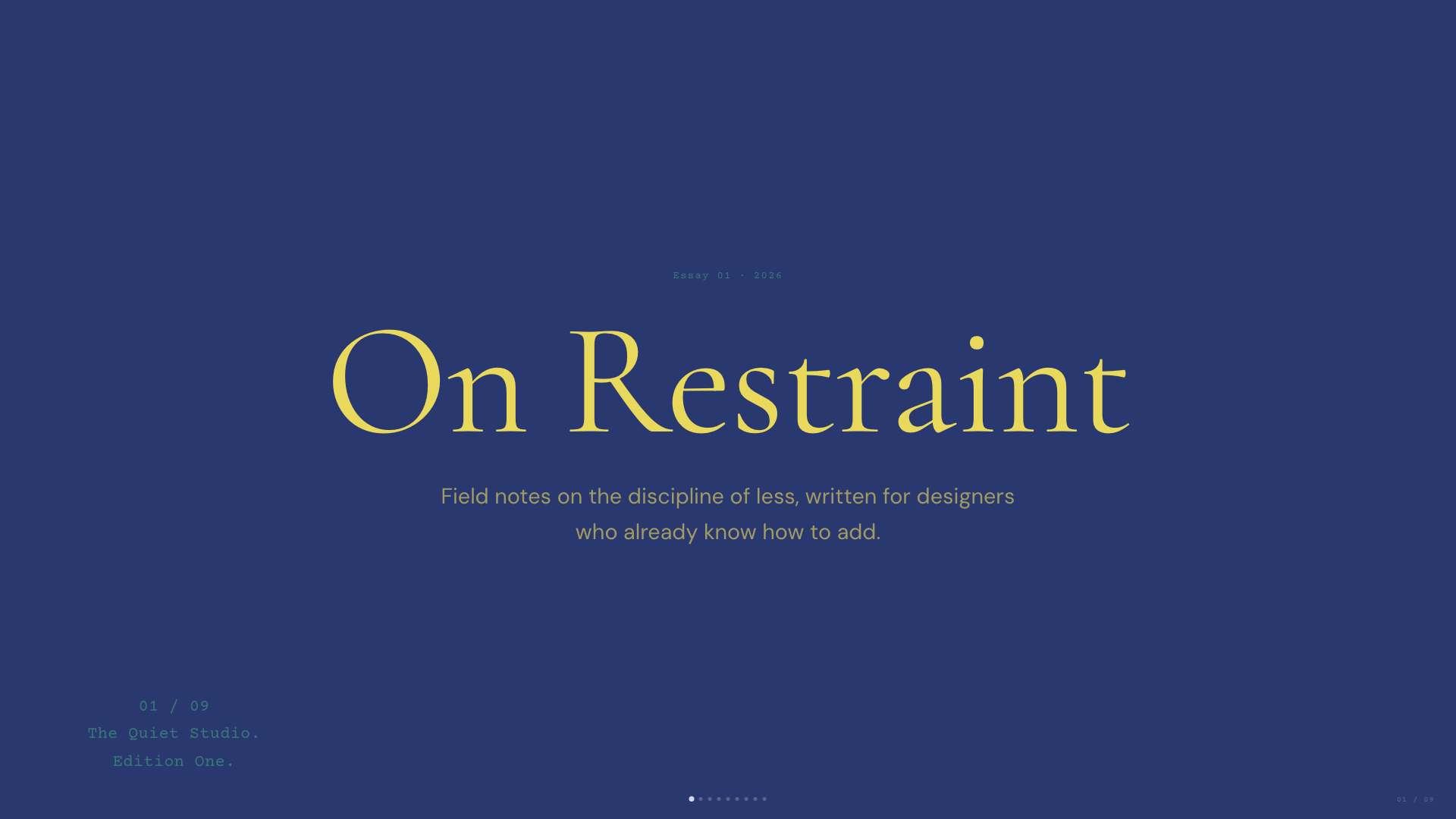
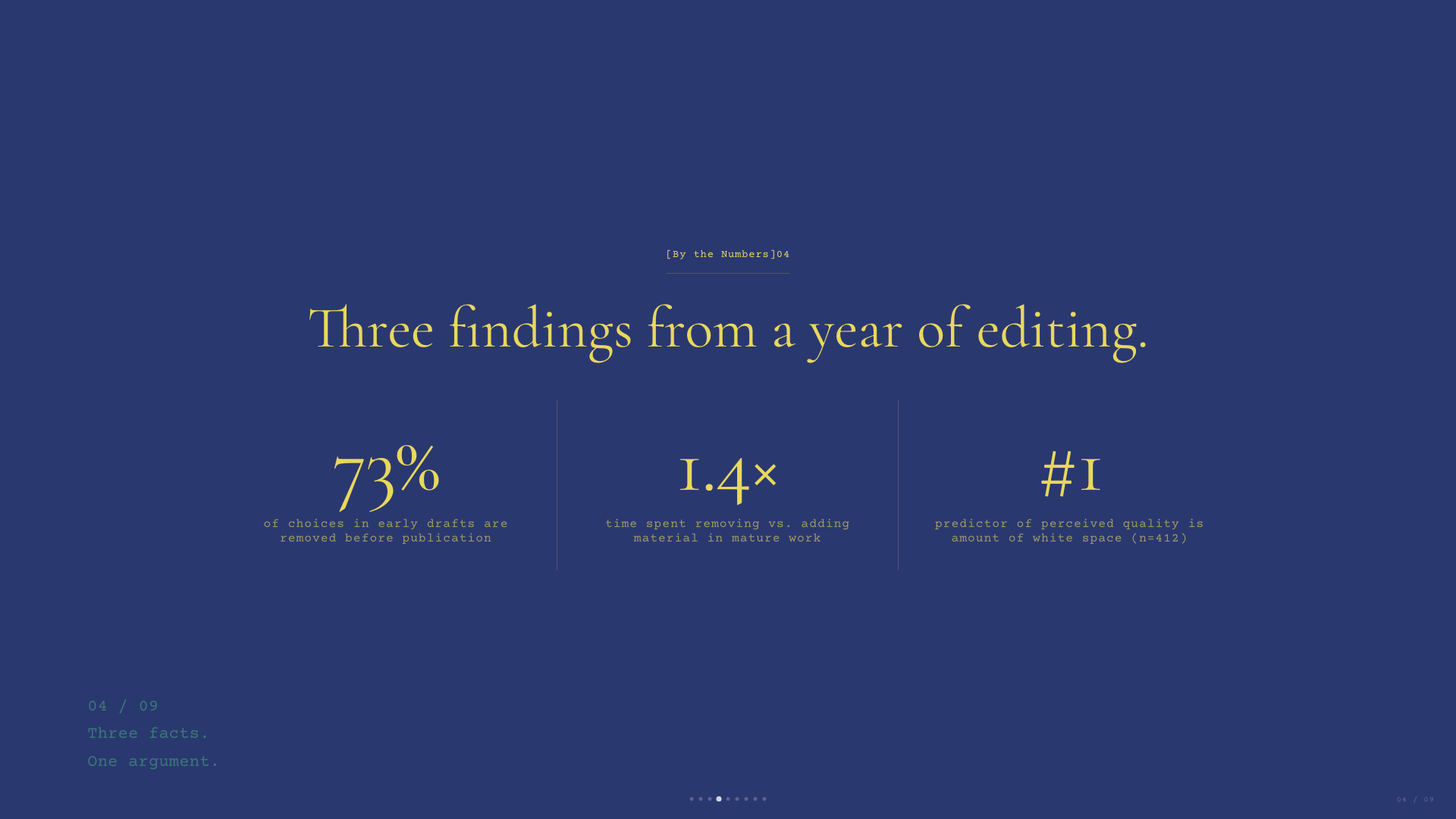
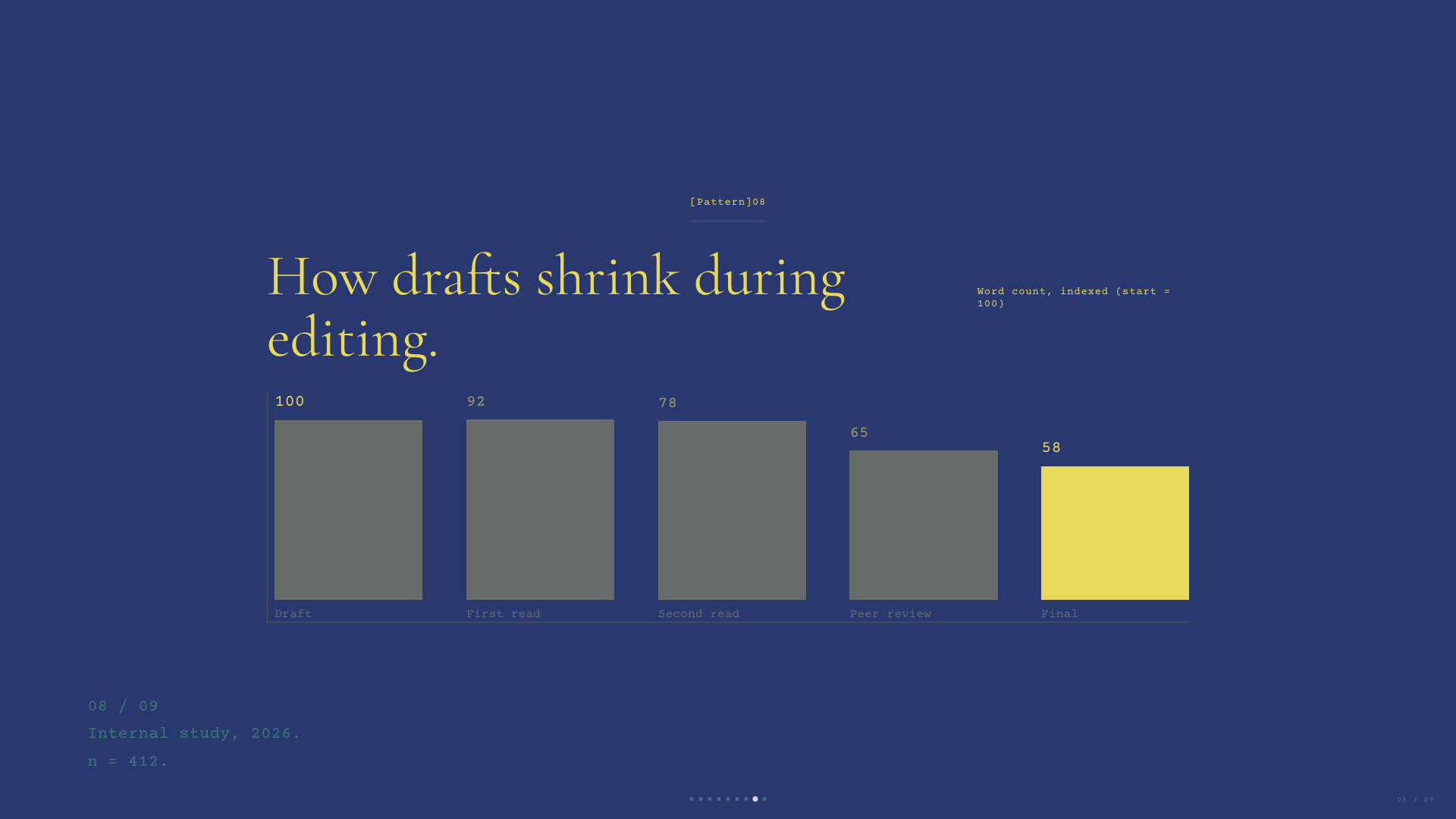
Deep navy canvas with warm-yellow italic Cormorant serifs and a single dusty teal accent. A quiet, scholarly aesthetic.
Emerald Editorial
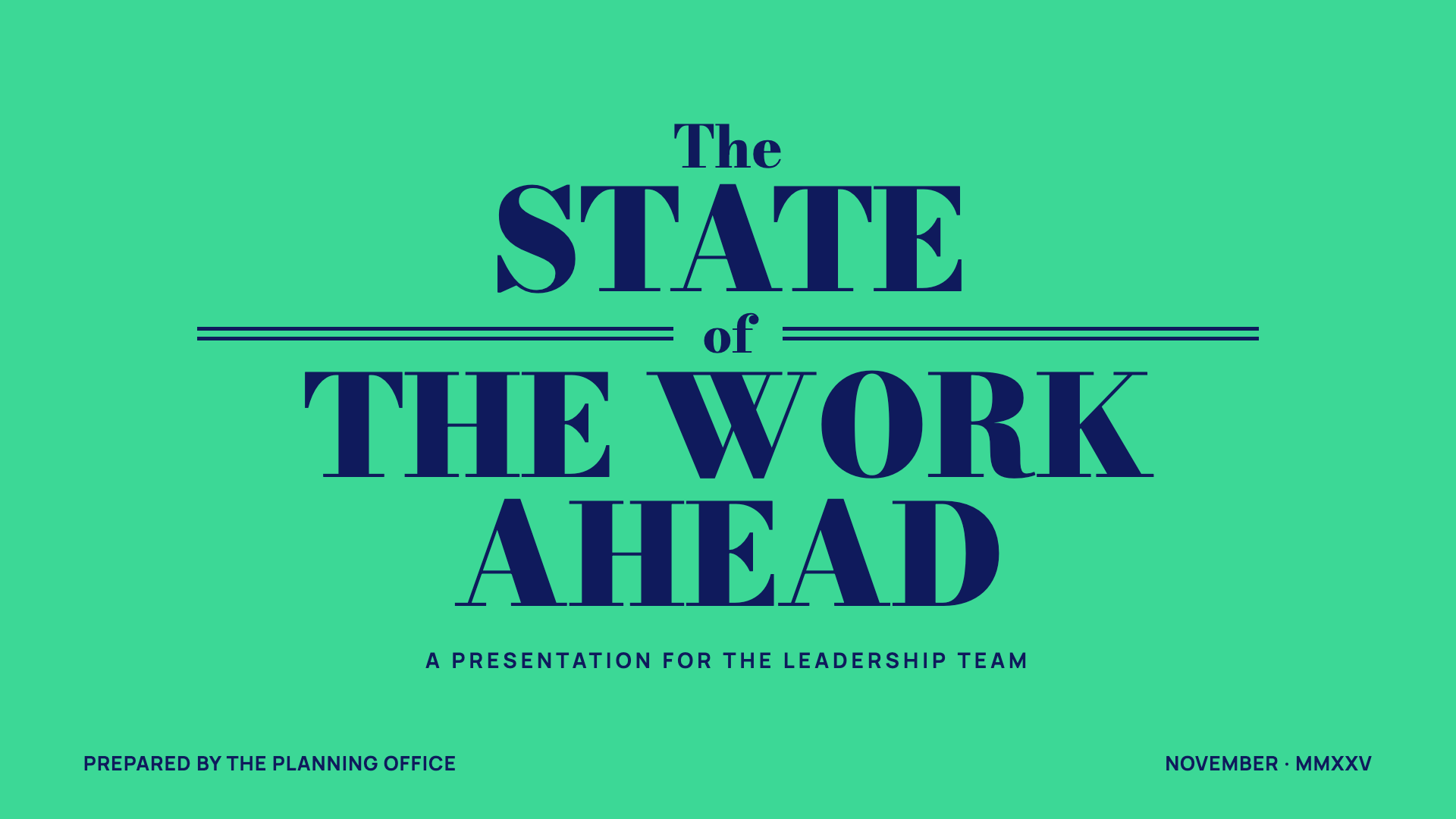
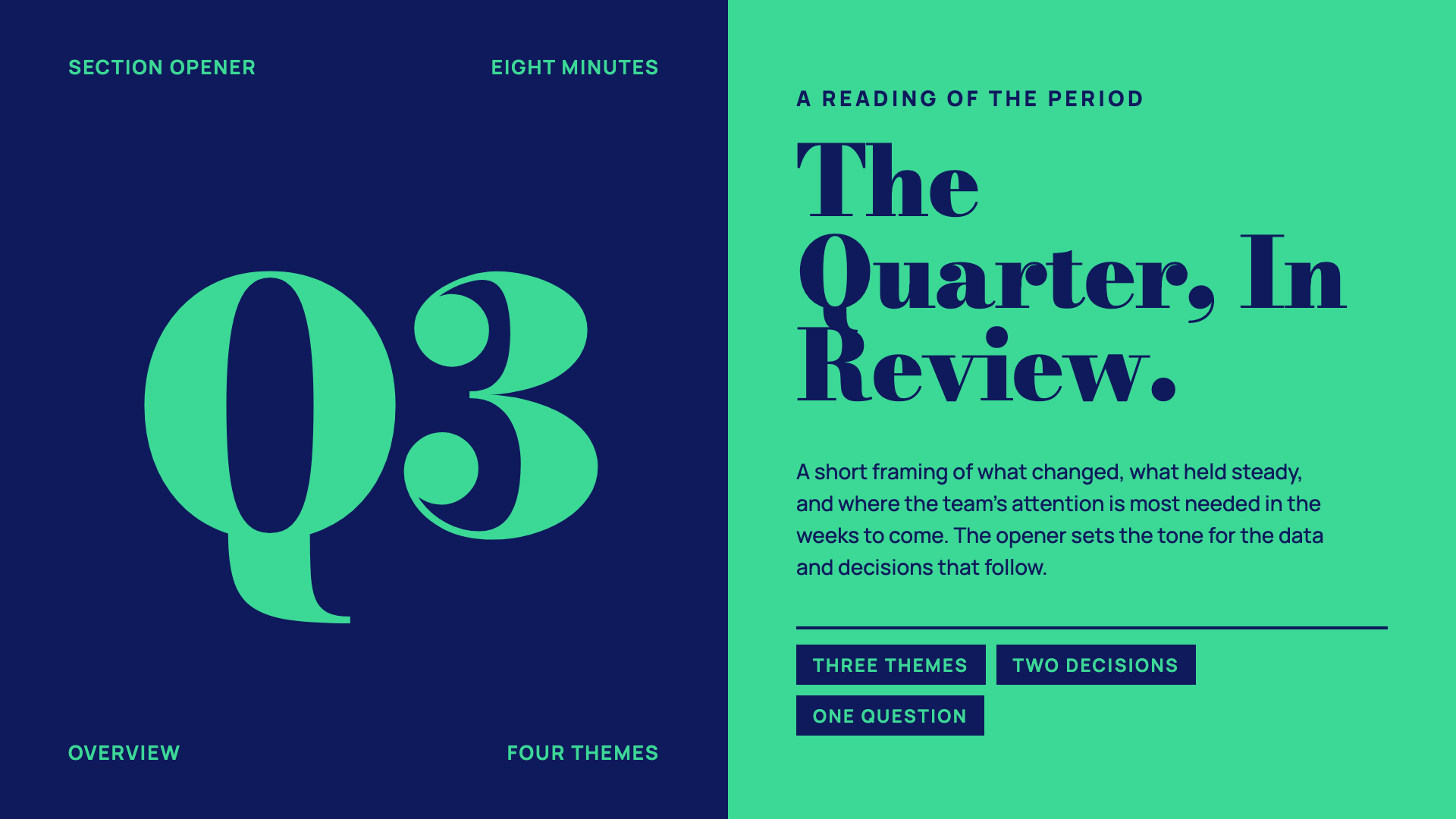
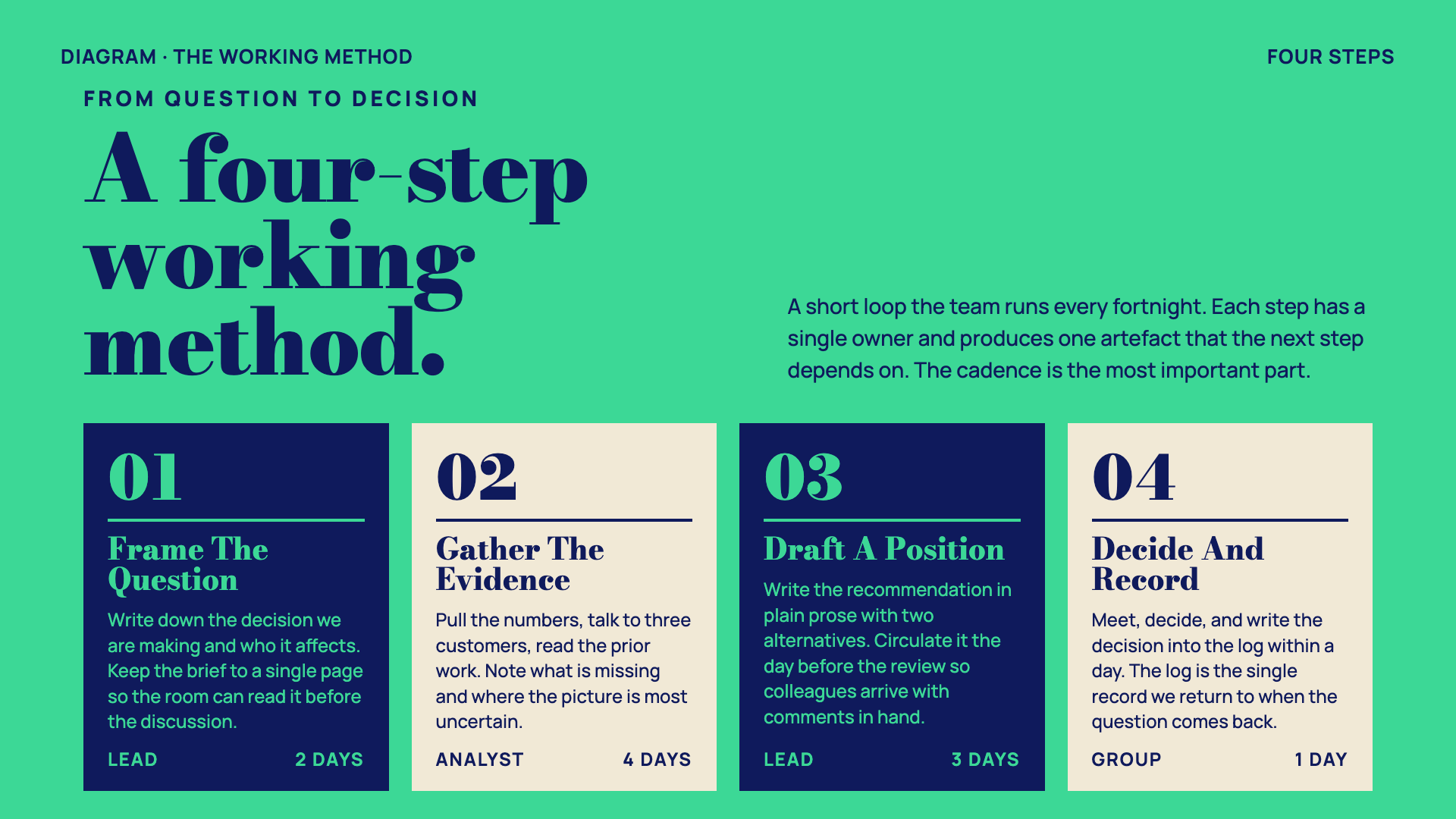
Magazine-cover business deck: emerald + navy + paper with double-rule masthead ornaments and a heavy Bodoni-style display serif.
Neo-Grid Bold
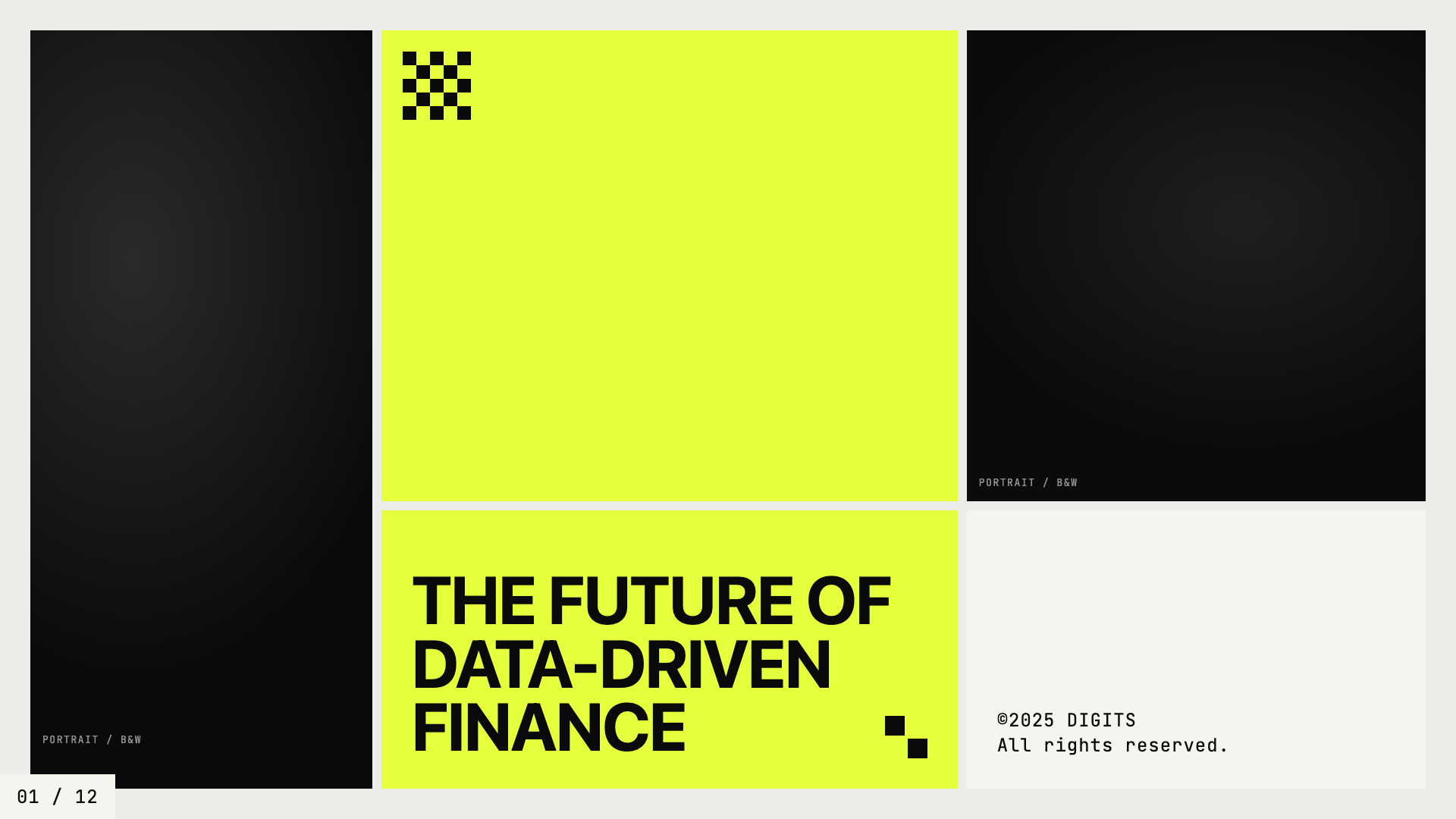
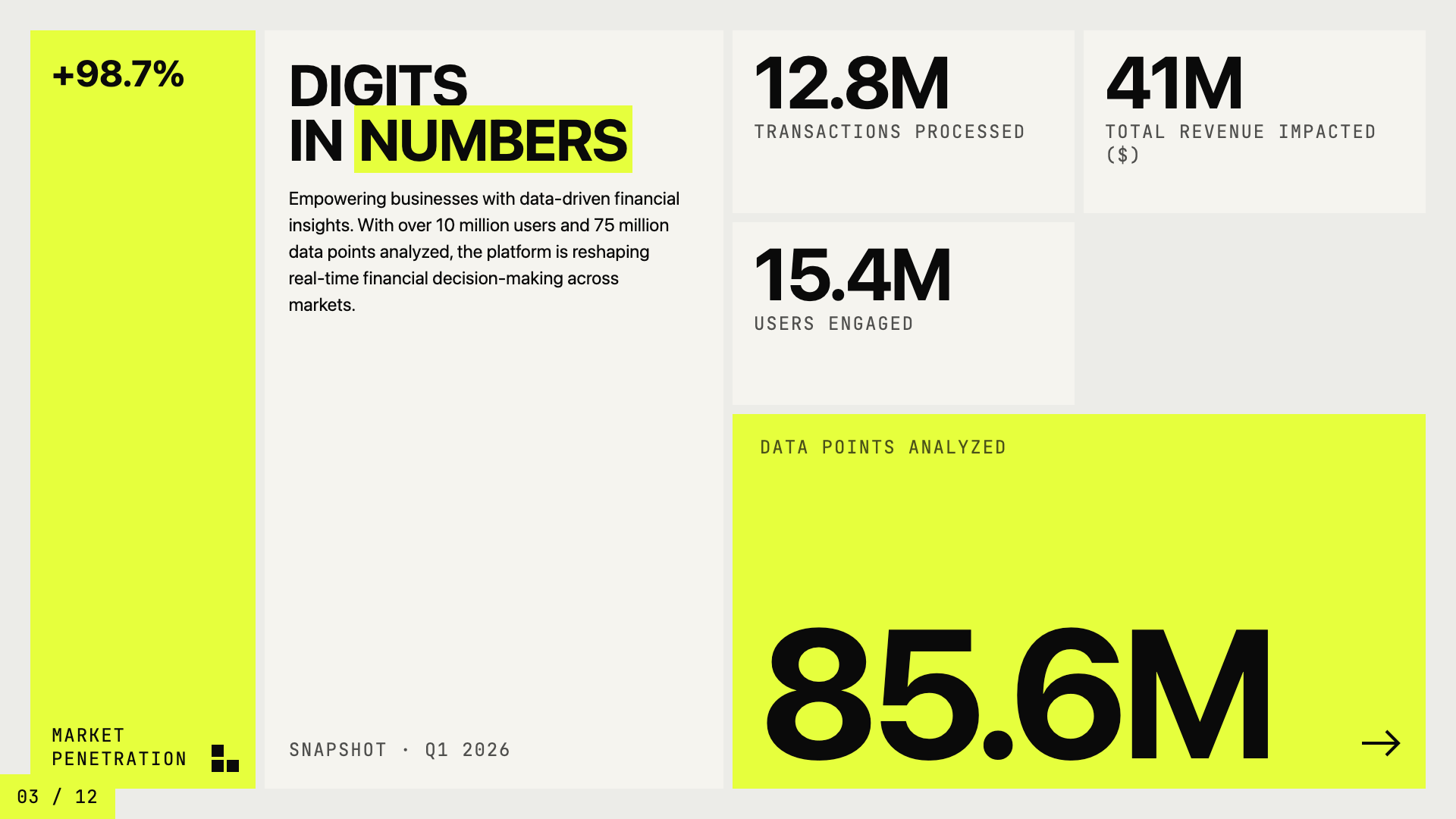
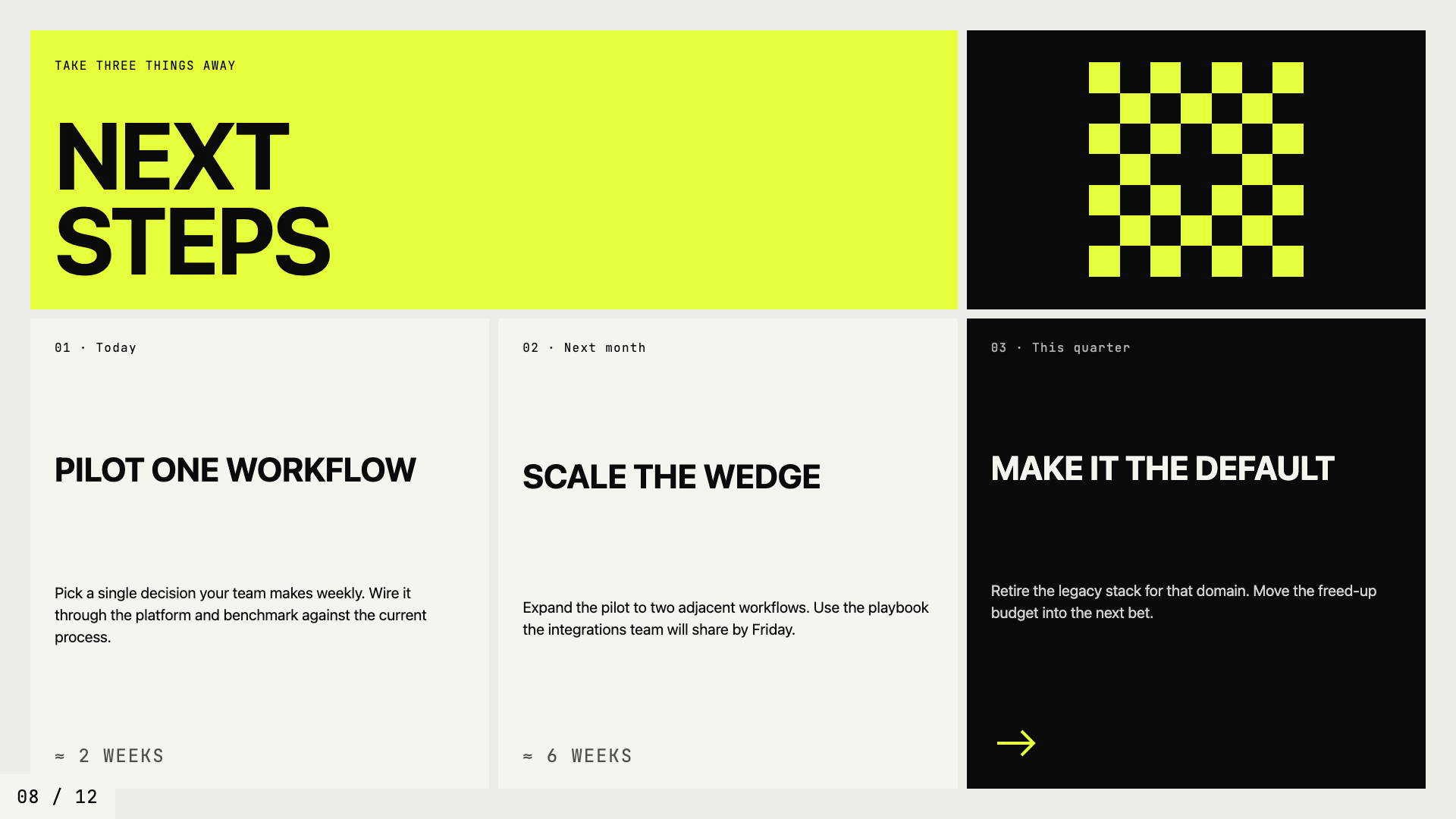
Editorial neo-brutalism with a single neon yellow accent on off-white paper.
Editorial Tri-Tone
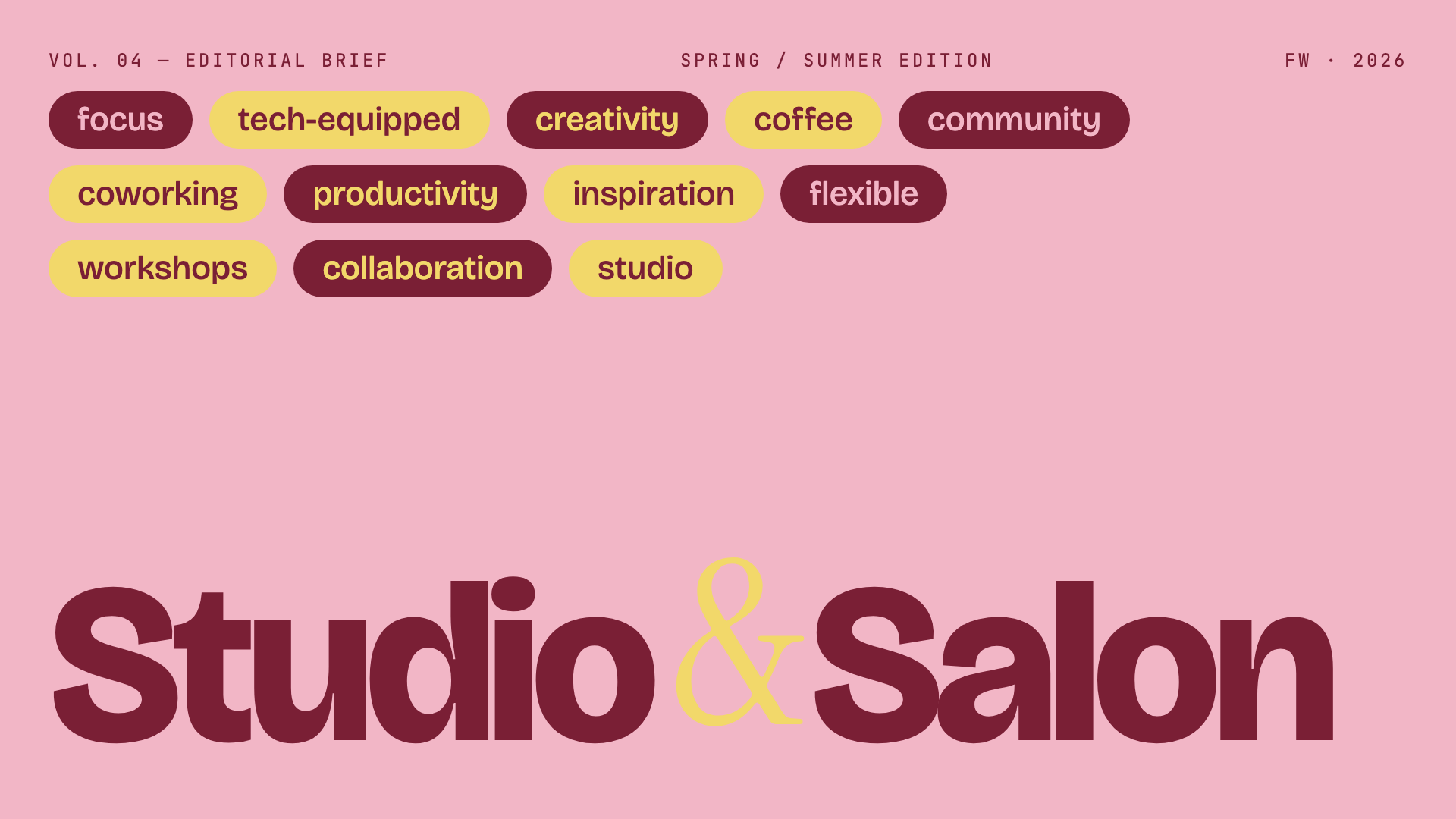
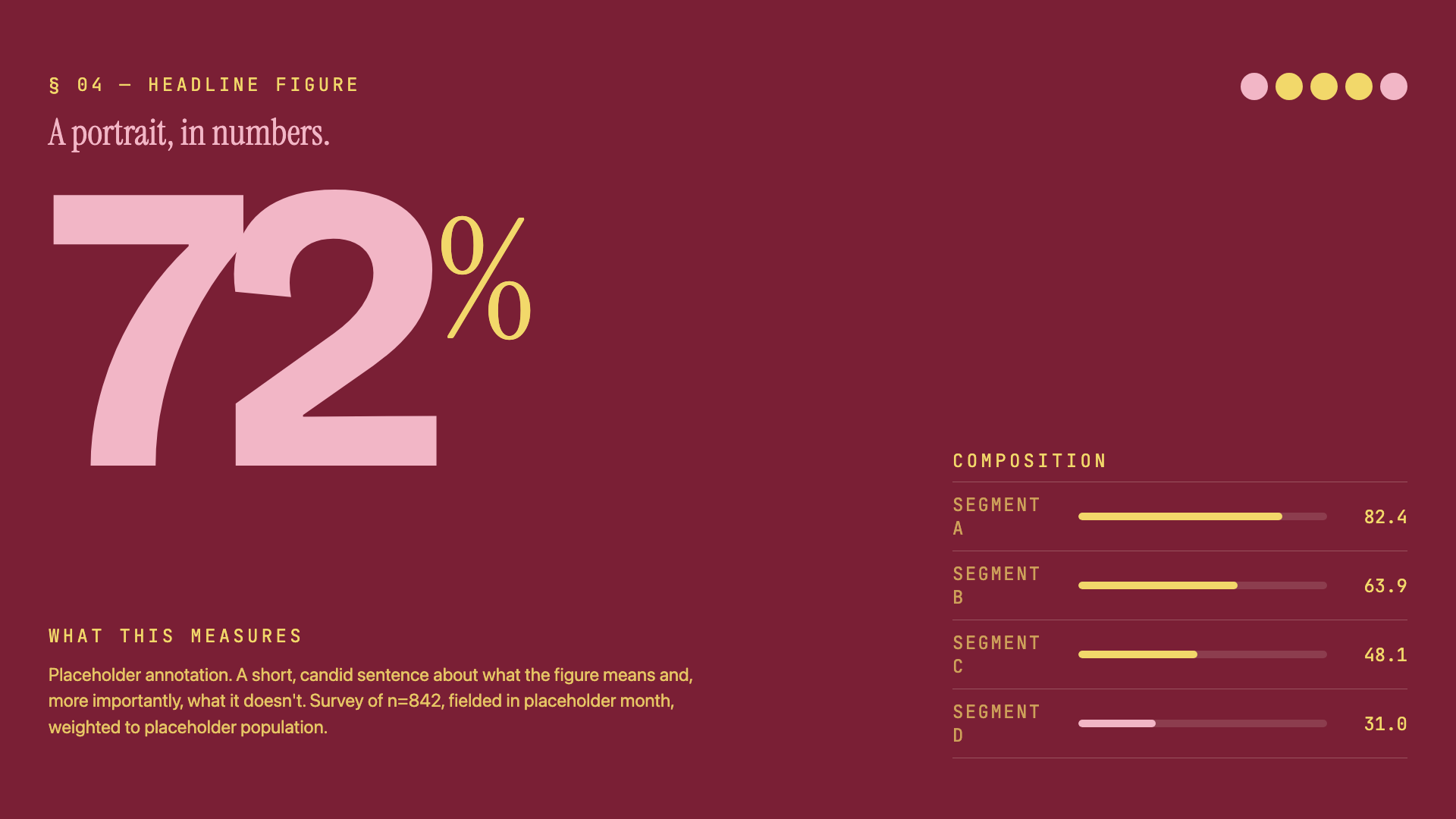
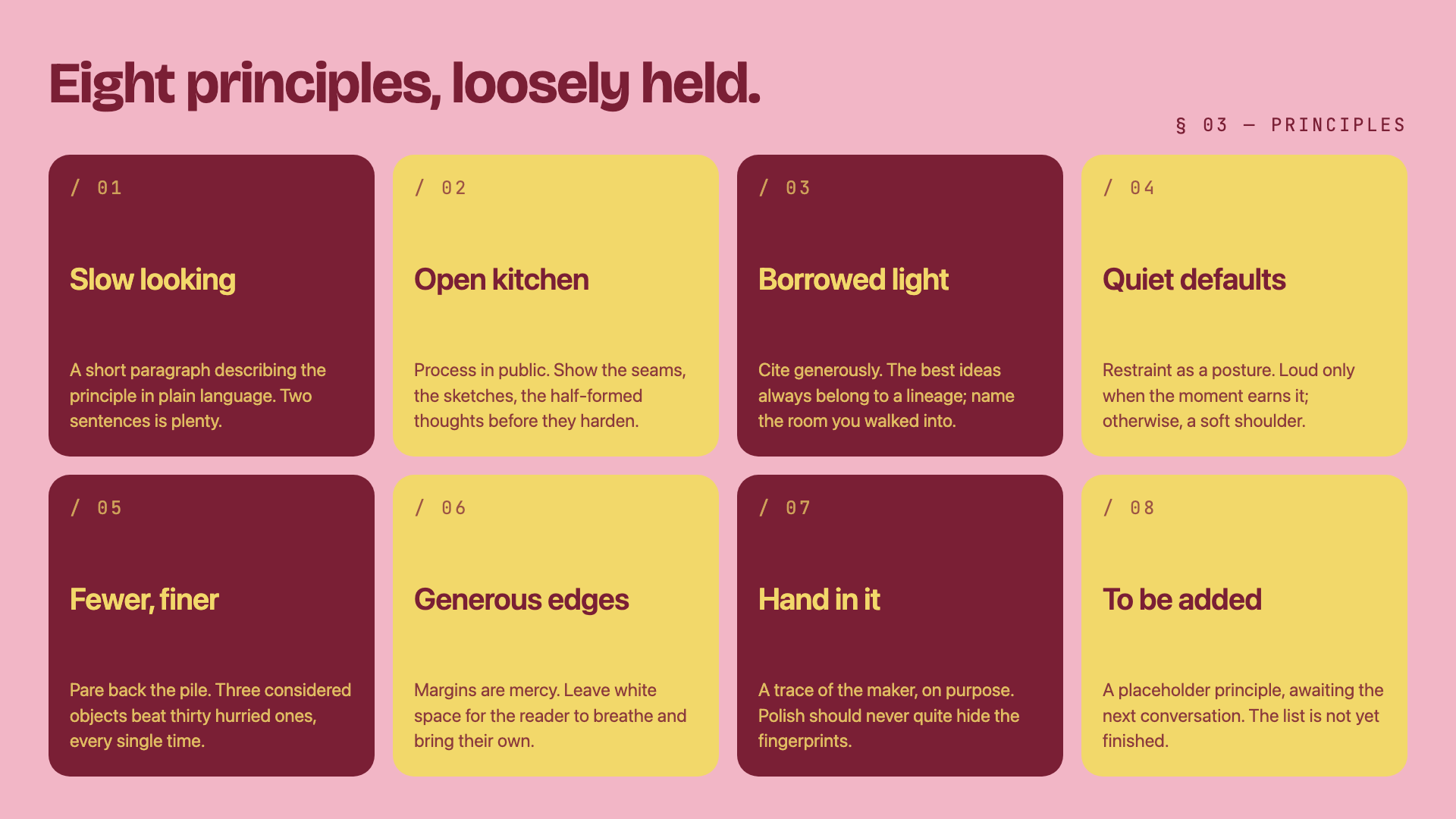
Three-color editorial system: dusty pink, mustard cream, and deep burgundy, set in Bricolage + Instrument Serif.
Creative Mode
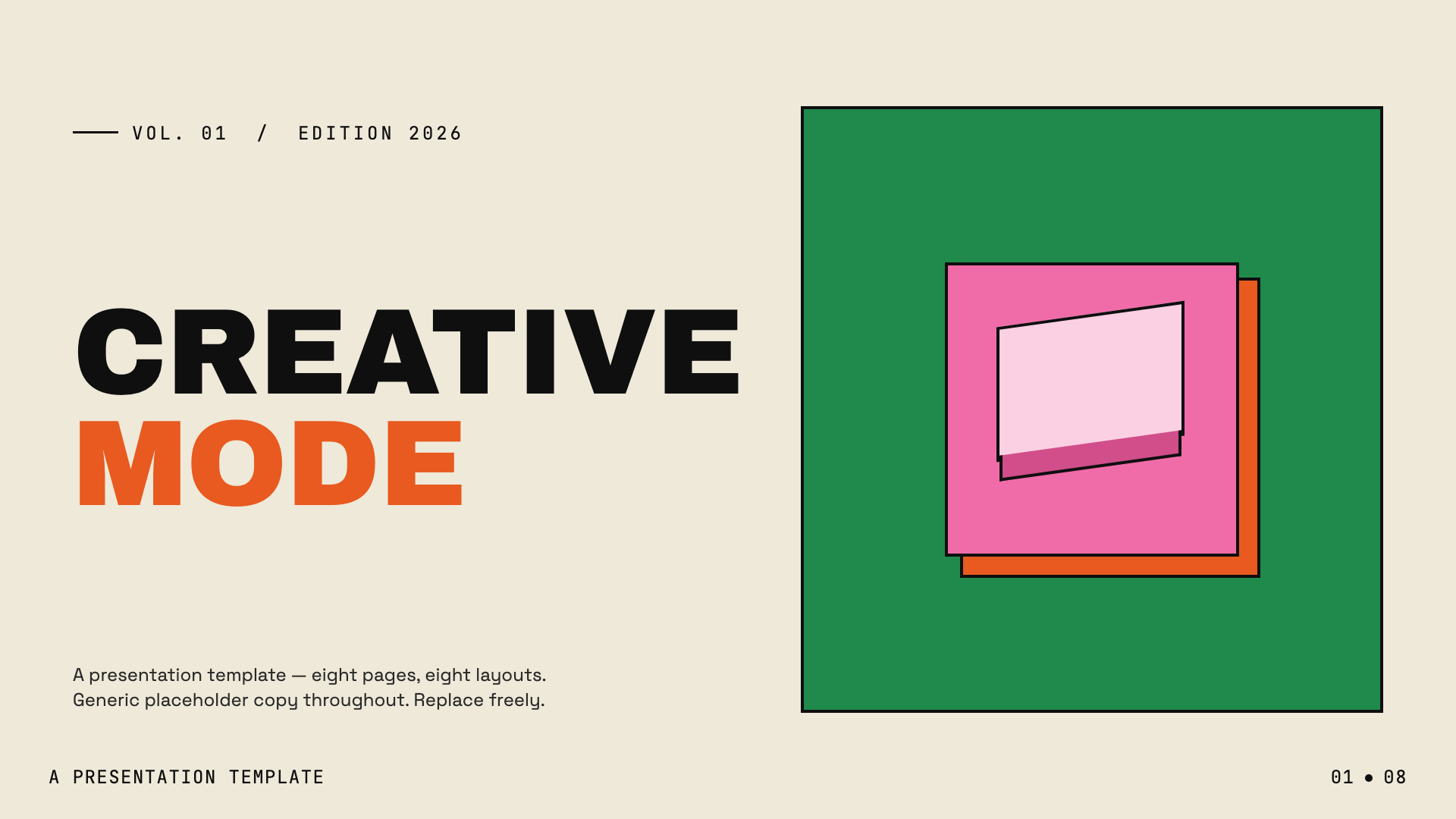
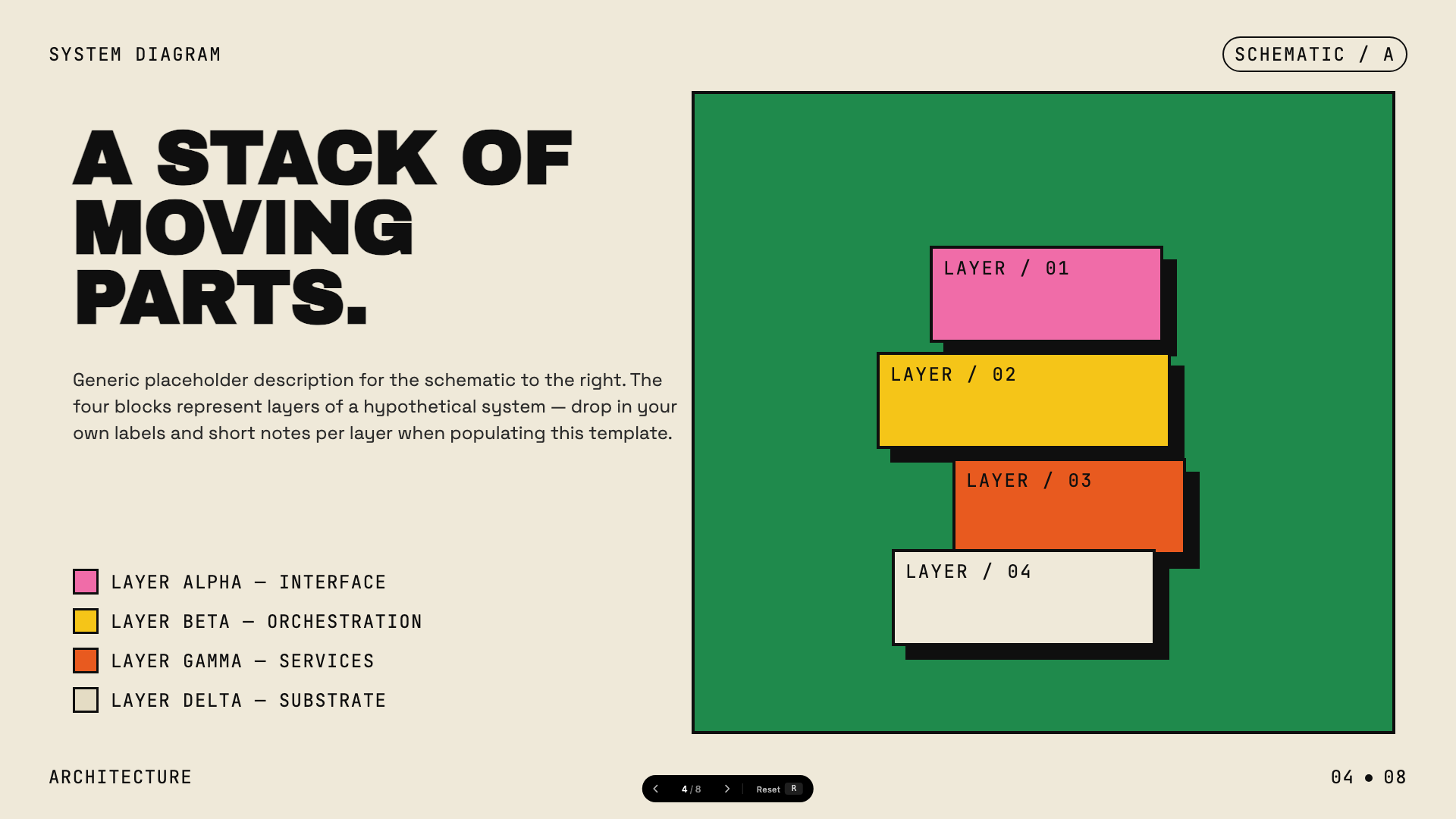
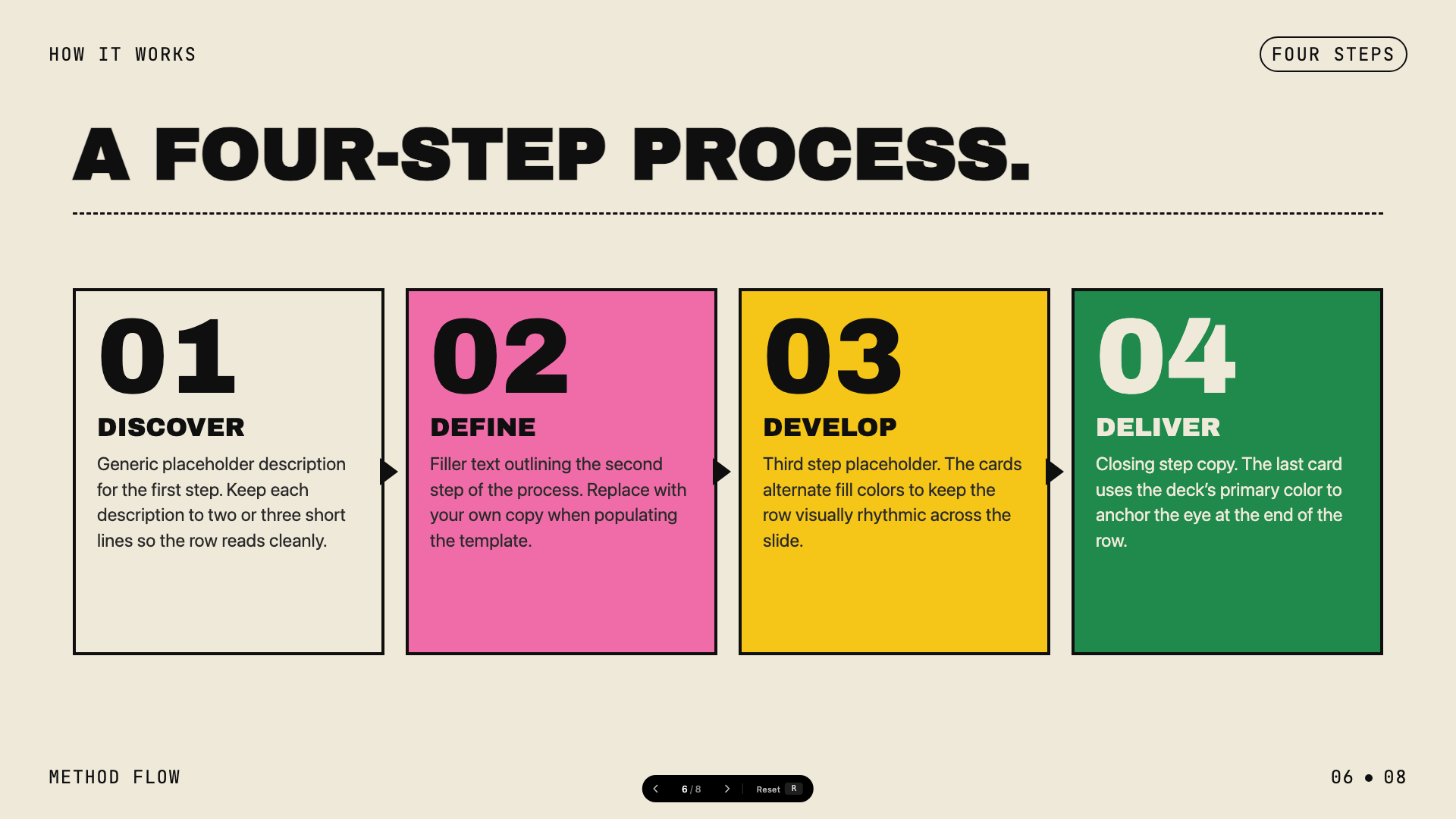
Cream paper canvas with confident multi-color (green, pink, orange, yellow) accents and Archivo Black display.
Monochrome
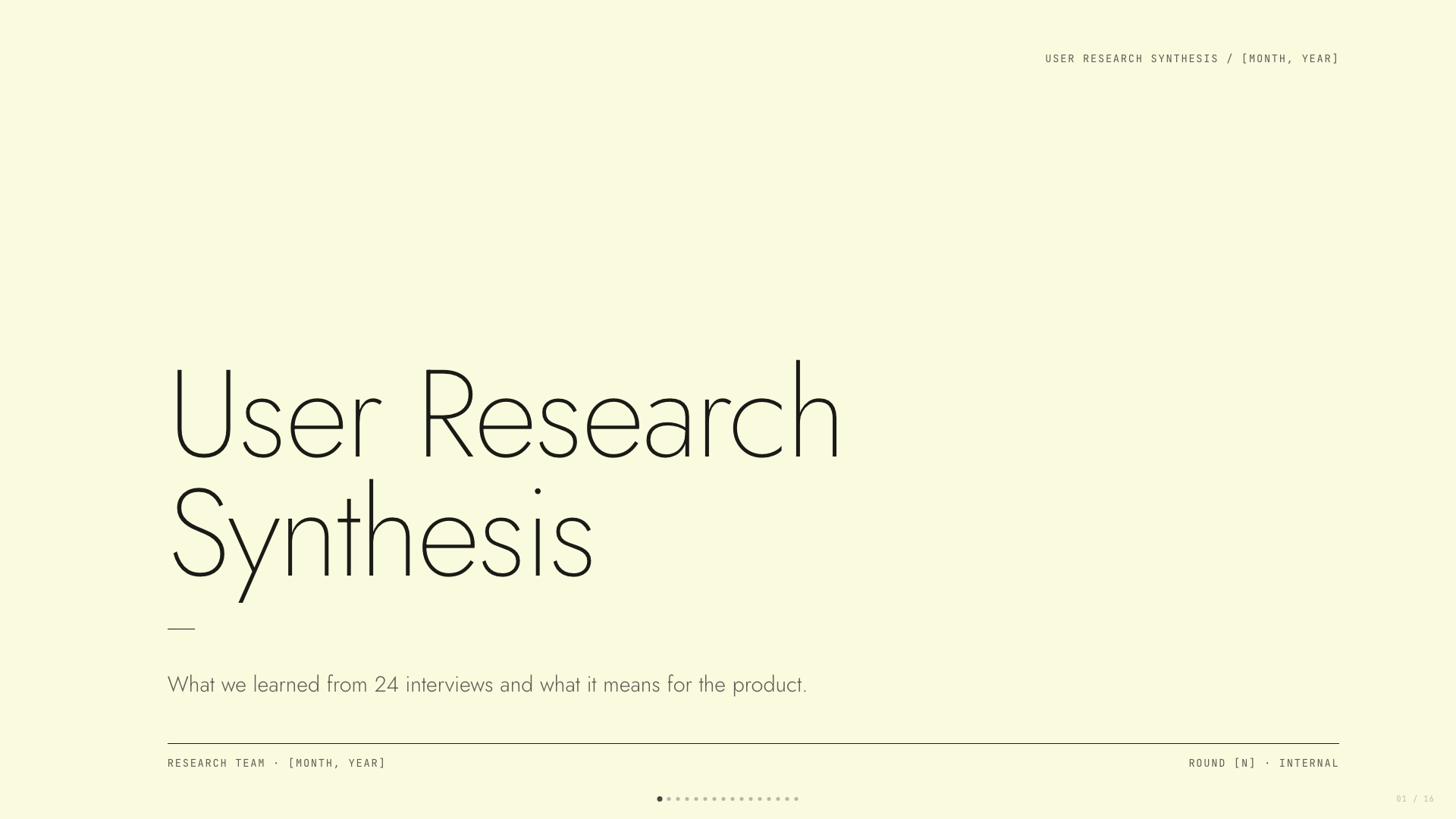
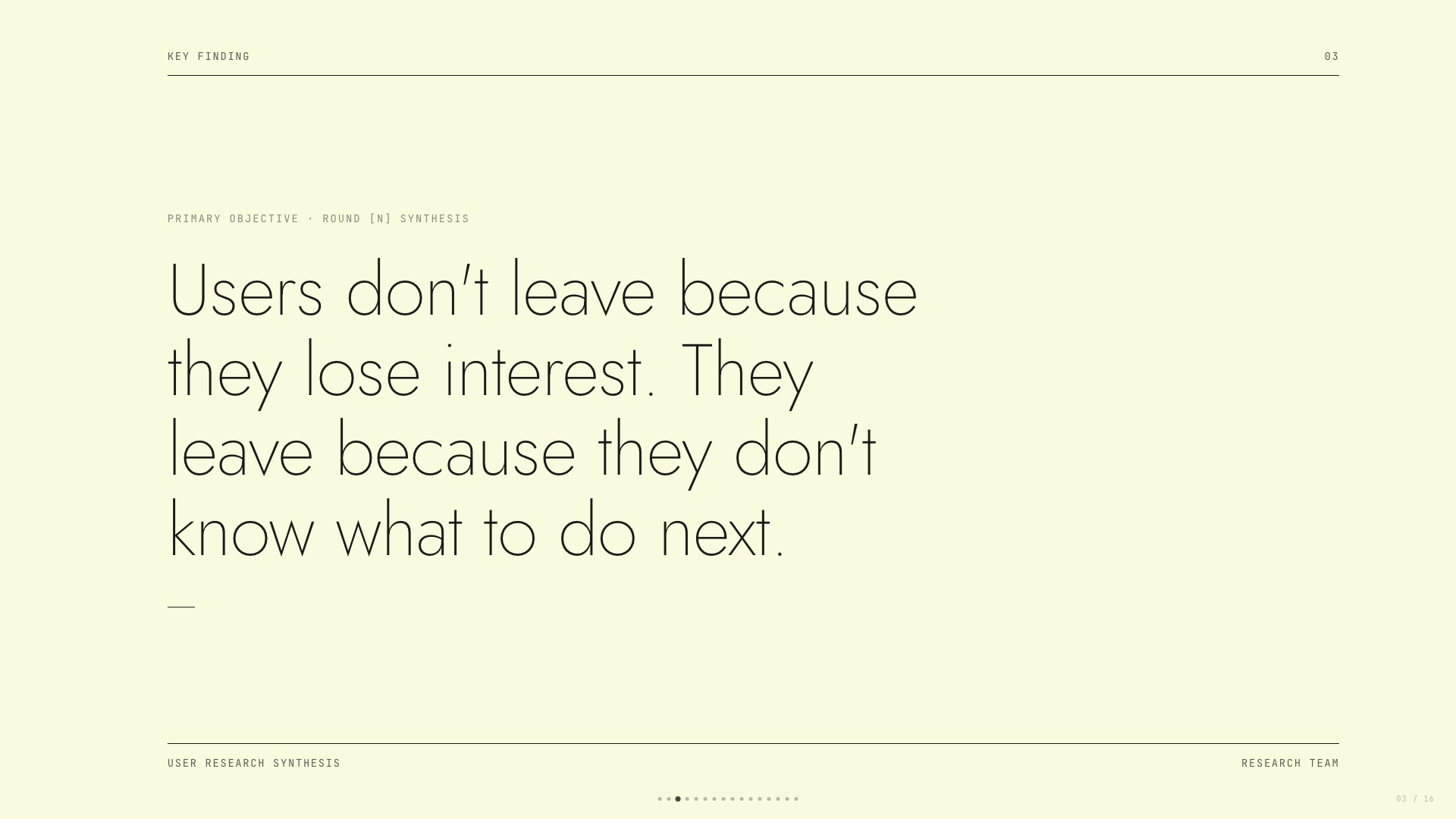
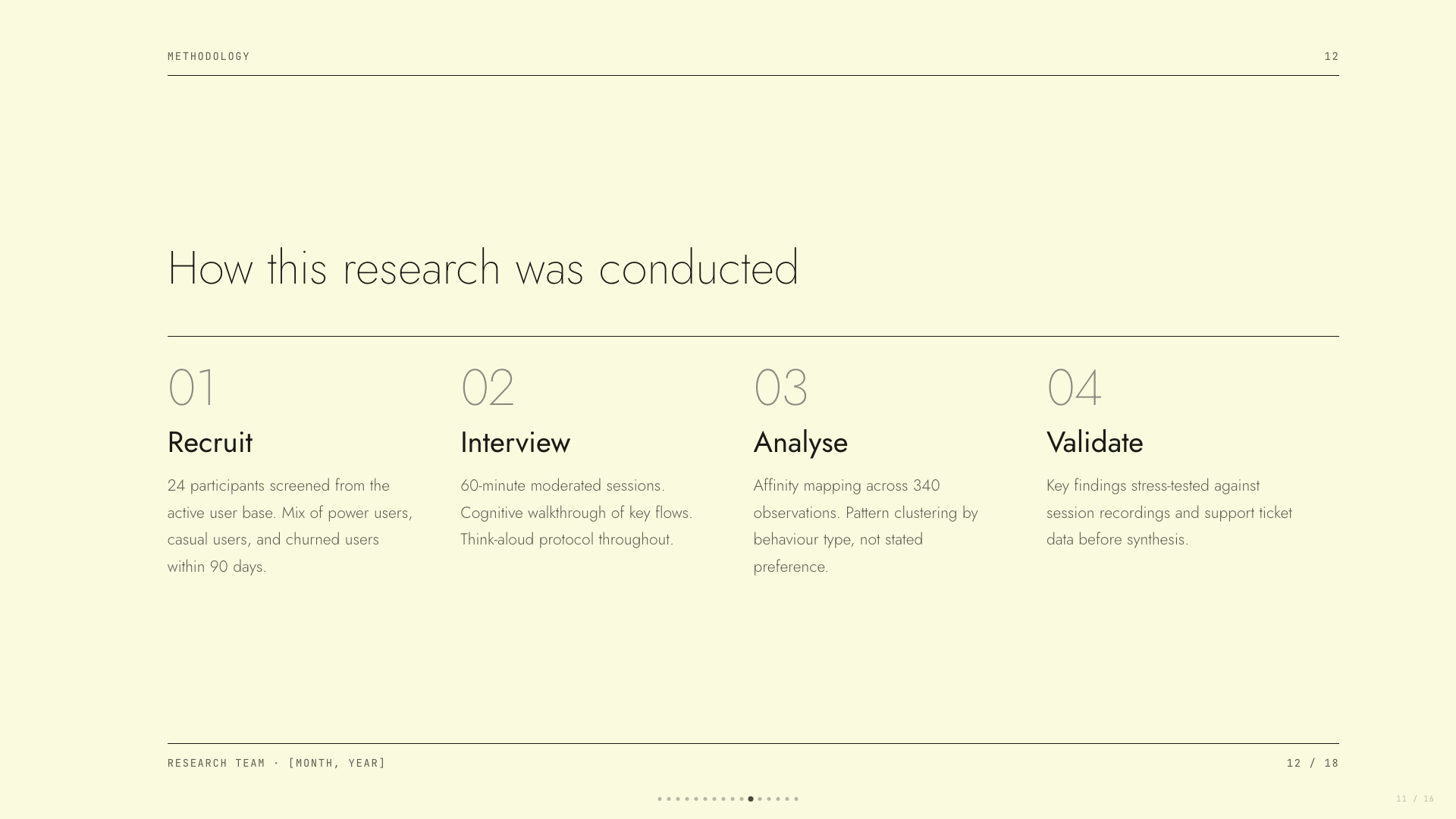
Ivory ledger paper with all-black type; Lora serif headlines, Jost body, no color at all.
People's Platform (Block & Bold)
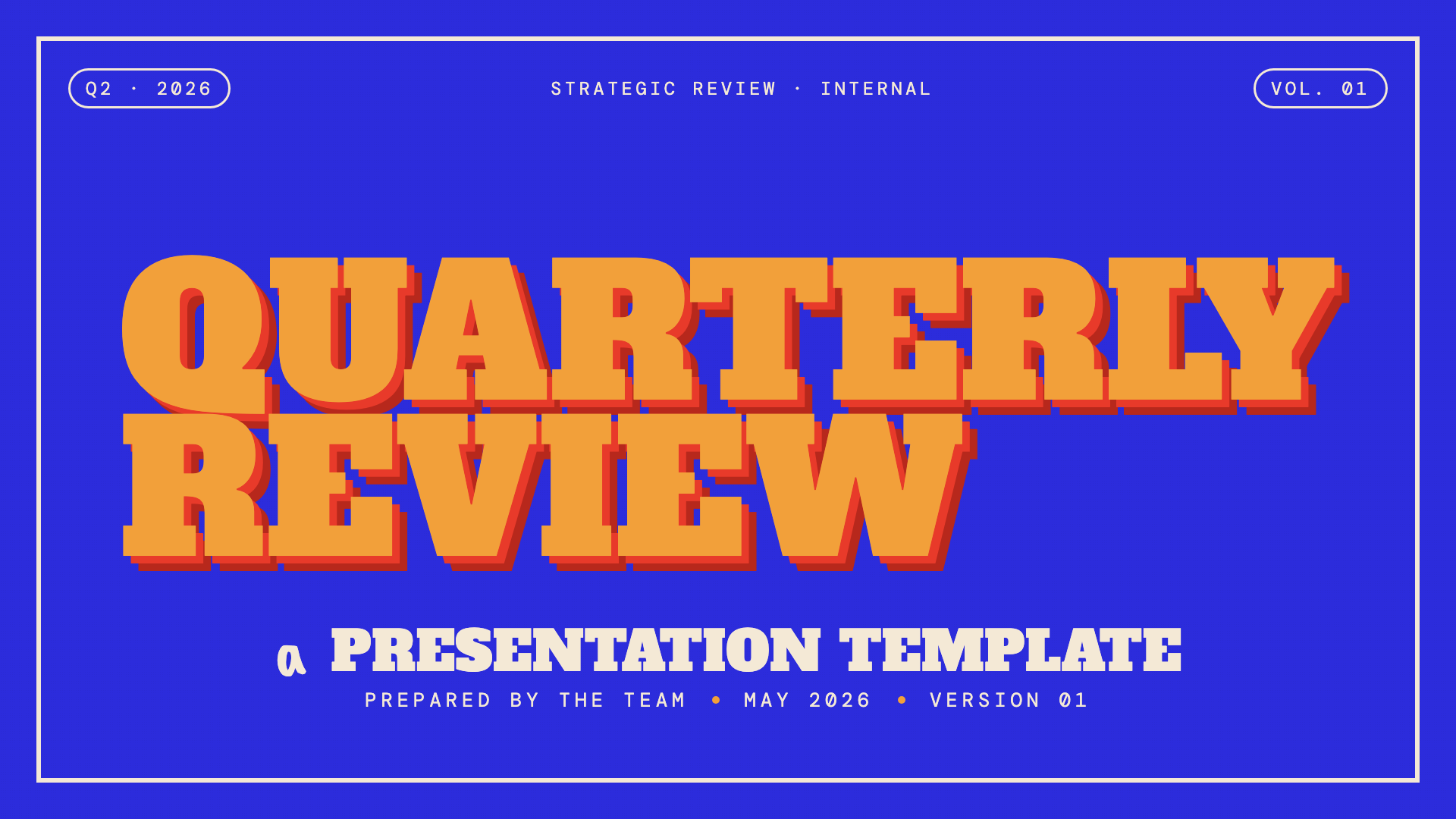
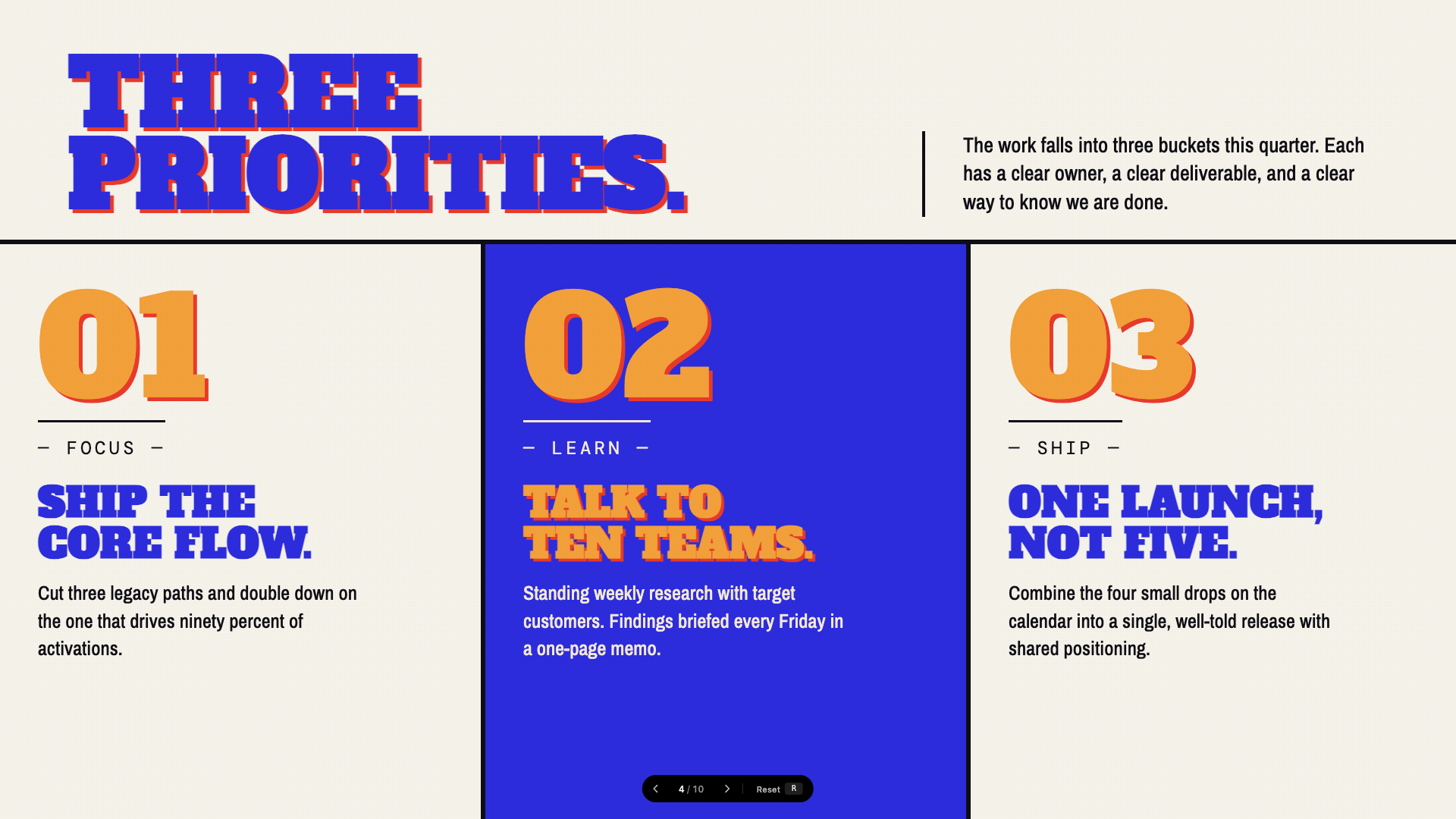
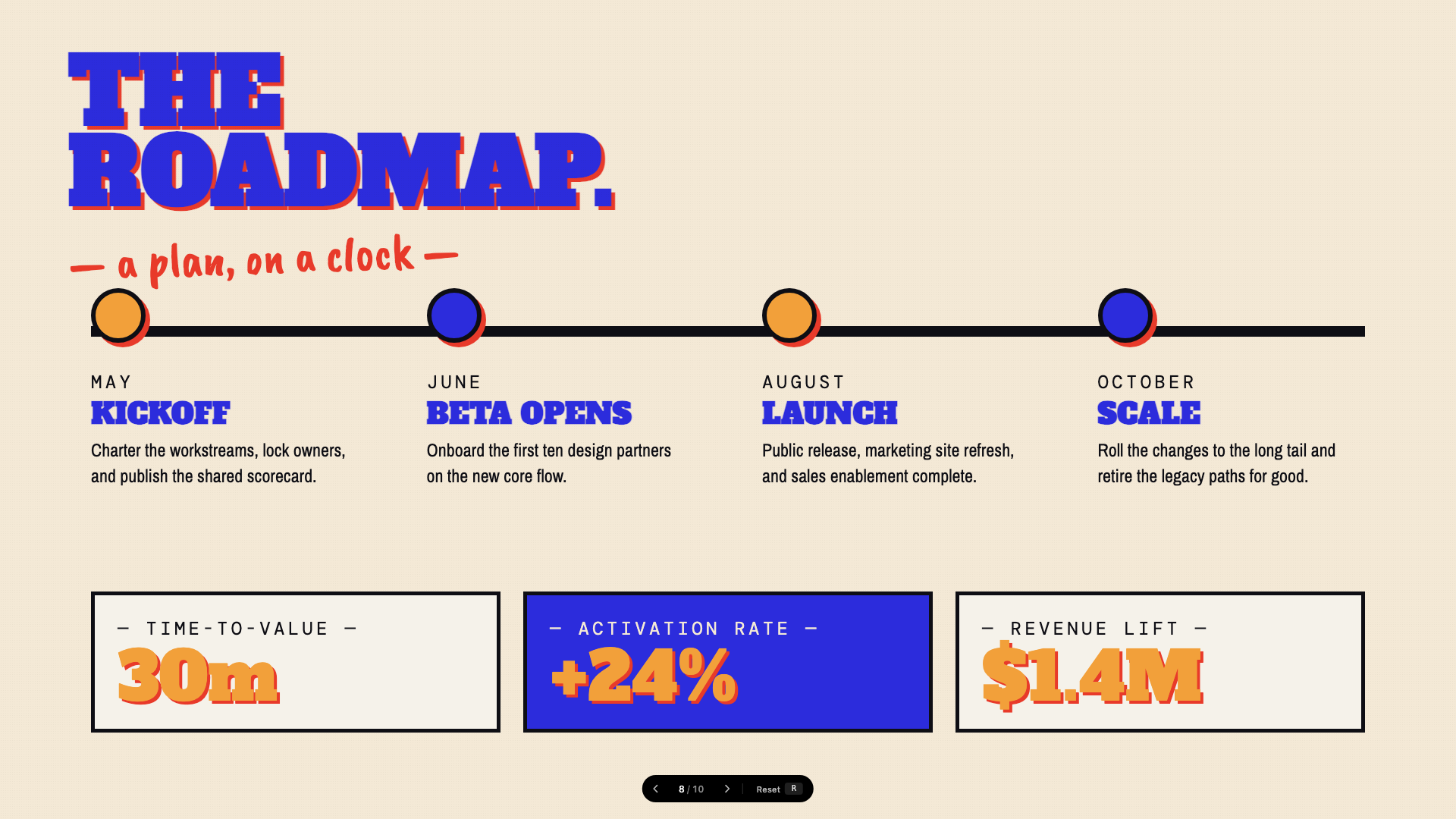
Activist poster energy: blue, orange, red on cream, with Alfa Slab + Caveat Brush.
Pink Script — After Hours
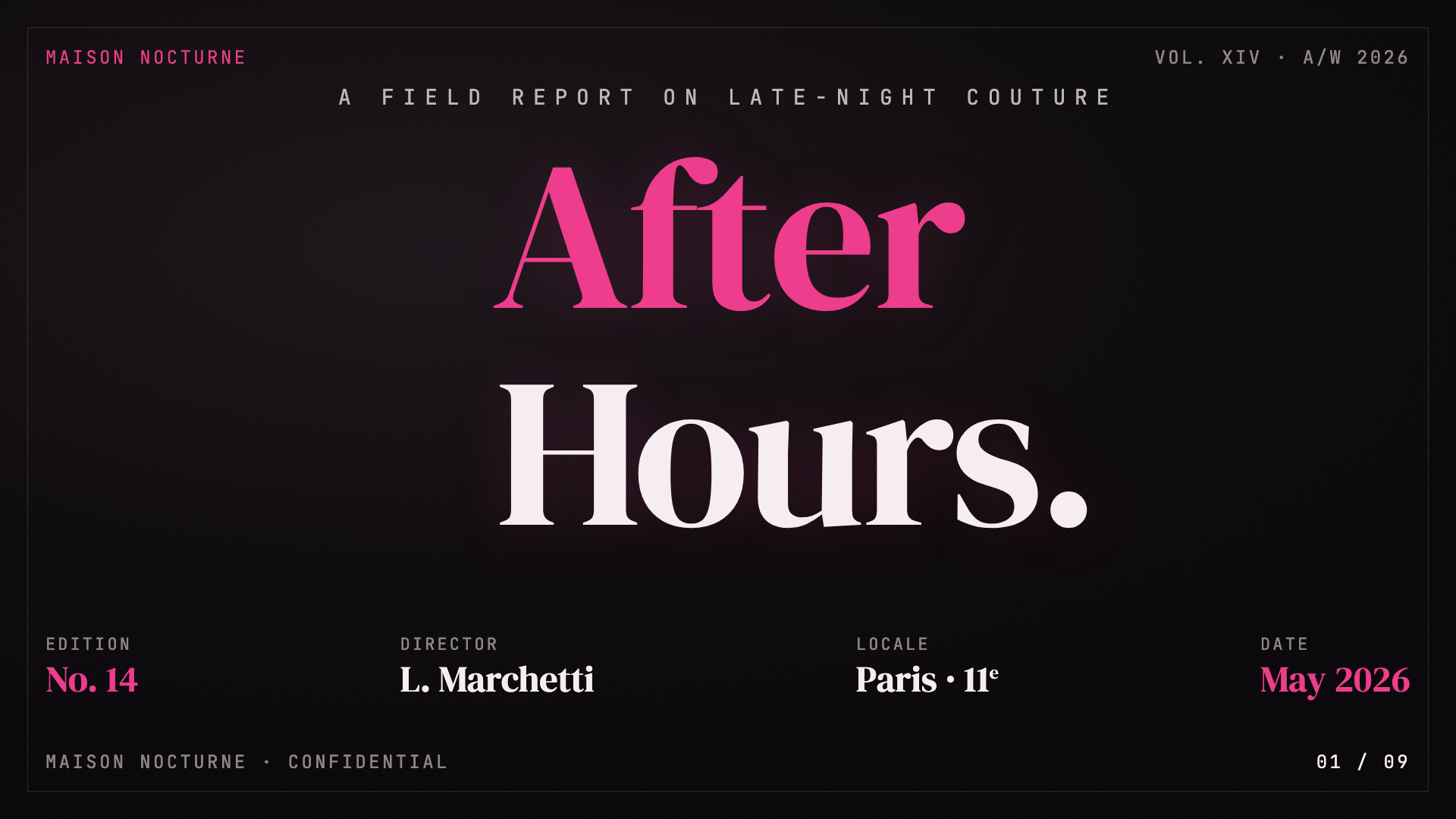

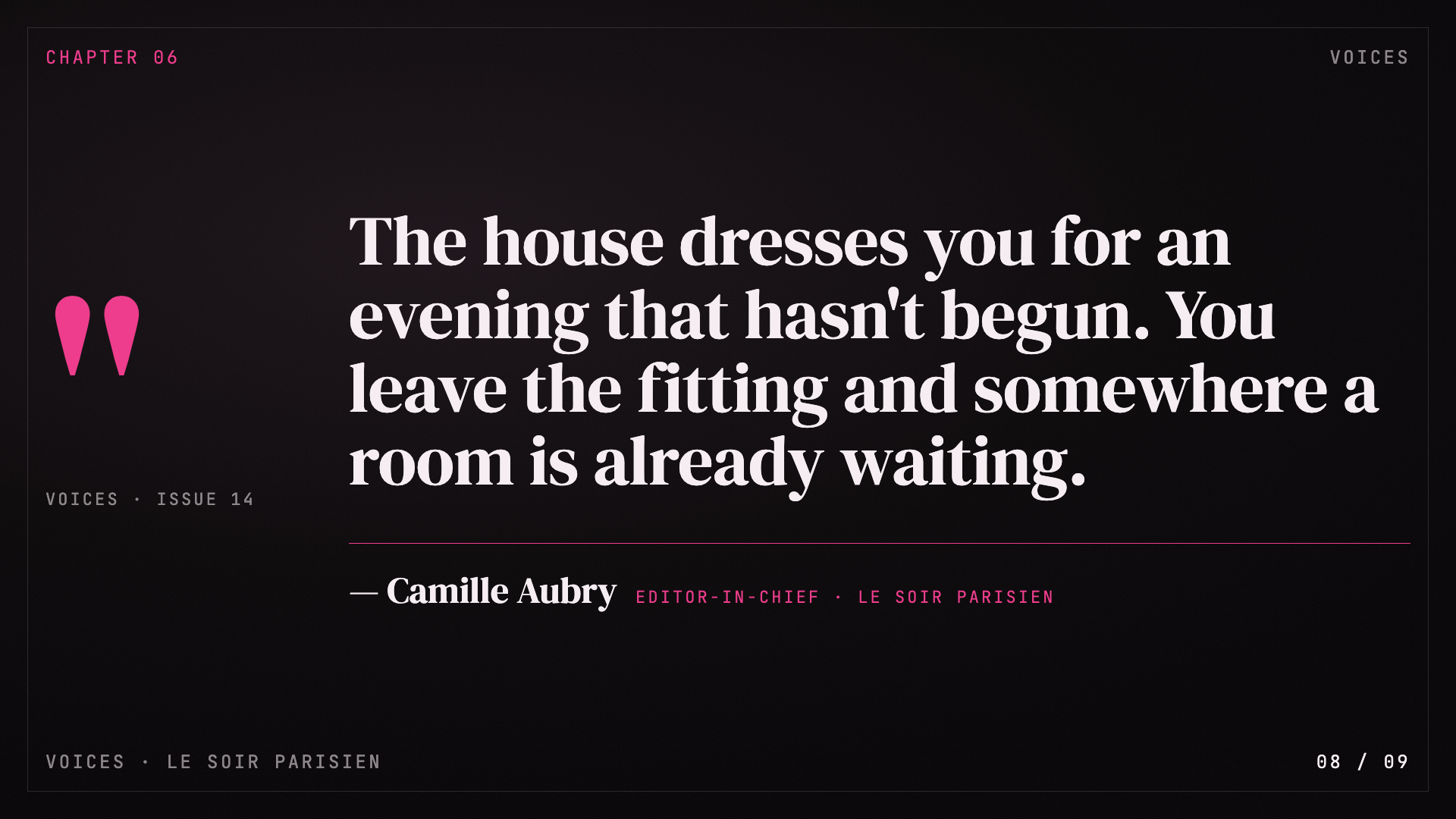
Black canvas, hot pink accent, pearl-cream paper, Instrument Serif headlines: late-night editorial luxury.
8-Bit Orbit
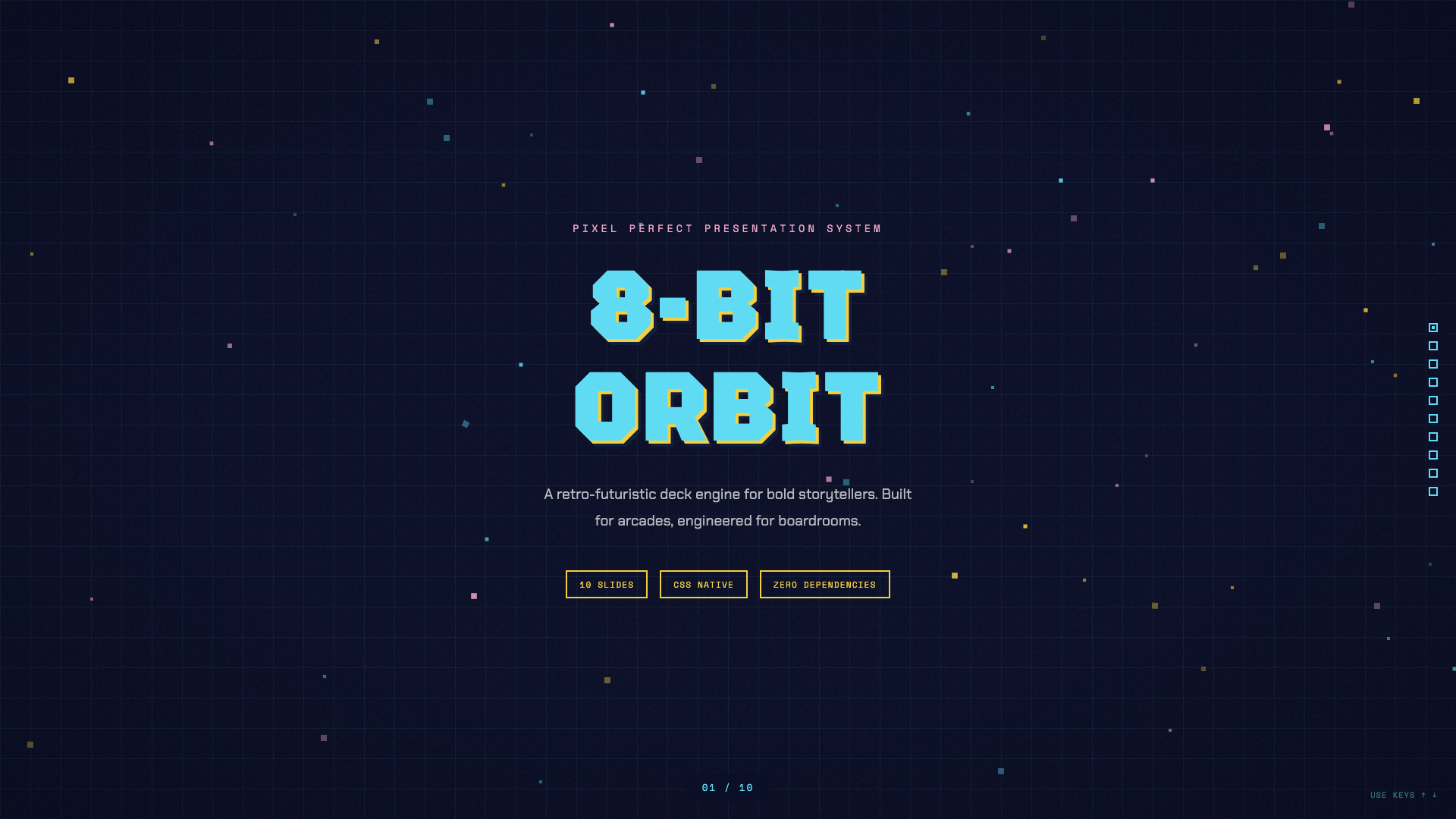
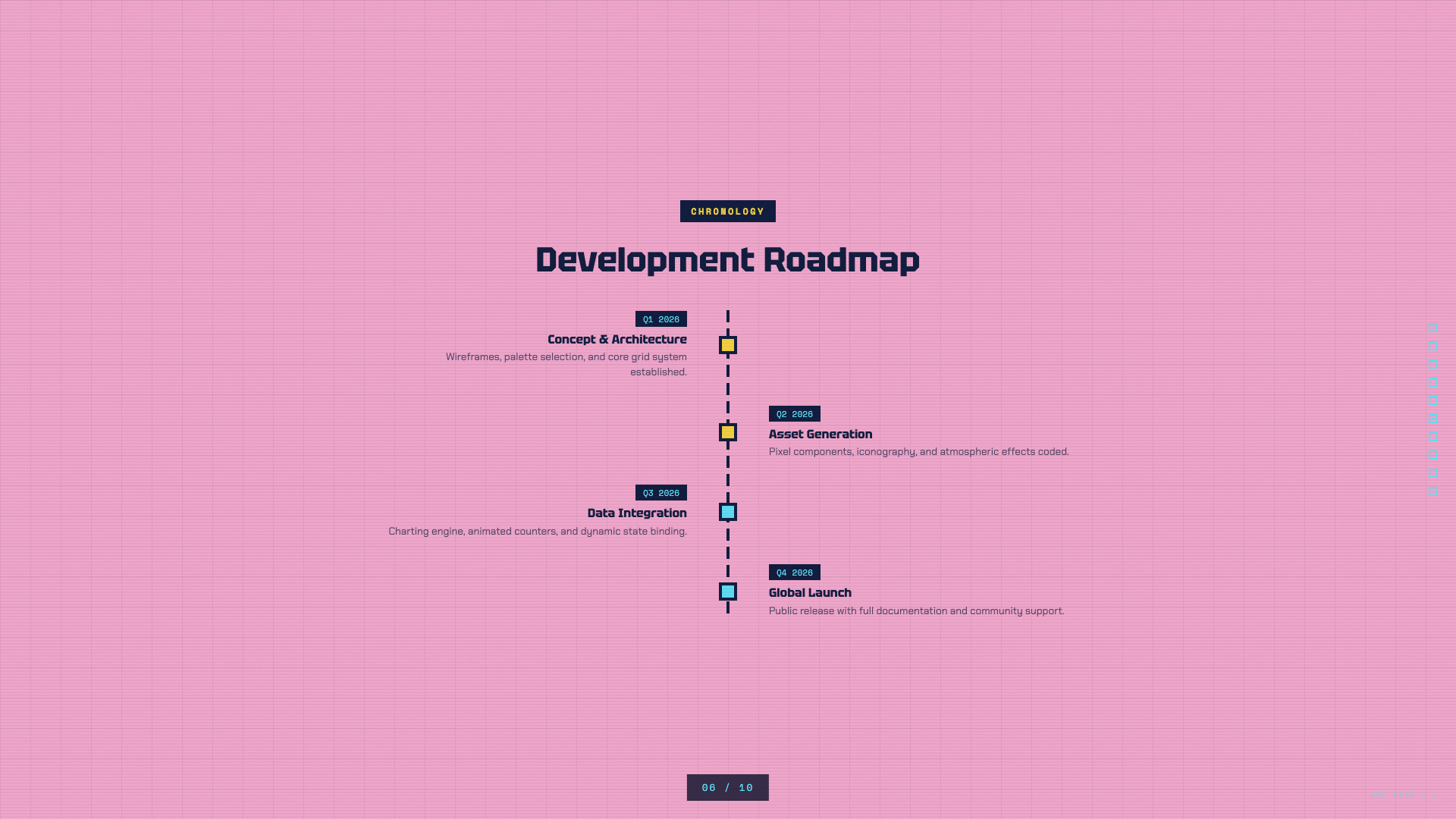
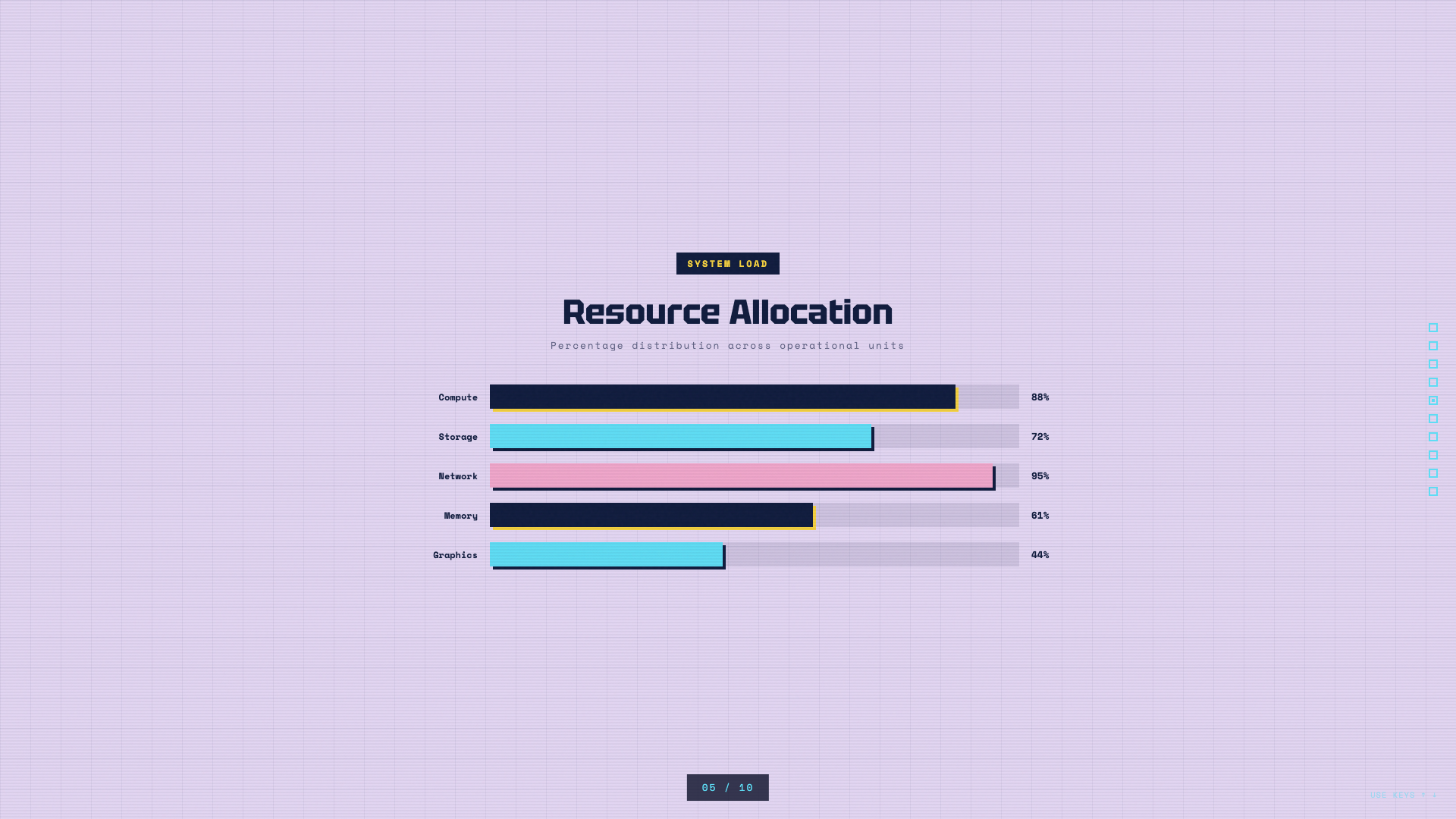
Pixel-art neon arcade aesthetic on a deep navy void.
BlockFrame
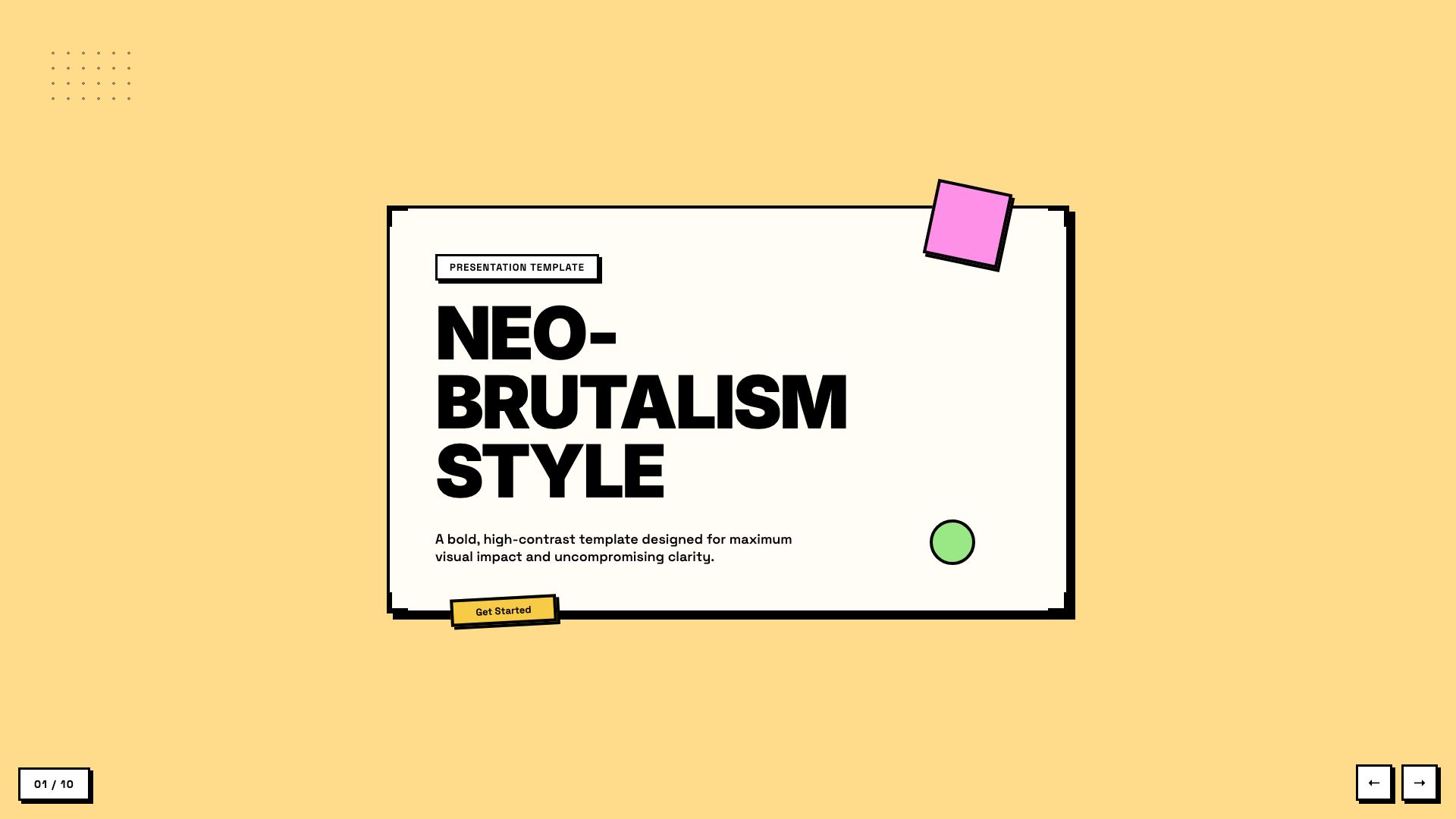
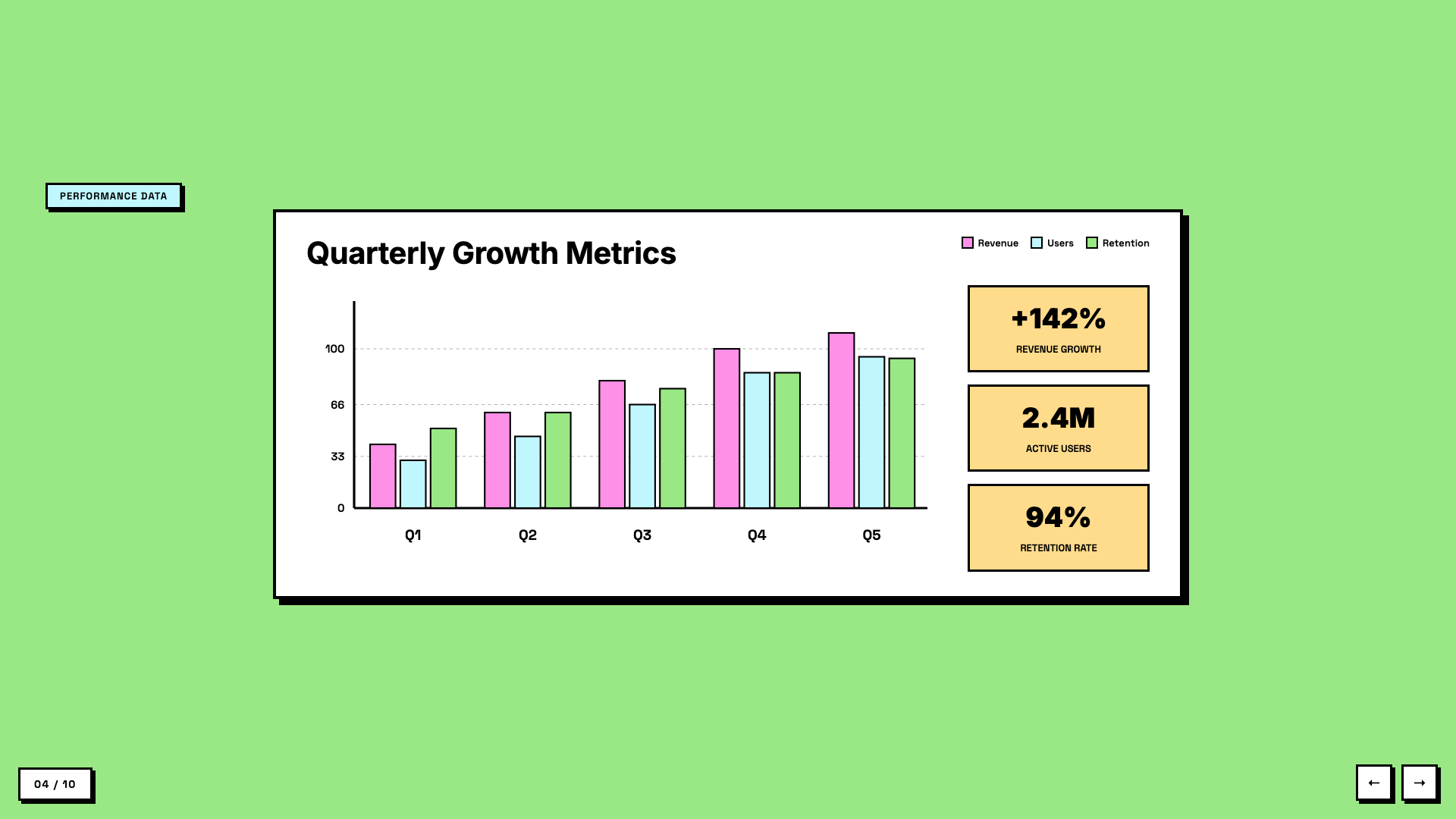
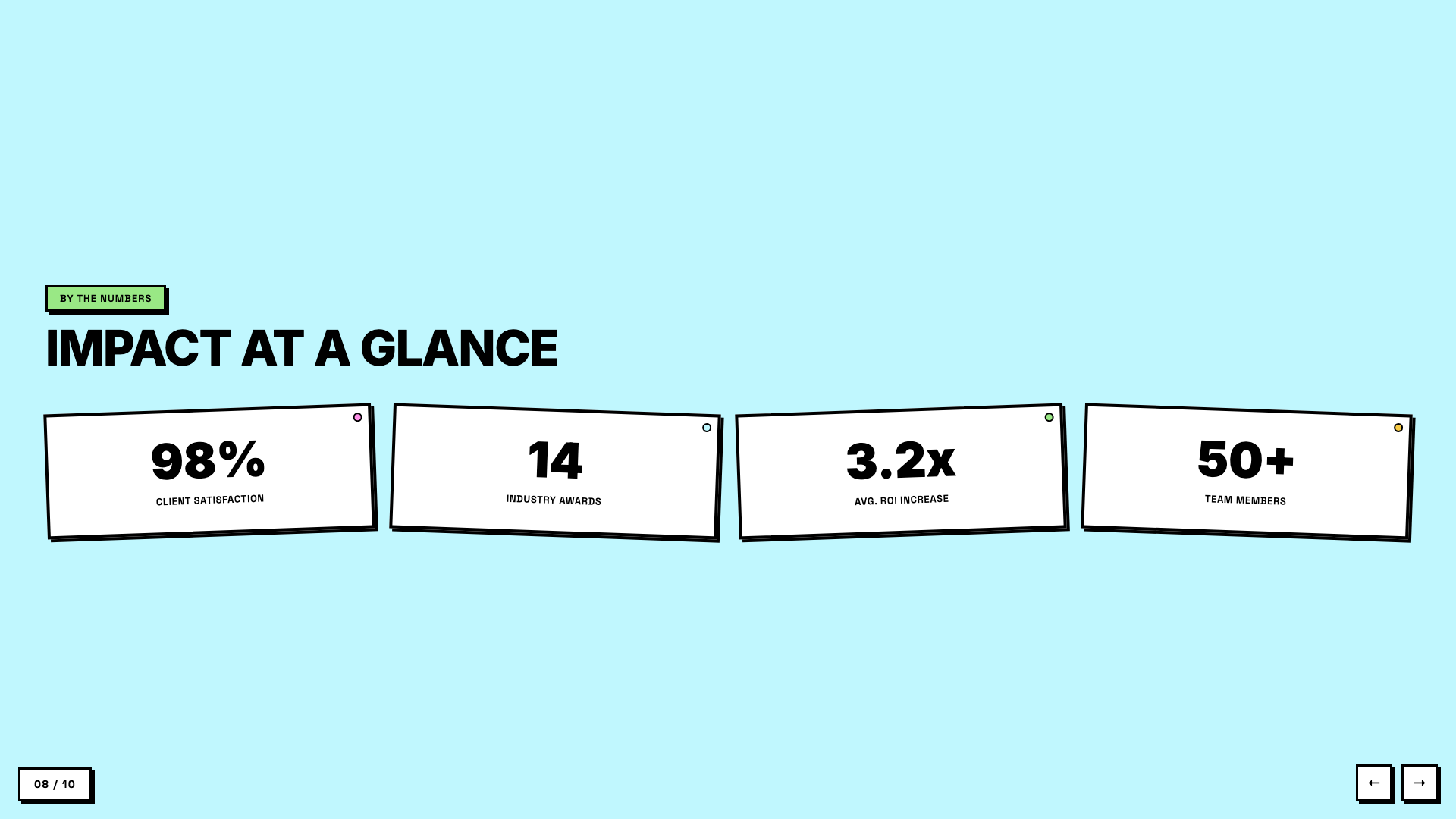
Neobrutalist deck with pastel-neon color blocks and chunky black borders.
Blue Professional
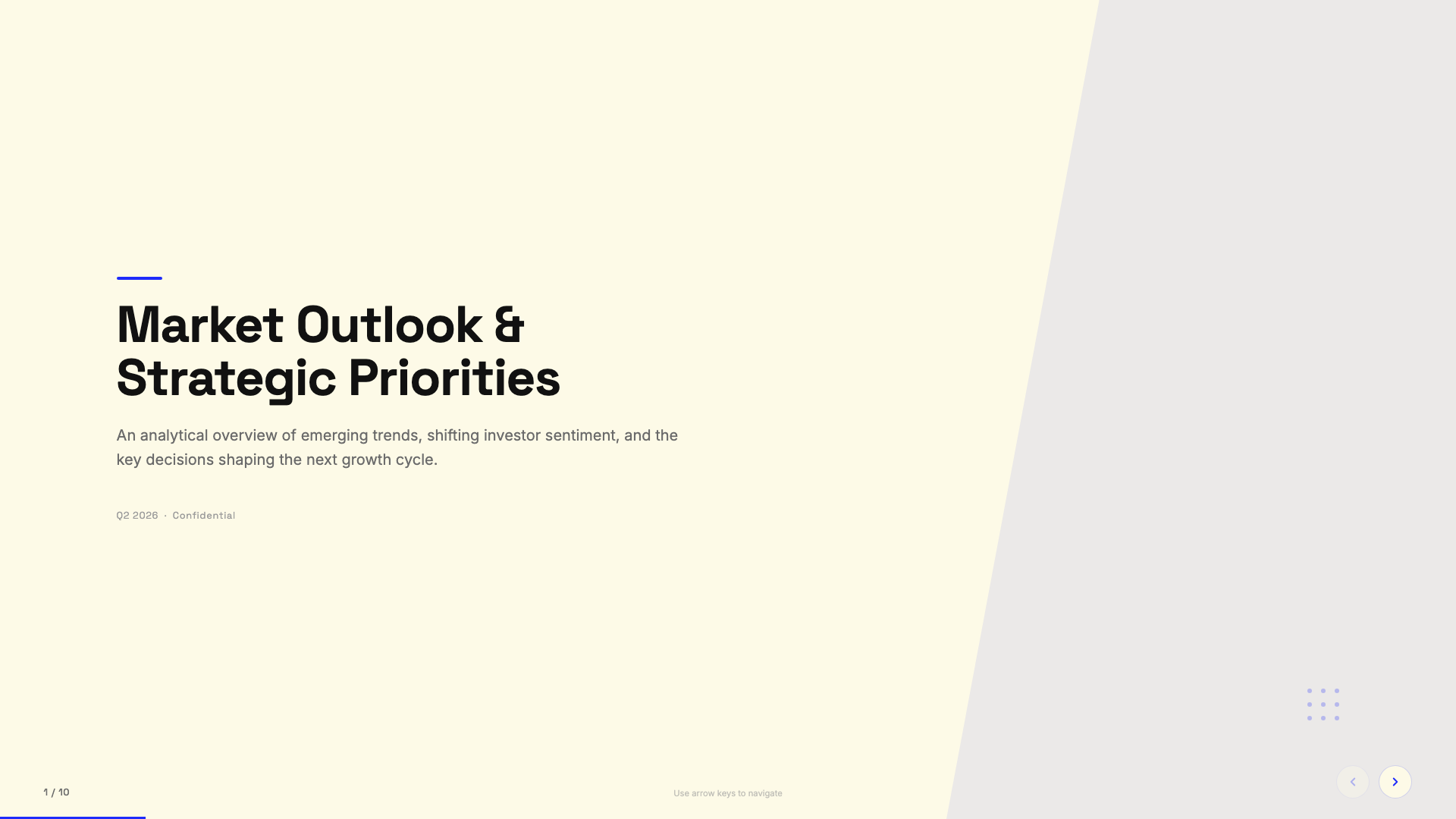
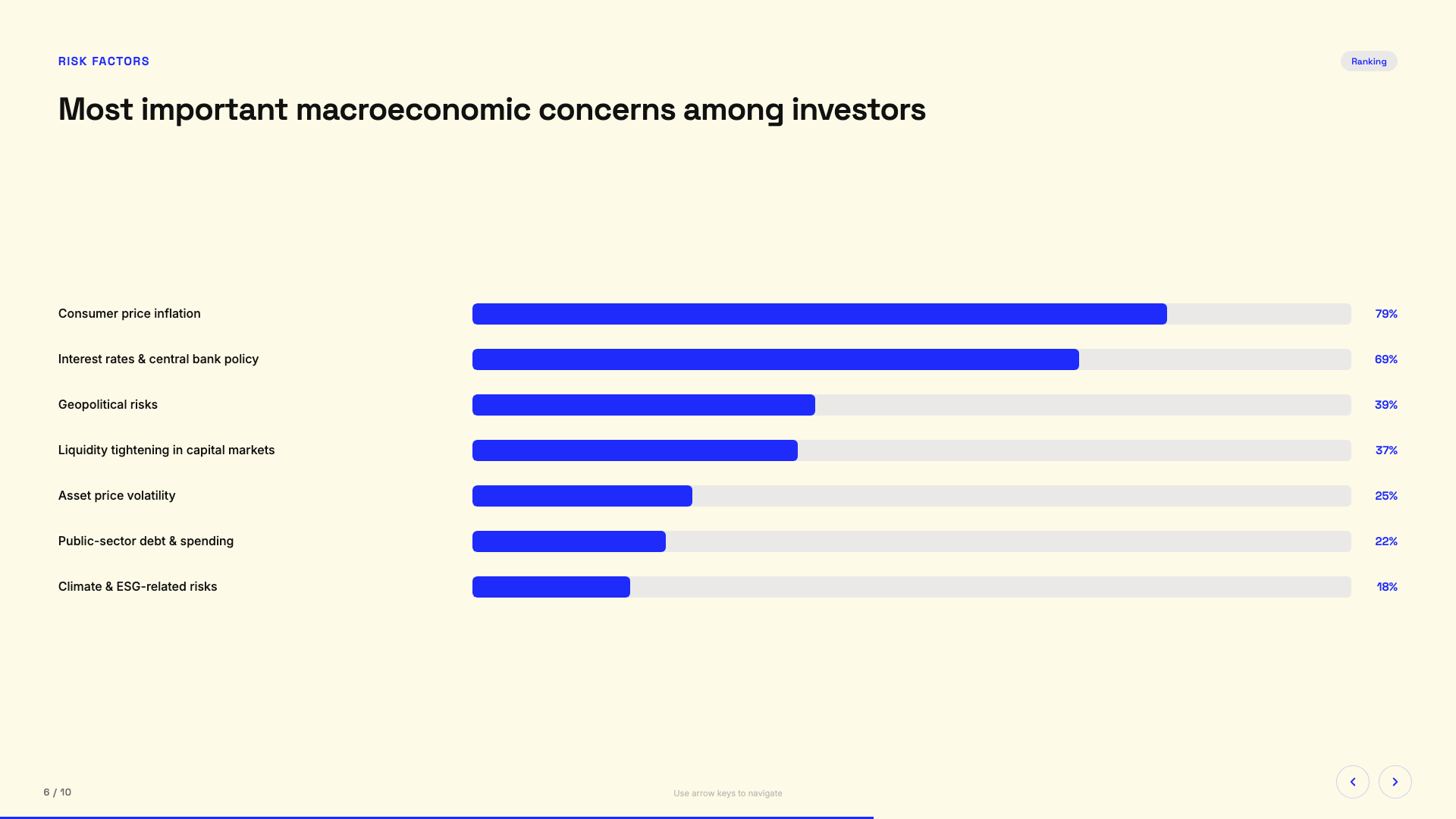
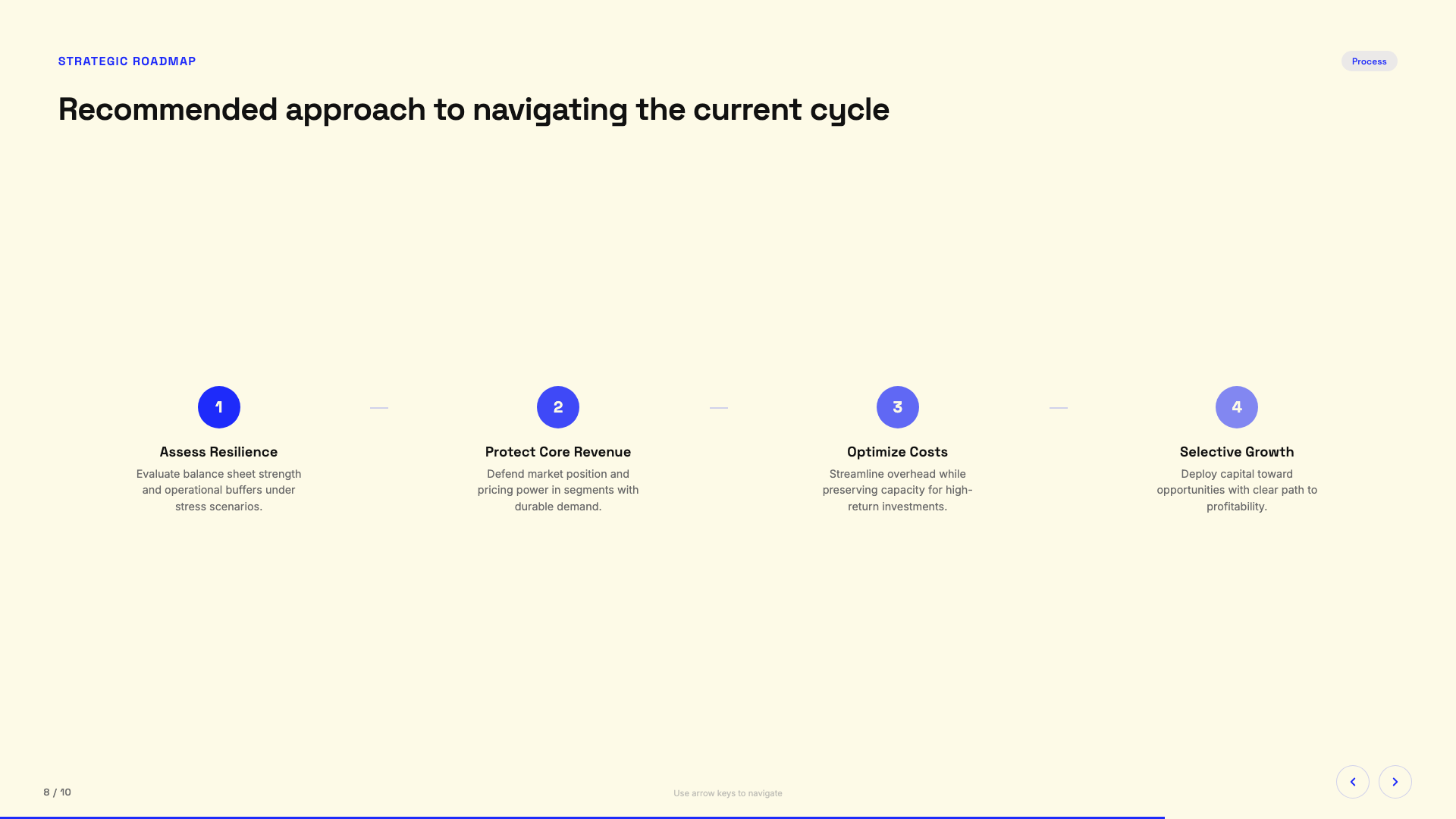
Cream paper background with electric cobalt blue accents; clean modern professional.
Bold Poster
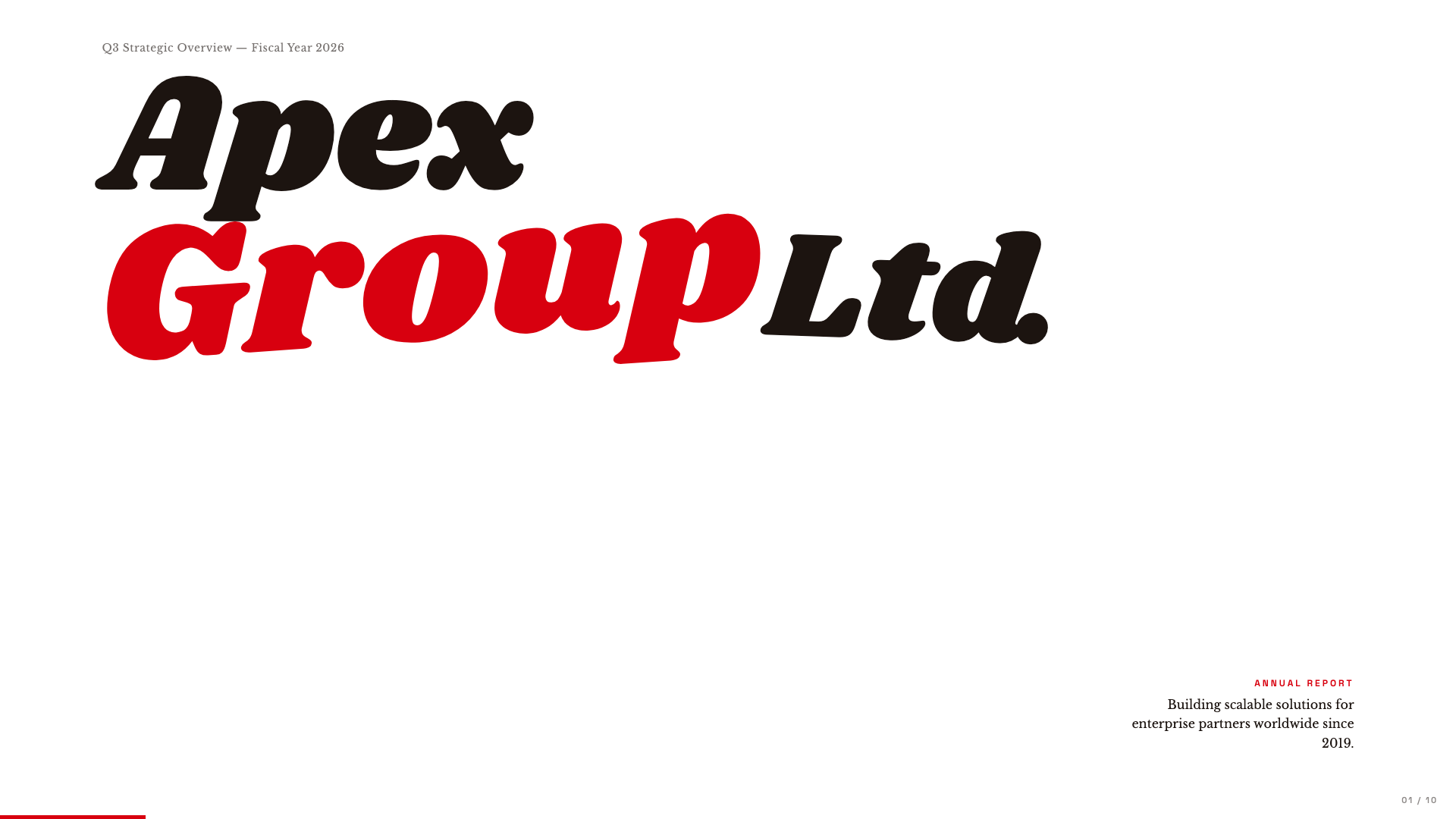
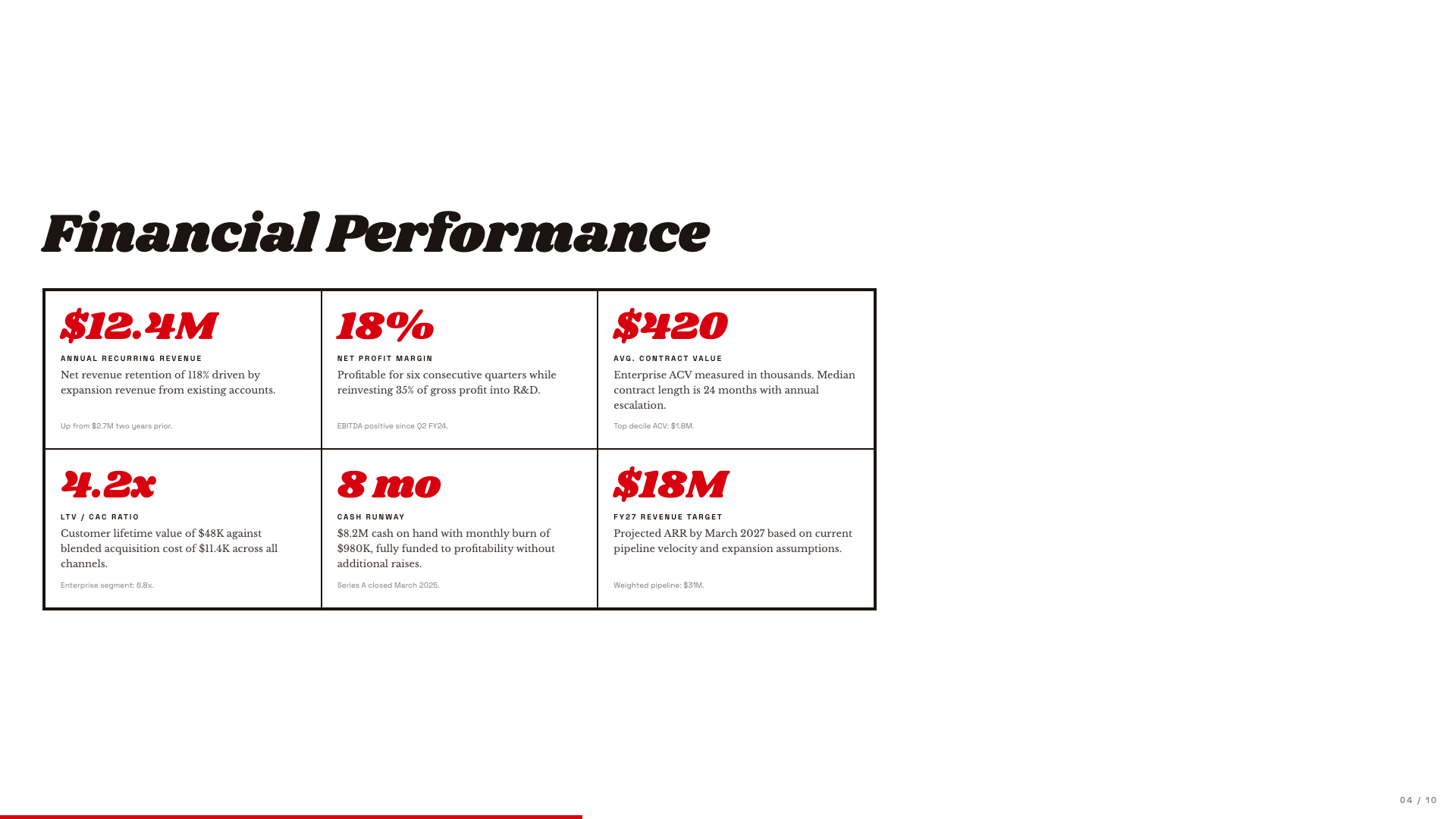
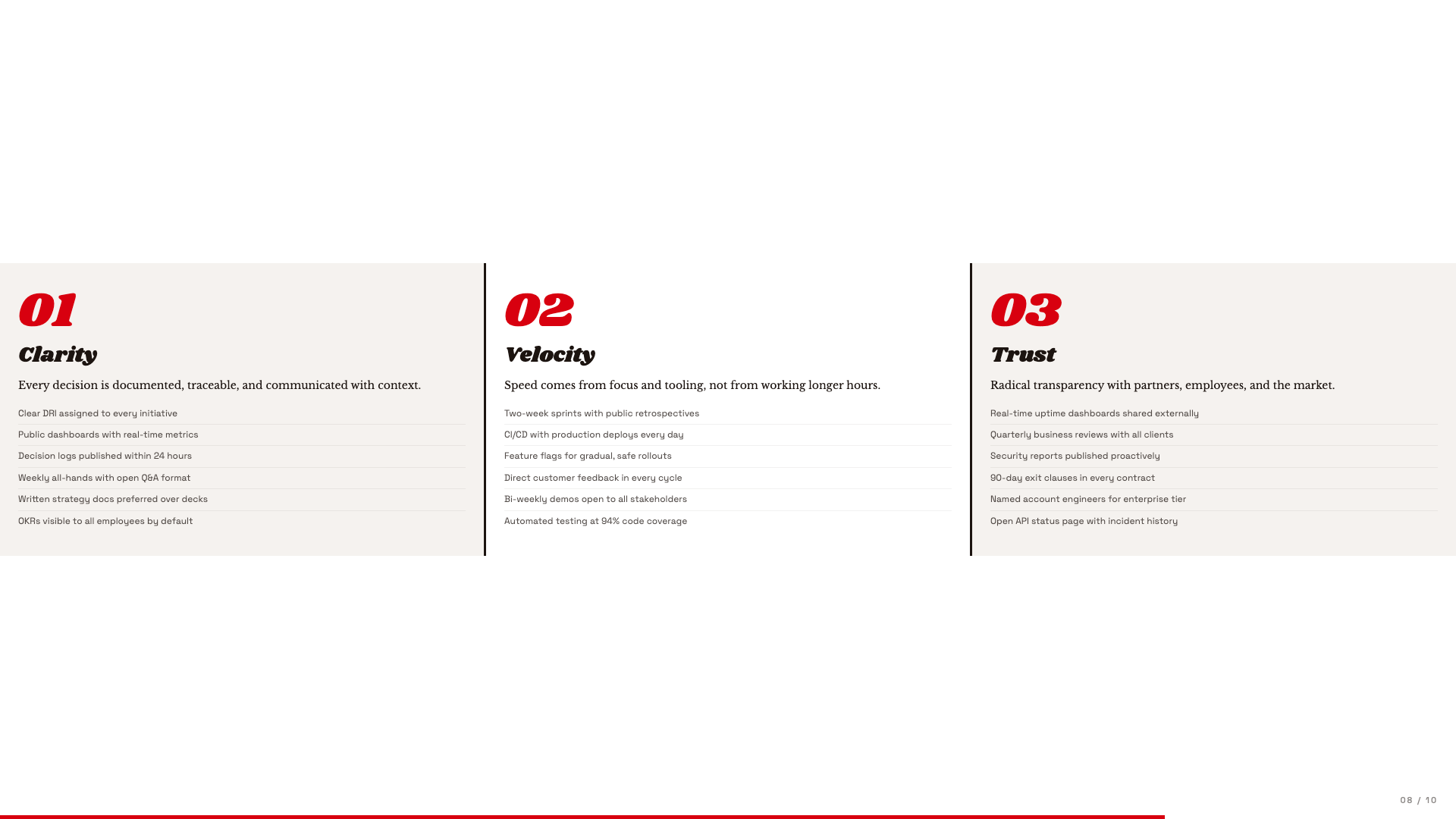
Editorial poster aesthetic with massive Shrikhand display and a single fire-engine red accent.
Broadside
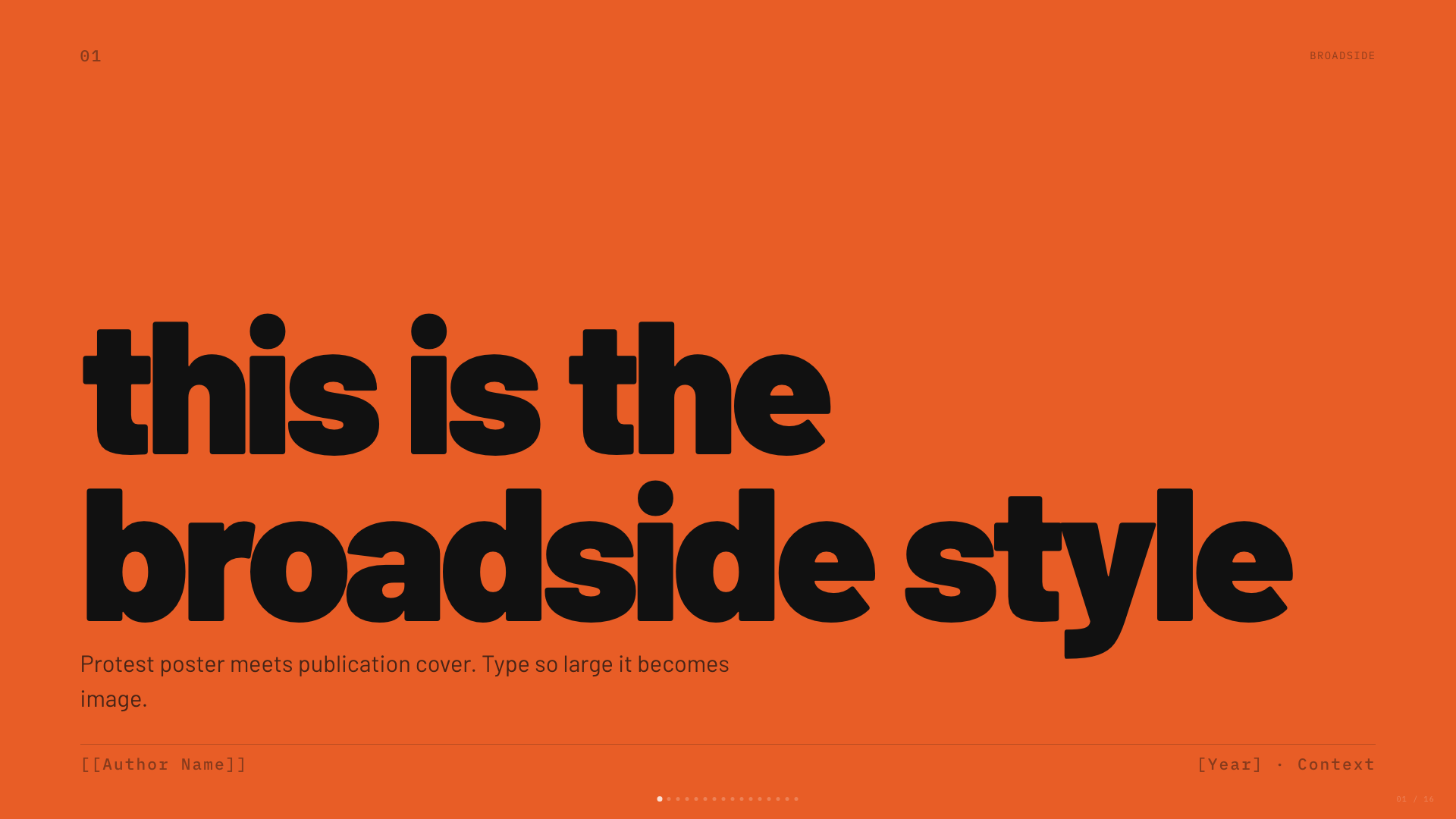
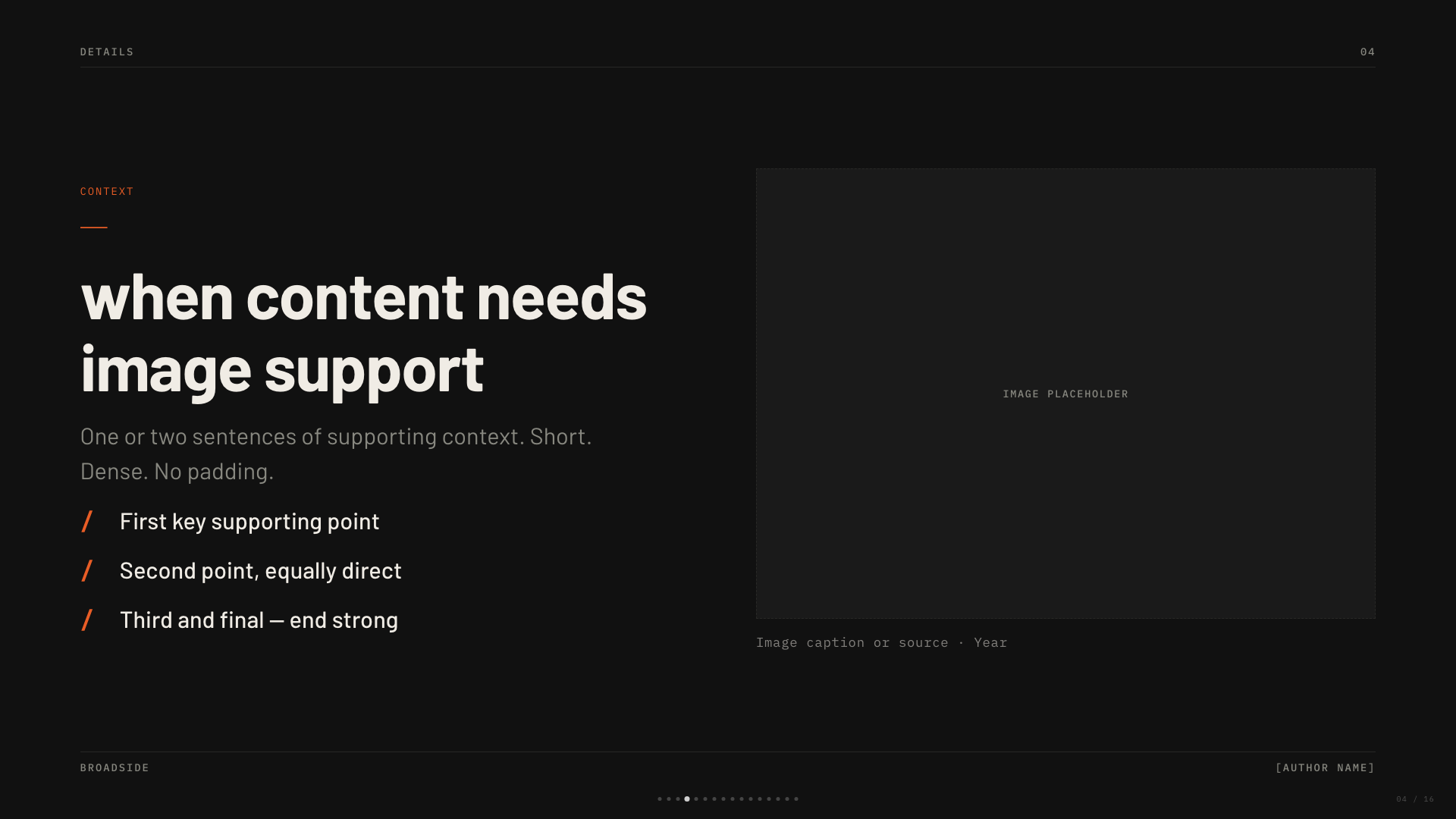
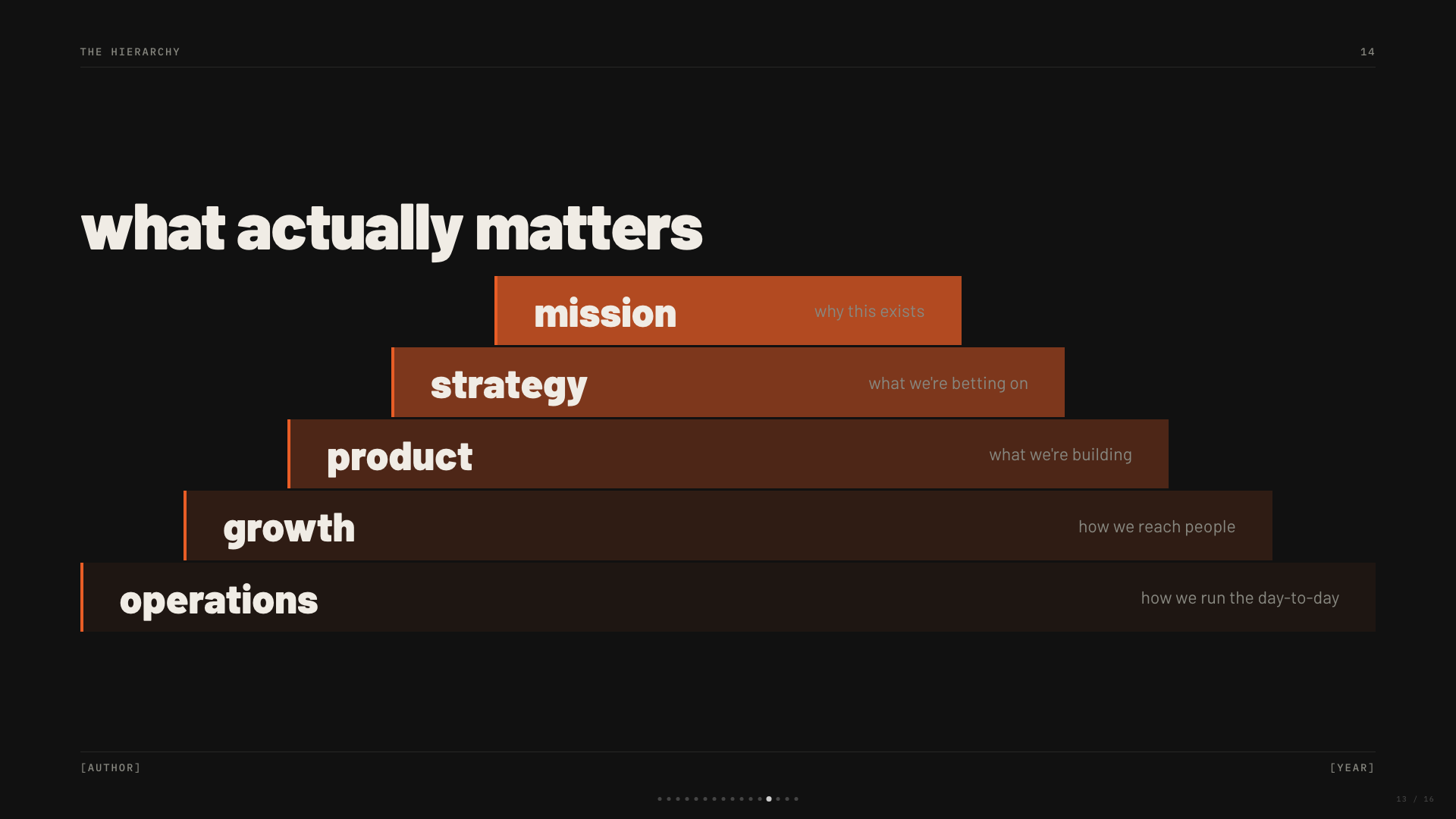
Dark editorial canvas with a single fire orange accent and bilingual Latin/Chinese type stack.
Capsule
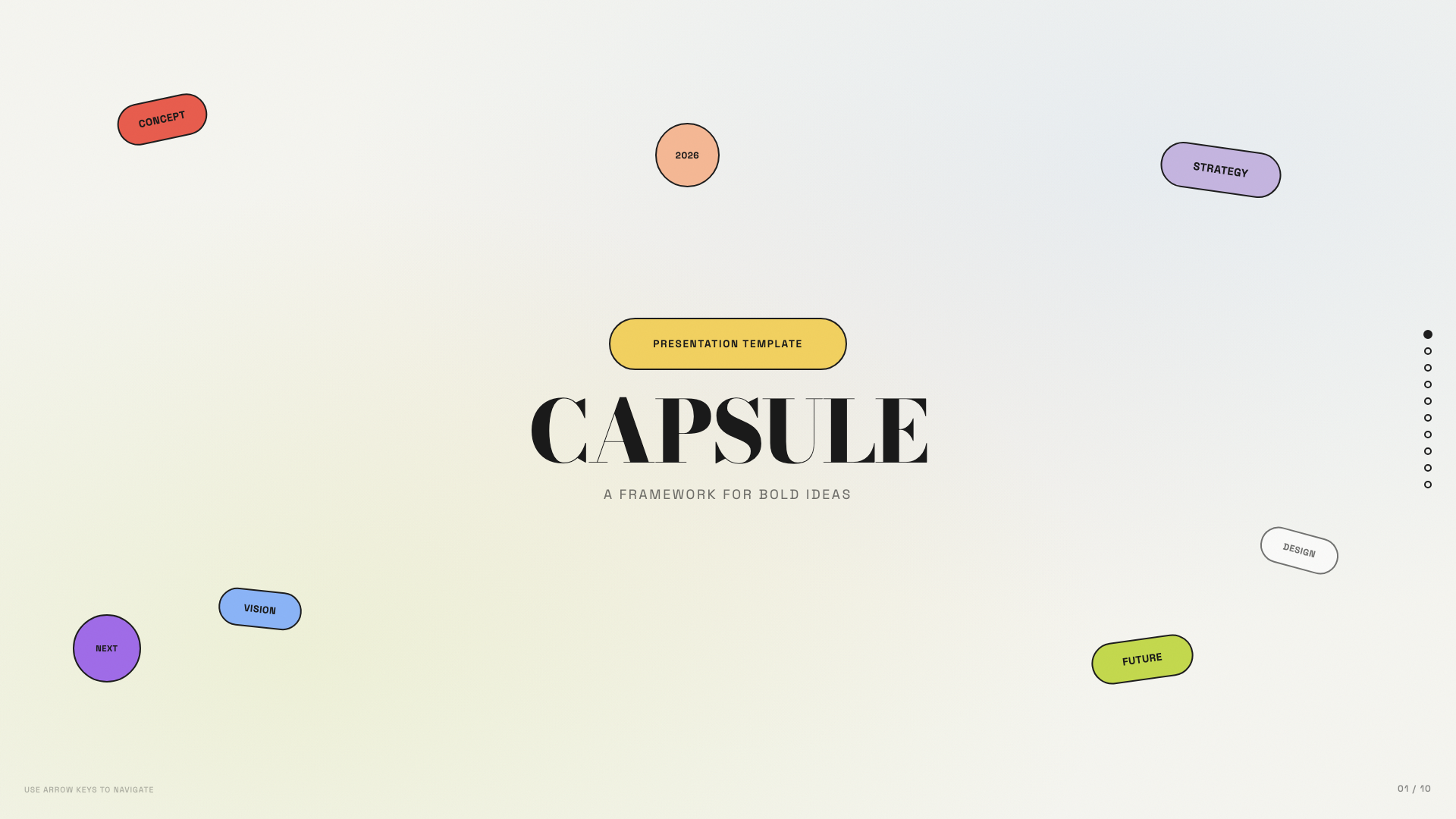
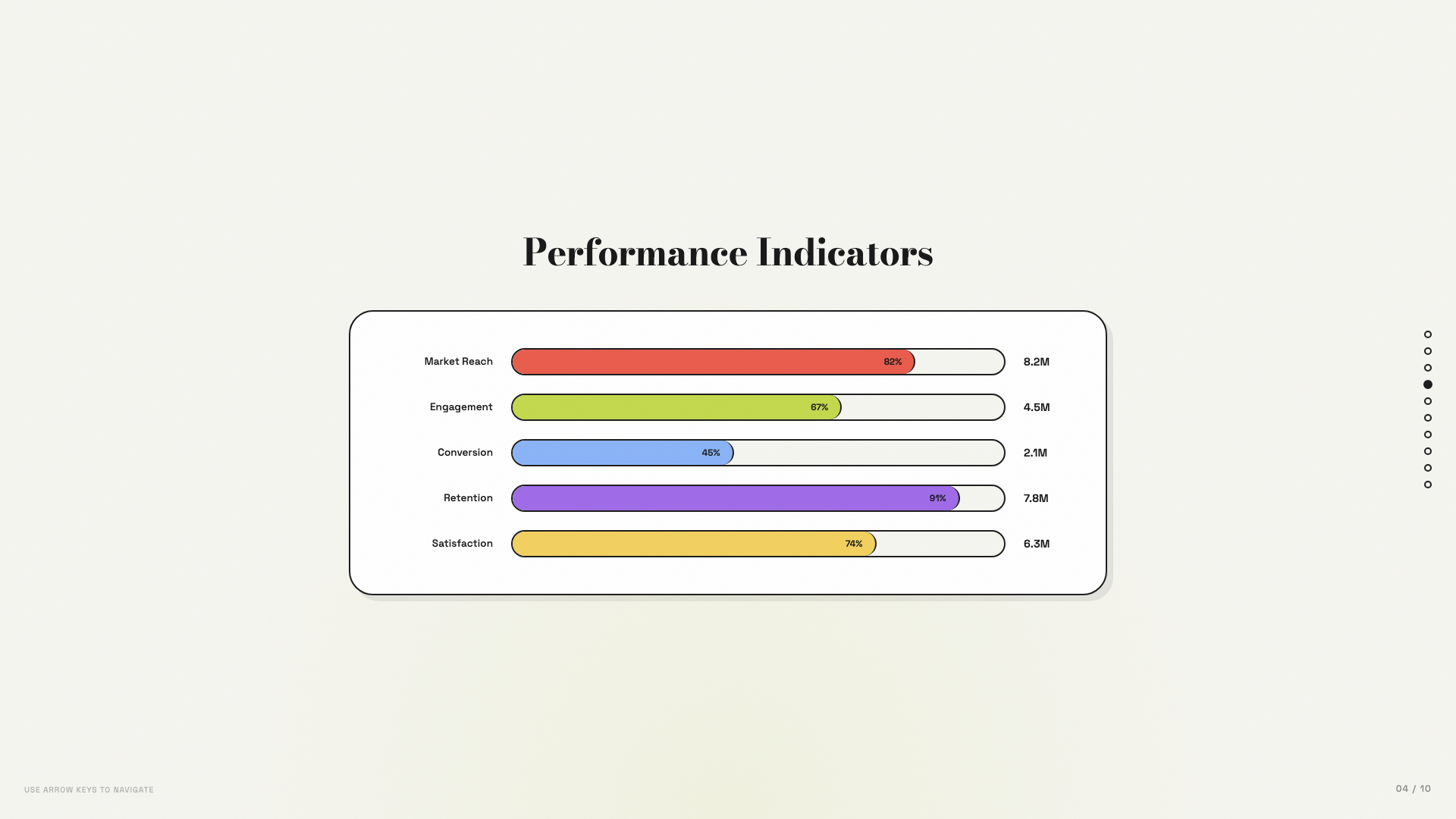
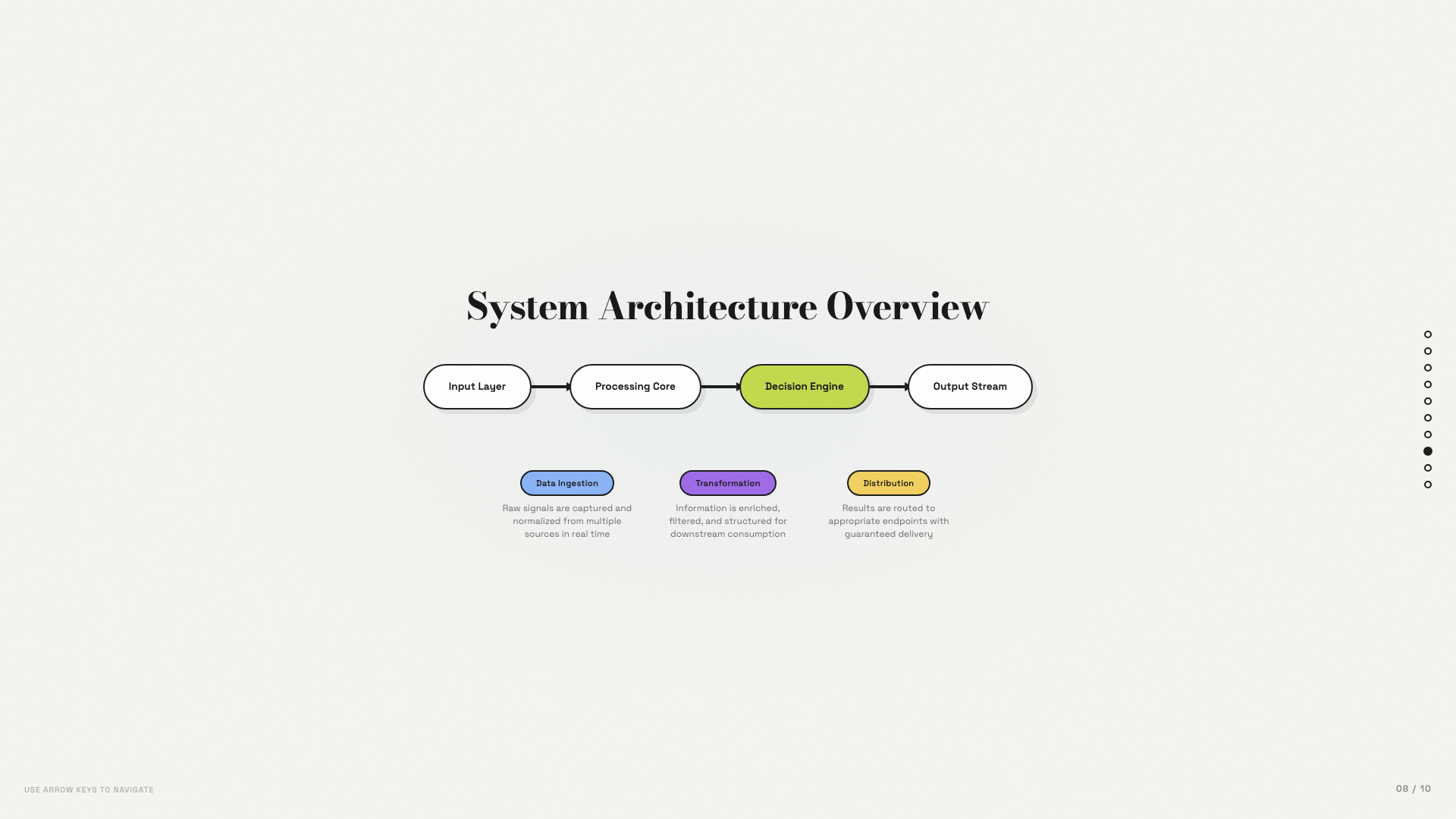
Modular pill-shaped cards on warm bone with a full pastel-pop palette.
Cartesian
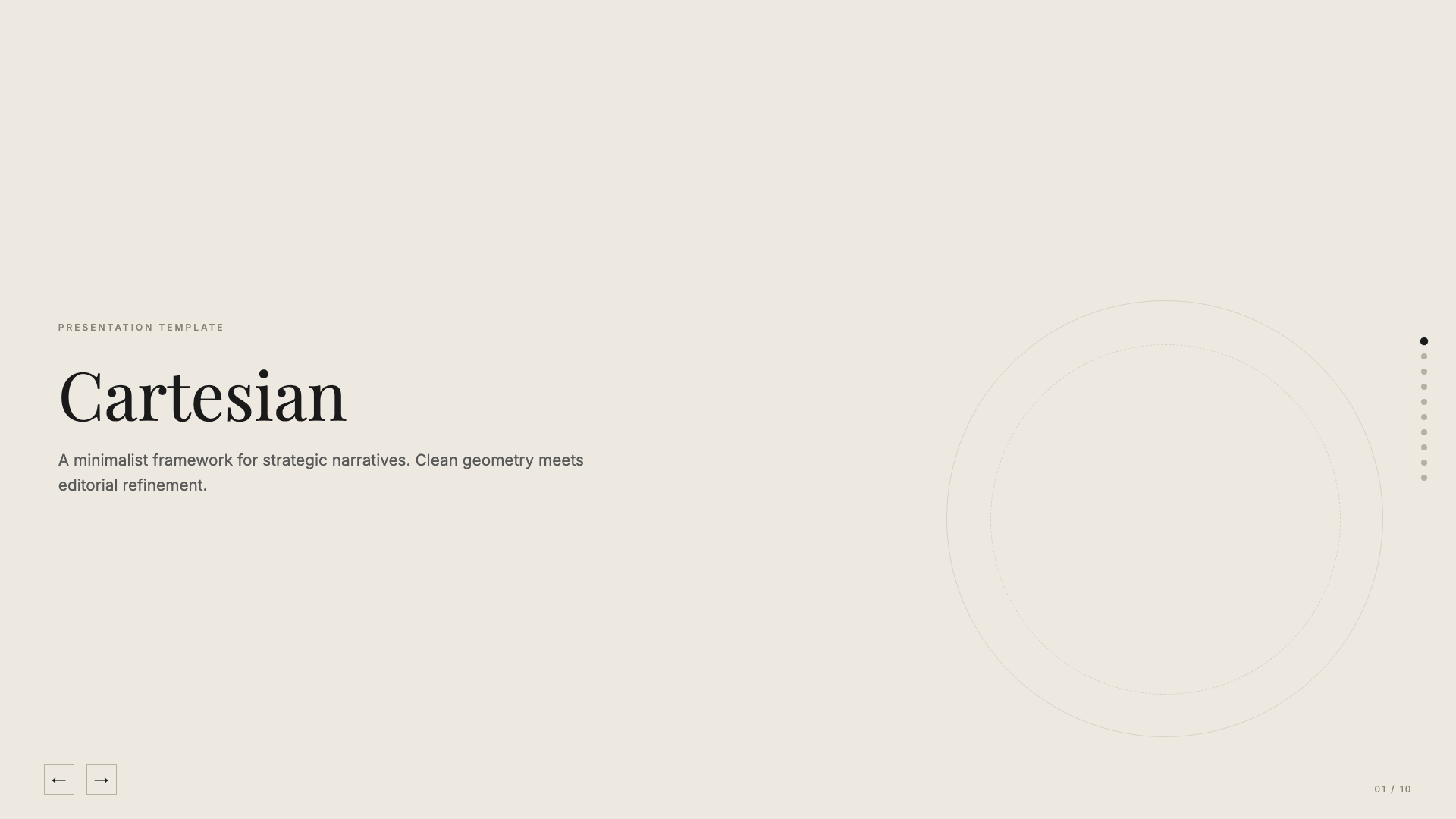
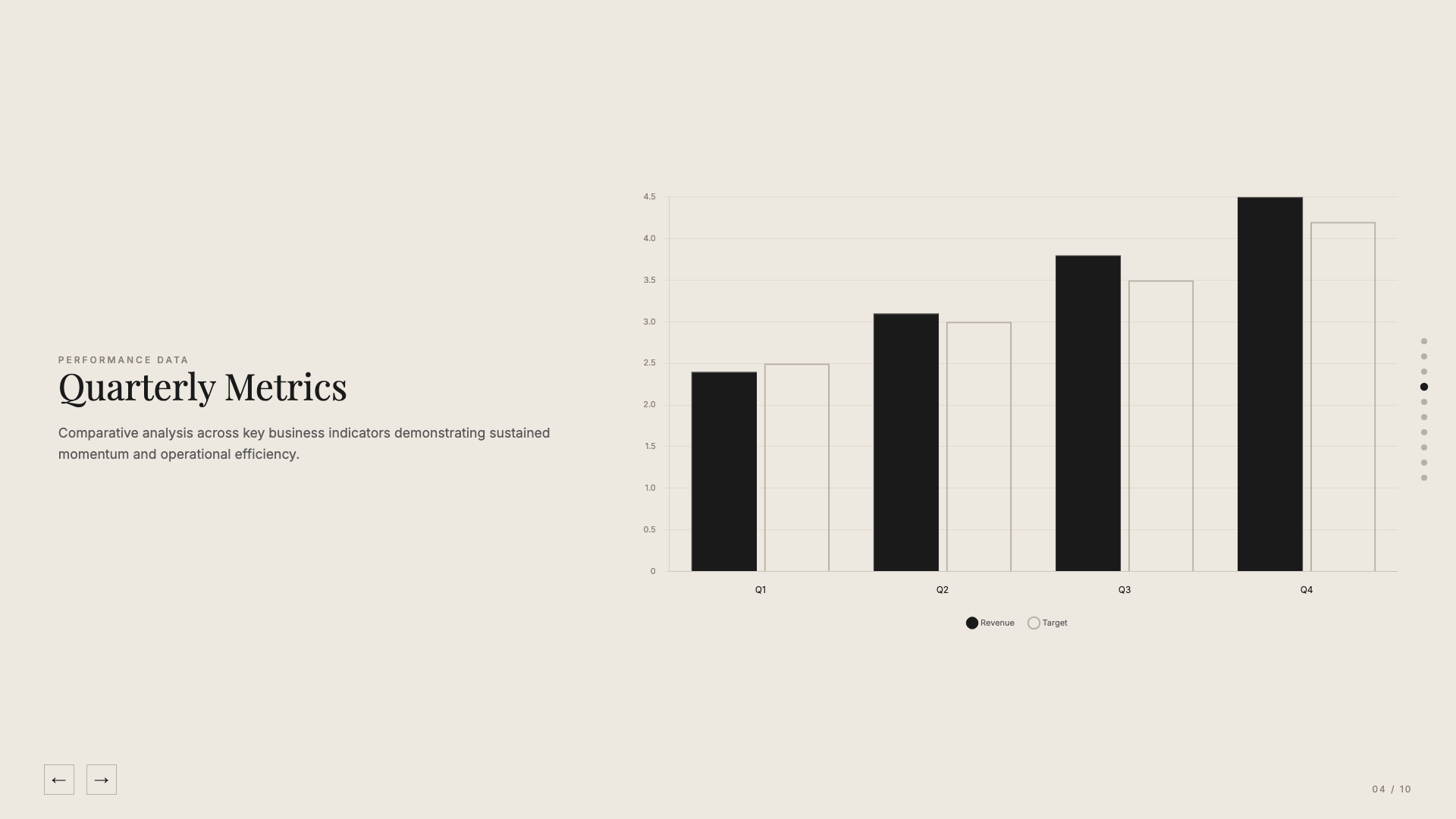
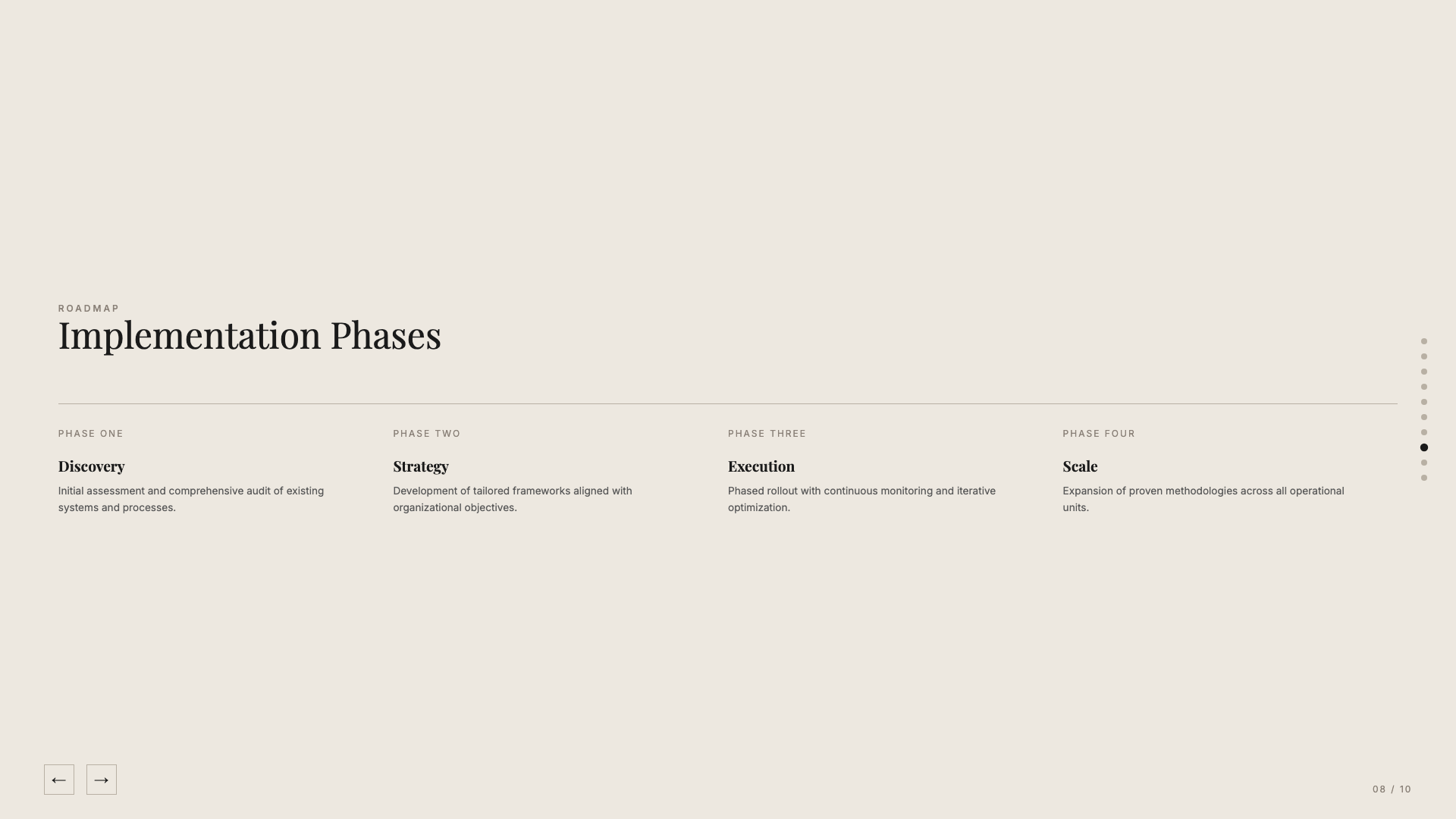
Quiet warm-neutral palette with classical Playfair serifs; tasteful and unhurried.
Coral
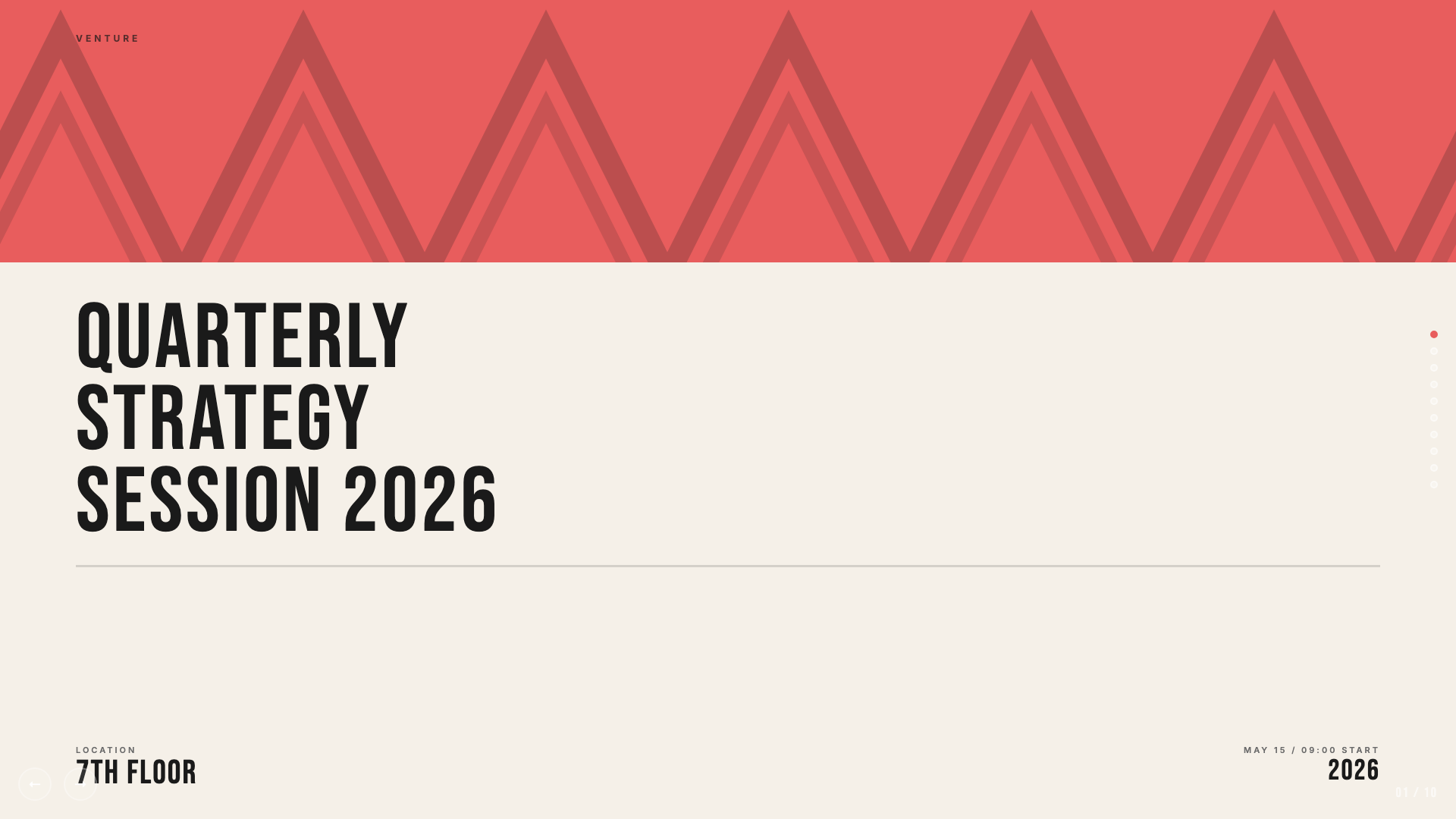
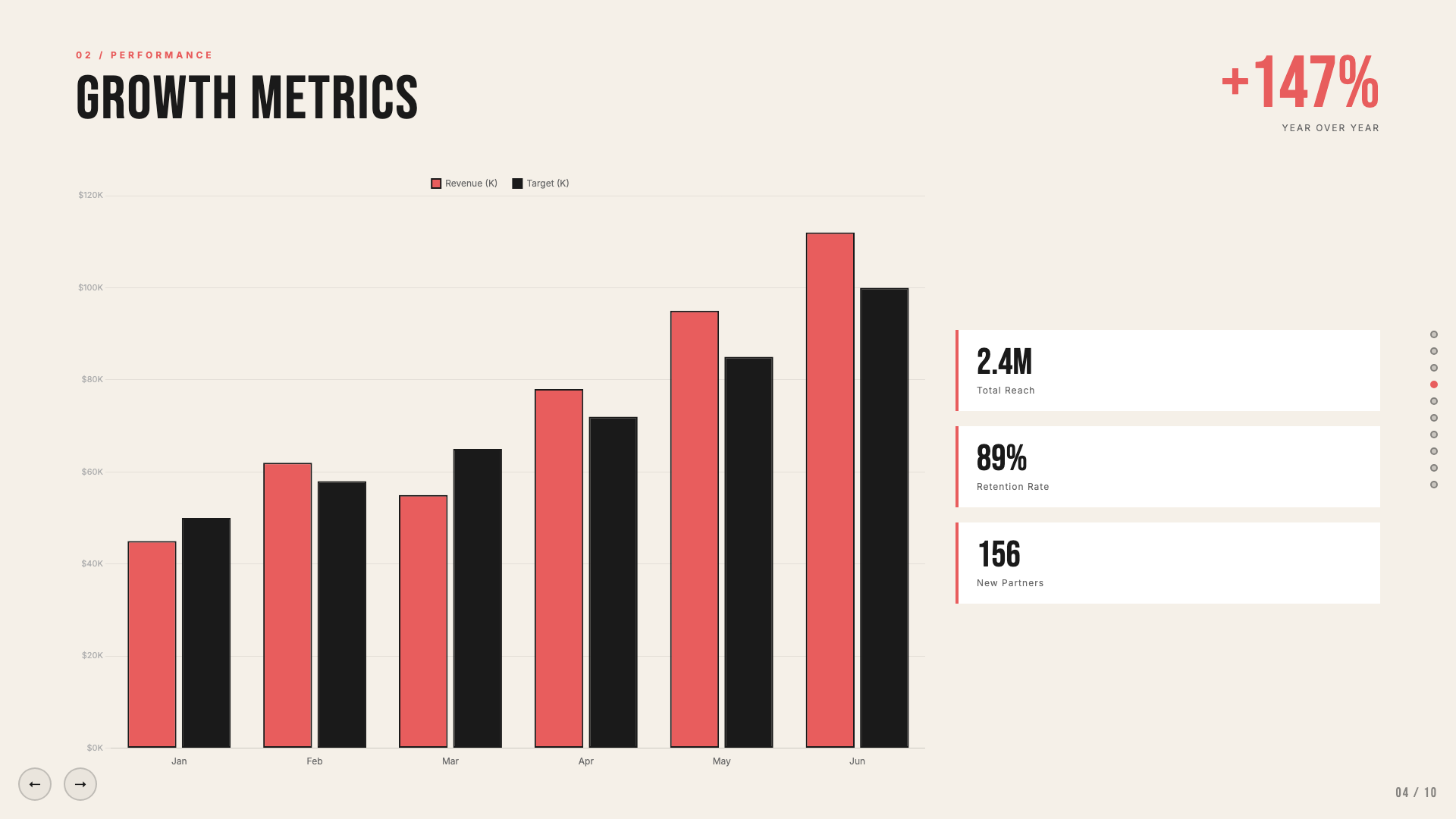
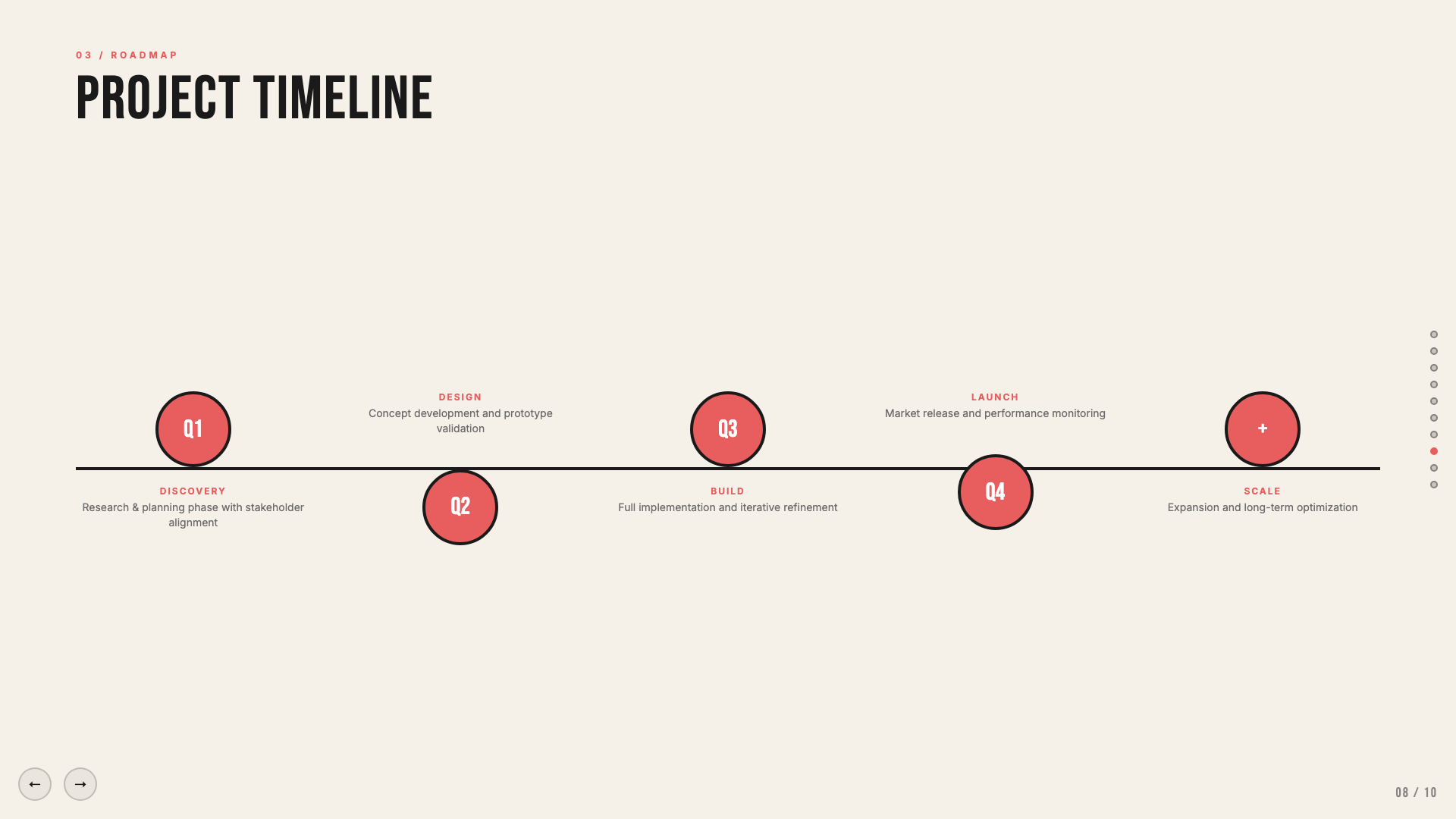
Cream and coral on near-black, set in oversized Bebas Neue.
Daisy Days
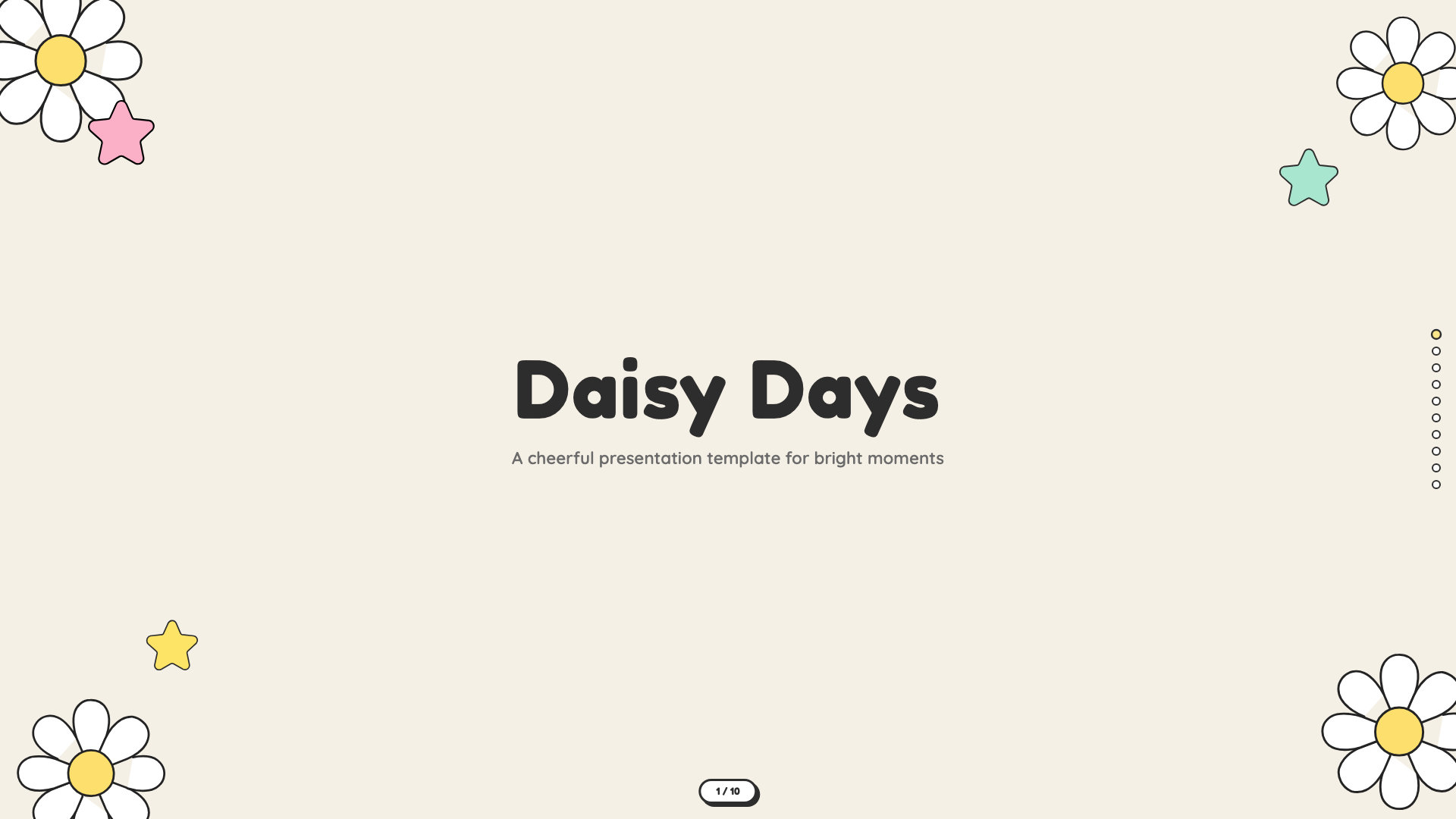
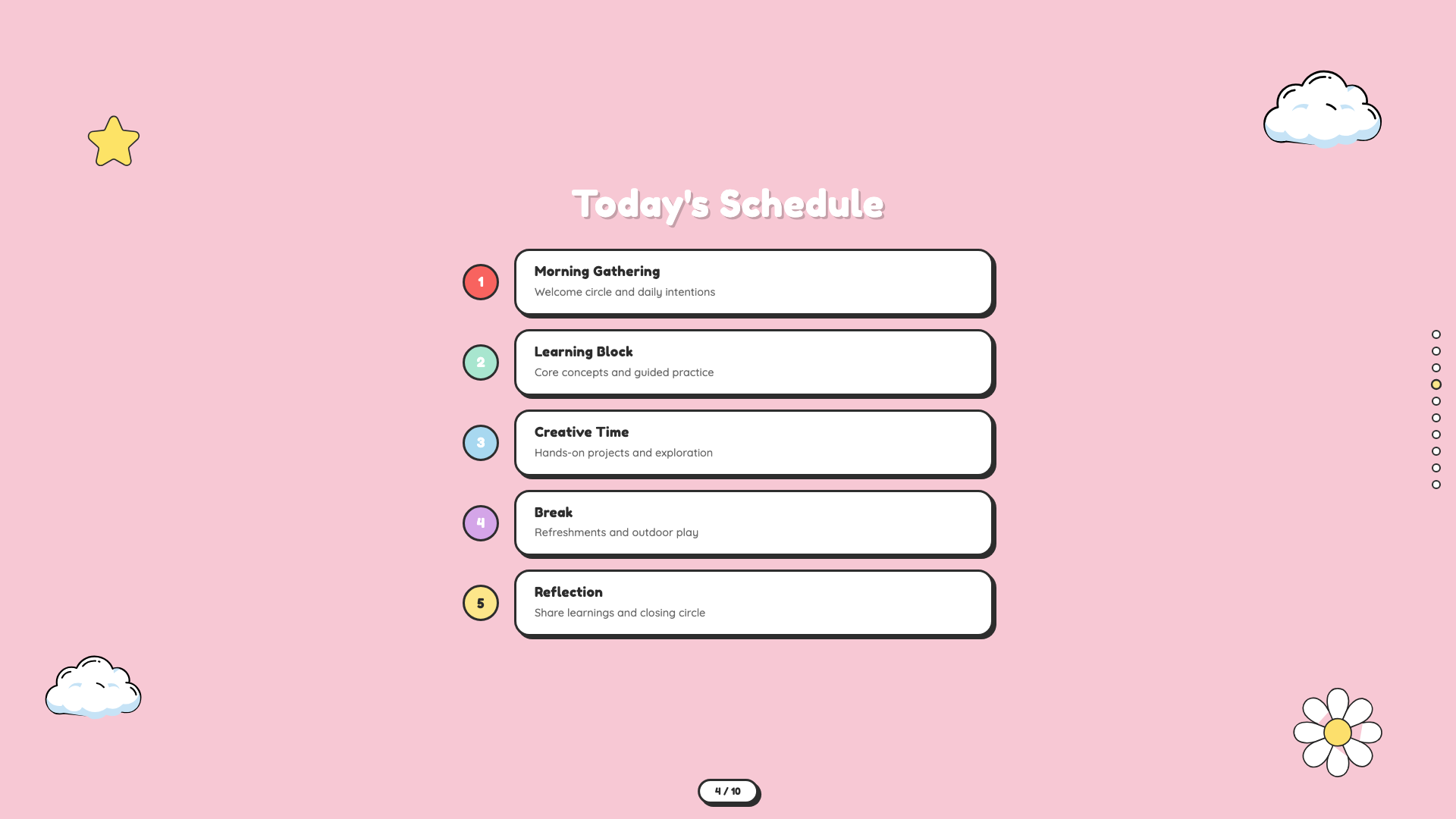
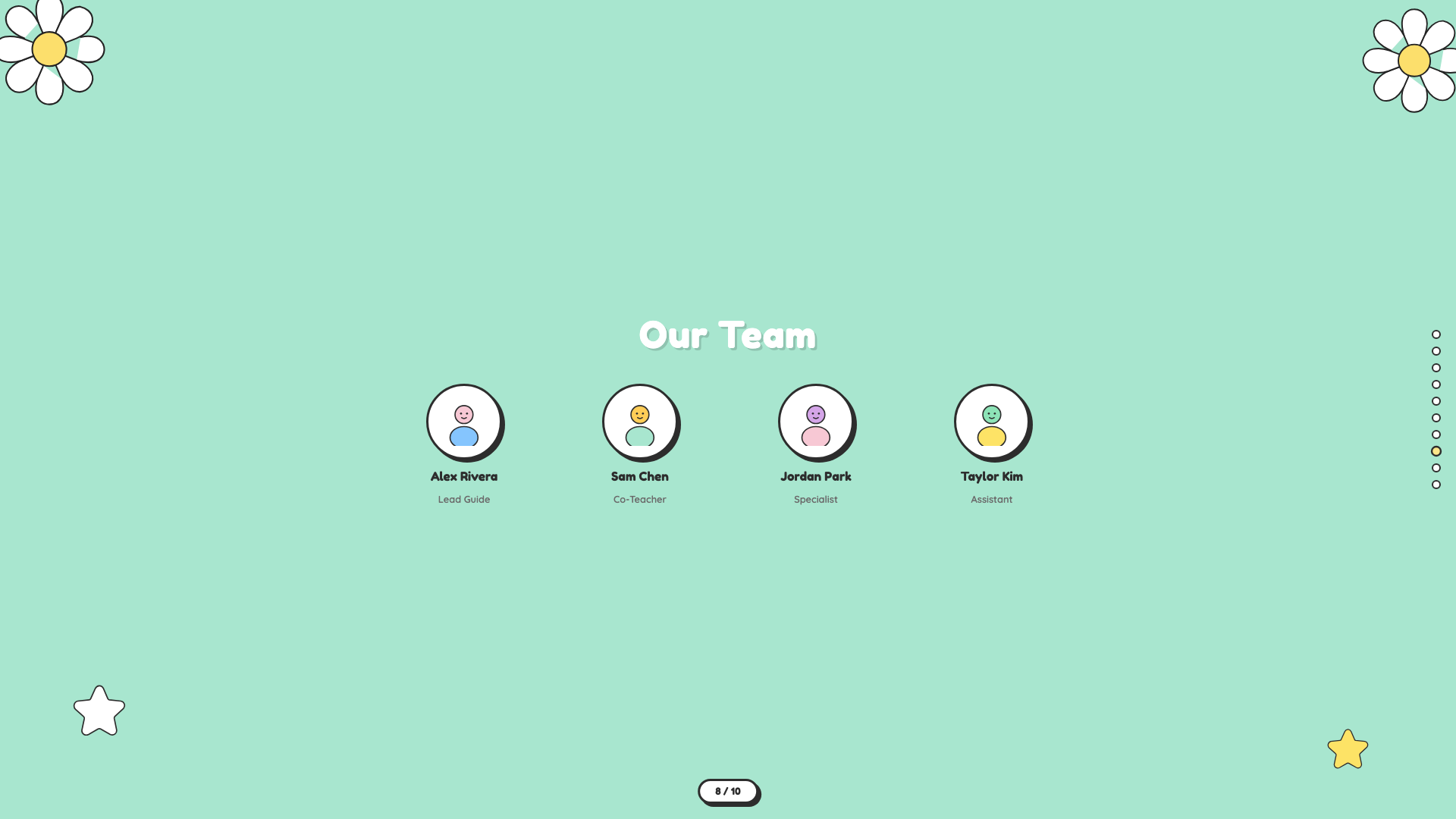
Cheerful pastel deck with hand-drawn daisies, stars, and rainbows. Friendly, soft, and warm.
Grove
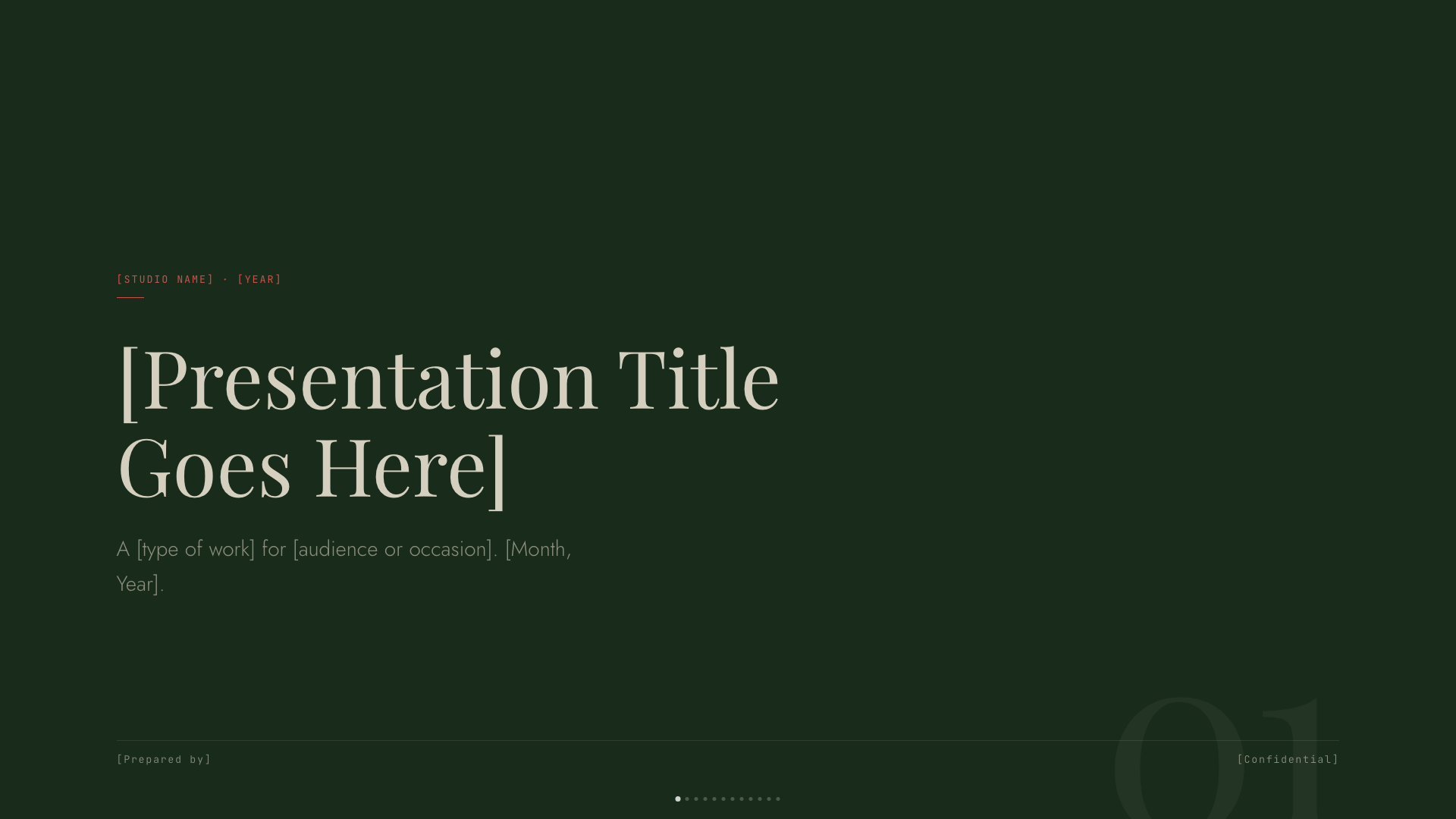
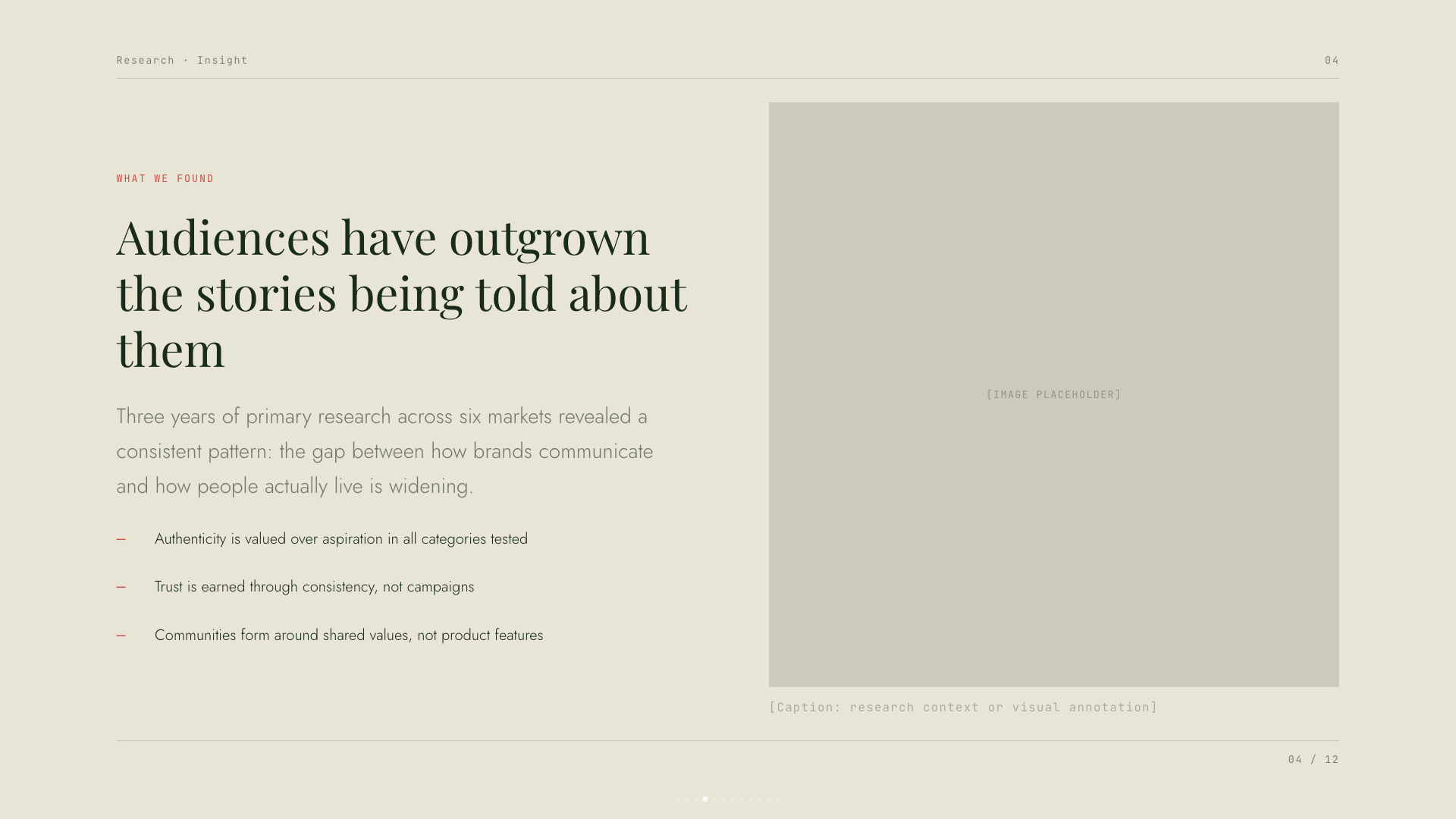
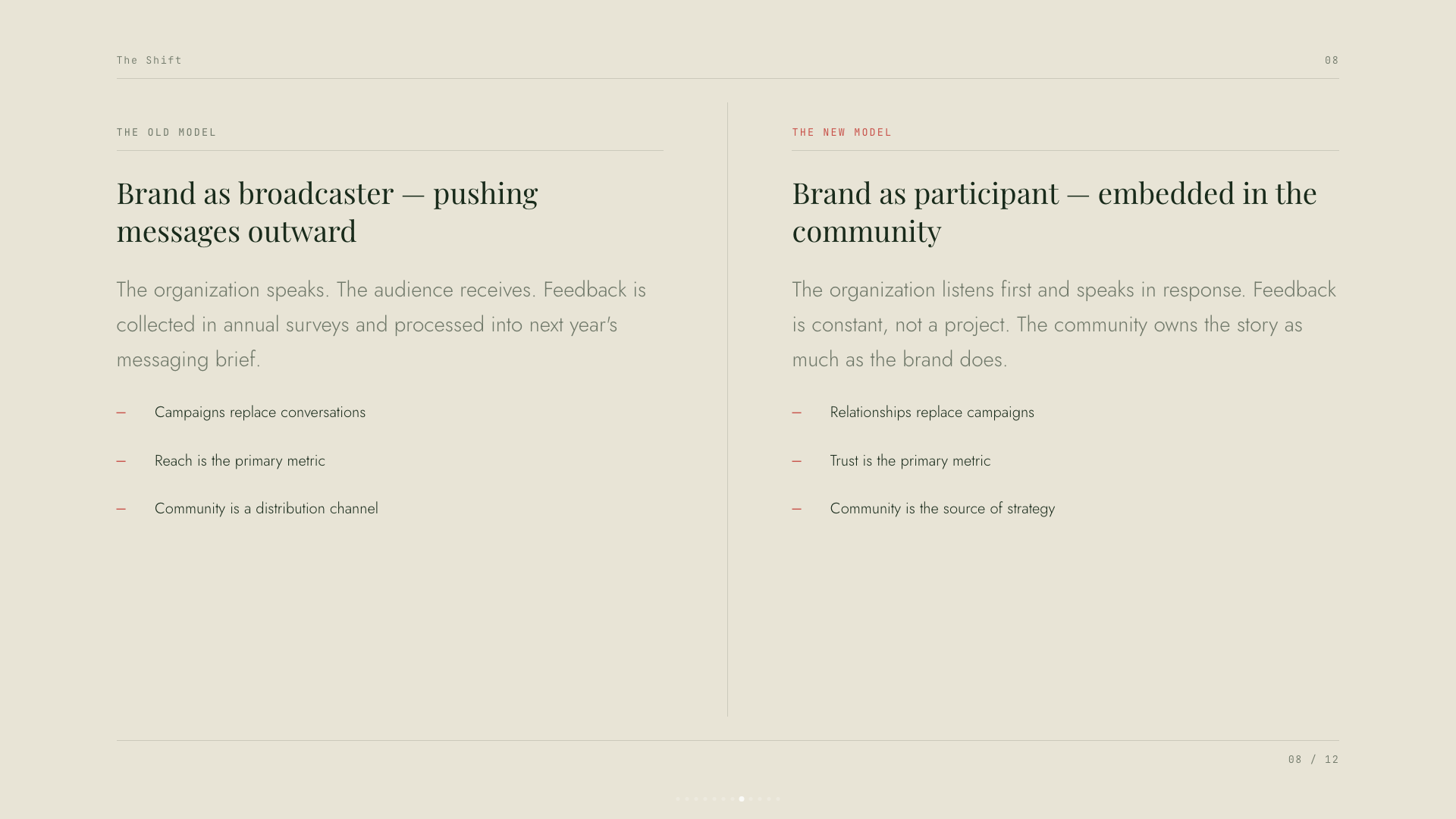
Forest-green canvas with cream type, classical Playfair serifs, and a single rust accent.
Mat
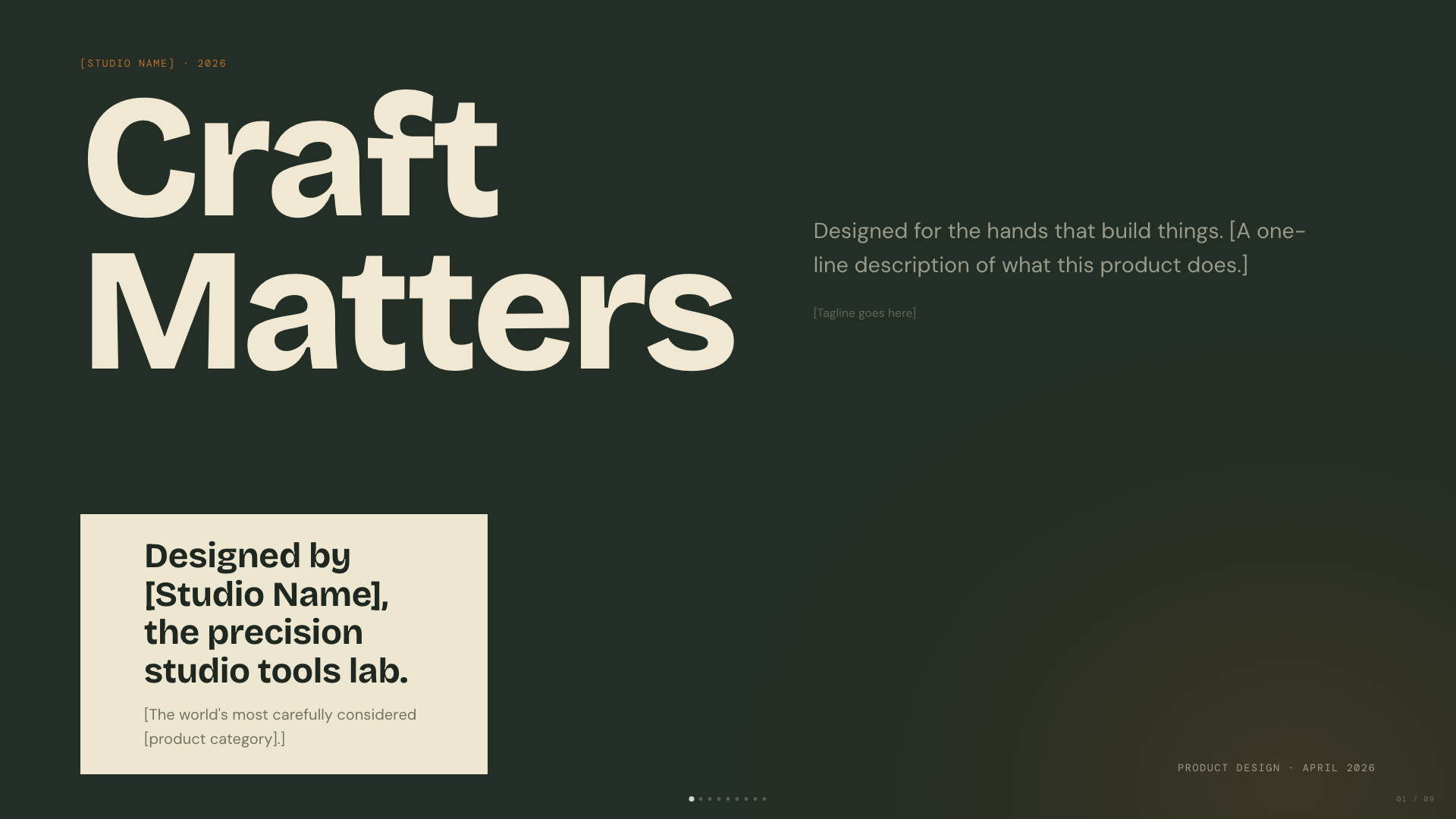
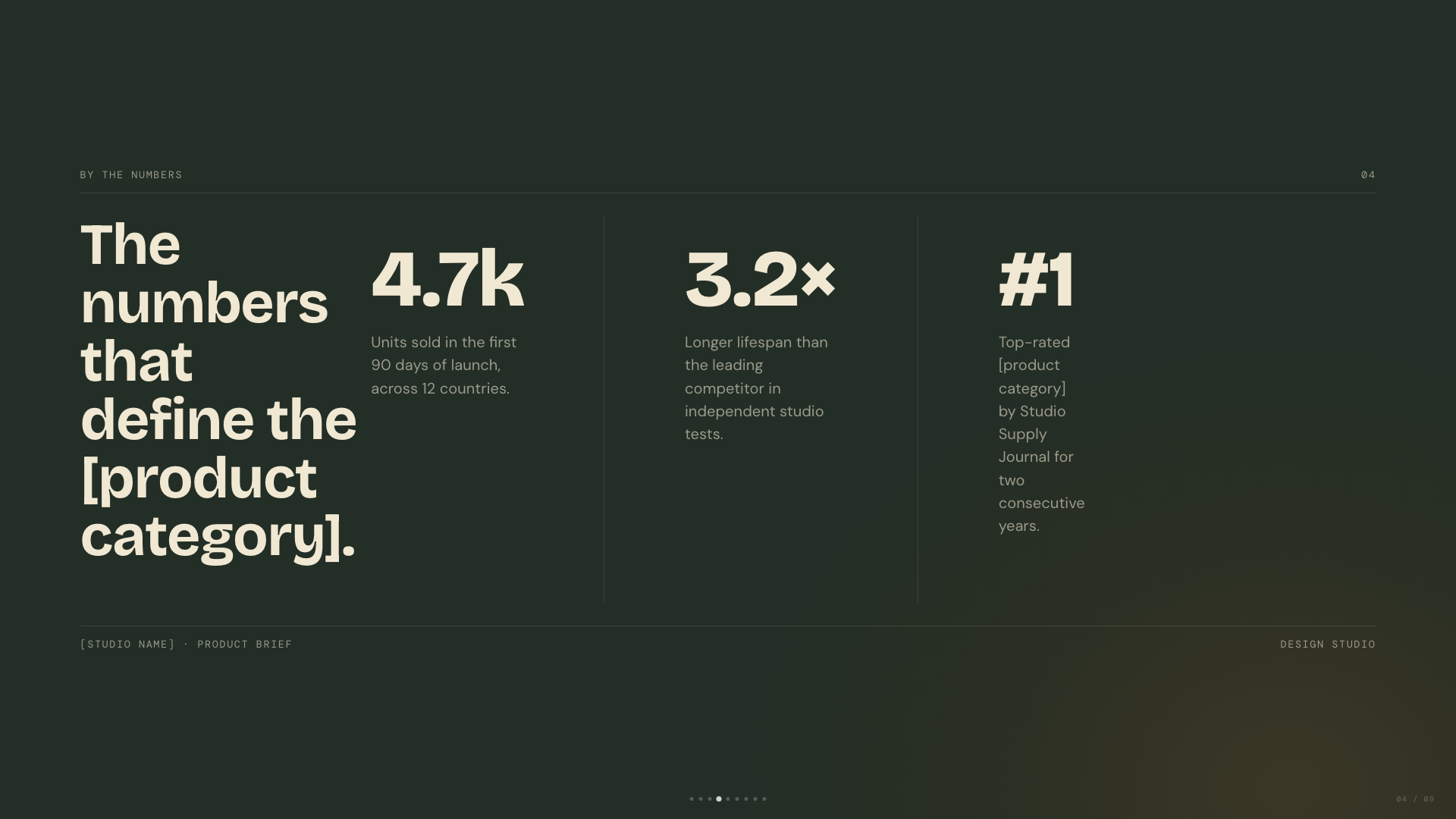
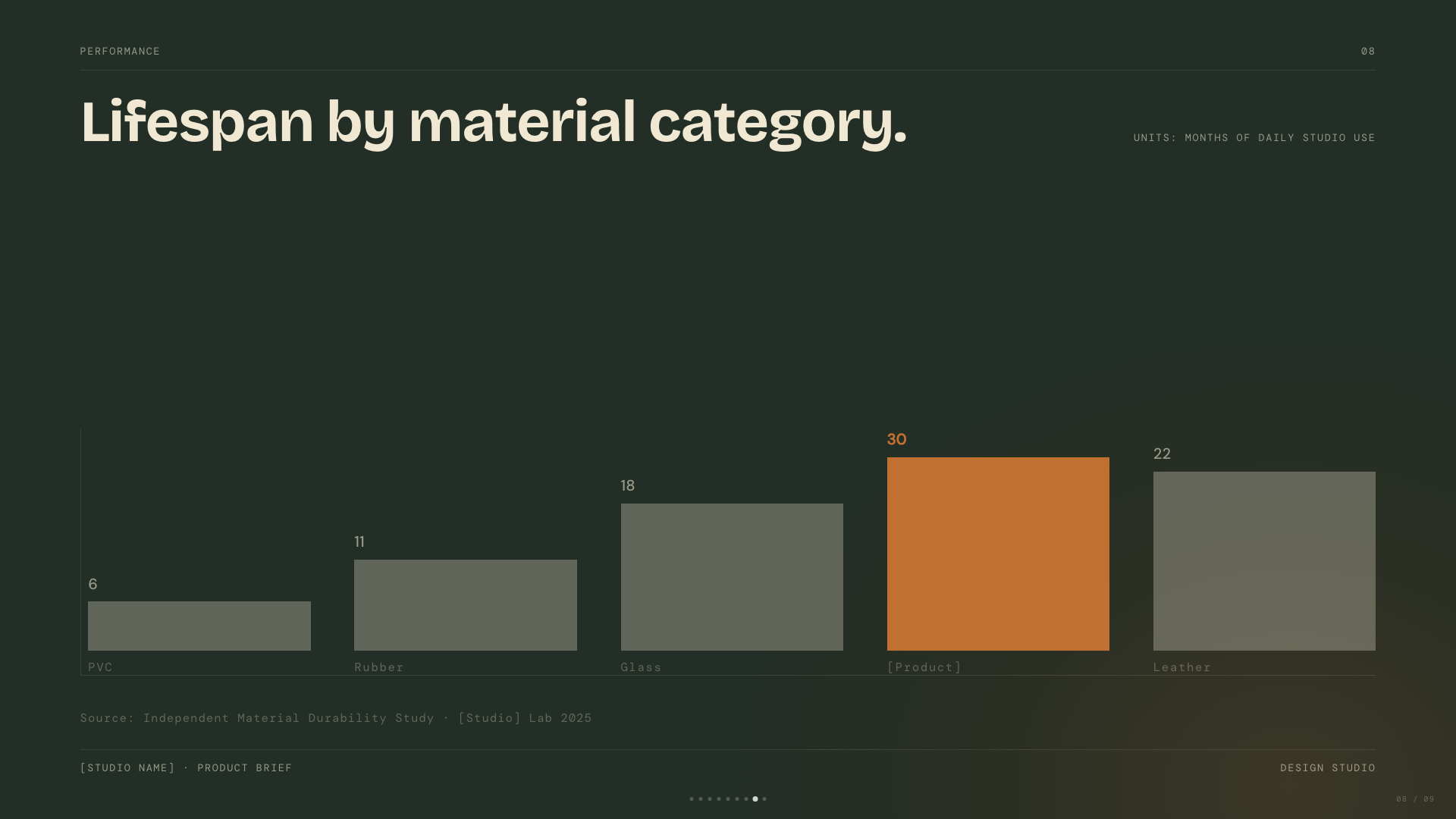
Dark sage canvas with bone paper and burnt-orange accent; mid-century modern with wood undertones.
Playful
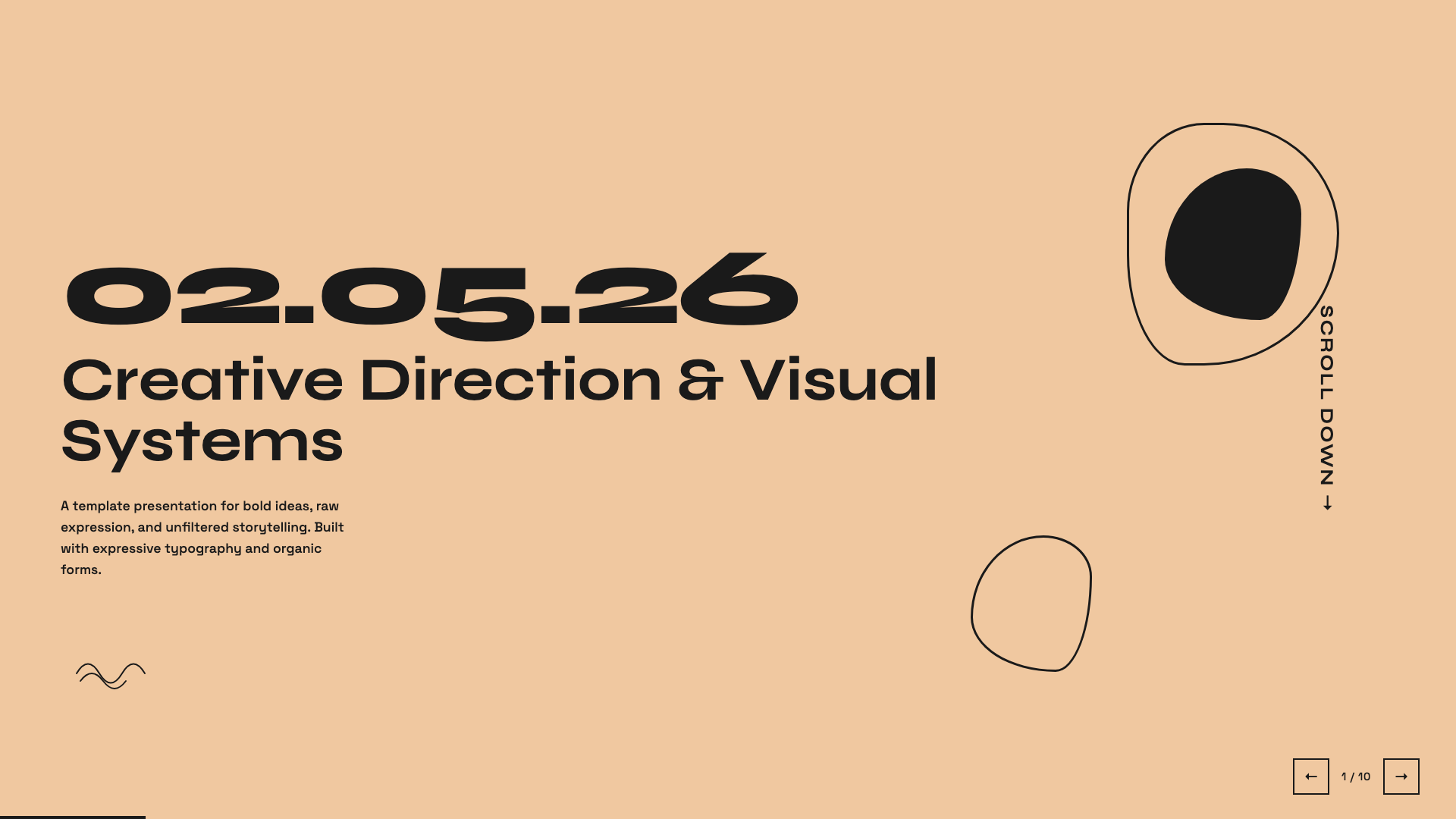
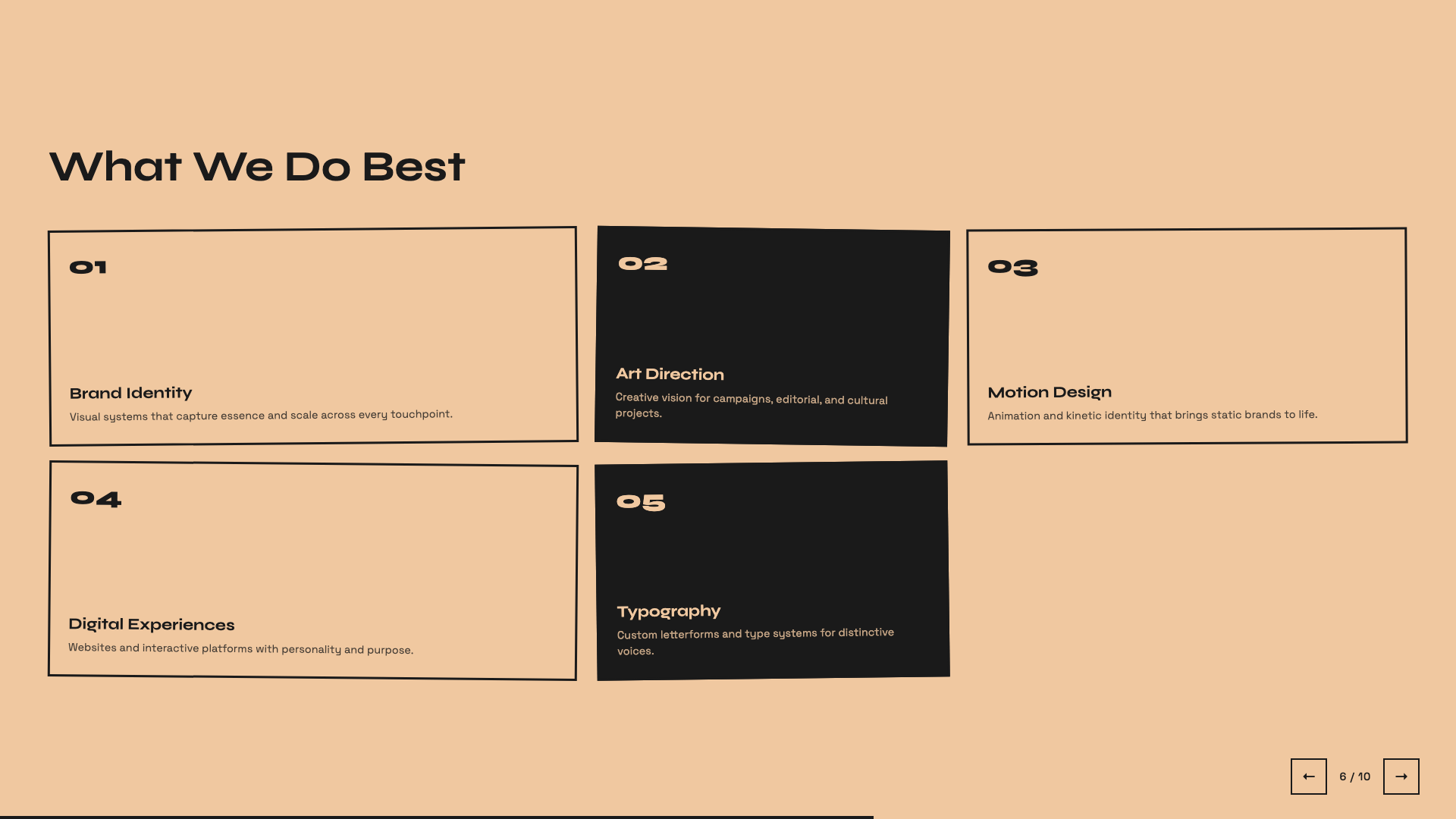
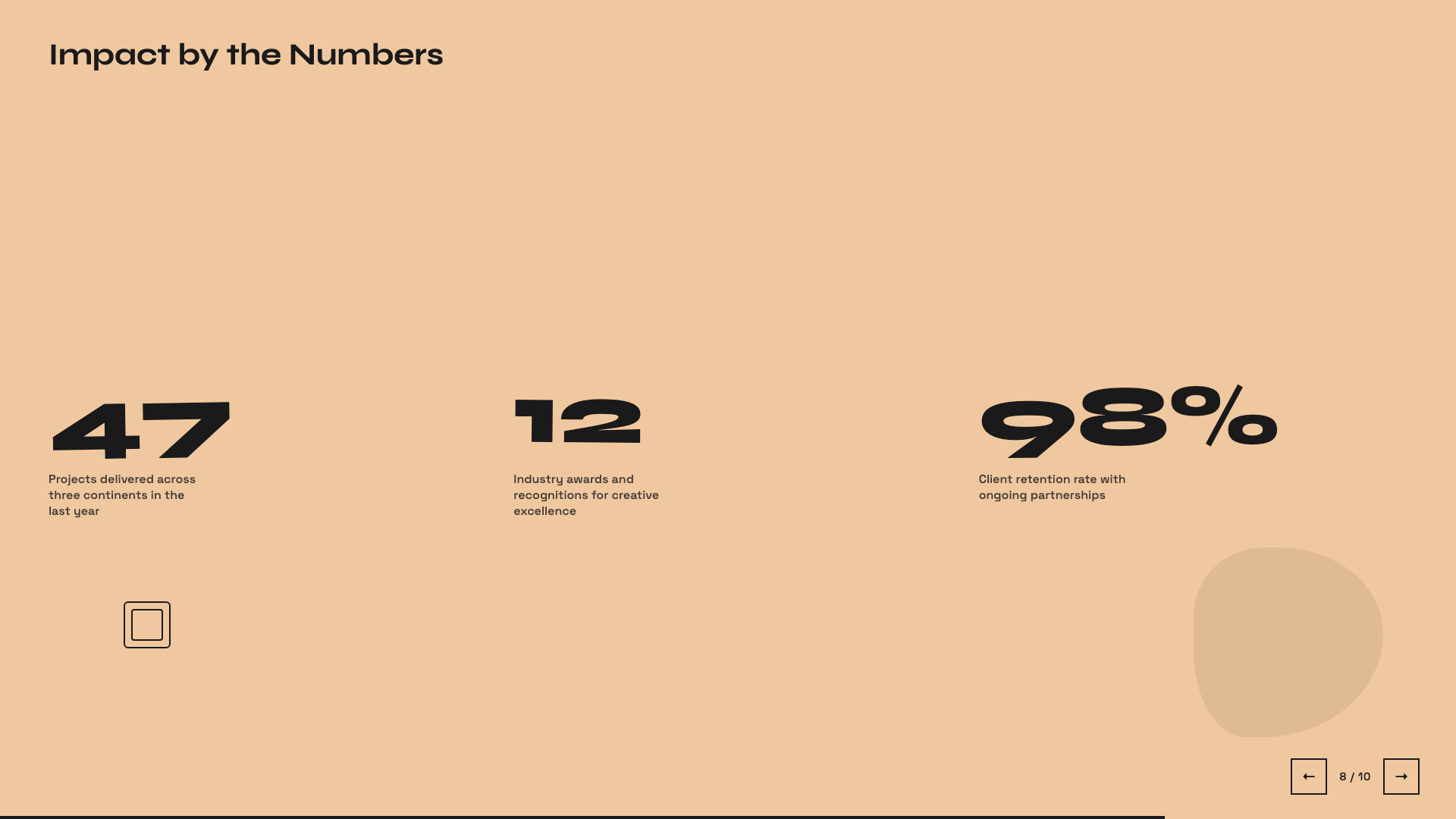
Sun-warm peach background with Syne display: a friendly indie launch deck.
Raw Grid
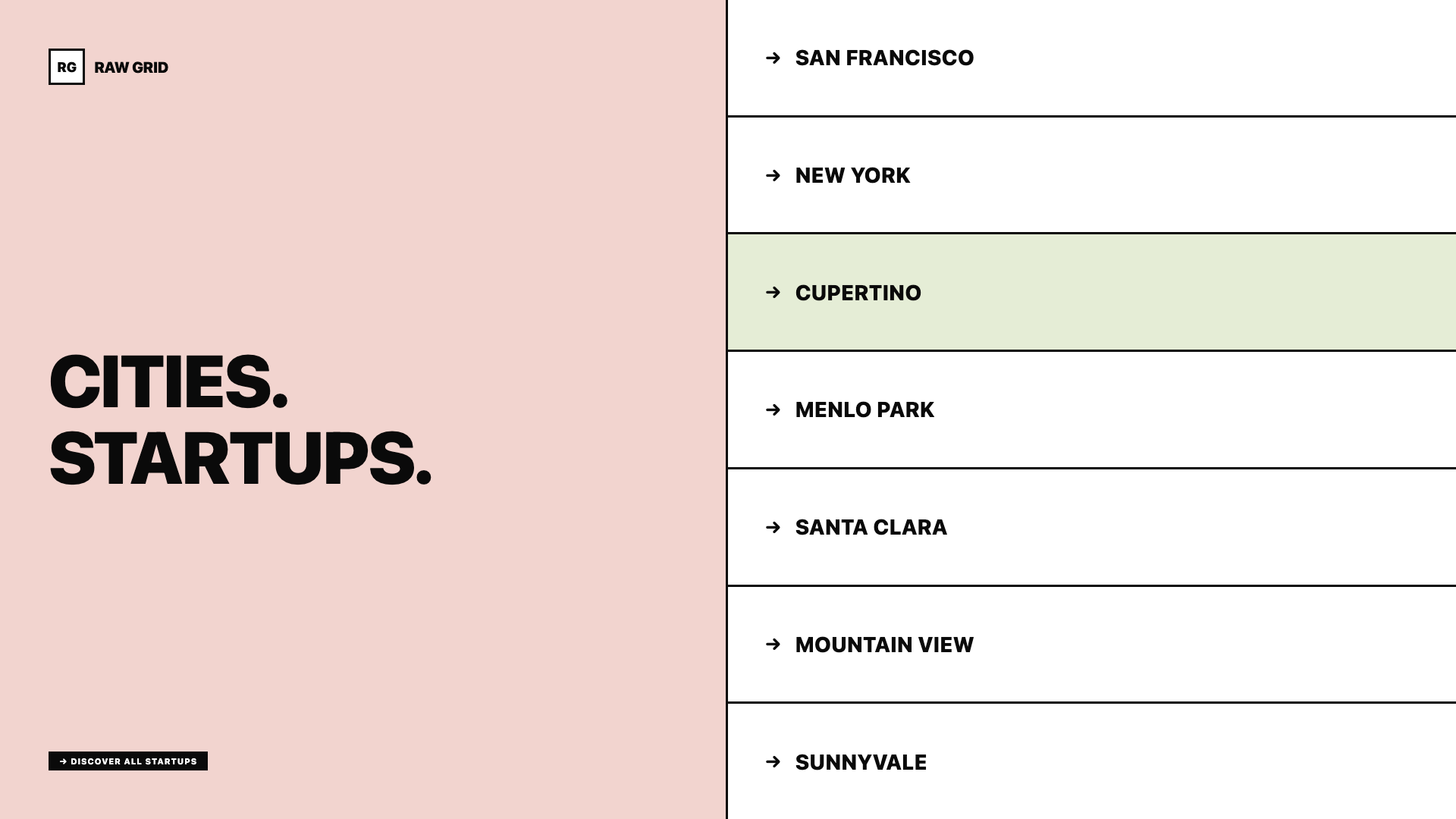
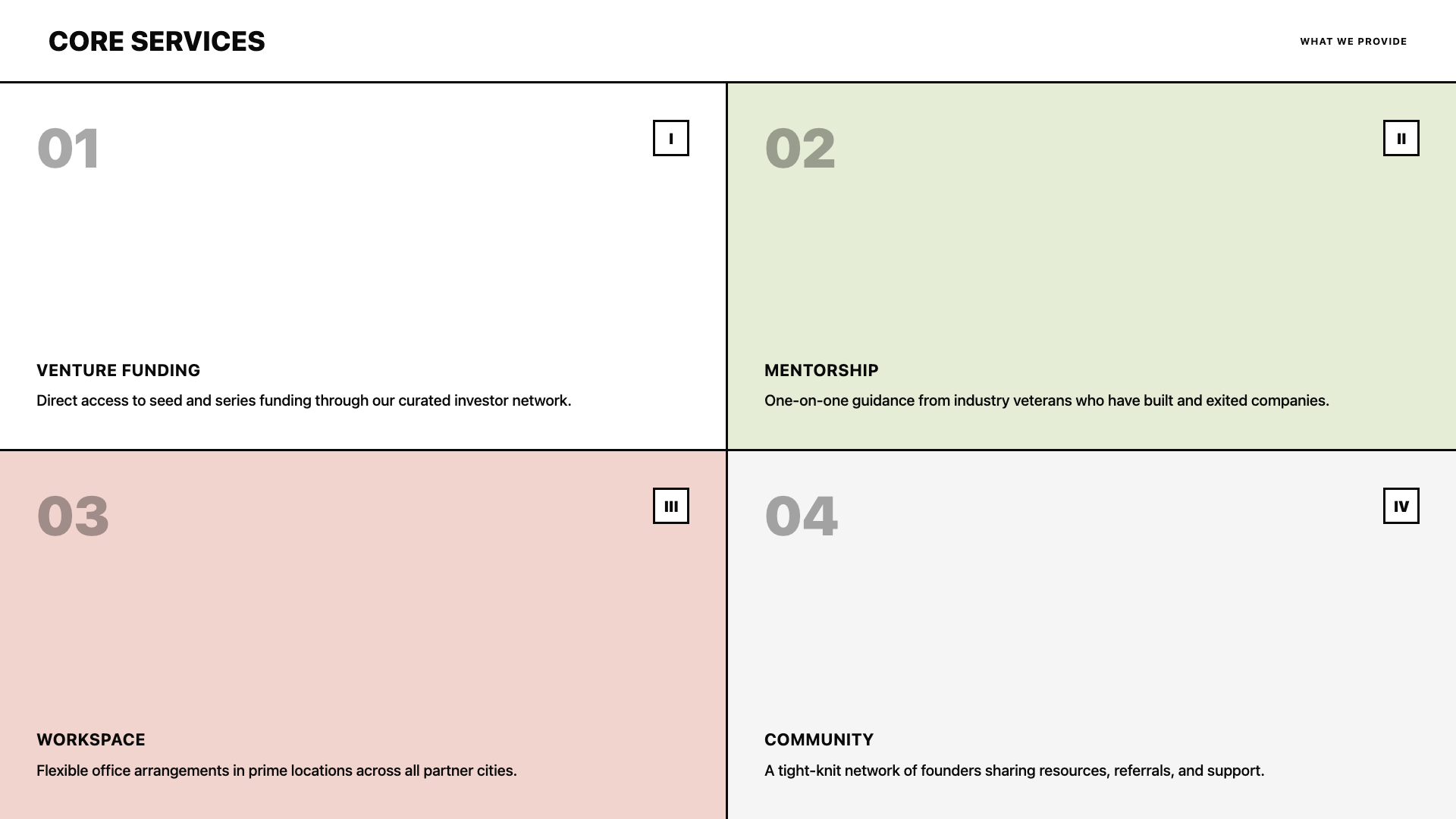
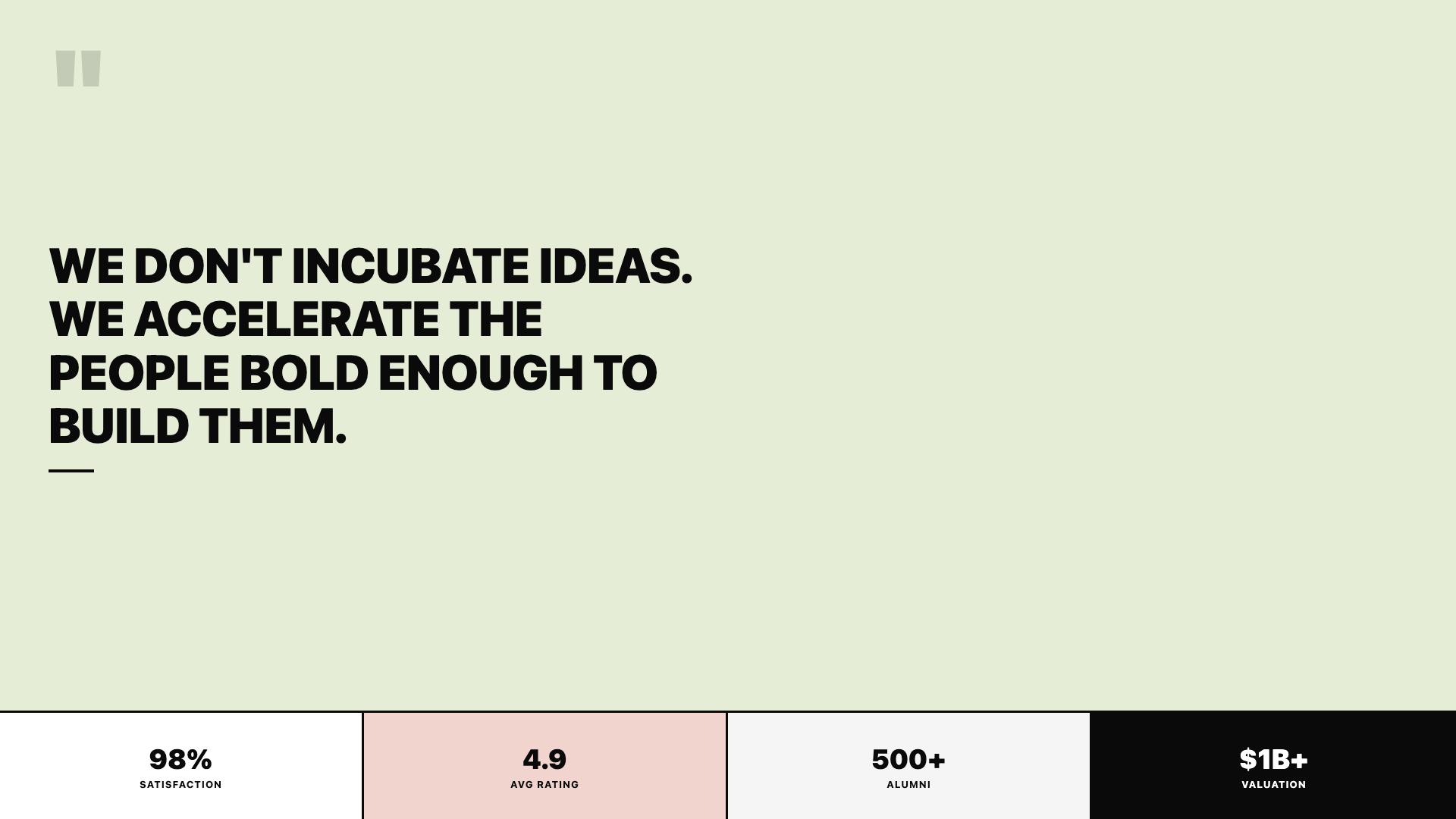
Neo-brutalist deck with thick borders, offset shadows, and a pink/sage/ink palette.
Retro Windows
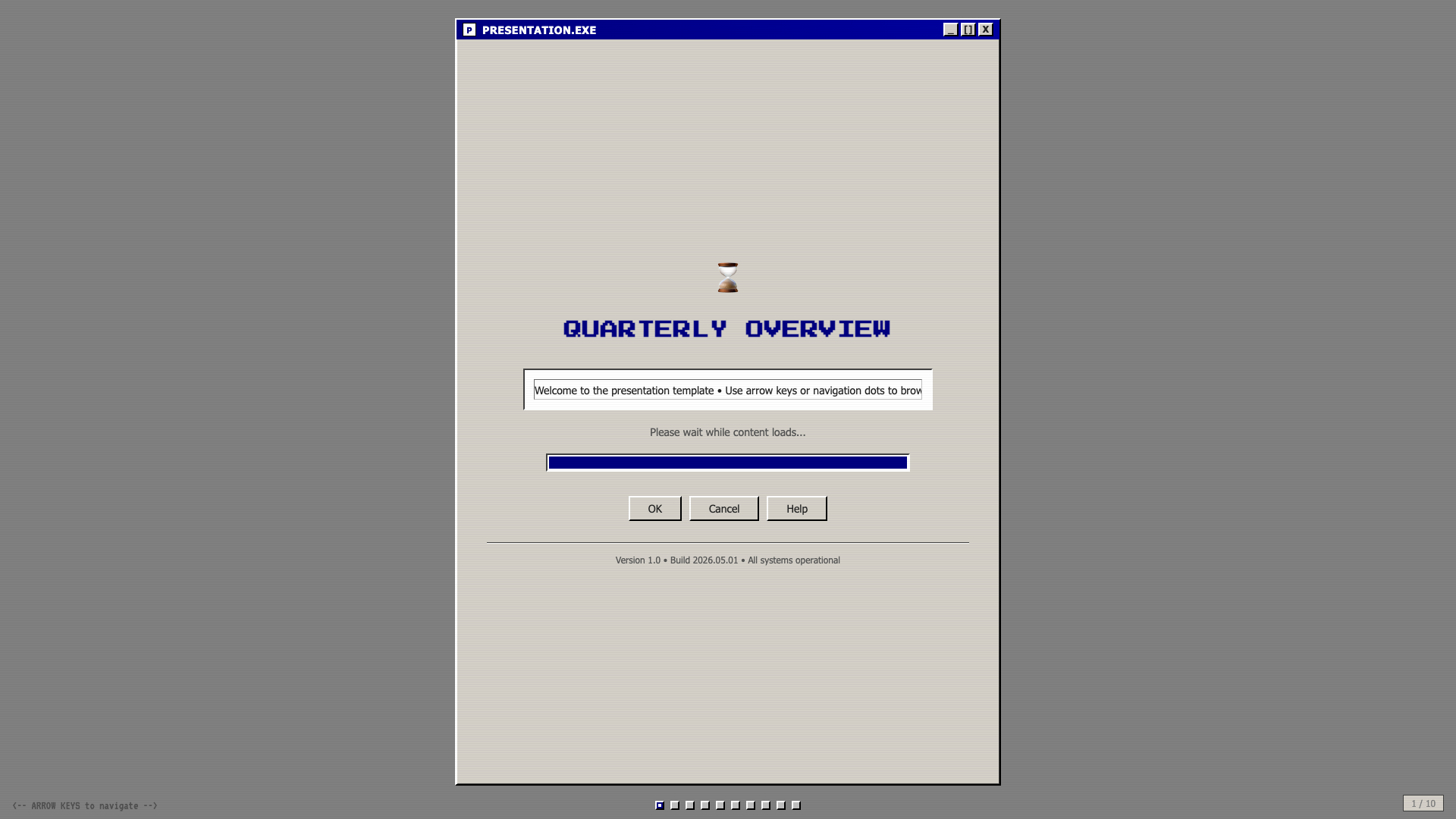
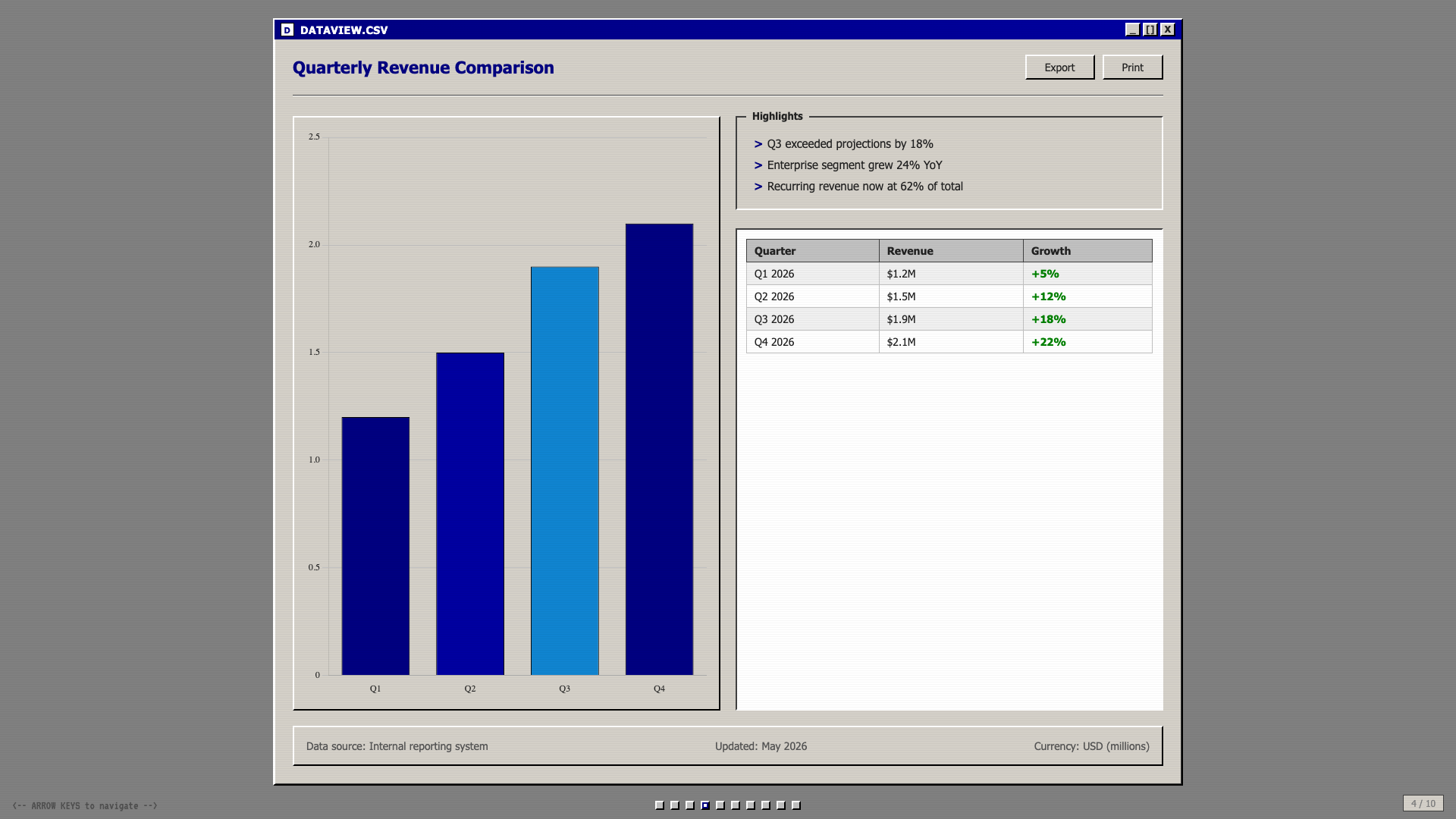
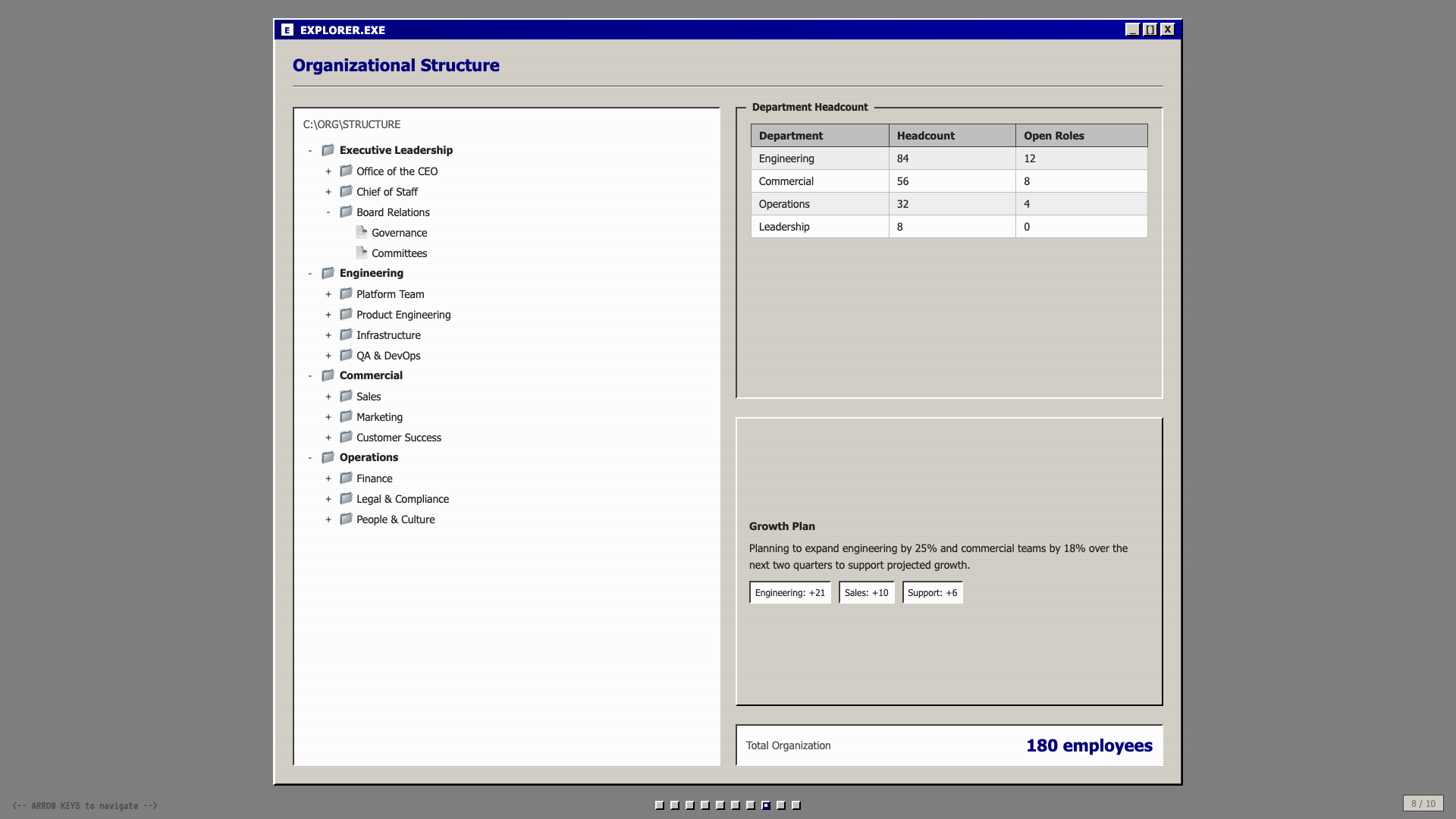
Windows 95 chrome: gray title bars, MS Sans Serif, pixel typography, full nostalgia.
Retro Zine
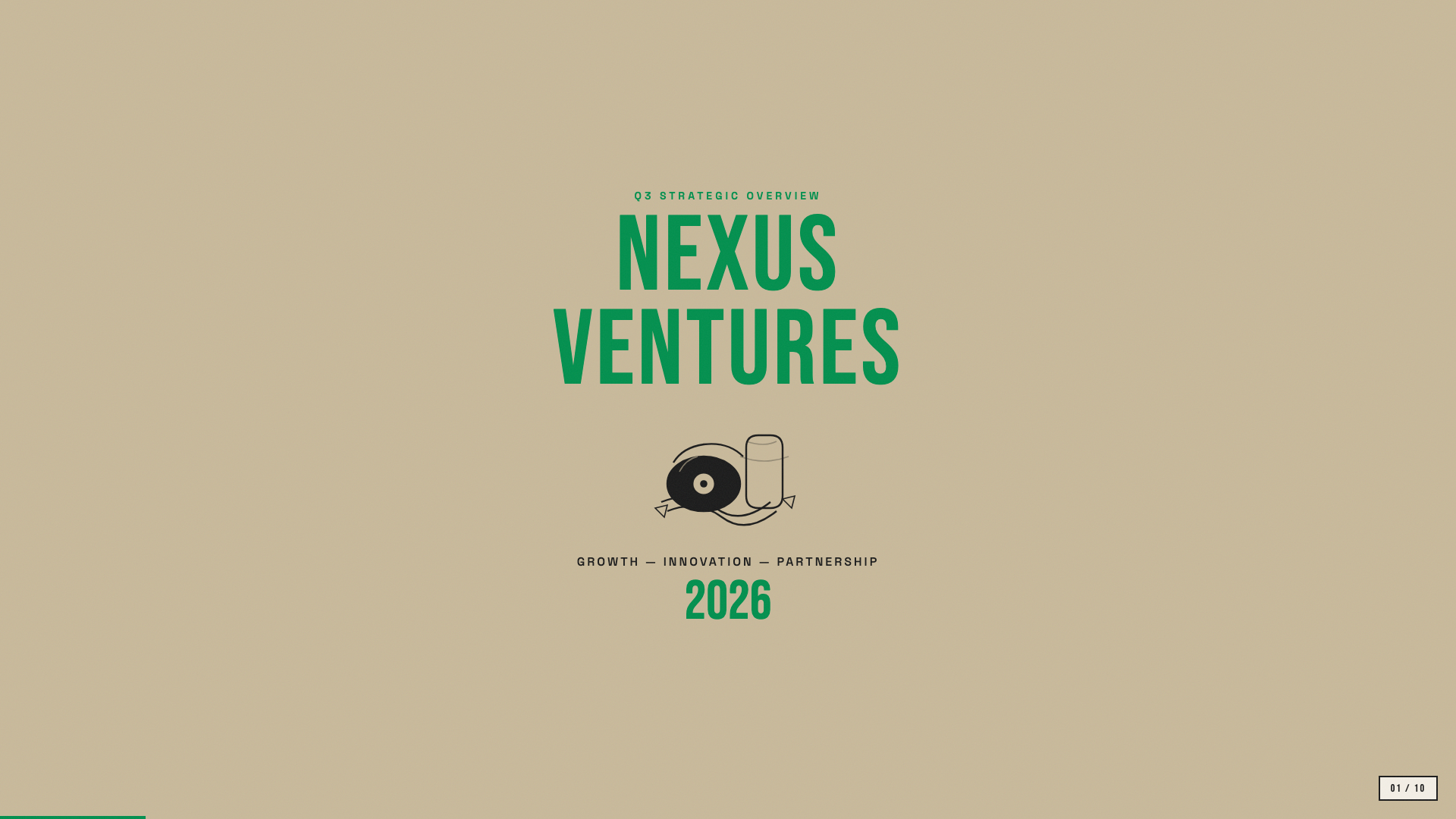
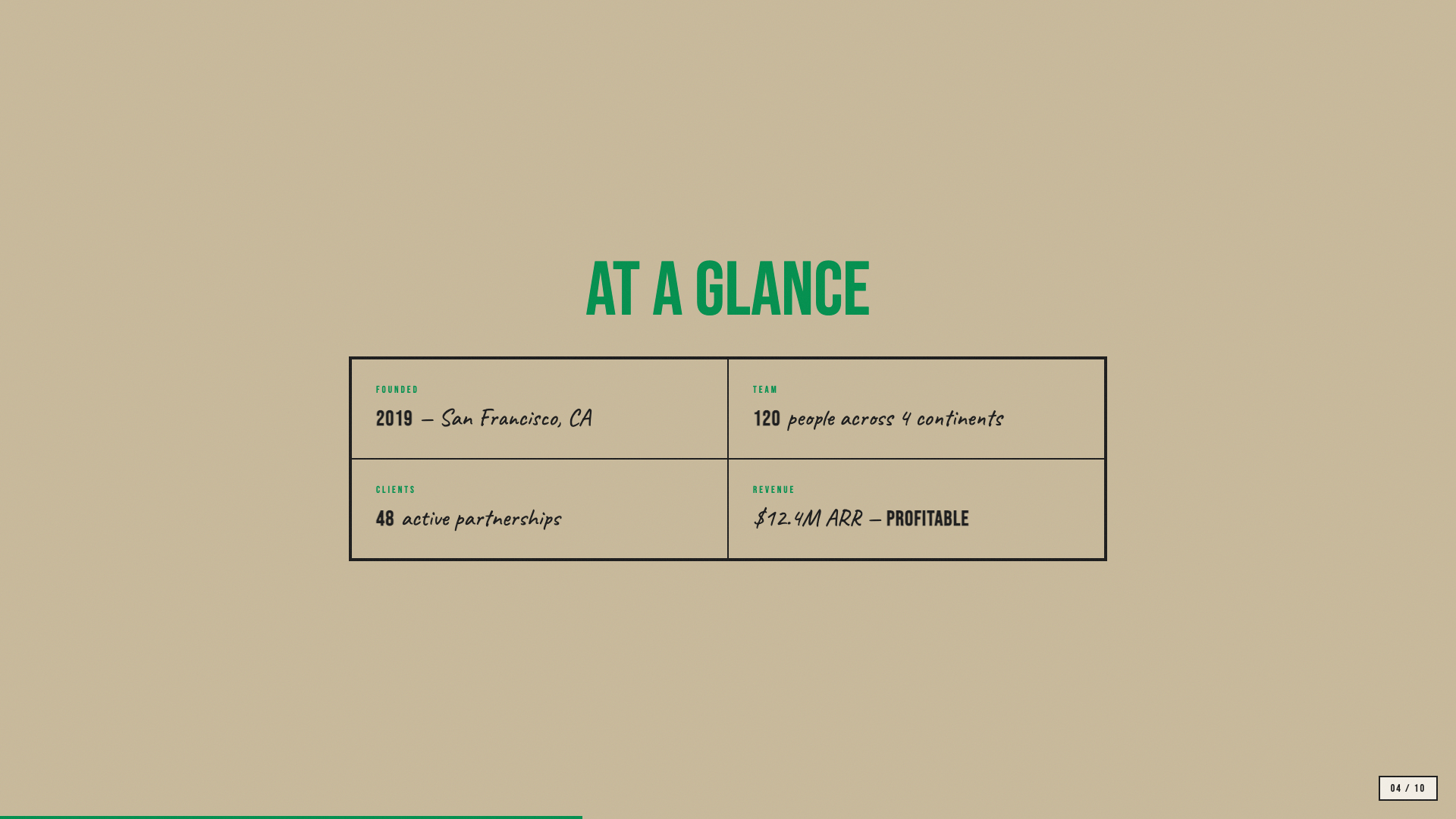
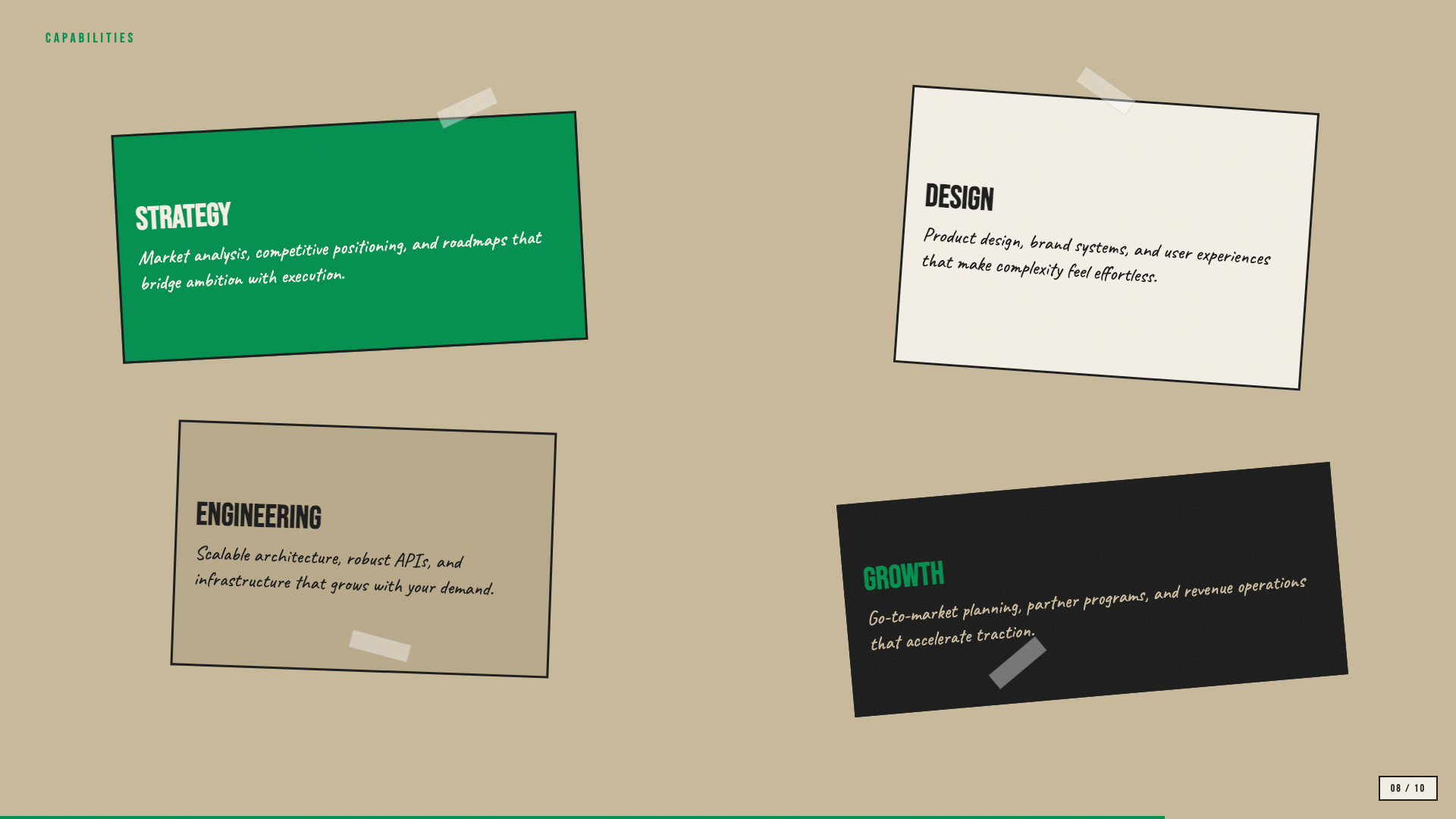
Beige paper with green accent and Bebas Neue + Caveat: a riso-printed zine in HTML form.
Scatterbrain
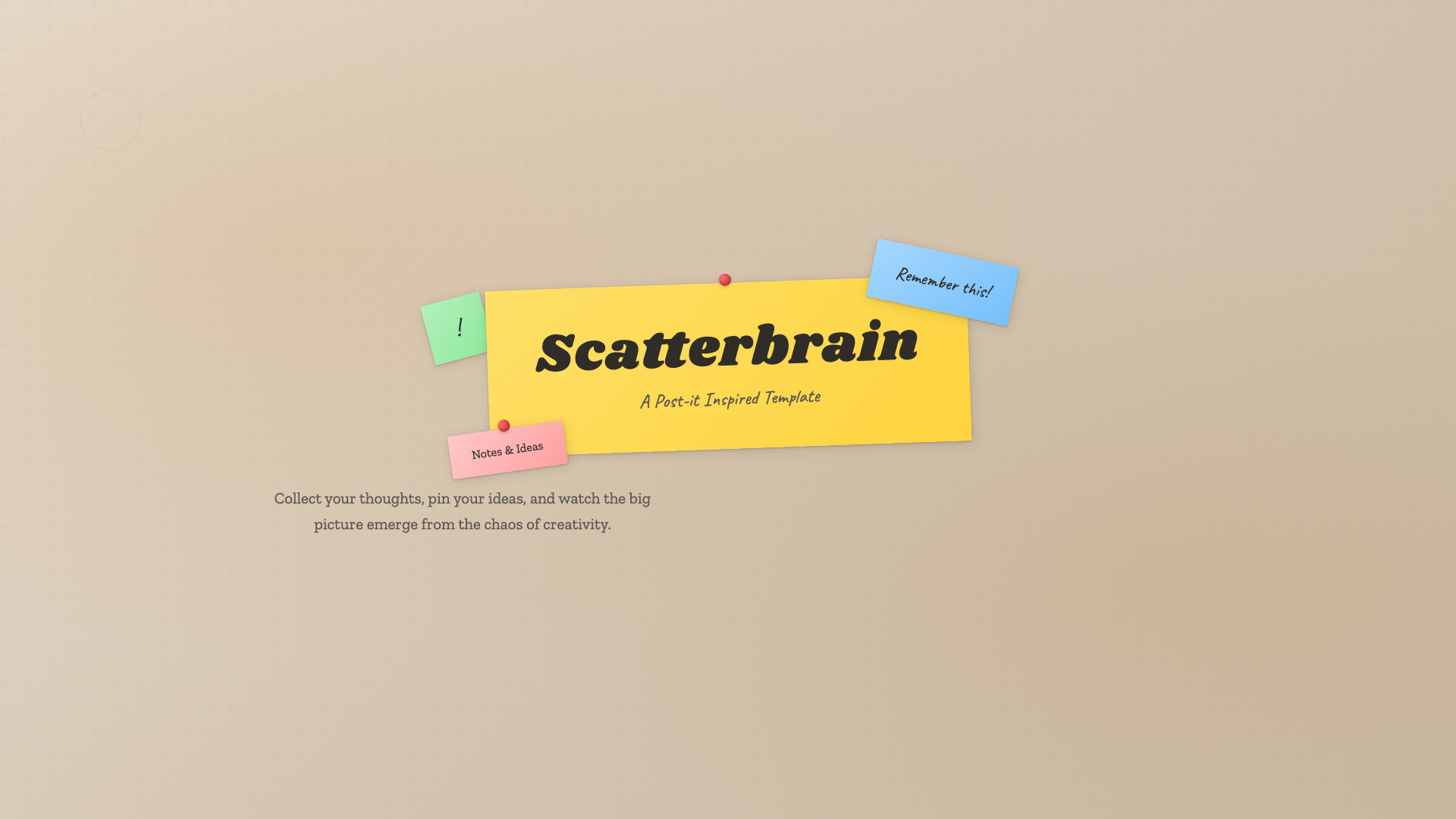
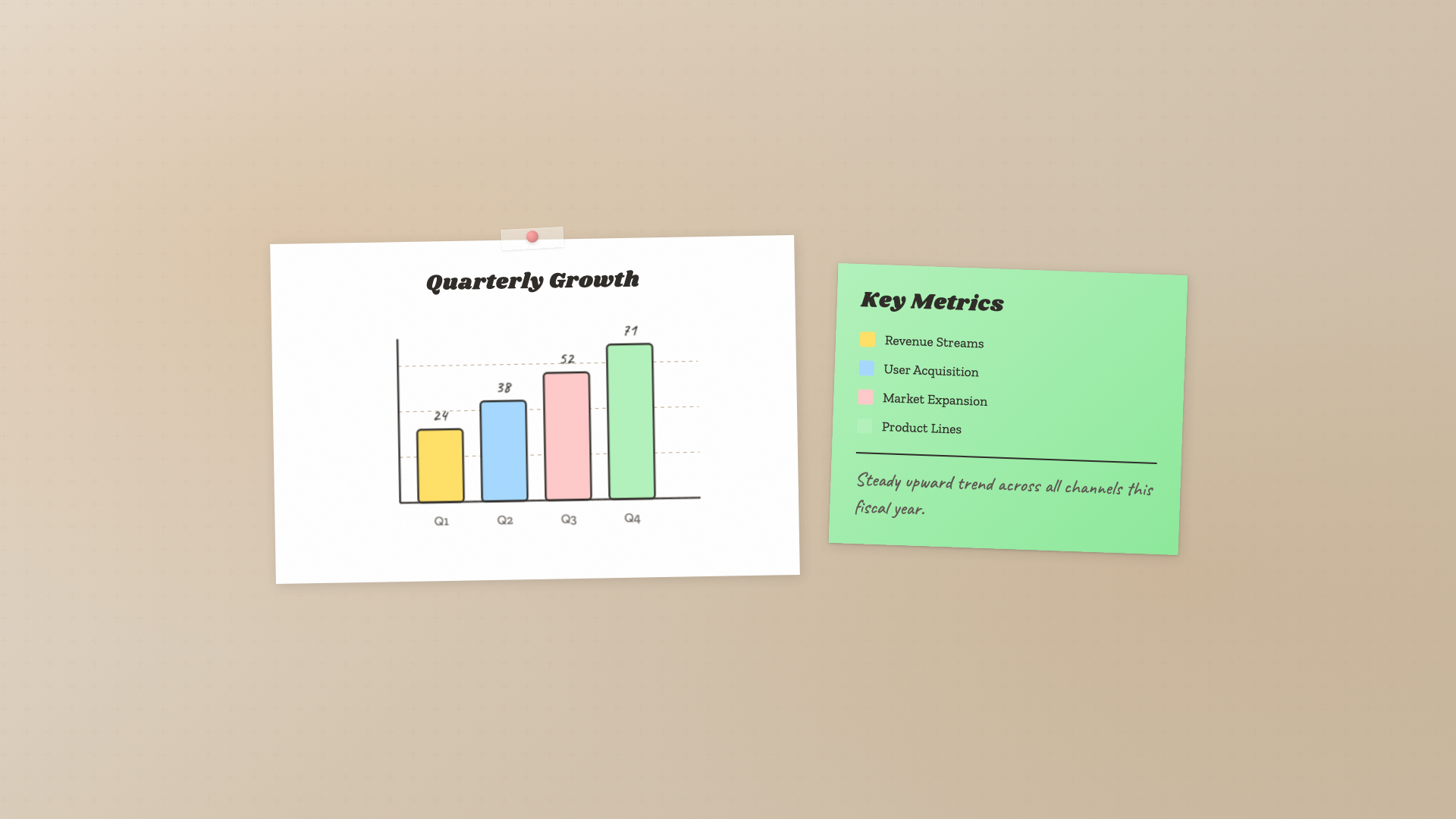
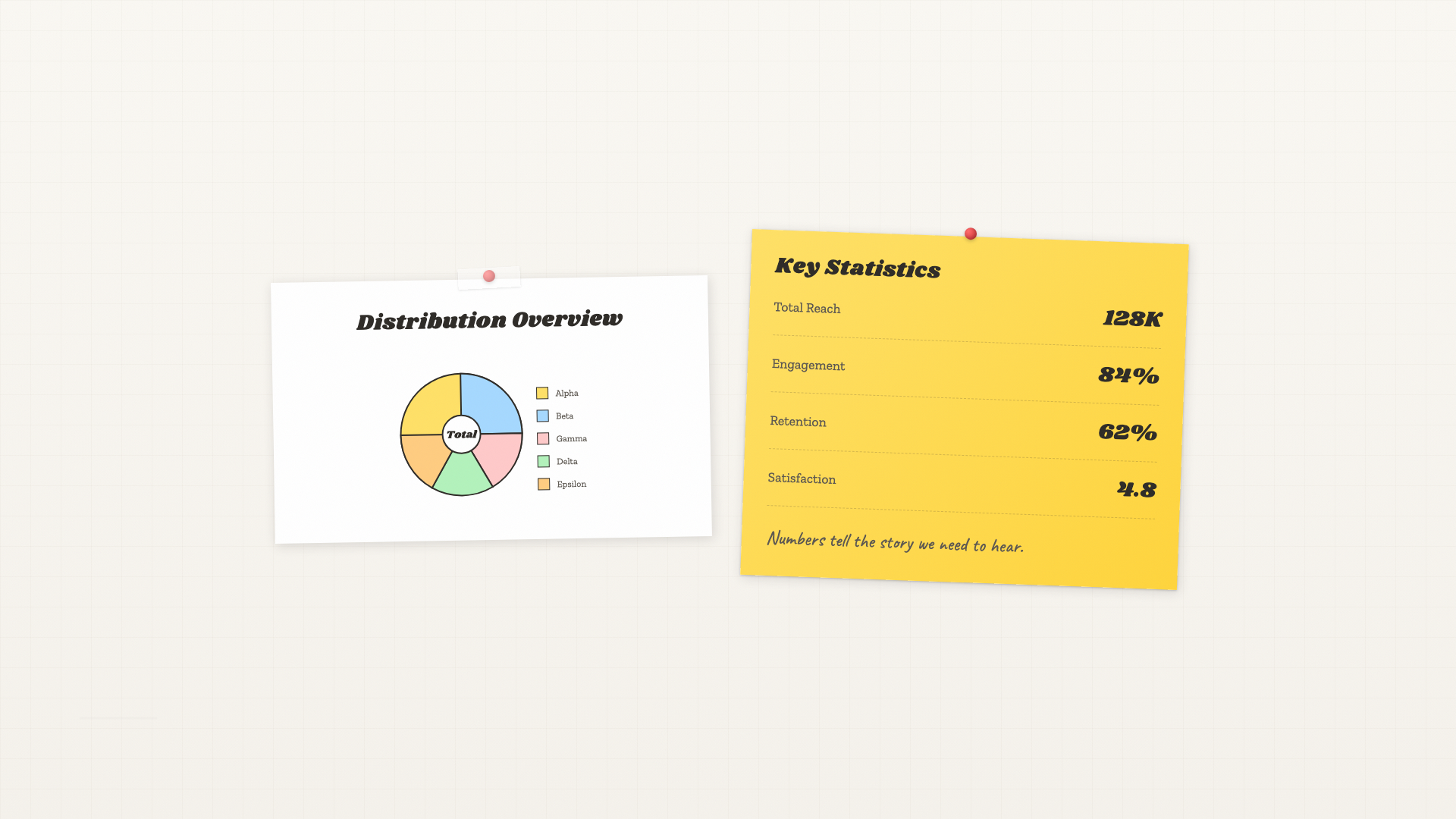
Post-it inspired: pastel sticky notes, Caveat handwriting, Shrikhand and Zilla Slab type stack.
Signal
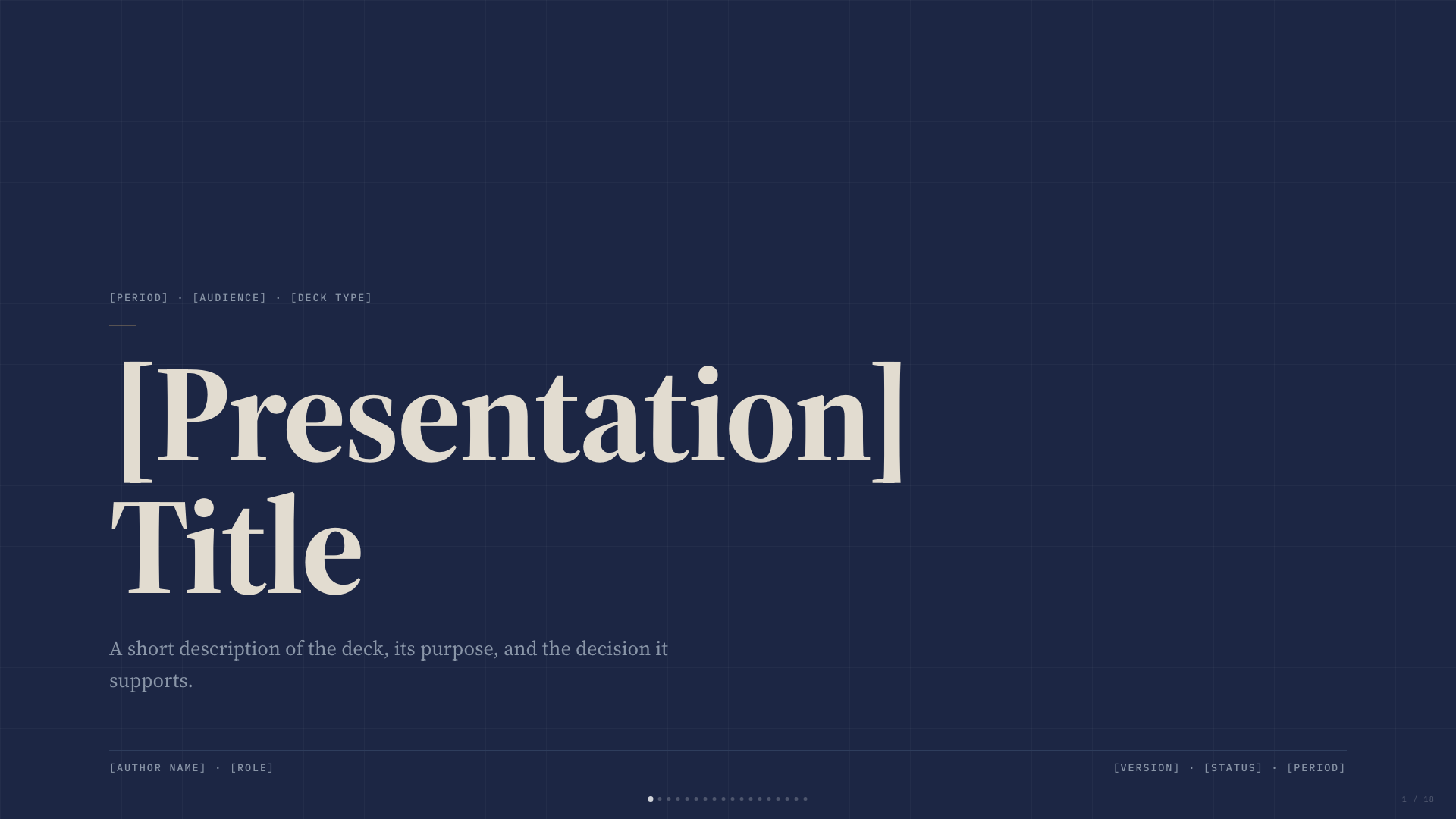
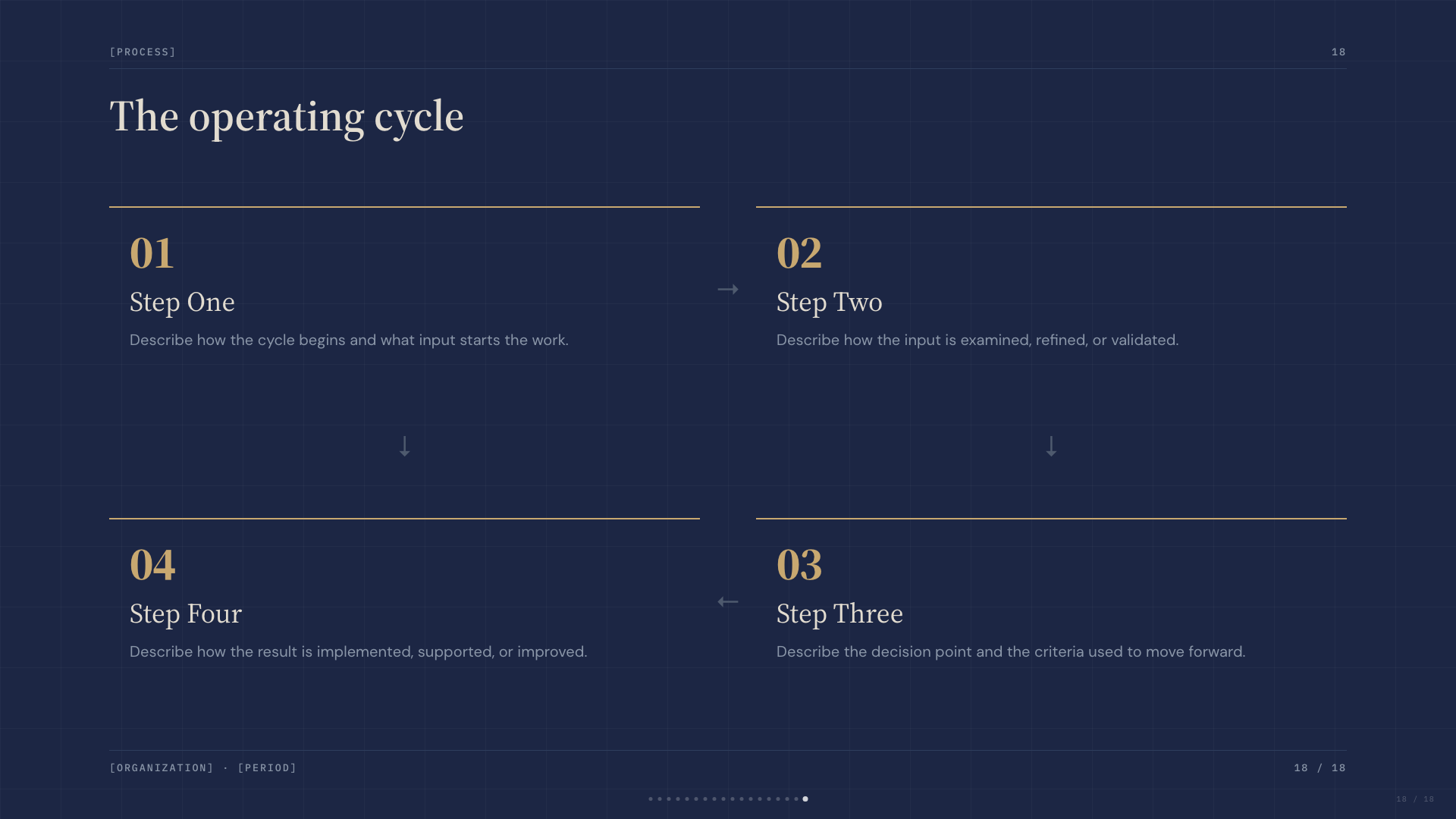
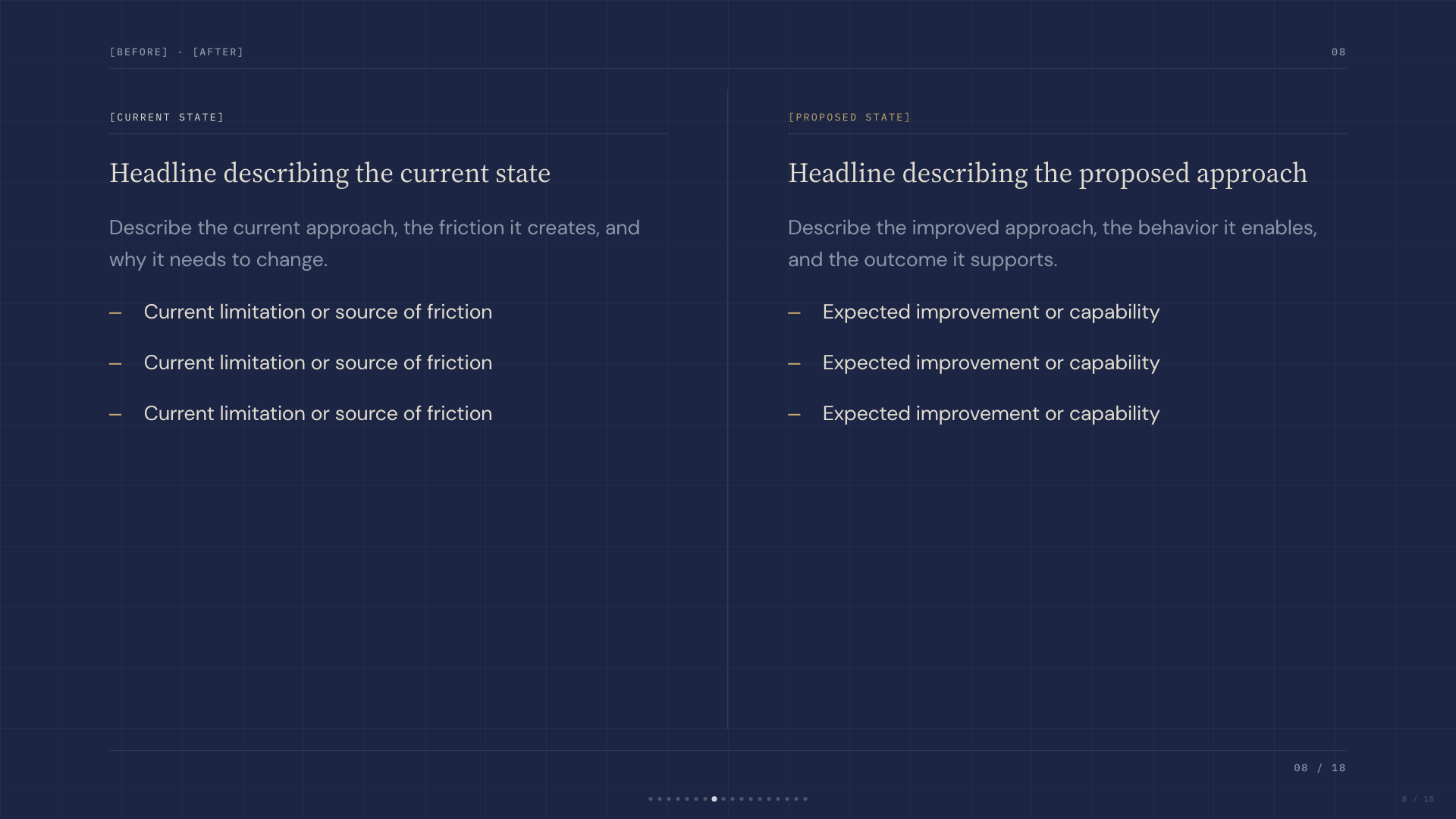
Deep navy canvas with bone paper and a single muted-gold accent; institutional with quiet weight.
Studio
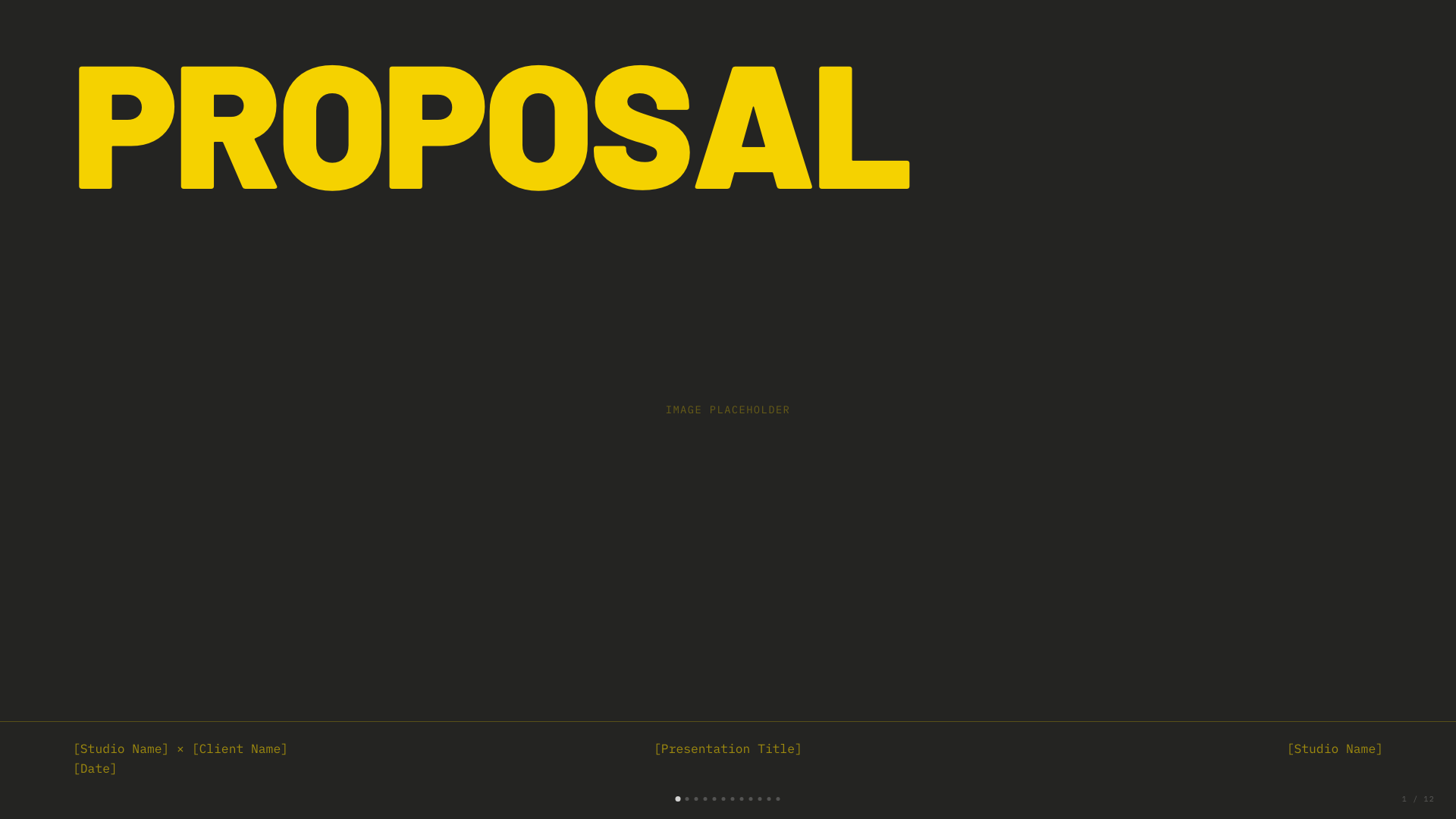
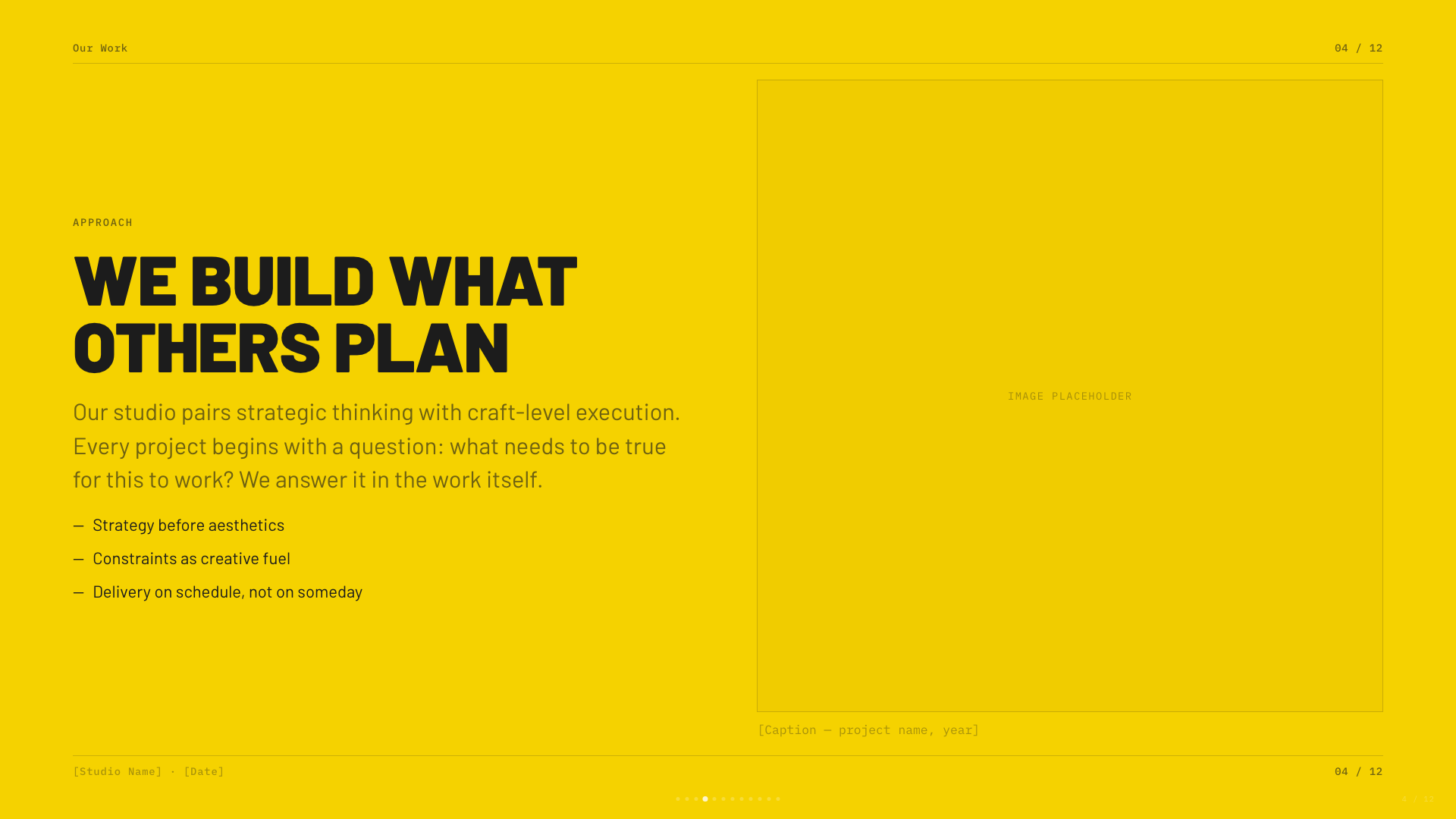
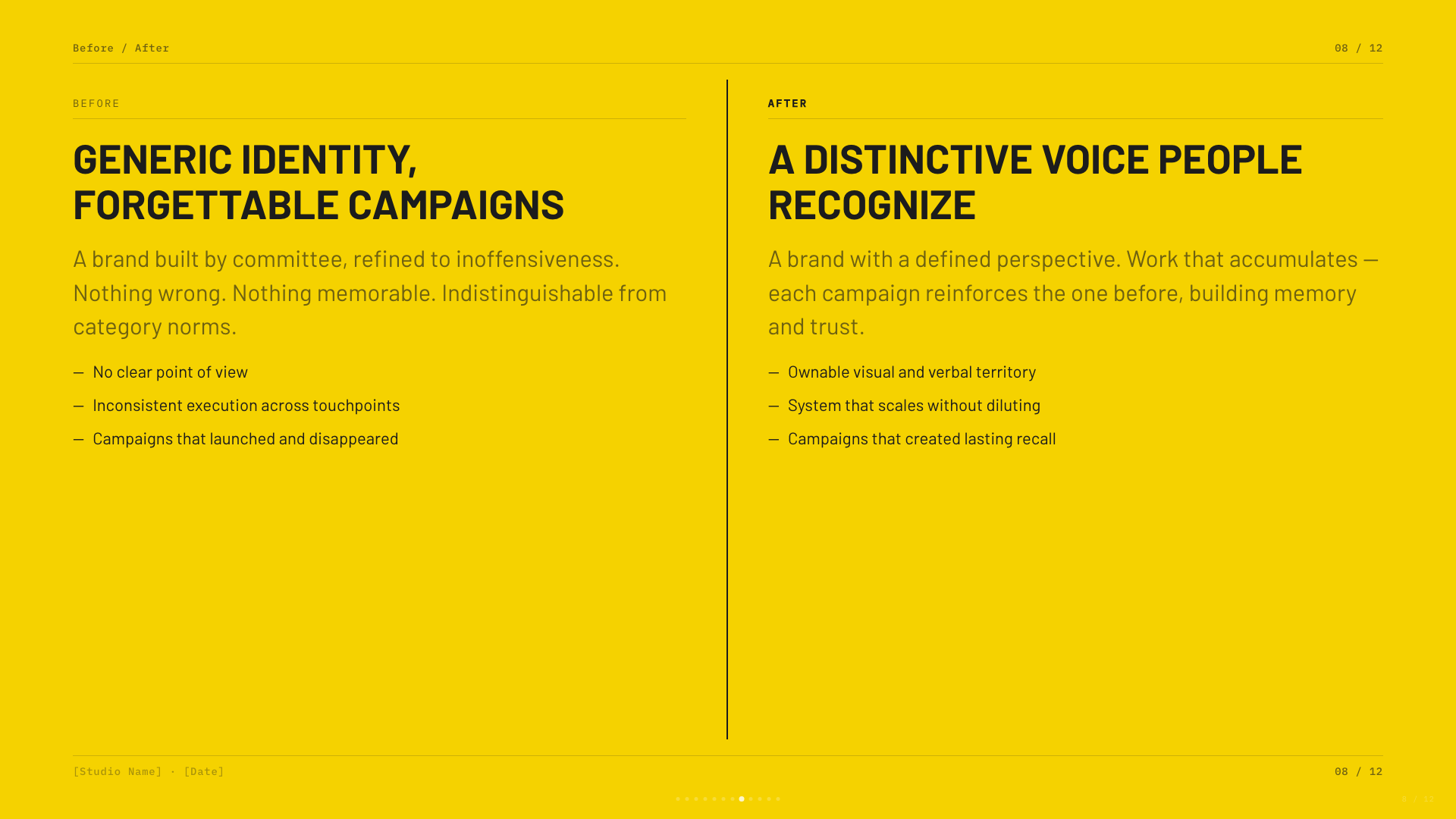
Black canvas with electric-yellow type; high-voltage design studio aesthetic.
Biennale Yellow
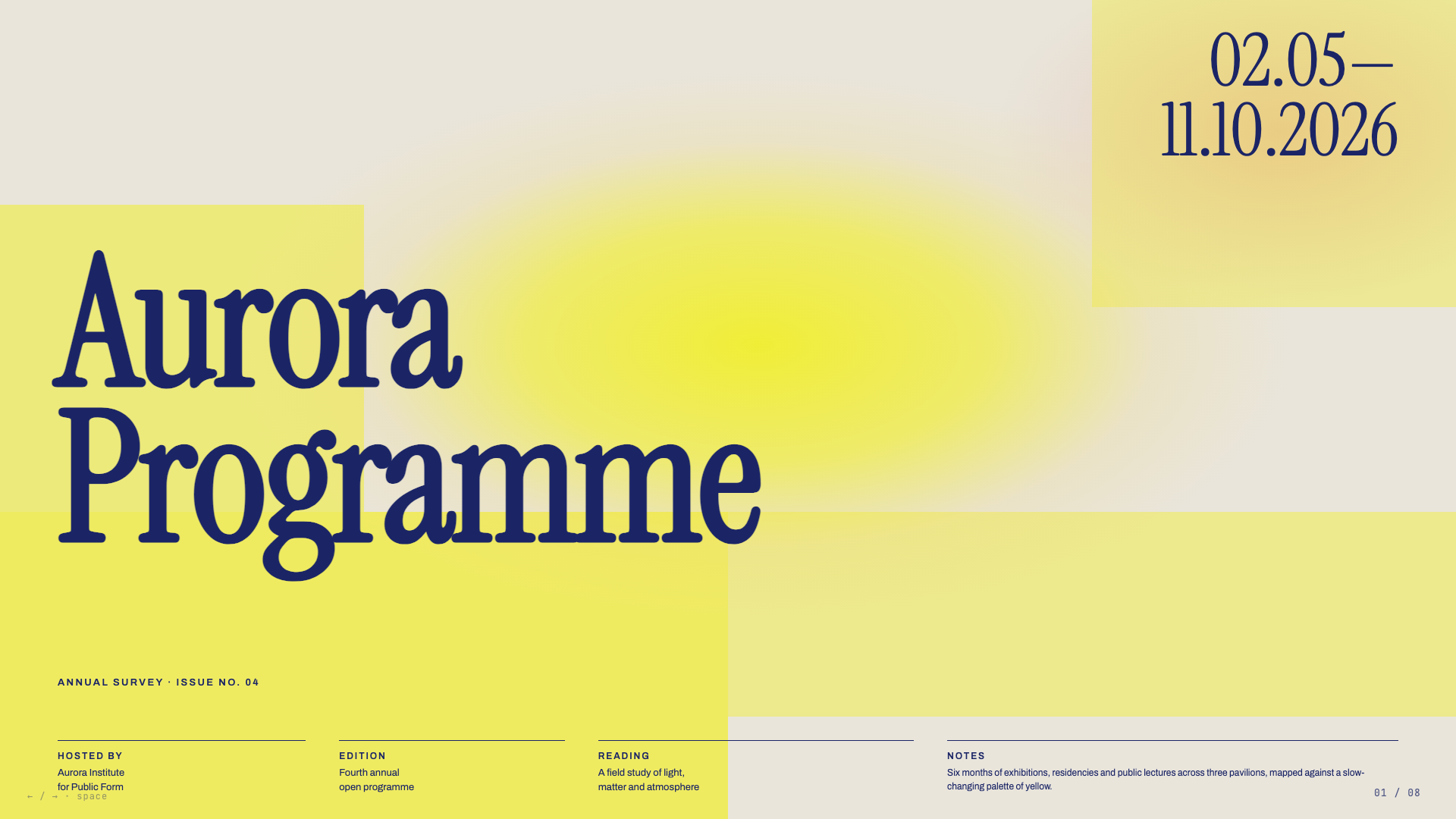
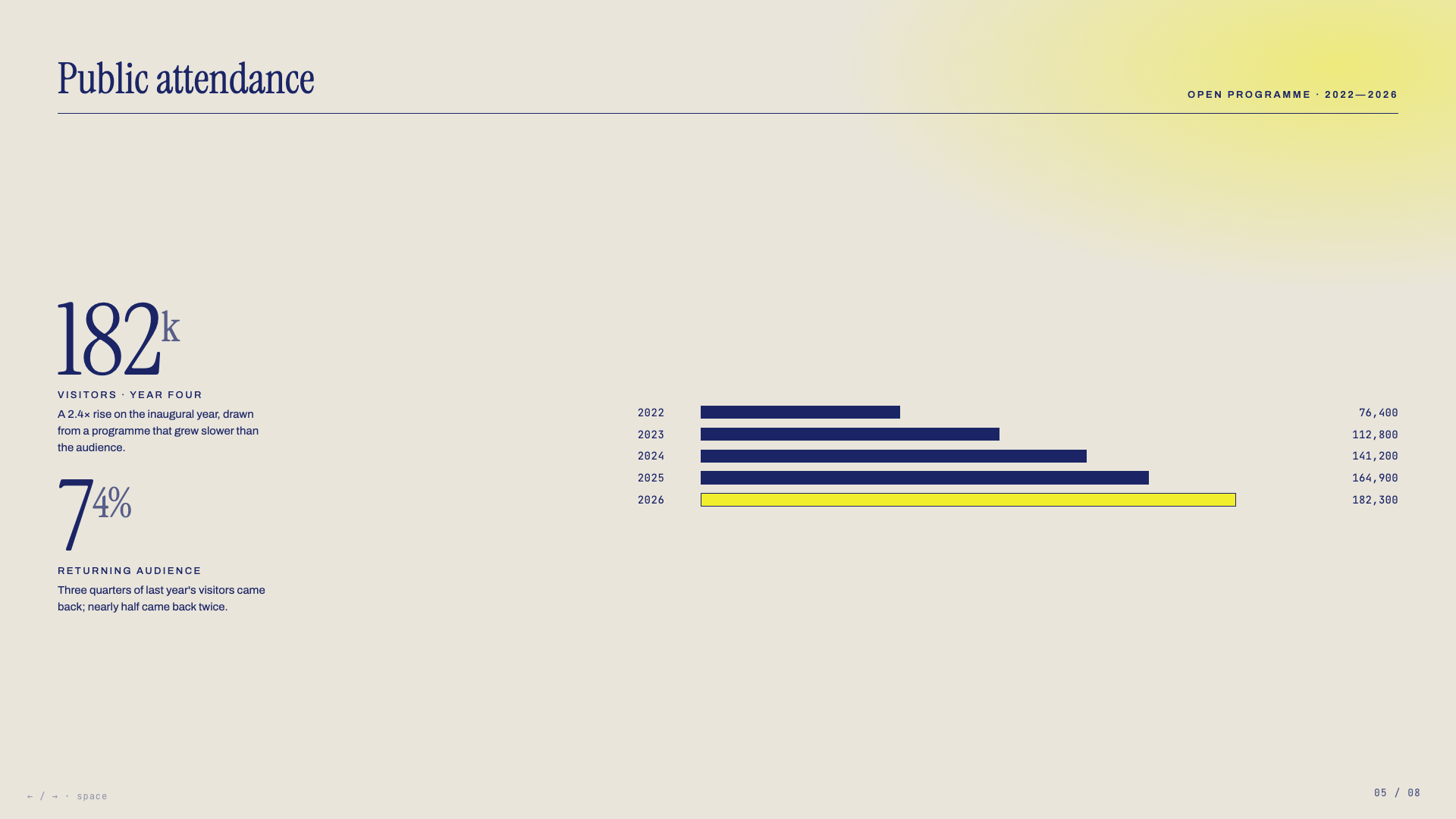
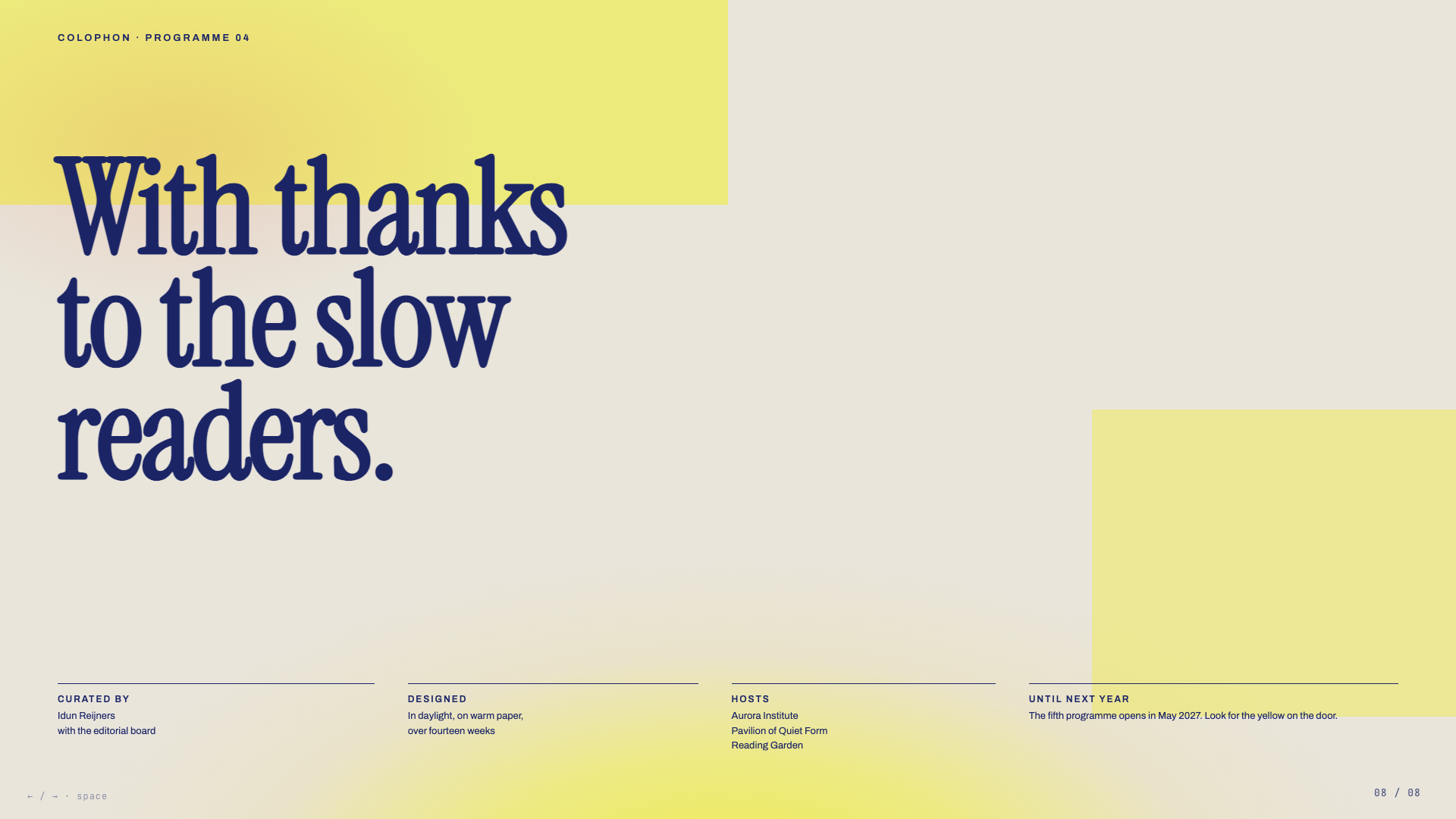
Solar yellow on warm parchment with deep indigo serif and atmospheric sun-glow gradients. Dutch-editorial poster energy.
Long Table
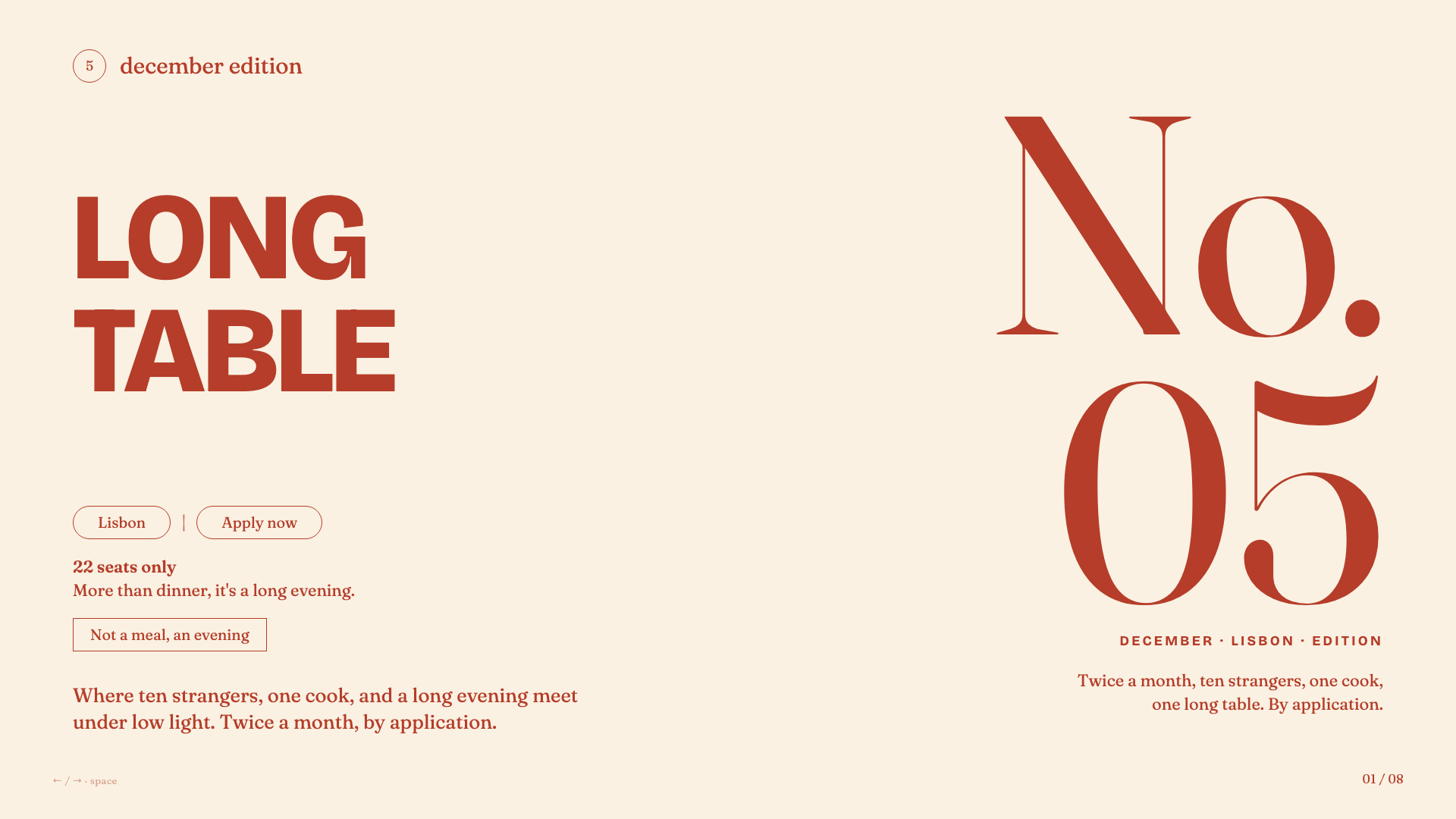
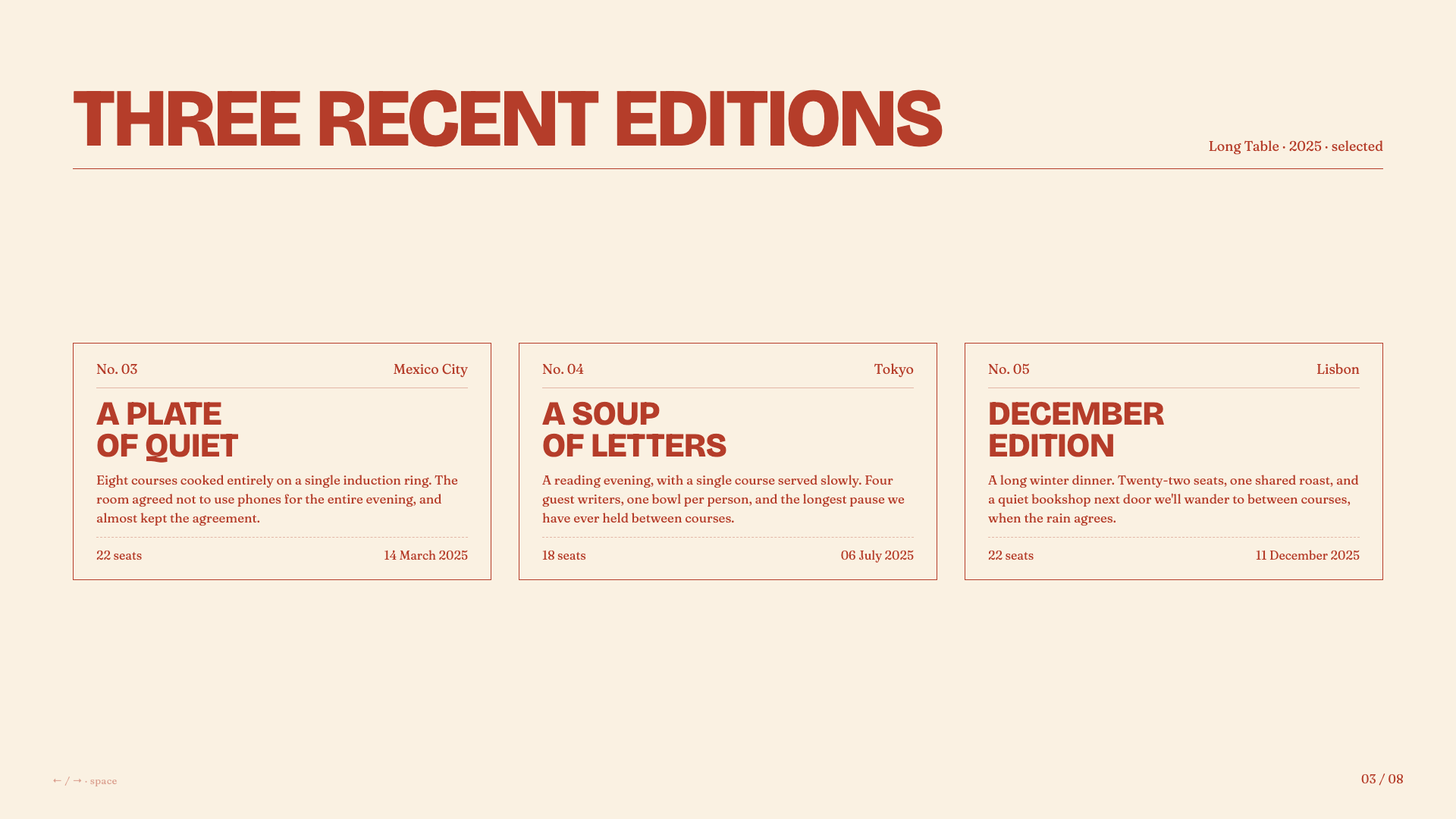
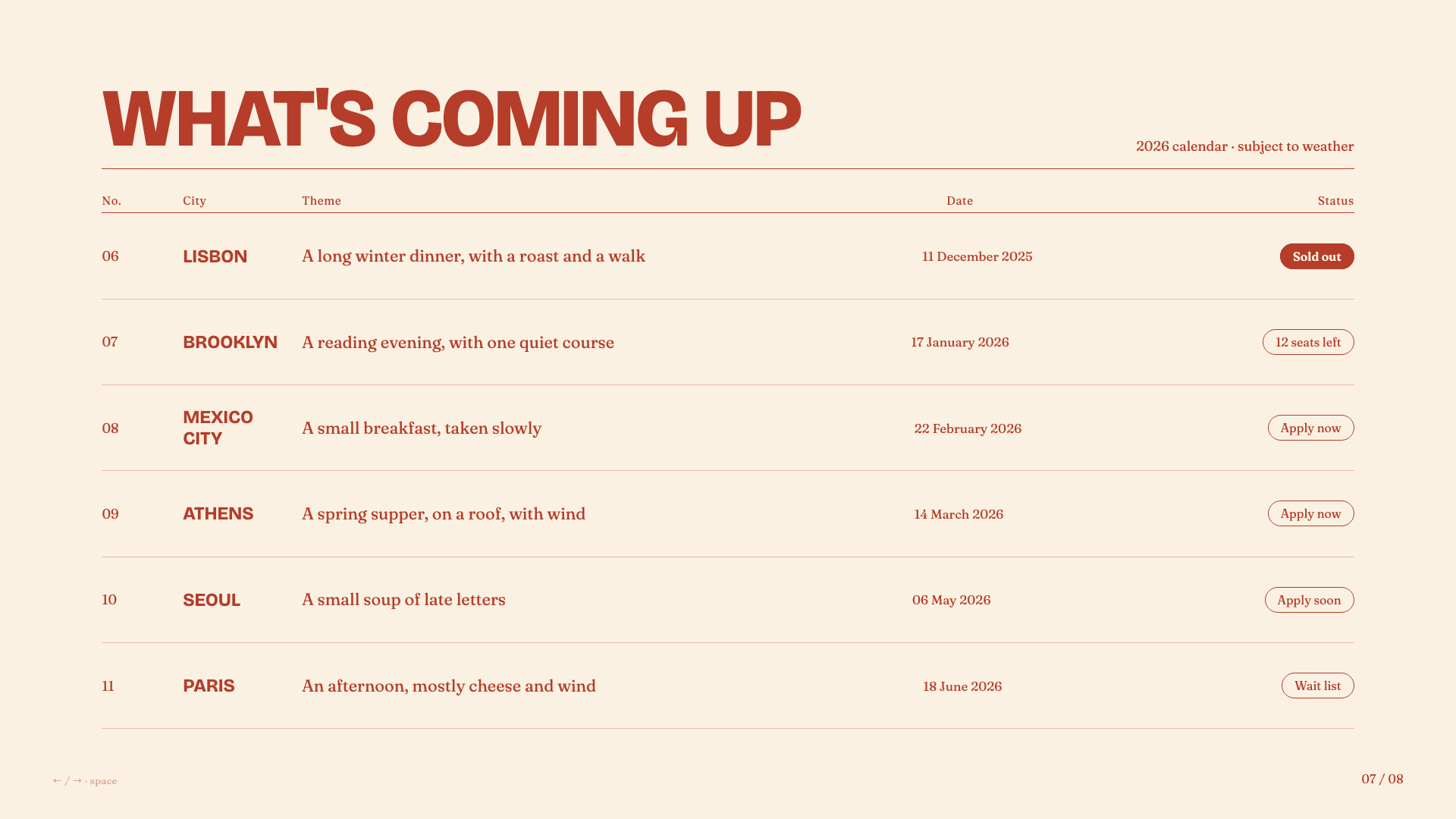
Warm cream and rust-red supper-club aesthetic with bold uppercase grotesk headlines, italic Fraunces, and pill-shaped outlined buttons.
Architecture
This skill uses progressive disclosure — the main SKILL.md is a workflow map, with supporting files loaded on-demand only when needed:
| File | Purpose | Loaded When |
|---|---|---|
SKILL.md | Core workflow and rules | Always (skill invocation) |
STYLE_PRESETS.md | 12 curated visual presets | Phase 2 (style selection) |
bold-template-pack/selection-index.json | Compact bold template metadata for candidate selection | Phase 2 (style selection) |
bold-template-pack/templates/*/preview.md | Tiny style cards for shortlisted bold previews | Phase 2 after shortlisting |
bold-template-pack/templates/*/design.md | Full design system for the selected bold template | Phase 3 after user selection |
viewport-base.css | Mandatory fixed-stage CSS | Phase 3 (generation) |
html-template.md | HTML structure and JS features | Phase 3 (generation) |
animation-patterns.md | CSS/JS animation reference | Phase 3 (generation) |
scripts/extract-pptx.py | PPT content extraction | Phase 4 (conversion) |
scripts/deploy.sh | Deploy to Vercel | Phase 6 (sharing) |
scripts/export-pdf.sh | Export slides to PDF | Phase 6 (sharing) |
Maintenance-only source metadata and regeneration helpers live outside the user-facing skill package. Normal users do not need them.
This design follows agent-skill best practices: give the agent a map first, then reveal only the specific files needed for the current choice.
Philosophy
This skill was born from the belief that:
-
You don't need to be a designer to make beautiful things. You just need to react to what you see.
-
Dependencies are debt. A single HTML file will work in 10 years. A React project from 2019? Good luck.
-
Generic is forgettable. Every presentation should feel custom-crafted, not template-generated.
-
Comments are kindness. Code should explain itself to future-you (or anyone else who opens it).
Sharing Your Presentations
After creating a presentation, the skill offers two ways to share it:
Deploy to a Live URL
One command deploys your slides to a permanent, shareable URL that works on any device — phones, tablets, laptops:
bash scripts/deploy.sh ./my-deck/
# or
bash scripts/deploy.sh ./presentation.html
Uses Vercel (free tier). The skill walks you through signup and login if it's your first time.
Export to PDF
Convert your slides to a PDF for email, Slack, Notion, or printing:
bash scripts/export-pdf.sh ./my-deck/index.html
bash scripts/export-pdf.sh ./presentation.html ./output.pdf
Uses Playwright to screenshot each slide at 1920×1080 and combine into a PDF. Installs automatically if needed. Animations are not preserved (it's a static snapshot).
Requirements
- A local coding agent with filesystem access and the ability to run shell commands
- Claude Code is required only for the custom marketplace-source install and
/frontend-slides:frontend-slidescommand - For PPT conversion: Python with
python-pptxlibrary - For URL deployment: Node.js + Vercel account (free)
- For PDF export: Node.js (Playwright installs automatically)
Credits
Created by @zarazhangrui.
License
MIT — Use it, modify it, share it.